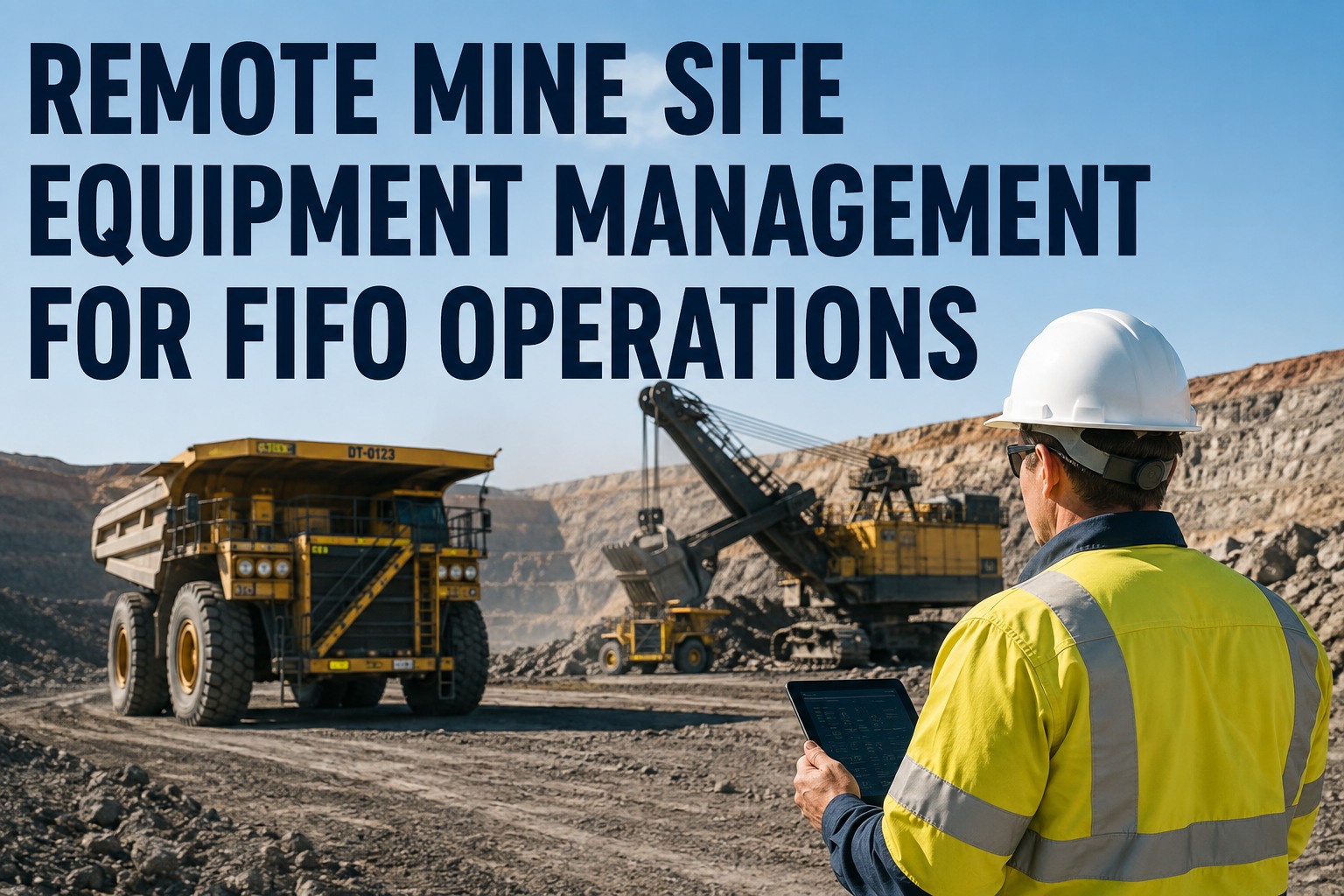
It is day three of a swing, the loader is down with a failed hydraulic pump, and the nearest replacement is a two-week freight run away on a road that floods half the year. That is the daily reality of remote mine site equipment management for FIFO operations: the longest supply lines in the industry, crews that rotate out every week or two, and phone coverage that drops the moment you leave the camp gate. When the system that holds your inspection history, parts stock and work orders lives in a filing cabinet or in the head of a leading hand who flies out Thursday, every crew change resets your maintenance program to zero. This page breaks down the five pressure points that break equipment management on remote and rostered sites, and how a cloud CMMS with genuine offline capability keeps knowledge, parts and preventive maintenance intact across every rotation. If you want to see it working on your own assets, you can book a 30-minute walkthrough for remote fleets and test the offline mode yourself.
What breaks first when your site is 900km from the nearest dealer?
It is rarely the machine. It is the parts pipeline, the knowledge that flies out with every crew change, and the inspection record nobody can read. Remote and FIFO operations need systems built for isolation, not office software with a mobile skin.
What remote site logistics really cost your fleet
Every weakness in a remote operation lands on the same four numbers. These are the figures site supervisors end up defending in budget meetings.
A component ordered after failure on a remote site can take weeks to arrive by road, sea or charter freight. Planned orders beat emergency freight every time.
A downed haul truck or loader still burns camp, labour and contract penalties. Industry benchmarks put unplanned heavy equipment downtime well into four figures per day.
On a typical two-weeks-on, one-week-off roster, half your site knowledge changes hands every month. Anything stored in a person's head leaves with them.
Satellite Wi-Fi at camp does not help a technician standing in a workshop or pit with no signal. If your CMMS needs connectivity to open a work order, it does not work where the work happens.
Remote parts supply: why critical spares pay for themselves
Carrying cost is the first thing head office questions on a remote site. Here is the maths that answers them, using a single hydraulic pump as the worked example.
Reactive ordering
- Pump fails Monday, part ordered Tuesday after diagnosis
- 14 days freight to site, plus a charter leg at 3-5x normal freight cost
- Loader idle 15+ days at $1,500/day: $22,500 in lost availability
- Total event cost often exceeds $30,000 for a $4,000 part
Planned critical spares
- Failure history flags the pump as a repeat offender on that asset class
- One unit held on site at $4,000 carrying cost, replaced on the next scheduled freight run
- Swap done in a shift: downtime measured in hours, not weeks
- The spare pays for itself the first time it is used, several times over
The catch is knowing which spares justify shelf space. That decision is only as good as your failure history per asset, which is exactly the record a CMMS keeps automatically. With HVI's parts and inventory module you get multi-location visibility, so the camp store, the sea container and the metro warehouse all show in one stock count. If you want to see how that looks across your own sites, walk through multi-site inventory on a demo call.
Roster crew continuity: knowledge that survives the flight out
Every handover note that says "see Dave about the dozer" is a liability, because Dave is at 35,000 feet for the next seven days. Continuity has to live in the system, not the crew.
Defect found on pre-start
Operator logs the fault on a phone with photos, even with zero signal. The record is timestamped, geo-tagged and tied to the asset, not to a paper book that stays in the cab.
Work order created with full context
The defect converts to a work order carrying the photos, the operator's notes, the asset's service history and the parts used last time this failed. No phone call to the outgoing crew required.
Incoming crew picks up mid-stream
The relief technician opens the same asset record and sees what was diagnosed, what was ordered, and what is still open. Handover becomes a screen, not a rumour.
History compounds instead of resetting
After twelve months you have a per-asset failure pattern that no single rostered employee could hold in their head. That pattern drives your critical spares list and your PM intervals.
This is the difference between a site that runs on people and a site that runs on process. HVI keeps the complete per-asset history, inspections, work orders, parts and costs, in one record that persists across every crew change. You can start building that asset history free before the next swing starts.
Offline capability: the feature that decides everything
Most fleet software claims mobile access. Far fewer work when the signal disappears entirely, which is the default state on a remote site. Here is what genuine offline capability has to do.
| Capability | "Mobile-friendly" software | Genuine offline-first CMMS |
|---|---|---|
| Open an inspection with no signal | Login screen spins, nothing loads | Full checklist opens from the device, works exactly as online |
| Capture photos of a defect | Photos sit in the camera roll, never attached | Photos attach to the defect record on-device, queued for sync |
| Close a work order in the workshop | Paper note, re-entered at camp later | Closed on the spot with parts, labour hours and notes |
| Data reaches head office | When someone remembers to type it up | Automatic sync the moment the device sees camp Wi-Fi |
| Audit trail integrity | Gaps, duplicates, after-the-fact entries | Original timestamps preserved from the moment of capture |
HVI was built for this exact environment: full offline capture of inspections, defects, photos and work orders, with automatic sync when connectivity returns. The technician in the pit and the maintenance manager in Perth are looking at the same record within the hour, not the next swing. If offline reliability is your deciding factor, see the offline mode demonstrated live before you commit to anything.
Fix it on site or demobilise it: making the call with data
Every remote site faces the same judgement call: attempt the repair with the crew and tooling you have, or pay to float the machine out. Demobilisation of a large asset can run to tens of thousands of dollars before a spanner is turned, so the decision deserves better than a gut feel.
Decide with
- Failure history: has this asset thrown this fault before, and what fixed it last time?
- Parts on hand: is everything needed already in the camp store or on the next freight run?
- Skill match: does the incoming roster include the ticket or trade the job needs?
- Downtime maths: on-site repair days versus float-out, workshop queue and float-back days.
Decide without
- Whatever the outgoing crew reckons in the handover meeting
- A guess at what is in the sea container this month
- Hope that the relief crew includes a fitter who knows this model
- The assumption that demobilising is always the safe option
When your asset history, parts stock and open work orders are all in one system, this call takes minutes and you can defend it in writing. When they are scattered across notebooks and spreadsheets, you are gambling a five-figure float-out on incomplete information.
See HVI running on a rostered, remote fleet
Book a 30-minute demo and we will walk through offline inspections, per-asset history and multi-site parts visibility using scenarios from your own operation.
Onboarding a rotating workforce without losing a week per swing
On a camp-based operation you are effectively re-training a slice of your workforce every single month. If learning your maintenance system takes days, you lose those days forever, every swing, for the life of the site.
Minutes, not days
Role-based views mean an operator sees inspections, a fitter sees work orders, a supervisor sees everything. Each person learns one screen, not the whole system.
Runs on any device
Personal phone, site tablet or workshop rugged device. No proprietary hardware to freight in, break, or wait three weeks to replace.
Process enforced by design
Required photo fields, mandatory defect categories and due-date alerts mean a brand-new crew member produces audit-grade records on day one.
Crew changes in one click
Deactivate the outgoing swing, activate the incoming one, and every open work order and overdue PM is already assigned and visible. No spreadsheet reshuffle.
Built for sites where the nearest support is a flight away
Four capabilities that directly answer the five pressure points above, each with an outcome you can measure on your own fleet.
Full offline capture with automatic sync
Inspections, DVIRs, defect photos and work orders all work with zero signal and sync when the device reaches camp Wi-Fi. Outcome: no more paper books in cabs, no more re-typing at night, no gaps in the audit trail.
Complete per-asset history
Every inspection, repair, part and cost lives on the asset record forever. Outcome: knowledge survives every roster change, and your critical spares list is built on real failure patterns instead of memory.
Parts and inventory across locations
Camp store, sea container and metro warehouse in one stock view, with parts linked to work orders. Outcome: you know what is actually on site before you approve a repair, and reorder points reflect real lead times.
Preventive maintenance by hours, kilometres or date
PM schedules with due and overdue alerts that survive crew changes. Outcome: services stop slipping between swings, which is where most remote-site breakdowns are born.
Want to pressure-test these against your site's reality? Bring your toughest scenario to a demo and we will work through it live.
Remote mine site equipment management, summarised
Remote mine site equipment management for FIFO operations fails in predictable places: parts that take weeks, knowledge that flies out, software that needs signal, and training that resets every swing. None of these are people problems. They are system problems, and they are fixable.
Critical spares are cheap insurance. A $4,000 part on the shelf beats a $30,000 reactive freight-and-downtime event every single time.
Knowledge must live in the asset record, not in the leading hand. Per-asset history is the only handover that works at 35,000 feet.
Offline is not a feature, it is the foundation. If the system cannot capture a defect with zero bars, it cannot run your site.
Onboarding cost compounds. A system a new crew member learns in an hour pays back every swing for the life of the operation.
You can set up your first assets and inspections free and have a working record before the next crew flies in.
The number I watch is repeat faults per asset per quarter. Before we moved everything into one system, the same final drive failed three times in nine months and every crew treated it like a new problem, because the history left on the plane with the last fitter. Now the relief crew opens the record and sees the whole story before they touch the machine. My other gripe was parts: we were paying charter freight for filters we already had sitting in a container nobody had counted.
Mark Delaney - Maintenance Superintendent, contract mining services company running rostered crews across three remote pits
Remote and FIFO equipment management FAQs
How do you manage maintenance on a mine site with no internet connectivity?
How do you keep maintenance knowledge when FIFO crews rotate every two weeks?
What critical spares should a remote site hold, and how do you justify the carrying cost?
How long does it take to onboard a rotating workforce onto fleet maintenance software?
When should a remote site repair equipment on site versus demobilising it to a workshop?
Stop losing a week of maintenance knowledge every swing
HVI gives remote and rostered operations offline inspections, per-asset history, multi-site parts visibility and PM schedules that survive every crew change. See it on your own fleet in 30 minutes.
Free to start - Works offline on any phone - No card needed