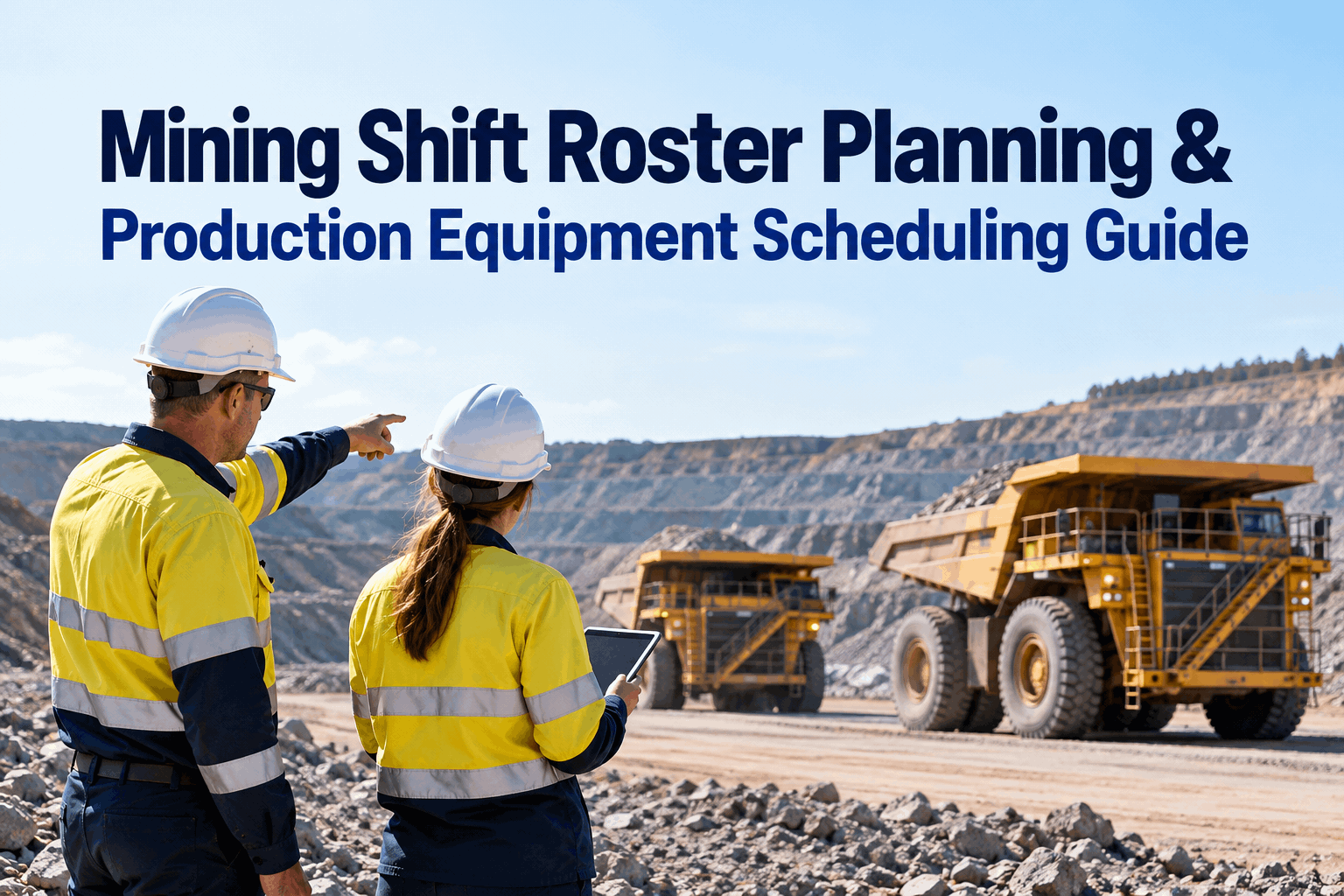
The swing roster goes up on the board Friday: crews assigned, trucks and loaders slotted, everyone knows where they're headed Monday. Then Monday the 793 that Crew B was rostered to is sitting in the workshop on an unplanned repair, and the shovel Crew A was counting on is two days into a planned rebuild nobody flagged to the planner. A mining shift roster that's built without live equipment availability is a wish list — it assumes every machine is up, and on a mine site that's never true. This guide builds the roster from the one number that actually governs it: what's available to run. Start free and plan around real availability.
A Mining Shift Roster Only Works If the Equipment Is Actually Available to Run
Crews are the easy half. The hard half is whether the machine each crew is rostered to is up, in PM, or down — and that's a live number the roster usually ignores. Line the two up and the shift runs.
Two crews ready, one waiting on PM, one rostered to a machine that's down. The roster looked full on Friday.
Rostering crews is the part everyone plans. Equipment availability is the part everyone assumes. On a mine, that assumption is where shifts quietly lose hours — a crew clocks on to a machine that's in a planned service, or a down unit nobody told the planner about, and now you're reshuffling at shift start instead of before it. Planning the mining shift roster means treating availability as an input, not a surprise.
Two schedules, one shiftwhy the mining shift roster drifts from the equipment
There are really two timetables running on every mine: the crew roster, which gets planned, and the equipment's own schedule of PM windows and breakdowns, which mostly doesn't. When they drift apart, the crew shows up ready and the machine isn't. Here's the collision in one shift.
The fix isn't a better roster or better maintenance in isolation — it's reading one against the other before the roster is published. Start free and see PM windows on the roster. This is the planning step that sits ahead of the handover — our mining maintenance roster and shift-handover continuity guide covers what happens once the crews actually change.
What feeds a roster that holdsthe inputs behind mining shift scheduling that works
A roster that survives contact with Monday is built from four inputs, not one. Miss any of them and the schedule looks fine on the board and falls apart on the ground.
Live equipment availability
Which units are up, down, or in service right now — the single input most rosters leave out.
Planned PM windows
Scheduled services and shutdowns, so you roster around them instead of into them.
Crew skills & certs
Who's qualified on which machine, so the swing with the specialist matches the work that needs one.
Parts & FIFO timing
Parts lead times and fly-in dates, so a long repair starts in the swing that can finish it.
Three of those four live inside your maintenance and inspection system already — which is why the roster belongs next to the equipment data, not on a separate whiteboard. Book a demo to see the inputs in one place.
Before you publish the rostera mining shift roster planning checklist
Run this before the swing roster goes on the board. It's the difference between a plan that holds and a Monday spent reshuffling crews at the gate. In HVI, the availability and PM items pull straight from live equipment data.
Equipment side
- Every rostered unit confirmed available
- Planned PM windows marked on the shift
- Down units flagged and work reassigned
- Standby machines identified for swaps
Crew side
- Each crew qualified on its assigned machine
- Specialist skills matched to the swing's work
- Rest and fatigue rules satisfied
- Handover points defined for crossovers
Work side
- Long repairs started in the right swing
- Parts lead times checked against dates
- Priority jobs mapped to available units
- A fallback plan if a unit drops mid-shift
Tick these and the roster you publish is one the shift can actually run, not one it has to fix at 6am. Start free and run the checklist against live data.
The planner's viewroster and equipment availability on one screen
This is what replaces the whiteboard and the "is 12 back together yet?" radio call. One screen shows each crew, the machine they're on, its live status, and the next PM due — and when a unit drops, the reassignment is a tap, not a reshuffle.
Dozer 07 dropped overnight on a work order; Crew C is already moved to the standby unit before shift start — no hour lost at the gate.
Because the availability comes straight from preventive maintenance scheduling and daily inspections, the planner is rostering on the real state of the fleet, not Friday's snapshot. Book a demo to see the planner on your fleet.
From a production supervisor on a FIFO roster
We'd build the roster off last week's equipment list because that's what we had, and every Monday there'd be a surprise — a loader still in for a final drive, a truck someone had parked Friday night without logging it. You'd lose the first hour of the swing sorting out who goes where. Once the roster was sitting on live availability, the surprises mostly stopped: if a machine was down, it was already off the board and the crew was already moved. We didn't add people or trucks — we just stopped planning against a fleet that didn't exist anymore.
Mining shift roster planning — quick answers
What should a mining shift roster be planned around?
Around live equipment availability, not just crew numbers. A roster that assumes every machine is up loses hours when a unit is in PM or down. The best rosters are built from four inputs: current availability, planned PM windows, crew skills, and parts or FIFO timing.
Why do crews end up rostered to machines that aren't available?
Because the roster and the equipment status usually live in separate places. The planner builds the swing from last week's machine list while breakdowns and PM happen in the maintenance system. When the two aren't read together, a crew lands on a machine that's in the workshop.
How do you schedule PM without losing production shifts?
Slot it into the roster deliberately. If PM windows are visible when the roster is built, you can plan a crew onto a different machine during the service, or schedule the PM into a lower-demand swing. The problem isn't the PM — it's PM that's invisible to the planner until shift start.
What happens when a machine goes down mid-roster?
You reassign the crew to a standby or available unit. That's fast when availability is live and standby machines are identified in advance, and slow when it's a radio call and a whiteboard. Building a fallback into the roster — a named swap unit — is what keeps a breakdown from costing a whole shift.
How does HVI help with mining shift roster planning?
HVI keeps equipment availability, PM schedules, inspections and crew assignments together, so the roster is built on the fleet's real state. Planners can see what's up, what's in service, and who's qualified in one place. It supports the planning — it doesn't replace your production plan or your roster rules.
Build your mining shift roster on live equipment availability
HVI puts equipment availability, PM windows and crew assignments in one place, so the roster you publish matches the fleet you actually have — fewer crews waiting on down machines, PM planned into the gaps, and a standby ready when a unit drops. Live across your site in under two weeks.
No credit card · No hardware · Live availability on the roster from day one