Construction Fleet Inspection Program: Building One From Scratch (2026)
By Sarah Johnson on May 22, 2026
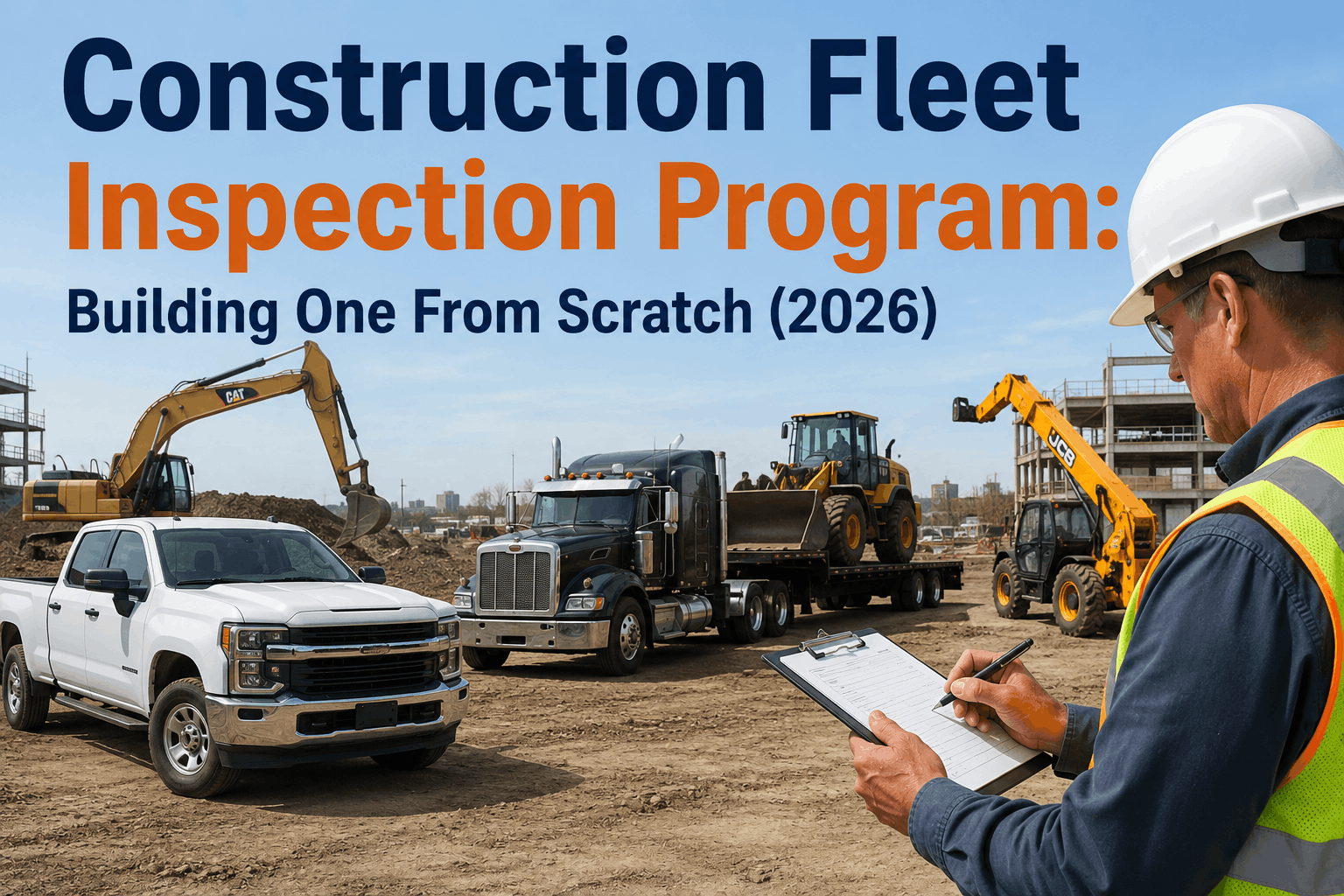
Construction fleets are the hardest inspection programs to build because no other industry runs this many asset types under two simultaneous regulatory frameworks. A single jobsite might have a Class 8 dump truck running interstate (FMCSA Part 396), a telehandler operating only on-site (OSHA 29 CFR 1910.178), a lowboy carrying an excavator across state lines (FMCSA + OSHA crane rigging rules), pickup trucks shuttling crews between sites (FMCSA Class 1–3), and a mobile crane that triggers OSHA 1926.1412 every time it sets up. One inspection template does not cover them. One regulatory checklist does not satisfy auditors. And one paper binder cannot survive a Tuesday morning OSHA visit, a Wednesday DOT roadside, or a Thursday client-driven jobsite audit in the same week. The good news is that a well-designed construction inspection program is repeatable — the same five-step build applies whether you have 12 assets or 1,200, and the 2026 regulatory landscape (eDVIR rule effective March 23, OSHA's intensified construction enforcement, the CSA split that doubles Vehicle Maintenance scoring) actually makes the program easier to defend if it is digital from day one. This guide walks construction fleet managers through building the inspection program from scratch — asset categorization, required vs optional forms, template setup, frequency mapping, and the deployment sequence that gets crews on-board in two weeks. HVI's inspection & maintenance software handles the FMCSA and OSHA frameworks in one unified platform — built for mixed-asset reality.
One Inspection Platform for Every Asset on Your Site
HVI runs FMCSA DVIRs for on-road vehicles and OSHA pre-shift inspections for jobsite equipment in one unified workflow — pickups, dump trucks, telehandlers, excavators, cranes, all in one platform with offline mobile capture.
The Two-Framework Reality Construction Fleets Live In
Before designing the program, understand which assets fall under which framework. This determines which forms are required, which are optional, and which assets need both.
FMCSA Part 396
On-road / Interstate
Daily DVIRs required
90-day record retention
Annual inspection (14-month)
3-signature chain of custody
CSA scoring impact
eDVIR rule effective March 23, 2026
BOTH — Dual Coverage
On-road + On-site
Dump trucks (on road + dumping on-site)
Lowboys hauling equipment interstate
Cranes that travel to jobsites
Service trucks crossing state lines
Both DVIR + OSHA pre-shift required
Higher audit exposure
OSHA 29 CFR 1926
On-site / Jobsite Equipment
Pre-shift inspection required
Defective equipment tag-out
Competent person inspections
Equipment-specific subparts
No CSA — but OSHA citations
Operator certification records
Step 1 — Inventory Your Mixed Assets by Category
Every construction fleet inspection program starts with the asset list, sorted by which framework governs it. Here is the categorization grid most fleets need.
Pickup Trucks & Service Vehicles
Class 1–3 (under 10,000 lbs GVWR mostly)
FMCSA if interstate & over 10,000 GVWR — otherwise state DOT rules + OSHA 1910 if equipped with hoists/lifts
Once your asset list is categorized, the templates write themselves. HVI provides pre-loaded checklists for every category above — you assign the template per asset and the framework follows. Start free with HVI.
Step 2 — Required vs Optional Forms: What You Must Document
Construction inspection programs accumulate forms quickly. Here is what is legally required, what is best-practice strongly recommended, and what is optional. Build the required first; layer the others as the program matures.
REQUIRED — Legal Minimum
DVIR (Daily Vehicle Inspection Report)
FMCSA 49 CFR 396.11 — all on-road CMVs over 10,000 GVWR
Annual Inspection Report
FMCSA 49 CFR 396.17 — every 14 months, qualified inspector
Operational telemetry for PM scheduling — auto-tracked in HVI
Fuel/DEF Log
Cost per operating hour tracking — feeds project cost analysis
Tire Tread Depth Log
Trend tracking — flags tires approaching OOS thresholds before they cross them
Step 3 — The Inspection Frequency Matrix
Different assets need different inspection cadences. The matrix below maps inspection type to asset category — print and post in your shop.
Asset Type
Pre-Shift
Daily DVIR
Weekly
Monthly
Annual
Pickup / Service Vehicle
—
Yes
Best practice
—
Yes (FMCSA)
Dump Truck
Yes (on-site)
Yes (on-road)
Best practice
—
Yes (FMCSA)
Lowboy / Equipment Hauler
—
Yes
Best practice
—
Yes (FMCSA)
Telehandler / Forklift
Yes (OSHA)
—
Best practice
—
Best practice
Excavator / Skid Steer
Yes (OSHA)
—
Best practice
—
Best practice
Crane (mobile)
Yes (OSHA)
—
—
Yes (OSHA)
Yes (OSHA)
Aerial Lift
Yes (OSHA)
—
—
Best practice
Yes (OSHA)
Step 4 — Build the Program in 2 Weeks
From "we have nothing in writing" to "every asset on a working inspection cadence" in two weeks. This is the deployment sequence that works for construction fleets in the 12–500 asset range.
WEEK 1
Foundation
Day 1–2
Inventory every asset with serial #, class, framework (FMCSA / OSHA / both). Import into HVI as fleet assets.
Day 3
Assign equipment-type templates per asset. HVI ships with pre-loaded checklists for each category above.
Day 4
Configure defect routing — critical defects route to mechanic + dispatch block; routine defects route to scheduled repair.
Day 5
Pilot with 1 superintendent + 3 operators. Refine templates based on field feedback before fleet-wide rollout.
WEEK 2
Rollout
Day 6–7
Train all operators on the HVI mobile app — single 30-minute session per crew. Drivers use existing smartphones.
Day 8–9
Deploy across all sites. Monitor inspection completion daily. Push reminders to lagging crews via supervisors.
Run first audit-export drill. Filter by date range and asset, export complete PDF in under 15 minutes. Confirm production-ready.
Most construction fleets that hit Day 14 with full deployment also hit their first month with zero overdue annual inspections — because HVI surfaces them before they expire. Book a demo to see the 14-day deployment in action.
Step 5 — Handle the Jobsite Realities
Construction sites do not behave like trucking depots. The program needs to survive dust, mud, dead zones, rotating crews, and rented equipment that shows up mid-project. Here is how to design for those realities from the start.
No cell signal at the site
HVI's mobile app completes inspections offline — photos, signatures, defect notes captured locally and synced when signal returns. Records timestamped at capture, not sync.
Rented equipment arrives mid-project
Add the asset in HVI in 60 seconds, attach the rental certificate, assign the correct template by category. Inspections begin same day. Remove the asset when the rental ends.
Multiple crews share the same equipment
The 3-signature chain handles handoff — outgoing operator signs end-of-shift, mechanic signs any defect resolution, incoming operator signs acknowledgment before use.
Operators rotate across sites weekly
HVI assigns inspections by equipment, not operator location. Whoever shows up to operate the telehandler completes its pre-shift — the record stays with the asset.
OSHA shows up unannounced
Filter HVI by site + date range, export the complete pre-shift inspection history with photos, signatures, and tag-out events. 15 minutes maximum.
DOT roadside on the dump truck
Driver pulls the latest DVIR from the HVI app on their phone. Full inspection record, defect-free certification, and 3-signature chain visible to the officer.
The Construction Program That Survives Both Auditors
A construction fleet inspection program is not "more complicated than trucking" — it is two compliance programs running in parallel on overlapping assets. The fleets that pass both OSHA jobsite visits and FMCSA roadside inspections are the ones that built one program covering both frameworks, categorized every asset correctly, deployed the right form to the right asset, and chose a platform that did not force them to maintain two separate systems. The 5-step build outlined here — framework mapping, asset categorization, required-vs-optional forms, frequency matrix, 2-week deployment, jobsite reality handling — is repeatable across fleet sizes from 12 assets to 1,200. The 2026 regulatory landscape (March 23 eDVIR effective date, intensified OSHA construction enforcement, the CSA split that scores Vehicle Maintenance in two categories) makes the program more defensible if it is digital from day one. HVI is the inspection & maintenance software built for exactly this mixed-asset reality: pre-loaded templates for pickups, dump trucks, lowboys, telehandlers, excavators, cranes, and aerial lifts; offline mobile capture for sites without signal; auto-generated work orders from every defect; and audit-ready exports that satisfy OSHA on Tuesday and DOT on Wednesday from the same database. Start free today or book a 30-minute demo to see HVI handle your full mixed-asset fleet.
Build Your Construction Fleet Inspection Program with HVI
Pre-loaded templates per asset type. FMCSA + OSHA frameworks unified. Offline mobile capture. Auto work orders. 15-minute audit exports. Two-week deployment. Trusted by 25,000+ users worldwide.
Not under FMCSA — DVIRs apply to on-road CMVs over 10,000 lbs GVWR. Telehandlers and excavators fall under OSHA 29 CFR 1910.178 (telehandlers) and 1926.602/651 (excavators), which require pre-shift inspections before each use. The form looks similar to a DVIR but is governed by a different agency and has different retention and tag-out requirements.
Q: Which assets require both FMCSA DVIR and OSHA pre-shift inspections?
Any vehicle that operates both on public roads and on the jobsite. Dump trucks are the most common example — DVIR for the road portion, OSHA pre-shift for site operations including dumping. Lowboys hauling equipment between sites also fall under both. Cranes that travel to jobsites need both as well. HVI handles both frameworks in one workflow. Start free with HVI.
Q: How often must mobile cranes be inspected?
Three tiers under OSHA 1926.1412: pre-shift (every shift before use), monthly (documented inspection by competent person), annual (comprehensive inspection by qualified inspector). All three are mandatory — missing any tier is a citable violation. Cranes are OSHA's highest construction enforcement priority and the most common source of fatal incidents. Book a demo to see crane inspection workflows.
Q: How long must construction inspection records be retained?
FMCSA DVIRs: 90 days minimum (most fleets retain 12+ months). FMCSA annual inspections: 14 months. OSHA pre-shift inspections: no specific federal retention, but state plans often require 1 year; best practice is 3 years. OSHA crane records: 3 months for pre-shift, 12 months for monthly, indefinitely for annual. HVI retains all records indefinitely in cloud storage at no additional cost.
Q: Can rental equipment be added to the inspection program quickly?
Yes — and it must be. Rented equipment falls under the same OSHA/FMCSA requirements as owned equipment from the moment it enters your jobsite. HVI lets you add a rental asset in 60 seconds with serial #, rental certificate, and category-matched template. Inspections begin the same day. When the rental returns, archive the asset — its inspection history stays for compliance defense.
Q: What if our site has no cell signal?
HVI's mobile app captures inspections fully offline — photos, signatures, defect notes, and timestamps are stored locally on the device and sync automatically when signal returns. The record is timestamped at the moment of capture, not at the moment of sync, so the inspection time is preserved correctly for compliance. Start free today.