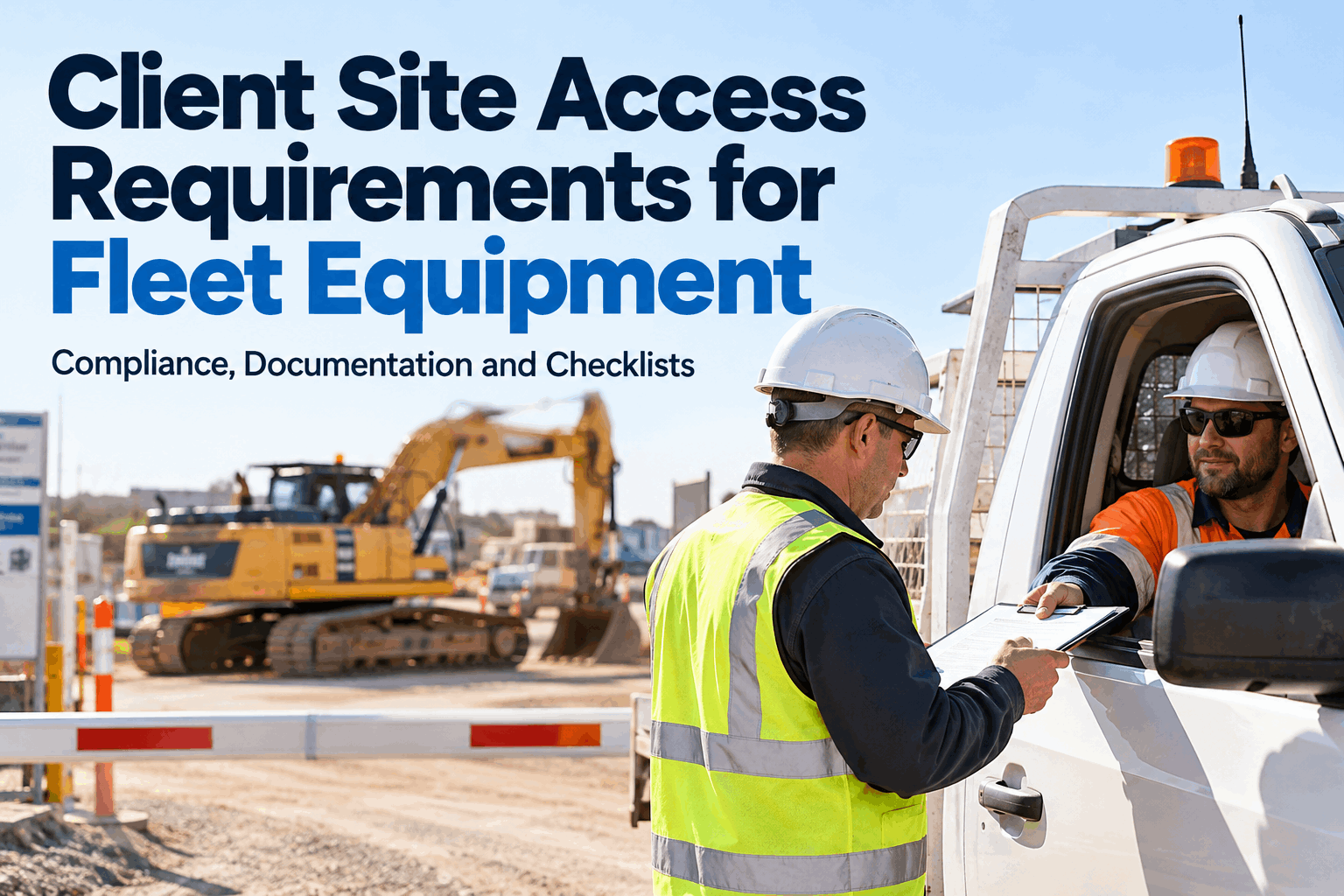
Client site access requirements determine whether fleet vehicles, construction machinery and contractor equipment can enter a worksite and begin operating. An otherwise serviceable machine may be refused at the gate because its inspection record, certificate or operator authorization is missing. Preparing the correct evidence before dispatch helps contractors avoid idle crews, rescheduling costs and preventable customer disputes.
Client Site Access Requirements for Fleet Equipment
Get equipment, people and documentation ready before the gate check. Build a repeatable pre-mobilization process with traceable inspection and maintenance records.
HVI can help organize evidence. Final access authorization remains with the customer or site controller.
What Are Client Site Access Requirements?
Site access rules are the customer-specific conditions that equipment and personnel must meet before mobilization or entry. They may combine legal obligations, contract provisions, insurance terms and the site's own safety management system.
Equipment condition
Current inspections, serviceability checks, maintenance history and confirmation that safety-critical defects have been addressed.
Certificates & permits
Applicable inspection certificates, registrations, lifting documentation, permits and proof of insurance where requested.
Operator readiness
Required licenses, training, competencies, medical clearances where applicable and site-specific inductions.
Site controls
Approved risk assessments, required protective equipment, traffic rules, isolation procedures and any site-specific equipment modifications.
Equipment Access Documentation: What to Have Ready
Organize documents by equipment ID, operator and destination site. A record is useful only if it is current, applicable to the actual machine and retrievable when requested.
Need vehicle-specific records in one place? Book a Demo to Explore HVI Equipment Inspection and Maintenance Histories.
Pre-Mobilization Verification: Five Gates to Clear
Run these checks before equipment leaves the yard—not after a driver reaches the client gate. Use the latest client requirements and assign a person to approve each stage.
Confirm the site standard
Review the client's equipment acceptance list, documentation requirements, induction rules and submission deadlines.
Match the machine
Check the asset ID, type, capacity, attachments and configuration against the job and approved equipment list.
Inspect & rectify
Complete applicable pre-mobilization inspections and close safety-critical defects before release.
Verify people & expiry
Confirm certificates, insurance, operator qualifications and inductions remain valid through the planned work period.
Submit & release
Send the evidence pack, obtain any required client preapproval and communicate gate instructions to the crew.
Prepare Inspection Evidence Before Mobilization
Use HVI to organize equipment inspection histories, defects and maintenance records that support client access checks.
Client Site Entry Checklist for Fleet Equipment
Use this as a pre-dispatch self-assessment. The client's latest site rules take precedence over any generic checklist.
Equipment readiness
✓ Correct asset ID and site assignment
✓ Inspection completed and recorded
✓ Safety-critical defects resolved
✓ Guards, alarms, lights and required PPE checked
✓ Attachments and load ratings suitable for the job
Documents & people
✓ Applicable certificates and permits current
✓ Insurance and registration evidence available
✓ Operator license and competence verified
✓ Site induction and access approval confirmed
✓ Documents accessible to authorized personnel
To organize repeatable pre-dispatch inspections, sign up free and explore HVI equipment checklists.
Why Fleet Equipment Gets Turned Away at the Gate
Most access problems are discovered too late. Separate documentation gaps from genuine equipment or personnel noncompliance so teams do not attempt to solve a safety issue with paperwork alone.
Expired inspection certificate
Confirm the certificate's scope, equipment ID and validity before dispatch; arrange the required inspection or renewal.
Open safety-critical defect
Repair the issue, verify the corrective action and retain the inspection-to-repair evidence trail.
Missing induction or authorization
Schedule the required training and obtain site approval before assigning the operator.
Incorrect configuration
Check client requirements for beacons, reversing alarms, fire suppression, attachments or other specified controls.
When an Excavator Arrives but Cannot Enter
Consider a contractor sending an excavator to an industrial site. The machine has a recent service record, but the client requires an additional inspection certificate. The submitted certificate is expired, and the site controller refuses access.
Entry refused
The operator and delivery truck wait while the office searches email attachments. The planned shift is disrupted, and the contractor must inform the client of a possible schedule impact.
Verify before release
Compare the site checklist with the asset's records, flag the expiry, arrange renewal and obtain client acceptance before dispatch. Keep the updated certificate and inspection evidence linked to the equipment.
The goal is not to bypass site controls. It is to identify missing evidence early enough to correct it without unsafe shortcuts or unnecessary transport costs.
Build a Site-Specific Compliance Matrix
Different clients may require different certificate types, induction periods and equipment controls. A single universal “compliant” label can hide these differences.
| Requirement | Client Site A | Client Site B | Verification owner |
|---|---|---|---|
| Equipment inspection | Before mobilization | Before entry + site check | Equipment manager |
| Operator induction | Site induction | Site induction + authorization | Operations manager |
| Certificate evidence | Current documents | Current documents + approval | Compliance officer |
| Safety equipment | Contract specification | Additional site controls | Site supervisor |
Illustrative comparison only. Use each client's actual contract, induction materials and current access requirements.
Assign ownership of document expiry dates and schedule reviews before mobilization. Maintain a clear process for changed site rules, equipment substitutions and replacement operators. Where a client portal is mandatory, upload approved records there as well; an internal record system does not replace client authorization.
How HVI Helps Teams Prepare Equipment Access Evidence
HVI can support the internal records behind site-readiness checks. It is not a gate-access authority and cannot guarantee that a customer will approve a machine or operator.
Keep inspection findings associated with the correct vehicle or machine.
Retrieve service work, identified defects and corrective maintenance evidence.
Organize relevant documents and review their status before mobilization; confirm the availability of any required expiry alerts for your setup.
Make available records easier for authorized teams to access and share during preparation or review.
Excavator EXC-204
Pre-dispatch reviewSee how HVI can support your pre-mobilization record process: book a demo for fleet equipment site-readiness documentation.
Client Site Access Requirements FAQs
What documents are typically required for equipment to enter a client site?
Requirements commonly include equipment identification, inspection and maintenance evidence, applicable certificates, insurance, operator credentials and site-specific induction records. Exact documents depend on the client, equipment type, location and work.
Can client site requirements be stricter than legal minimums?
Yes. Contract terms and site safety rules may impose additional inspections, equipment controls, induction requirements or approval steps. Confirm the current site-specific conditions before mobilization.
What should a contractor do when equipment is refused entry?
Record the reason for refusal, notify operations and the client, correct the underlying deficiency, update the supporting evidence and obtain the required approval before attempting entry again. Do not bypass safety controls.
How can fleets manage certificates across multiple customer sites?
Maintain a reliable equipment register, assign owners to document renewals, record validity dates and map each site's requirements to the relevant assets and operators. Review the status before dispatch and whenever client rules change.
Does HVI automatically authorize access to client sites?
No. HVI helps teams organize inspection, maintenance and related operational evidence. Site access approval, permit issuance and operator authorization remain subject to the client's processes and applicable requirements.
Keep Your Fleet Equipment Ready for the Next Client Site
Prepare equipment records earlier, find missing documentation sooner and make inspection and maintenance evidence easier to retrieve when customers ask.