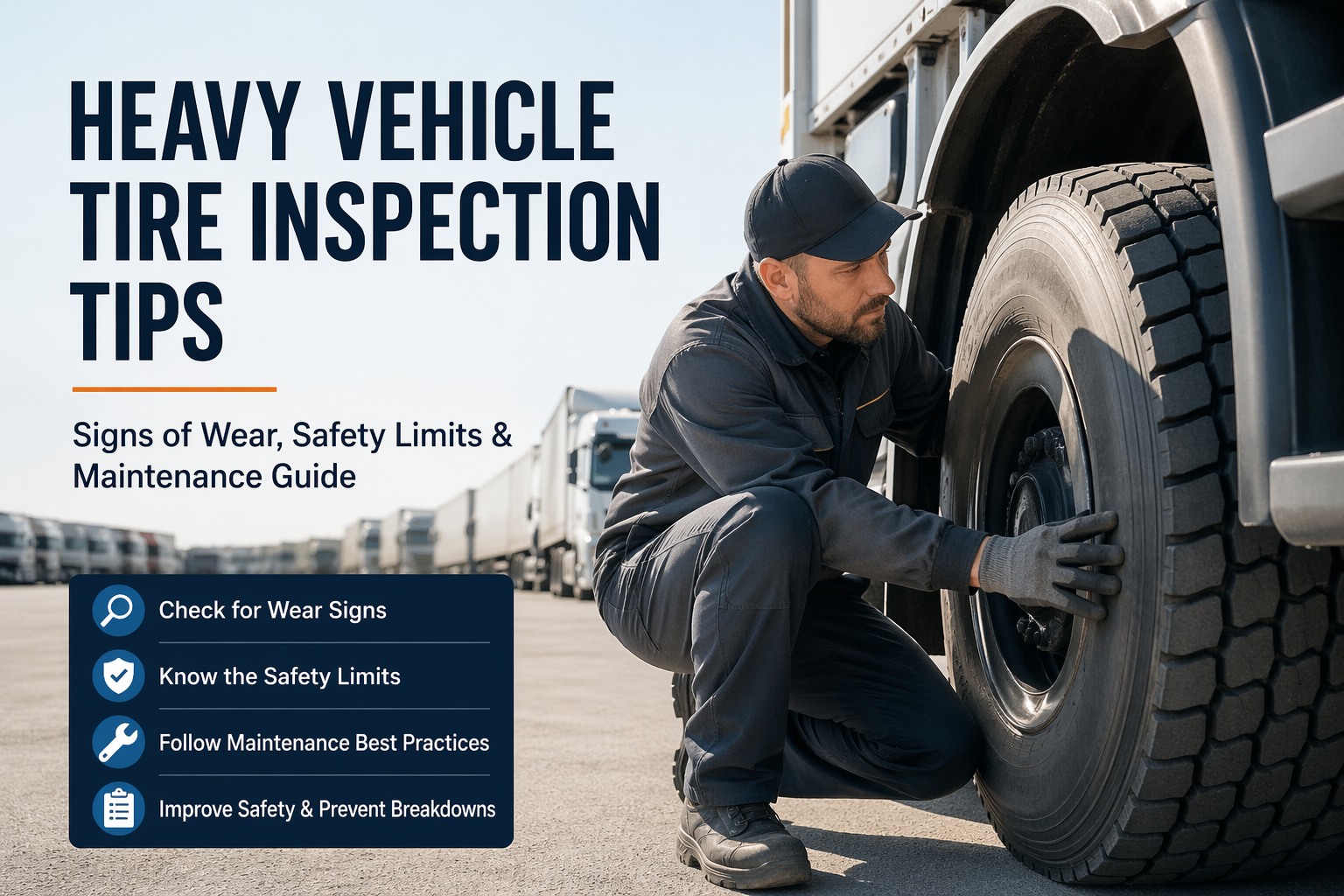
Computer vision tire inspection lets a phone photo do what a rushed walkaround can't — read tread depth, spot a sidewall cut, and flag uneven wear before a tire turns into a blowout on the interstate. Tires are the most-checked and least-recorded part on a truck: a driver glances, maybe kicks one, and moves on. A camera sees the detail, and the right system keeps it. Book a computer-vision tire demo to see a photo become a logged defect.
Computer Vision Tire Inspection: Turn a Phone Photo Into a Logged Tire Defect
A camera catches what a tired 6am walkaround misses — and, fed into the right system, it stops being a glance and starts being a record you can act on.
- Tread depth4/32"
- Edge wearDetected
- Sidewall cutFlagged
A tire gauge tells you one number at one spot, if the driver bothered to crouch down in the rain. Computer vision tire inspection reads the whole tread face, the shoulders, and the sidewall from a photo taken in seconds — and because it's an image, there's a dated record of exactly what the tire looked like, not a checkbox someone ticked. Below is what the camera actually catches, how it stacks up against the gauge-and-clipboard round, and the part that makes it pay: where the finding goes once it's detected.
What it catchesthe tire faults computer vision reads from an image
The value isn't magic — it's consistency. A camera doesn't get tired, doesn't skip the inside duals, and doesn't eyeball "looks fine." It reads the same set of conditions on every tire, every time, and each one maps to a real failure path.
Tread depth
Estimates remaining tread across the face and flags tires nearing the DOT minimum — before a roadside inspector does.
Uneven wear patterns
Edge, center, one-side, and cupping wear — each points back at a root cause like alignment, inflation, or a worn component.
Sidewall cuts & cracks
Catches cuts, cracking, and bulges on the sidewall — the damage that turns into a sudden blowout, not a slow leak.
Foreign objects & damage
Nails, embedded debris, chunking, and gouges in the tread that a quick glance walks right past.
DOT & sidewall markings
Reads the DOT code, size, and date stamp so each tire is identified and age-tracked, not just "the front left."
Each of those detections is only useful if it lands against the right tire on the right truck. That's where HVI's tire management takes over — tying the finding to a wheel position, a serial, and a wear history instead of a loose photo in a camera roll. Book a demo of tire-position tracking to see the link.
Camera vs. gaugewhere computer vision tire inspection actually wins
Computer vision doesn't replace a good technician — it replaces the missed check, the illegible clipboard, and the "I'm sure it's fine." Here's the honest comparison, including where a manual check still has its place.
| Factor | Manual gauge & walkaround | Computer vision photo |
|---|---|---|
| Consistency | Varies by who's checking, how rushed | Same read on every tire, every time |
| What's checked | One spot, often outer tires only | Full face, shoulders, sidewall |
| Record left behind | A checkbox or a number | A dated image plus the detected defect |
| Speed per tire | Slow if done properly | Seconds from a phone |
| Best for | Hands-on feel, odd cases, final call | Routine coverage, trending, proof |
The point isn't to retire the gauge — it's to stop depending on a perfect walkaround that never happens on a cold morning with a load waiting. Pair the camera's coverage with a technician's judgment, and log both in one place. HVI's digital fleet inspection is where the photo check and the human check sit on the same tire record. Sign up free and run a photo tire check on your next walkaround.
Photo to recordhow a computer vision tire inspection becomes action
A detection that stops at "the AI saw a crack" is a party trick. The payback comes from the four-step chain that turns an image into a repair nobody had to chase. Here's the flow, start to finish.
-
1
Capture
Driver or tech photographs each tire during the walkaround — no gauge, no crouching in the rain. A few seconds per wheel on a phone they already carry.
-
2
Detect
Computer vision reads tread, wear pattern, sidewall, and markings, and classifies the condition — pass, watch, or flag — against your thresholds.
-
3
Log to position
The result attaches to the exact wheel position and tire serial on that unit, building a history instead of a loose photo nobody can place later.
-
4
Trend & work order
A flag raises a work order; a trend shows which positions wear fastest. The tire gets pulled or rotated on data, not on a surprise failure.
Step three and four are the whole game — and the step most photo tools skip. HVI's maintenance management turns the flag into a work order the same minute it's detected, so a bad tire doesn't wait for someone to remember it. Book a demo of the photo-to-work-order flow to watch it run.
Reading the wearwhat an uneven-wear pattern is telling you
The best part of photo tire inspection isn't catching a worn tire — it's catching why it's wearing wrong, early enough to fix the cause before it eats the next set too. Wear patterns are a diagnosis. Here's what the camera's reading points to.
| What the camera sees | Pattern | Likely cause |
|---|---|---|
| Both shoulders worn, center fine | Edge wear | Chronic under-inflation |
| Center worn, shoulders fine | Center wear | Over-inflation |
| One side feathered or angled | One-side wear | Camber or alignment out |
| Scalloped, wavy dips around the tread | Cupping | Worn shocks or loose end components |
Caught on one tire and logged, that pattern becomes a heads-up for the whole axle — fix the inflation or the alignment and you save the next set, not just this one. HVI's analytics and reporting surfaces the pattern across the fleet so a recurring cause gets fixed once, not re-bought every quarter. Book a demo of fleet-wide wear trends to see it mapped.
On the tire recordwhat a flagged tire looks like inside HVI
Here's where the scan stops being a clever photo and starts being fleet maintenance — the detection attached to a wheel position, next to its history, with the work order already open.
That's a tire caught, placed, and ticketed before the truck rolled — because the detection fed a system built to hold it. The camera found it; HVI made sure it didn't get forgotten. Sign up free and build your first tire record from a photo.
From a fleet manager who swapped the gauge for a camera
Our tire checks were honest fiction — drivers ticked the box, nobody was crawling under to read the inner duals at 5am. We started having them photograph each tire instead. Within a month the system flagged a steer tire with a sidewall cut the morning crew would've missed, and it caught edge wear on a whole axle that turned out to be an inflation problem. We stopped buying the same tire twice. The camera wasn't the win on its own — it was that every photo landed on the tire's record and opened a work order by itself.
Computer vision tire inspection — common questions
How accurate is computer vision tire inspection?
Accuracy depends on the model, the image quality, and lighting, so a clear, well-lit photo matters. It's strongest at consistent coverage — reading every tire the same way, every time — which is where a rushed manual round falls down. Treat it as the routine screen, with a technician making the final call on borderline cases.
Can a phone photo really measure tread depth?
It estimates remaining tread from the image and flags tires near the DOT minimum. For a precise legal measurement a gauge is still the reference, but the photo's value is catching the trend early and leaving a dated record — not replacing the one-off gauge reading on a questionable tire.
What tire defects can it detect?
Tread depth, uneven wear patterns (edge, center, one-side, cupping), sidewall cuts and cracks, bulges, embedded objects, and tread damage. It can also read the DOT code and size for identification. Each detection maps to a cause or a service action rather than just a flag.
Does it replace manual tire inspections?
No — it replaces the missed check and the illegible clipboard, not the technician. The camera handles routine coverage and the record; a person still makes the judgment call on odd cases. The real gain is that every check now leaves proof and lands on the tire's record.
How does it fit with fleet maintenance software?
That's the point of it. The detection routes into a CMMS where it attaches to a wheel position, builds a wear history, and raises a work order. In HVI, the photo check and the tire record live together, so a flag becomes a scheduled repair instead of a photo nobody opens.
Make computer vision tire inspection count on the record, not just the camera
The scan is the easy part. HVI is where a flagged tire becomes a dated record, a wear trend by position, and a work order raised before the truck rolls. Catch the blowout while it's still a photo.
Works from a phone photo · Ties to wheel position · Work orders ready on day one