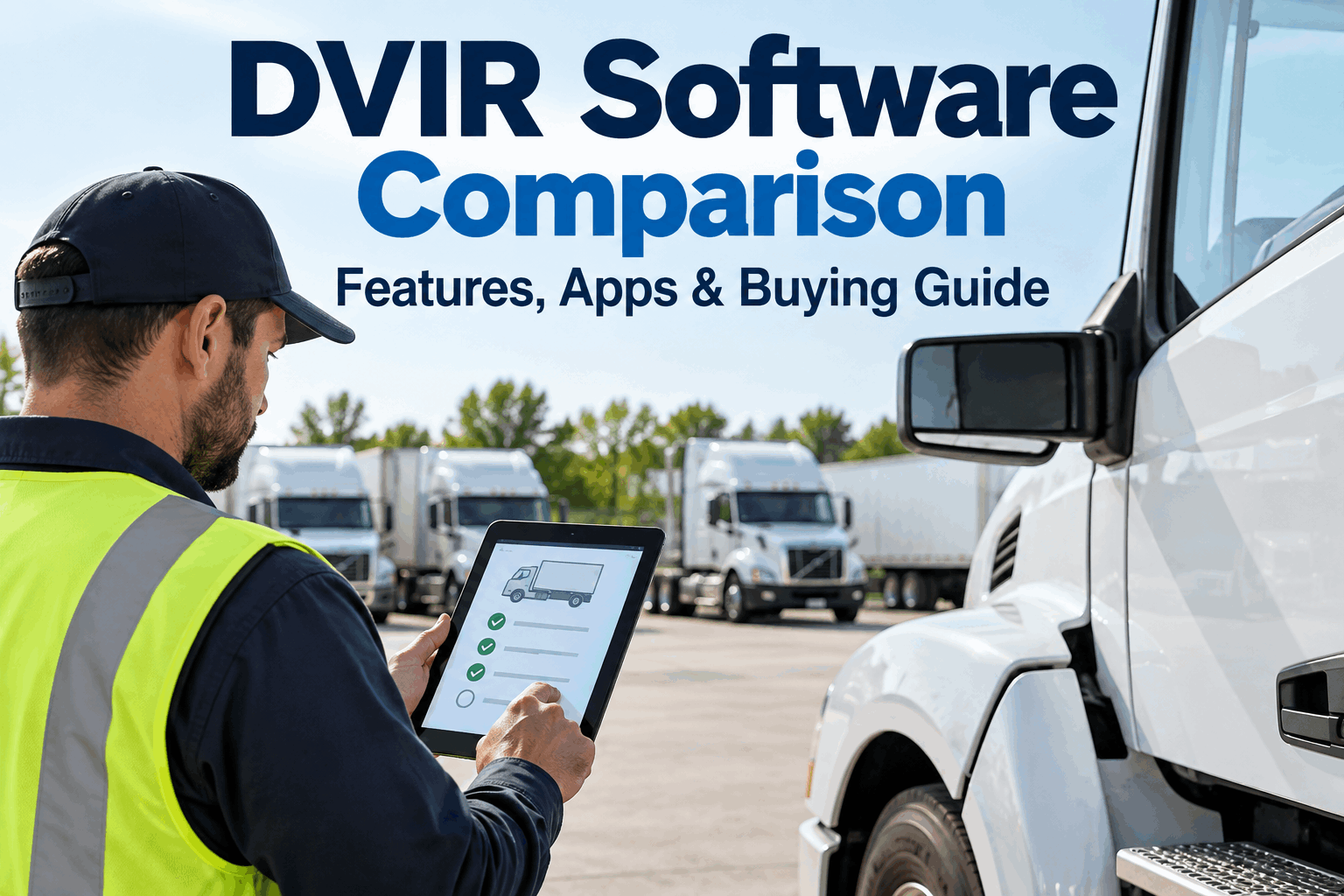
A useful DVIR software comparison should reveal what happens after the feature list ends. Fleet buyers need to know whether a driver can finish an inspection without connectivity, whether a reported defect reaches maintenance, whether supporting evidence stays with the correct vehicle record, and how quickly a supervisor can retrieve yesterday’s inspection when it matters.
Don’t Compare Checkmarks. Test the Actual DVIR Workflow.
Use practical demo tests to compare DVIR apps across mobile usability, offline inspections, configurable forms, defect handling, inspection records, reporting, integrations and total pricing structure.
Most DVIR software can look similar on a sales page. Mobile app? Check. Photos? Check. Reports? Check. The meaningful differences appear when a fleet recreates the conditions drivers, technicians and supervisors face every day. That is why this guide evaluates electronic DVIR software as a working process rather than a collection of advertised features.
What Should a DVIR Software Comparison Actually Compare?
The buying decision becomes clearer when features are translated into operational questions. Instead of asking whether a capability exists, ask what your team can accomplish with it and what happens when conditions are imperfect.
Can I complete it easily?
Test the mobile workflow, required steps, evidence capture and behavior when connectivity disappears.
What happens to a defect?
Follow one issue from driver capture through review, maintenance action, documentation and closure.
Can I see what is happening?
Check completion visibility, unresolved defects, record retrieval and useful reporting across the fleet.
What will deployment really involve?
Evaluate data access, integrations, permissions, implementation requirements and how pricing changes at scale.
Two Platforms Can Both Say “Offline”—and Behave Very Differently
A feature comparison is useful for building a shortlist, but it should not finish the evaluation. Terms such as offline access, configurable inspections, defect management and reporting can represent very different workflows.
Ask each vendor to demonstrate the same scenario using the same assumptions. You will learn more from five minutes of controlled testing than from another page of checkmarks.
- Open assigned form
- Capture a defect
- Add photo / notes
- Complete required steps
- Restore connection
- Verify synchronization
8 Tests to Run During Every DVIR Software Demo
Use the same tests with every shortlisted platform. Compare what you observe rather than how confidently the feature is described.
TEST
Disable Connectivity Before Starting
Ask to complete the inspection from beginning to end without an active connection. Test the actual field workflow your drivers would use—not a prepared screenshot or a verbal explanation.
Change the Inspection During the Demo
Ask the vendor to add a field, change an inspection item or show how different asset types receive different forms. This exposes whether configuration is practical for fleet administrators.
Report a Realistic Defect and Follow It
This is one of the most important DVIR software features to test. Record a defect as a driver, then switch perspectives and see what the maintenance or supervisory team receives.
Inspect the Final Record, Not Just the Form
After completing the test inspection, review the resulting record. Check whether relevant notes, measurements, photos, timestamps and defect information remain associated with the correct asset and inspection.
Ask for One Vehicle, One Date, One Inspection
Do not let the vendor choose an easy report. Give a specific retrieval request and see how many steps it takes to find the inspection and supporting information.
Switch Between Driver, Supervisor and Maintenance Views
Different users need different access. Test what each role can see, edit, acknowledge or close instead of assuming one generic mobile experience works for everyone.
Ask How DVIR Data Leaves the Platform
If the fleet uses maintenance, telematics or other operational systems, determine what information can be exchanged and how. Ask about available integrations, APIs or export methods relevant to your architecture.
Recalculate Pricing at Your Future Fleet Size
A useful DVIR software pricing comparison considers more than today's quote. Ask what changes when more drivers, technicians, supervisors, assets, locations or modules are added.
Don’t Take Our Feature List at Face Value—See the Workflow
Test digital DVIRs, offline inspections, defect handling and inspection records against the scenarios your fleet actually faces.
Offline Capability Should Be Tested as a Complete Journey
Drivers do not stop working because a yard, rural route or jobsite has unreliable connectivity. If offline operation matters to your fleet, test the whole sequence and define what “offline” actually includes.
HVI supports offline inspections, making this a particularly relevant test for fleets whose inspection work happens outside dependable network coverage.
See HVI’s inspection workflow →The Inspection Is Only the Beginning of a Defect’s Life
One of the biggest differences between a basic digital checklist and a more connected DVIR workflow is what happens after the driver identifies a problem. The evaluation should follow the defect beyond submission.
Driver completes the DVIR.
Defect and evidence are captured.
Responsible team sees the issue.
Maintenance action is documented.
Resolution remains traceable.
“Show me exactly what the maintenance team sees after a driver reports this defect, then show me how the final resolution remains connected to the inspection record.”
Ask the Vendor to Retrieve a Specific Inspection
Digital records are most useful when supervisors can find the right evidence without navigating through multiple screens or rebuilding the history manually.
During a demo, choose a specific asset and date. Then inspect what the retrieved record contains and whether it can be exported or shared in a useful format.
Your Fleet Should Not Be Forced Into One Generic Checklist
Template flexibility becomes increasingly important when a fleet contains different vehicle classes, trailers or other equipment. The buying question is not merely whether templates are “customizable,” but how manageable that configuration remains as operations expand.
HVI’s mixed-asset support is useful for organizations that want inspection workflows across more than a single vehicle class. When comparing platforms, bring examples of the actual assets in your operation and ask the vendor to show how each would be configured.
Compare Evidence, Not Vendor Promises
Use one evaluation sheet for every platform. Record what you actually observed during the demonstration.
Compare the Cost Model, Not Just the Opening Quote
Pricing structures vary between software providers. A quote that works for today’s deployment may behave differently when the fleet adds drivers, maintenance users, supervisors, vehicles, locations or optional modules.
Build a scenario based on your expected operating model and ask every vendor to price the same scope.
7 Pricing Questions Worth Asking Every DVIR Vendor
HVI Connects the Driver Inspection With the Maintenance Conversation
For fleets evaluating an electronic DVIR software platform, HVI brings digital inspections, offline capability, defect workflows, inspection records and mixed-asset support into the same operational environment.
The most useful way to evaluate that fit is to bring your own inspection scenario. Choose an asset, complete the DVIR, capture a defect, follow the issue into the maintenance process and retrieve the resulting record.
Use Your Own Fleet Workflow as the Demo Script
Bring a vehicle type, inspection form and defect scenario. See how HVI handles the process from field inspection to record retrieval.
What to Confirm Before Choosing a DVIR App
By the end of the evaluation, your team should be able to answer these questions from direct observation rather than marketing claims.
Drivers can complete the required inspection workflow on the intended devices.
Offline behavior has been tested under realistic conditions.
Photos, notes and other required evidence are practical to capture.
Templates can support the fleet’s relevant asset types.
A reported defect reaches the appropriate follow-up workflow.
Inspection and defect records remain associated with the correct asset.
Supervisors can retrieve specific records efficiently.
User permissions reflect actual operational responsibilities.
Relevant integration or data-export requirements have been reviewed.
Implementation responsibilities are understood.
Pricing has been modeled for expected fleet growth.
The team knows how its data can be retrieved if needs change.
The Best DVIR Software for Your Fleet Should Survive Your Tests
There is no substitute for testing the workflow your fleet will actually use. A meaningful DVIR app comparison starts with the driver experience but continues through offline operation, template management, defect routing, maintenance follow-up, record retrieval, permissions, data access and commercial terms.
Create a short test script before meeting vendors. Give every shortlisted platform the same asset, the same defect scenario and the same record-retrieval request. That makes differences visible without relying on an arbitrary feature count or someone else’s definition of the “best DVIR software.”
HVI is built around digital inspections and connected fleet maintenance workflows. You can start free and test the workflow, or book an HVI demo and bring your own DVIR evaluation scenario.
DVIR Software Comparison FAQs
Practical answers for fleets comparing electronic DVIR platforms and mobile inspection workflows.
01 What should I compare when choosing DVIR software?
Compare the complete workflow rather than feature names alone. Test mobile usability, offline behavior, template configuration, defect handling, maintenance follow-up, inspection evidence, record retrieval, permissions, integrations, data export and the pricing model. Use the same scenarios with every vendor so differences are easier to identify.
02 How should I test offline DVIR software?
Disable connectivity on the test device and perform a realistic inspection. Check whether the form is available, whether defects and supporting evidence can be captured, whether the inspection can be completed as expected and what happens when connectivity returns. Then verify that the synchronized record contains the information captured offline.
03 Why is the defect workflow important in a DVIR app comparison?
Capturing a defect is only part of the operational process. Fleet teams also need to understand how the issue becomes visible to the responsible people, how supporting information is preserved, how maintenance action is documented and how the eventual resolution can be traced back to the original inspection.
04 How should fleets compare DVIR software pricing?
Ask each vendor to price the same deployment scenario and clarify what drives the cost. Consider assets, drivers, technicians, supervisors, locations, implementation, optional modules, integrations and support where applicable. Then model a larger future deployment so you can understand how the commercial structure changes as the fleet grows.
05 What should I ask an electronic DVIR vendor to demonstrate?
Ask the vendor to complete a real inspection, work offline, modify a template, report a defect, show the follow-up workflow, retrieve a specific inspection, demonstrate relevant user roles and explain how data can be exported or integrated. These tasks reveal much more than a standard product presentation.
Compare HVI Using Your Own DVIR Workflow
Test the driver experience, offline inspections, defect workflow and inspection records before making your decision.