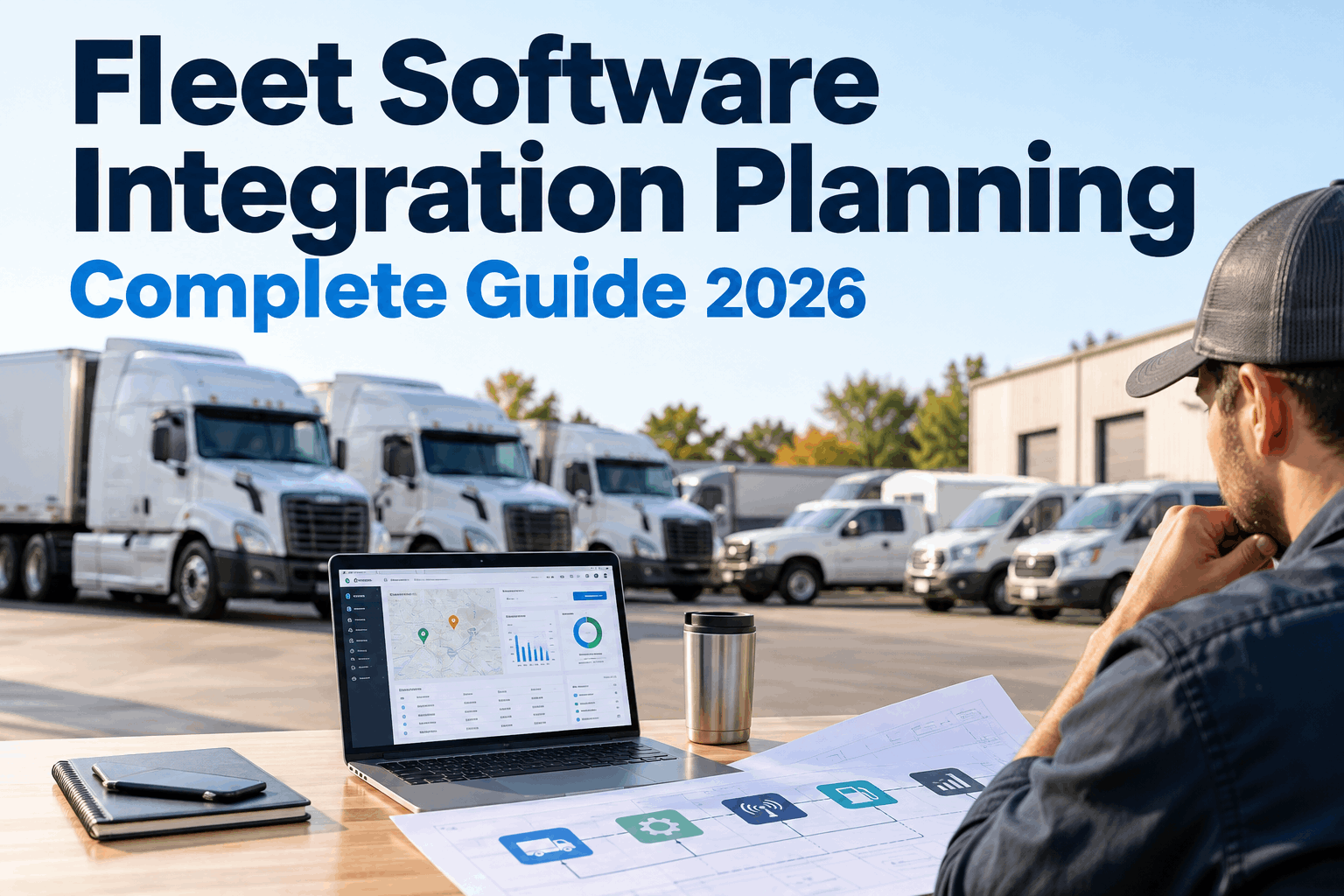
Fleet software integration planning should start before anyone exchanges API credentials or builds a connector. First decide how every vehicle and asset will be identified, which system owns each important field, where information needs to move and what should happen when that flow fails. Those decisions determine whether an integration removes manual work or simply creates another data problem.
Connect the Fleet Stack Without Creating Another Data Problem
Plan how telematics, maintenance, inspections, fuel and business systems should exchange information—starting with asset identity and ownership, then mapping the workflows that create operational value.
The objective of fleet software integration is not to move every available field between every platform. It is to make the right operational information available where a decision or workflow happens. Telematics meter readings can improve preventive-maintenance timing. Diagnostic faults can provide context for maintenance teams. Inspection findings can become actionable maintenance work. Cost information can support broader financial reporting. The planning question is always the same: which system should create, own, consume and update this information?
Five Decisions to Make Before Connecting Fleet Systems
Integration projects become much easier to manage when fleet operations and IT resolve the data model before discussing connectors, APIs or implementation schedules.
What is this asset?
Establish a stable identifier that lets a truck, trailer or machine be matched correctly across maintenance, telematics and other systems.
Which system owns the field?
Decide where authoritative values such as asset status, meter readings and maintenance records originate.
Where should it move?
Define one-way or two-way movement intentionally rather than allowing multiple systems to overwrite each other.
How fresh must it be?
A diagnostic event may need rapid delivery while a financial cost export may tolerate scheduled synchronization.
What happens when it fails?
Define validation, retry, alerting and ownership for records that cannot be matched, accepted or transferred.
One Vehicle Can Have Five Different Names
A telematics platform may identify a vehicle by a device or internal asset ID. Maintenance may use a unit number. Finance may use a cost-center asset code. Fuel systems may use another identifier, while registration records may center on the VIN.
The integration needs a reliable cross-system identity before data starts moving. Otherwise, a perfectly valid meter reading can still reach the wrong asset—or fail to match anything at all.
Decide Who Owns Each Field Before Synchronization Begins
A connected fleet does not require one platform to own everything. It requires clear authority for each important data domain so systems do not compete to control the same information.
What stable key prevents duplicate assets?
How are resets and abnormal readings handled?
Which defects should create maintenance action?
Which system can change work-order status?
Where is the final posted cost authoritative?
“Integrated” should not mean every application can edit every value. Clear field ownership reduces conflicting updates and makes exceptions easier to investigate.
Prioritize Data Flows That Change Fleet Work
Start with integrations that eliminate a manual handoff or improve an operational decision. These examples show how teams can connect data movement to a specific fleet outcome.
Meter Data → Preventive Maintenance
Engine hours and mileage can feed maintenance scheduling so service thresholds use current operating data rather than repeated manual meter entry.
Fault Data → Maintenance Context
Diagnostic information can reach the maintenance layer where teams already review inspections, asset history, scheduled service and repair work.
Fuel Transactions → Cost Visibility
Where supported, matching fuel transactions to consistent asset identities can improve per-asset operating-cost analysis and reporting.
Maintenance Costs → Business Reporting
Where an appropriate connection exists, maintenance costs can support allocation and reporting without turning a finance platform into the maintenance system.
The best integration scope depends on your existing systems and supported connections. Discuss your fleet technology stack with HVI.
Write the Integration Contract in Plain Language First
Before development begins, create a field-level map. It gives fleet operations, maintenance and IT a shared document for deciding exactly what the integration is expected to do.
A production mapping sheet may also need data types, units, transformation rules, connector details, authentication method, validation logic and ownership for exceptions. The point is to make the expected behavior explicit before implementation.
Your Fleet Data Is More Useful When It Can Drive Action
See how HVI can bring connected asset information closer to inspections, preventive maintenance and work-order workflows.
Do Not Integrate Everything in Phase One
A useful integration roadmap ranks connections by operational value and implementation complexity. The first release should prove identity, ownership, validation and monitoring before the architecture expands.
What IT Should Verify Before Approving the Integration
“Has an API” is not enough. The available connection must support the data, direction, security and operating pattern your fleet actually needs.
Data Coverage
Are the required assets, meter readings, faults, work orders or cost fields available?
Authentication & Access
Document credential ownership, permissions, rotation and vendor access requirements.
Push, Pull or Batch
Choose a transfer pattern based on how quickly the receiving workflow needs an update.
Limits & Resilience
Understand rate limits, pagination, timeouts, retries and recovery after interruption.
Testing Environment
Determine how mappings and workflows will be validated before production data becomes operational.
Observability
Specify how teams will know records are current, delayed, rejected or no longer arriving.
The Most Dangerous Integration Can Be the One That Looks Healthy
A connector does not need to crash visibly to create operational problems. Credentials can expire, identifiers can stop matching, individual records can repeatedly fail, or data can simply become stale.
Build monitoring into the integration design rather than waiting for users to notice that information is missing.
Fleet Software Integration Planning Worksheet
Use this checklist before approving development or implementation scope.
What manual task, delay or decision will improve?
Source and destination applications are known.
Cross-system vehicle and equipment IDs are resolved.
A system of record exists for each critical field.
One-way and bi-directional flows are explicit.
Freshness matches the operational use case.
Invalid or implausible data can be identified.
Failed and unmatched records have an owner.
Authentication and permissions are appropriate.
Teams can detect stale or failed data flows.
Normal, duplicate and failure cases are covered.
Someone maintains the connection after launch.
Make Maintenance the Destination for Data That Should Trigger Maintenance Work
A telematics platform can collect valuable vehicle information. The maintenance team still needs a workflow for inspections, service schedules, defects, work orders and asset history.
Where supported, connected data such as engine hours, mileage and diagnostic information can help maintenance teams work from more current asset information instead of repeatedly transferring it by hand.
Move From Integration Plan to Production in Controlled Stages
Build confidence in the data flow before expanding the number of systems, fields and workflows involved.
Inventory applications, workflows and manual handoffs worth solving.
Create system-of-record and field-mapping rules.
Start with a high-value integration rather than the entire stack.
Include duplicates, stale values, missing IDs and interruptions.
Track integration health before adding more data flows.
Good Fleet Integration Architecture Starts With Ownership, Not Connectivity
The most important outcome of fleet software integration planning is not an impressive architecture diagram. It is a set of dependable operational rules: one asset identity, clear data ownership, deliberate synchronization, validation for bad records, visible exceptions and monitoring when data stops moving.
Start with the workflow that produces the clearest operational value. For many fleets, that may mean connecting usage data with preventive maintenance or bringing diagnostic information closer to the maintenance team. Prove the flow, monitor it and then expand the architecture.
HVI can provide the inspection and maintenance workflow layer for connected fleet operations. Book an HVI demo to discuss your current fleet systems and integration goals.
Fleet Software Integration Planning FAQs
Clear answers to common questions about connecting telematics, maintenance platforms, APIs and other fleet systems.
01 What should a fleet software integration plan include?
A fleet software integration plan should document the business outcome, connected systems, asset identifiers, system of record for each important field, source and destination mappings, data direction, synchronization frequency, validation rules, authentication approach, exception handling, testing process and ongoing monitoring.
The goal is to remove ambiguity before implementation. Fleet operations and IT should know where data originates, where it goes and who is responsible when a record cannot be synchronized.
02 Which fleet integration should be implemented first?
Start with an integration that has clear operational value without unnecessary complexity. For maintenance-focused fleets, current odometer or engine-hour information feeding preventive maintenance can be a practical first use case when the required telematics connection is supported.
Once asset matching, validation and monitoring are reliable, the fleet can evaluate additional flows such as diagnostic information, inspection findings or cost data.
03 What is a system of record in fleet data integration?
A system of record is the designated authoritative source for a particular field or data domain. A telematics platform might provide meter readings while the maintenance platform owns work-order status and service history.
Defining ownership prevents connected applications from changing the same information independently and creating conflicting records.
04 Should fleet integrations use real-time synchronization?
Not every integration needs real-time synchronization. Frequency should match the operational purpose of the data. Some events may benefit from rapid delivery, while reporting or cost information may work effectively with scheduled synchronization.
The planning team should balance freshness against API limits, processing requirements, exception handling and the operational consequences of delayed information.
05 How does HVI fit into a fleet software integration strategy?
HVI provides fleet inspection and maintenance workflows and can support connected fleet operations by bringing relevant asset information into maintenance processes. Depending on the supported integration, information such as mileage, engine hours and diagnostic data can help teams connect vehicle activity with preventive maintenance and repair workflows.
The appropriate integration architecture depends on the fleet's existing systems, providers, required data flows and operational objectives.
Bring Fleet Data Into the Maintenance Workflow
See how HVI can connect inspections, preventive maintenance, work orders and supported fleet data around your assets.