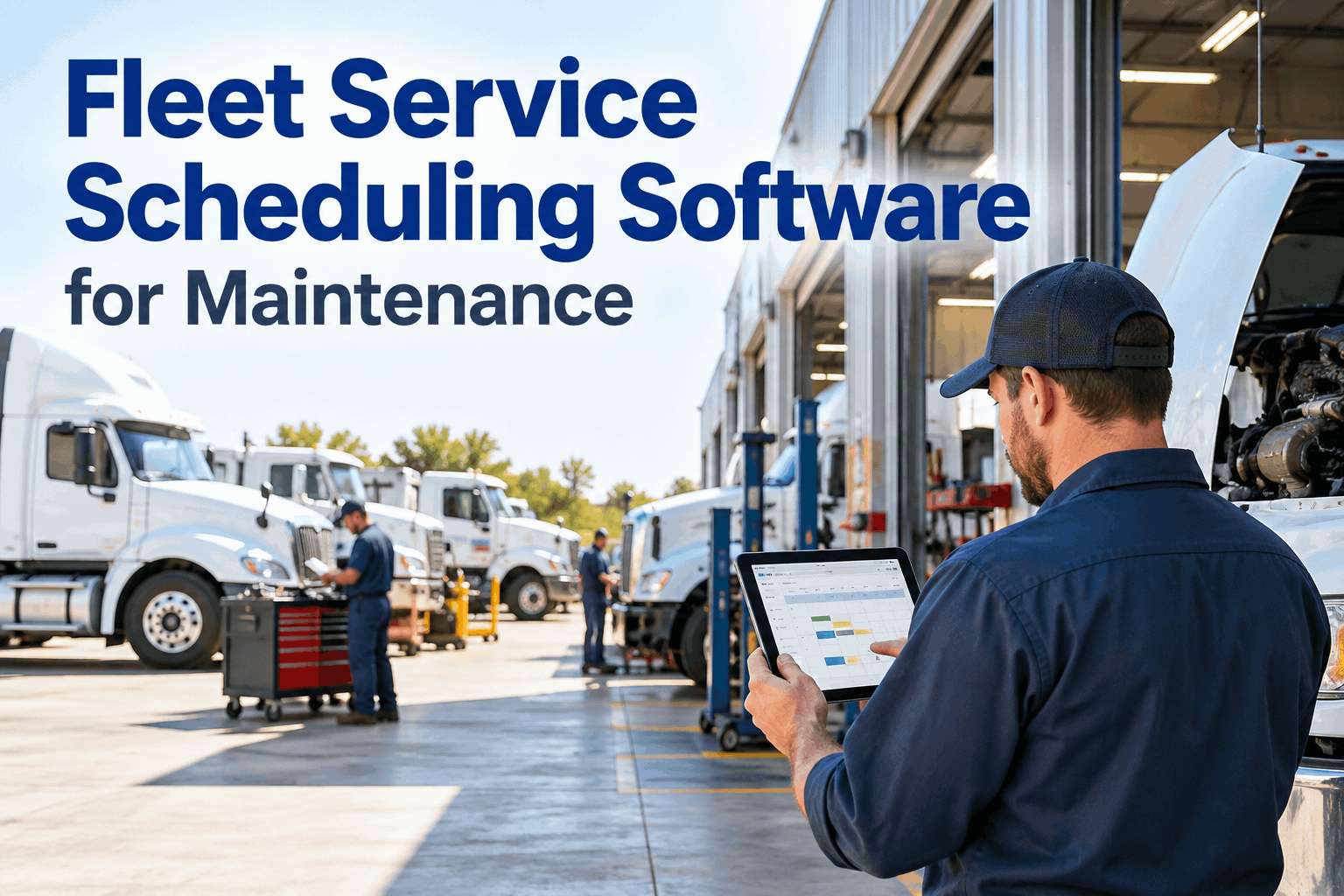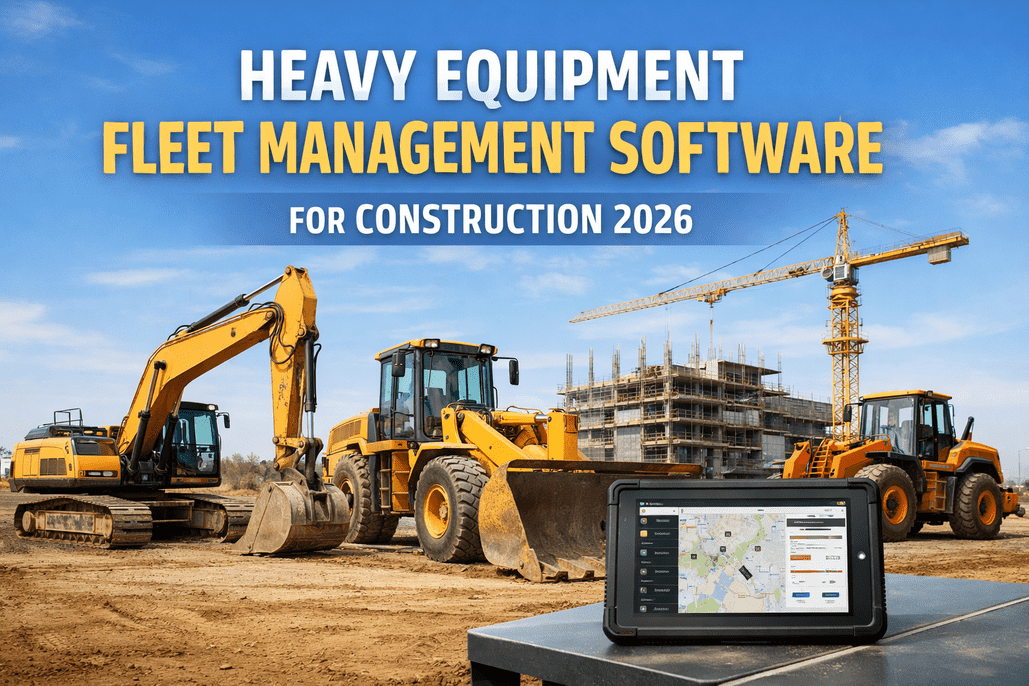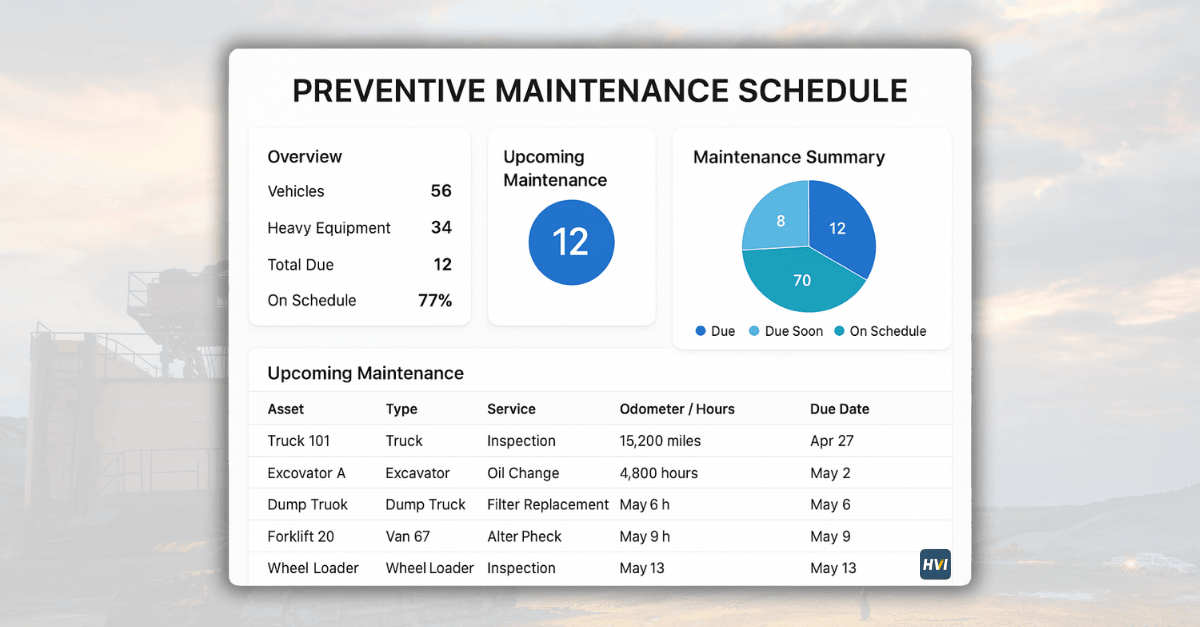
A single excavator engine failure can cost more than $50,000 in repairs plus weeks of lost project time — yet that same machine costs only $6,000 to $9,000 a year to maintain properly. The math is brutal and clear: emergency repairs run 3 to 9 times more expensive than the identical work done as scheduled preventive maintenance. So why do construction firms still report that up to 40% of their fleet sits idle at any given moment, much of it waiting on breakdowns that a calendar and a clean oil sample could have prevented? The answer is almost never a lack of intent. It's that paper logs and shared spreadsheets quietly fail — a 250-hour service slips past on a busy site, a meter reading never gets logged, and a machine grinds to a halt mid-pour. This is exactly the gap HVI's inspection and maintenance software was built to close — it triggers every service automatically off real engine hours instead of memory, and ties each one back to the daily inspection that flagged the problem. This guide walks you through building that kind of digital PM program with HVI: the asset data, the trigger logic, the inspection-to-work-order flow, and the metrics that prove it's working. schedule a 30-minute walkthrough with our team to see it mapped to your own fleet.
Stop chasing breakdowns. Start scheduling them out of existence.
HVI automates PM scheduling by engine hours, calendar, and OEM specs across every excavator, loader, dozer, and crane in your fleet — so the right service fires before the failure does, on every machine, on every site.
The real cost of a reactive fleet
Before building anything, it helps to see what a missing PM program actually costs — the numbers below are documented across construction fleets still running on paper and spreadsheets. They are also the baseline HVI is designed to move: fleets that switch to digital inspection and maintenance scheduling routinely cut every one of these figures.
A well-maintained machine runs 15,000–20,000 hours; a neglected one is scrap at 8,000–10,000. The single biggest lever on equipment ROI isn't how hard you run it — it's whether the service happens on time, every time.
The 6-step blueprint for a digital PM program
A digital PM program is a structured process, and HVI automates each step of it. Build it in this order — every step below maps to something you set up once inside HVI and then let run.
Build your asset register
In HVI you list every machine once — unique ID, make, model, year, current engine hours, and site — and that single asset record becomes the spine everything else hangs off. Inspections, work orders, parts, and cost history all attach to the same machine, so nothing lives in a separate spreadsheet. Add serial numbers and warranty status and the record is complete.
Output: One authoritative asset list, no duplicates
Load OEM service intervals
HVI stores manufacturer-recommended intervals for every make and model — Caterpillar's PM1–PM4 tiers, Komatsu, Volvo, JCB, and hundreds more — so you assign the right schedule to each machine instead of rebuilding it by hand. Most construction equipment follows the common pattern shown below, and HVI lets you fine-tune any interval for your specific model and operating conditions.
Output: Every model mapped to its service schedule
Set your trigger logic
Inside HVI you choose what fires each service — engine hours, calendar days, or condition data — and it services whichever comes first. High-idle machines like excavators and loaders run on engine hours (1 hour ≈ 25–33 miles); seasonal or low-use assets get a 90-day calendar backstop because fluids and seals degrade regardless of use. You set the rule per machine and HVI watches the clock for you.
Output: Automatic triggers, no manual calendar-watching
Connect real-time usage data
HVI connects to telematics, GPS, and OBD feeds so engine hours update on their own — no manual meter logging, no missed readings. It knows the CAT 320 on Site A is at 4,847 hours and its 500-hour service is due in 53 hours before anyone has to check. Where a feed isn't available, operators log hours from the same mobile app they use for daily inspections.
Output: Live hours feeding triggers in real time
Automate work orders & alerts
When a trigger fires — or when a daily inspection flags a defect — HVI auto-generates a work order with the right task checklist, parts list, and assigned technician, and alerts the fleet manager 90/60/30 hours out. Technicians close it from their phone in the field: photos, signatures, parts used, and labor hours all captured against the machine record. Inspection findings and scheduled service live in one loop instead of two disconnected systems.
Output: Service scheduled and assigned automatically
Track, measure & optimize
HVI tracks PM completion rate, MTTR, MTBF, and downtime trends automatically, so you can tune intervals from real data — tighten them for machines in dusty or severe-duty conditions, extend them where the numbers show headroom. The reporting is also audit-ready on demand, which is what separates a program that scales from one that drifts.
Output: A self-improving, audit-ready program
Steps 1 through 6 take most fleets one to two weeks to fully deploy — and software-first platforms create their first digital work orders on day one. sign up for a free HVI account and import your first machines or schedule a live demo to see the blueprint configured for your fleet before you commit.
The construction PM interval cheat sheet
Most heavy equipment — excavators, loaders, compactors — follows a predictable hour-based pattern. This is the baseline HVI loads for you when you add a machine; you then adjust it against your OEM handbook in a couple of clicks.
| Interval | Service tier | Core tasks |
|---|---|---|
| Every 50 hrs | Greasing | Lubricate pins, bushings & pivot points; visual undercarriage check |
| Every 250 hrs | PM1 — Basic | Engine oil & filter change, air filter inspect/clean, hydraulic filter check, general inspection |
| Every 500 hrs | PM2 — Standard | PM1 tasks + fuel filters, undercarriage wear measurement, structural & weld inspection |
| Every 1,000 hrs | PM3 — Deep | PM1+PM2 + hydraulic fluid service, coolant analysis, deeper component inspection |
| Every 2,000 hrs | PM4 — Major | Full service: hydraulic oil change, final & swing drive oil, fluid analysis (S·O·S), calibration |
Severe-duty adjustment: in dusty, hot, or cold-climate sites, tighten intervals — e.g. engine oil at 200 hrs instead of 250, undercarriage and weld inspection at 500 hrs instead of 1,000, and wash-down after every shift. A digital program lets you apply these adjusted rules per machine, automatically.
Picking the right trigger for each machine
The single most common PM mistake is using one trigger type for the whole fleet. HVI lets you mix all three across your machines and service whichever fires first — here's how to match the trigger to how each asset actually earns its keep.
Engine hours
Best for high-idle and off-road machines — excavators, loaders, cement mixers, generators. Hours reflect true engine wear far better than distance. The default trigger for almost all construction equipment.
Use for: most heavy equipment
Calendar days
The backstop for low-use and seasonal assets. Fluids oxidize, seals dry, and batteries discharge whether a machine moves or not. Set a 90-day maximum so idle equipment never silently degrades.
Use for: seasonal / standby assets
Condition data
The most advanced trigger — oil analysis, brake measurements, tread trends, and DVIR defect patterns fire service outside normal intervals when the machine shows early warning signs. Requires data infrastructure to do well.
Use for: critical / high-value units
The best programs use all three and service whichever fires first — capturing the high-hour machine, the idle one, and the one showing early failure signs in a single rule set.
Paper vs. digital: what actually changes
The tasks don't change when you move onto HVI — the reliability of getting them done does. This is the gap the software closes, side by side.
Paper & spreadsheets
- Meter readings logged manually — or forgotten
- Service depends on someone remembering a date
- No visibility across multiple sites
- Records scattered across binders & tabs
- 40–55% of work ends up reactive
- Audit prep means digging through filing cabinets
With HVI software
- Engine hours stream in from telematics automatically
- Triggers fire the service — no memory required
- One live dashboard across every site & machine
- Every record in one searchable platform
- Reactive work drops to 15–20%
- Audit-ready export in seconds, not days
saved for every $1 spent on PM in avoided emergency repairs, towing, and downtime. Fleets running structured programs on software like HVI see 30–40% fewer unplanned breakdowns and 20% longer asset life — on a mid-size fleet, that's six figures a year.
Frequently asked questions
How long does it take to get a digital PM program running?
Faster than most expect. HVI can be operational in well under an hour, with most fleets creating their first digital work orders and inspections on day one. Full deployment — importing your asset list, configuring PM schedules, connecting telematics, and training the team — typically completes within one to two weeks. The blueprint above is the exact sequence HVI walks you through: register assets, load intervals, set triggers, connect data, automate work orders, then measure.
Should I schedule by engine hours or calendar days?
Use both, and service whichever trigger fires first. Engine hours are the right primary trigger for construction equipment because high-idle and off-road machines accumulate wear by run time, not distance (1 engine hour roughly equals 25–33 miles). But a calendar backstop — every 90 days maximum — catches machines that sit idle, because fluids degrade, seals dry, and batteries discharge regardless of usage. The best programs layer in condition data on top for high-value units.
Is preventive maintenance really worth the cost?
The numbers are decisive. Preventive maintenance runs about 2–3% of equipment value annually, while a single major breakdown costs 10–20% of the machine's value — and emergency repairs cost 3 to 9 times more than the same work scheduled. A $300,000 excavator costs $6,000–$9,000 a year to maintain, but one engine failure can run $50,000-plus with weeks of downtime. Every $1 spent on PM returns $4–$8 in avoided costs, and proper PM extends equipment life by 50–100%.
Do I need telematics, or can I log hours manually?
You can start with manual hour entry in HVI — operators log hours from the same mobile app they use for daily inspections, and it's still a massive upgrade over paper. But connecting telematics, GPS, or OBD feeds removes the single most common failure point: the missed or forgotten meter reading. With a live feed, HVI always knows each machine's true hours and fires the service window automatically, even across multiple remote sites. Most fleets start manual and connect telematics during the first deployment weeks.
How do I handle equipment from different manufacturers?
A good platform stores manufacturer-recommended intervals for every make and model — Caterpillar, Komatsu, Volvo, JCB, Liebherr, Hitachi, and hundreds more — so each machine follows its own correct schedule automatically. You don't normalize everything to one rule. The CAT 320 runs its PM1–PM4 tiers while the Komatsu loader follows its own intervals, all triggered off each machine's real engine hours within the same dashboard. schedule a demo and we will load your specific make-and-model mix for you on the call.
Build your digital PM program on a platform built for heavy equipment.
HVI automates preventive maintenance scheduling by engine hours, calendar, and OEM specs across your entire construction fleet — with mobile work orders, telematics integration, digital inspections, and audit-ready records in one system. Cut reactive work from 50% to under 20% and stop paying 3–9× for breakdowns you could have scheduled.
No credit card required · Live in under two weeks · PM scheduling + work orders + inspections + telematics in one platform