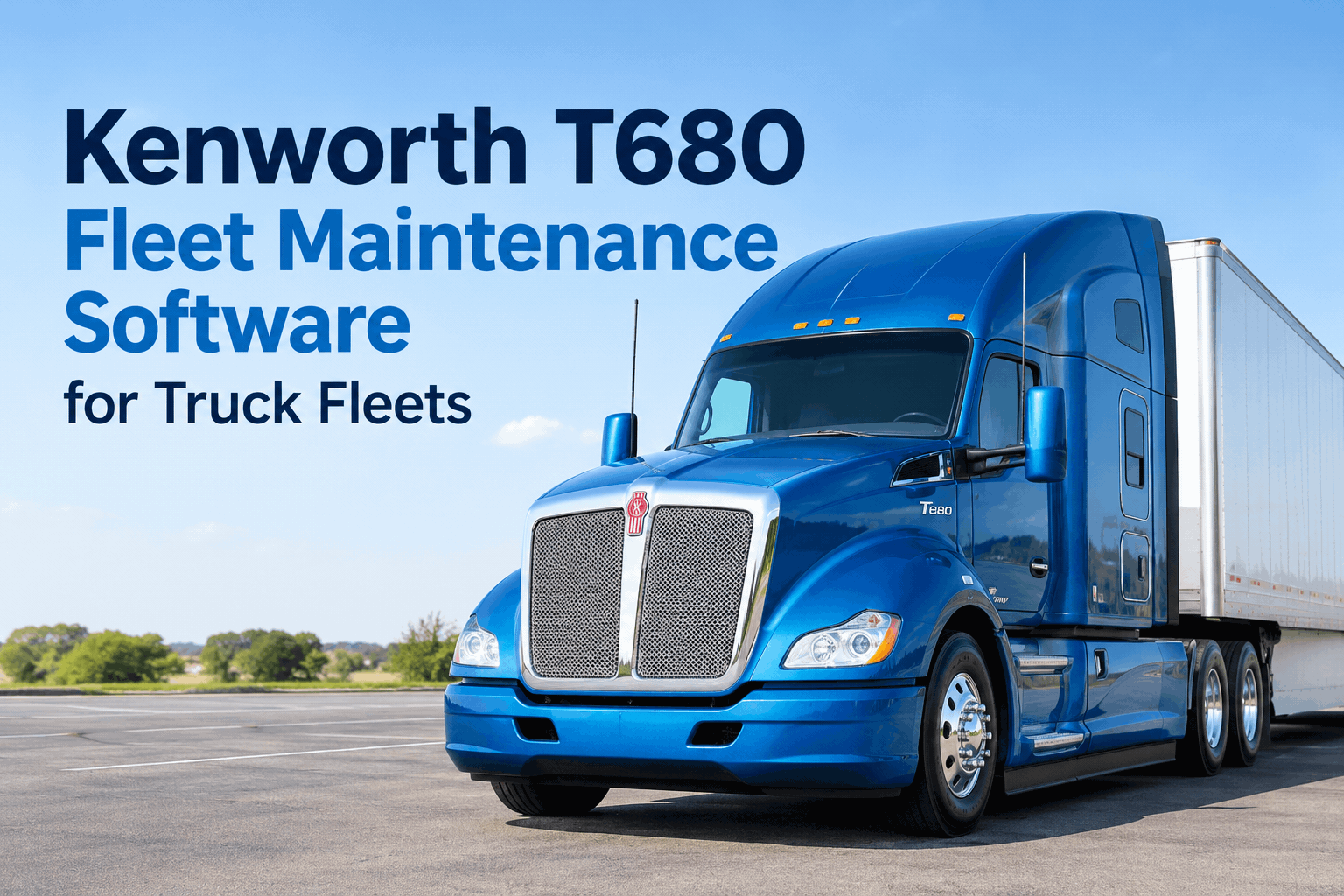
Your T680 rolled out clean at 5 a.m. — the driver did the walkaround, flagged a soft brake pedal, and mentioned it on the way to the yard gate. By noon that note is gone, and the truck is parked roadside with an air-system fault and a load that's now late. Kenworth T680 maintenance software stops that chain by turning every inspection, defect, PM interval and repair into one record that lives under the truck's VIN, where the driver, shop and dispatch all see it. Book a demo on your T680 fleet to see it on a real unit.
Run every Kenworth T680 on a record that moves with the truck
Digital inspections, MX-13 preventive maintenance, defect-to-work-order tracking and an audit-ready service history — per VIN, for every T680 and T880 you run.
The T680 is built to stay on the road — Kenworth engineered it around uptime and aerodynamics. But the truck can only run as well as the system tracking it, and on most fleets that system is a mix of paper, memory and a telematics portal nobody fully watches. Here's where a T680's day actually goes wrong, and how one connected record catches each failure before it strands the truck.
3 waysa T680's day breaks — and where HVI catches it
Downtime on a T680 rarely comes out of nowhere. It almost always starts as something a driver could see at inspection — the problem is whether that observation turns into action. These three are the usual culprits on a high-mileage on-highway tractor.
DEF & regen faults
An SCR warning or incomplete regen on the MX-13 shows at inspection or in diagnostics. HVI opens a work order so it's fixed before a derate, not after.
Air & brake issues
A soft pedal or slow air build-up is a pass/fail line on the digital DVIR. A failed line is a tracked defect the shop can't miss, tagged to the VIN.
Tire & PM slippage
Irregular wear and overdue PM are the quiet ones. HVI's due board counts down per truck, so an interval doesn't slip past on a whiteboard.
Each of these is cheap caught early and expensive caught late. Book a demo to see a T680 defect caught at inspection, or see HVI's daily operator reporting (DVIR).
One dayhow HVI follows a T680 from pre-trip to shutdown
Here's that soft-brake-pedal note from the top of the page — followed through a single day on HVI instead of dying on a clipboard. This is the loop that keeps a flagged defect moving.
-
05:14
Pre-trip inspectionDriver runs the T680 DVIR on the phone, flags "soft brake pedal," attaches a photo. Signed and timestamped.
-
05:15
Work order opens itselfThe failed line auto-creates a work order tagged to the VIN and drops into the shop queue — no re-keying.
-
10:40
Shop actions itTech inspects the air system, replaces the part, logs the part number and labor hours against the unit.
-
11:25
Record closed, truck clearedSigned repair filed under the VIN; the truck's readiness card flips green. Pullable for an audit in seconds.
That's the gap between a brake fix at the yard and a roadside air failure with a late load. Book a demo of the defect-to-record loop, or explore fleet maintenance management.
The checklist9 checkpoints, built around T680 systems
Here's the kind of T680-specific inspection your drivers run inside HVI — each line observable, grouped by system, no vague "looks good." Load it once as a digital form; every truck inherits it, and any failed line opens a work order on the spot.
- DEF level adequate; no crystallization at injectors
- No active SCR/DPF fault or derate warning lamp
- Oil & coolant levels; no leaks under engine or cab
- Air pressure builds & holds; firm brake pedal
- 12-speed automated transmission shifts clean; no codes
- Tire tread, pressure & no irregular wear
- ADAS / collision-mitigation active, no fault
- Lights, mirrors, wipers & horn working
- Fifth-wheel lock engaged; jaws & kingpin secure
Want this as a reusable digital form across your whole Kenworth fleet? Sign up free and load your T680 checklist, or explore HVI's digital inspection toolkit.
TruckTechremote diagnostics, turned into scheduled work
Kenworth's TruckTech Remote Diagnostics already reports engine health off your T680s to you and your dealer. The gap is action — a diagnostic alert nobody turns into a work order is just a message. HVI's integration layer turns that feed into PM triggers and work orders, so the data does something on your shop floor.
- Engine & aftertreatment fault codes
- Odometer & engine hours
- DEF level & regen status
- Health-report severity
- PM auto-scheduled by miles/hours
- Work orders from fault codes
- Per-VIN service & repair history
- Fleet-wide uptime dashboard
Instead of reading alerts in one portal and scheduling repairs in another, both live together. See HVI's telematics integration, or book a demo to connect your TruckTech feed.
Why it paysthe numbers behind disciplined T680 maintenance
Lower annual maintenance cost reported by fleets that move inspections and PM onto one connected platform, with payback often inside three months.
ATRI's average marginal cost of operating a truck — every unplanned breakdown day on a T680 burns far more than the repair itself in lost revenue.
Vehicle Maintenance is one of the seven FMCSA BASIC categories in CSA — a clean per-VIN history keeps that score defensible at roadside.
Setting up your MX-13 intervals first? Start from our PACCAR MX-13 PM schedule guide, then load those intervals into HVI so they trigger on the due board automatically instead of living in a spreadsheet.
From a fleet maintenance manager
We run a T680 fleet, all MX-13, and our weak spot was the handoff — a driver would flag something at pre-trip and it'd live on paper until someone remembered. Now the failed inspection line opens the work order on its own, and the readiness board tells me which trucks are actually good to dispatch. We've cut roadside breakdowns noticeably, and audit prep went from a day per truck to pulling records by VIN in minutes.
Kenworth T680 maintenance software — FAQs
Does HVI work for the Kenworth T680 and T880?
Yes. Both run on one inspection-and-PM program, tracked in a single fleet view. It also handles mixed fleets, so Peterbilt, Freightliner, Volvo and trailers live in the same account alongside your T680s.
How does PM scheduling work for a T680's MX-13?
You set the MX-13's intervals and PM triggers on whichever hits first — mileage or engine hours. Highway T680s usually trip on miles; idle-heavy or regional duty cycles often trip on hours, so nothing slips.
Does it connect to TruckTech remote diagnostics?
HVI integrates telematics feeds so odometer, engine hours and fault codes flow in automatically. Those codes can then auto-generate work orders and keep PM scheduling accurate without manual data entry.
How does it help with FMCSA compliance?
Every inspection, defect and repair is logged per VIN with timestamps and signatures, giving you a clean, pullable service history. That record supports the Vehicle Maintenance BASIC at roadside inspections and DOT audits.
Is HVI just inspections, or does it track repairs too?
Both. A reported defect opens a work order automatically, and parts, labor and sign-off are logged against the VIN. Inspection, repair and PM history live in one record instead of separate systems.
Put your whole Kenworth T680 fleet on one maintenance record
See HVI run on your real trucks — digital inspections, MX-13 preventive maintenance, automatic work orders from defects, and an audit-ready history for every T680 you own. Live in days, no hardware to install.
No credit card · No hardware · Works across your mixed fleet