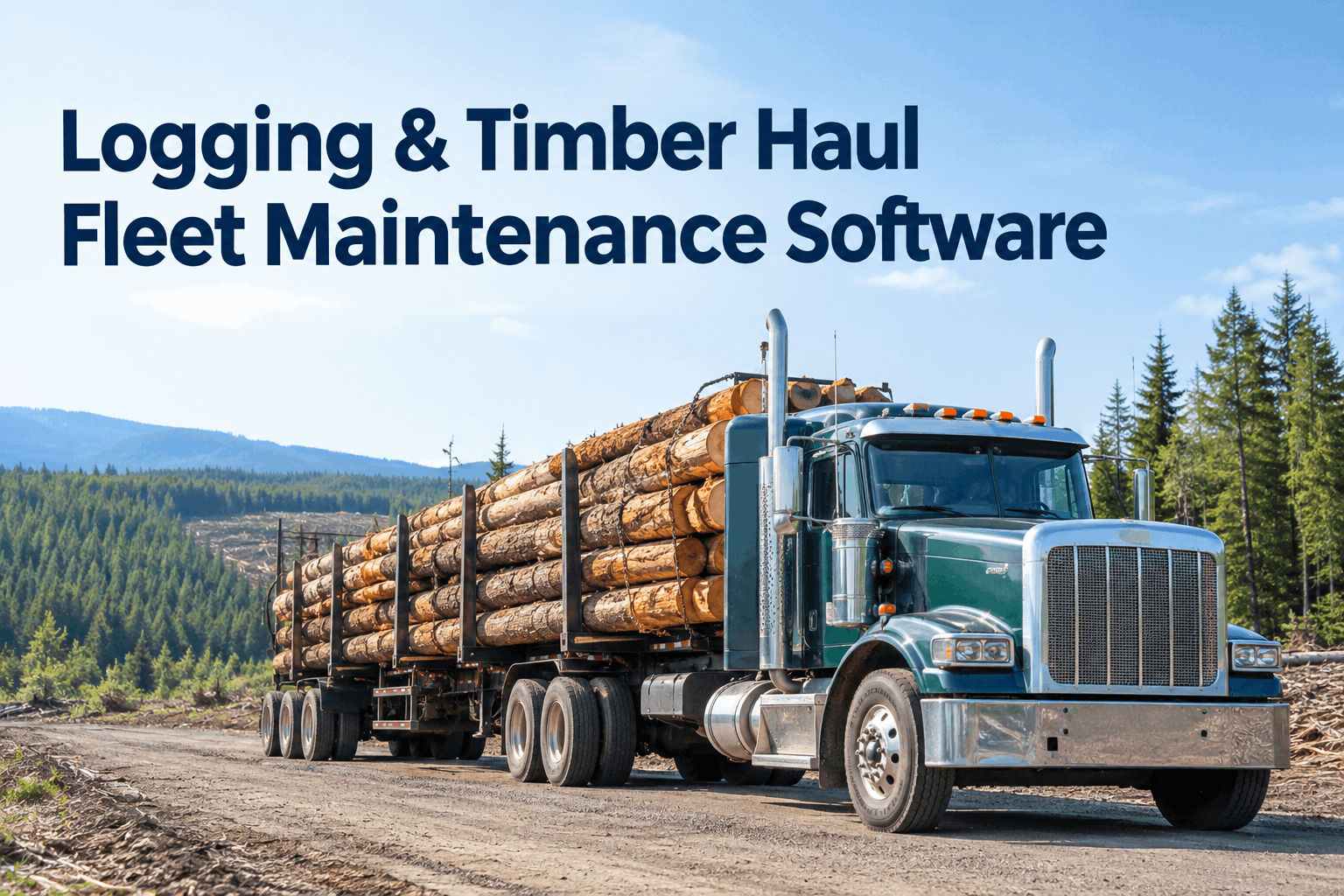
A log truck doesn't live on the highway. It lives on a washboard gravel spur with a full load of timber, grinding a loaded grade it'll run twice a day until something gives. That's why generic fleet tools miss so much here — the damage happens off-pavement, out of sight. Logging haul software has to track the rig where it actually works. Book a demo to see timber-haul tracking built for the log road.
Logging & Timber Haul Fleet Maintenance Software
Inspections, preventive maintenance and repairs for trucks that run loaded on forest roads — one record per rig, built for the brutal side of the haul.
Where the log road attacks the truckthe wear points a highway checklist never sees
A timber haul rig takes punishment a linehaul tractor never feels. Loaded on gravel, pounding washboard, braking down grades with tons of logs behind the cab — this is where a logging fleet actually loses trucks. Here's the anatomy of it.
A generic daily check has no line for a bent bunk stake or a cooked brake on the last grade. HVI lets you build a logging-specific template so every one of these zones is on the walkaround. You can set up log-truck inspection templates once and every driver taps the same zones, every landing.
Forest road vs. highway: the same truck, twice the wearwhy timber haul fleet software can't be generic
Run the numbers on duty cycle, not odometer. A log truck covers fewer miles than a linehaul tractor but ages far faster, because every mile is a working mile. That's the gap generic fleet maintenance software never accounts for.
- Smooth pavement, steady cruise
- Legal weight, even loading
- Brakes worked on occasional grades
- Maintenance by mileage works fine
- Washboard gravel, stumps, rock
- Heavy log loads, shifting weight
- Brakes cooked on every loaded descent
- Maintenance by miles misses the real wear
That's why log haulers schedule preventive maintenance on hauls, load cycles or engine hours — not just the odometer. HVI triggers preventive maintenance by hours or usage so a brake or suspension service fires on the real duty cycle, not a highway assumption. The fastest way to see it mapped to your lanes is to book a demo on your log-truck fleet.
The log-truck pre-trip checklistfour zones every driver walks before loading out
This is the walkaround a logging haul software workflow should enforce before a loaded rig leaves the landing. Grouped by zone so nothing on a timber rig gets skipped — the lines a standard DVIR simply doesn't have.
Brakes & grades
- Slack adjusters within travel on every axle
- Linings and drums checked for heat damage
- Air system holds, no leaks at the glad hands
Bunks, stakes & frame
- Stakes straight, pins and locks sound
- Bunk mounts and headache rack secure
- Frame and crossmembers clear of cracks
Tires & wheels
- Sidewalls clear of cuts from rock and stumps
- Pressure set for log weight, not highway
- Lug nuts and rims tight after rough roads
Load securement
- Wrappers and chains rated and undamaged
- Binders functional, correct count for the load
- Load signed off before the rig rolls
Each line can require a photo or a signature, so a completed pre-trip is evidence, not a tick. Start free and build your log-truck pre-trip on your own rigs.
One record per rig, from landing to shopwhat the haul leaves behind on file
When a truck comes off the unit flagged, the whole chain is already recorded — the defect, the work order, the repair, the parts. No whiteboard, no memory, no lost slip of paper in a muddy cab.
The same records roll up into fleet-wide maintenance and uptime reporting — so you can see which trucks, which roads and which failures are costing you the most hauls.
From a maintenance lead who keeps the log trucks rollingwhere the real downtime came from
On paper we blamed the trucks. Once we actually logged it, the pattern was obvious — brakes and a couple of cut tires off one rough spur were eating our season, not the engines. Now the pre-trip is on the driver's phone at the landing, a flagged brake is a work order before the rig loads, and I can finally see which unit and which road keep hurting us. We stopped losing a truck a week to stuff we should've caught cold.
Frequently asked questionslogging & timber haul fleet maintenance software
What does logging haul software actually do for a timber fleet?
It runs the inspection, preventive maintenance and repair record for your haul trucks in one place — digital pre-trips at the landing, defects into work orders, and PM on your real duty cycle. Book a demo to see it on your rigs.
How is this different from your forestry equipment software?
This page is the haul-truck side. For harvest machines and engine-hour PM, see forestry CMMS for logging fleets; for the trailer and inspection detail, the logging truck and trailer inspection page. Book a demo to map it to your whole operation.
Can drivers inspect with no signal out on the unit?
Yes — pre-trips are completed on the phone at the landing and sync once the truck is back in range, so dead zones don't stop the walkaround. Book a demo to see the offline flow.
Does it help with DOT and FMCSA compliance for highway hauls?
It keeps signed DVIRs and maintenance records audit-ready. For the highway-haul compliance detail specifically, see logging truck DOT compliance, or book a demo.
How fast can a logging fleet get started?
Most fleets run digital pre-trips on day one and layer in PM and reporting over the first weeks. Start free with your truck list, or book a demo for a guided setup on your haul fleet.
Keep every log truck rolling through the season
Logging and timber haul fleet maintenance software that tracks the rig where it actually works — pre-trips at the landing, preventive maintenance on the real duty cycle, and one record per truck from the unit to the shop. Mobile where there's mud, audit-ready where there's a scale.
No hardware · Works offline at the landing · Logging-specific inspection templates