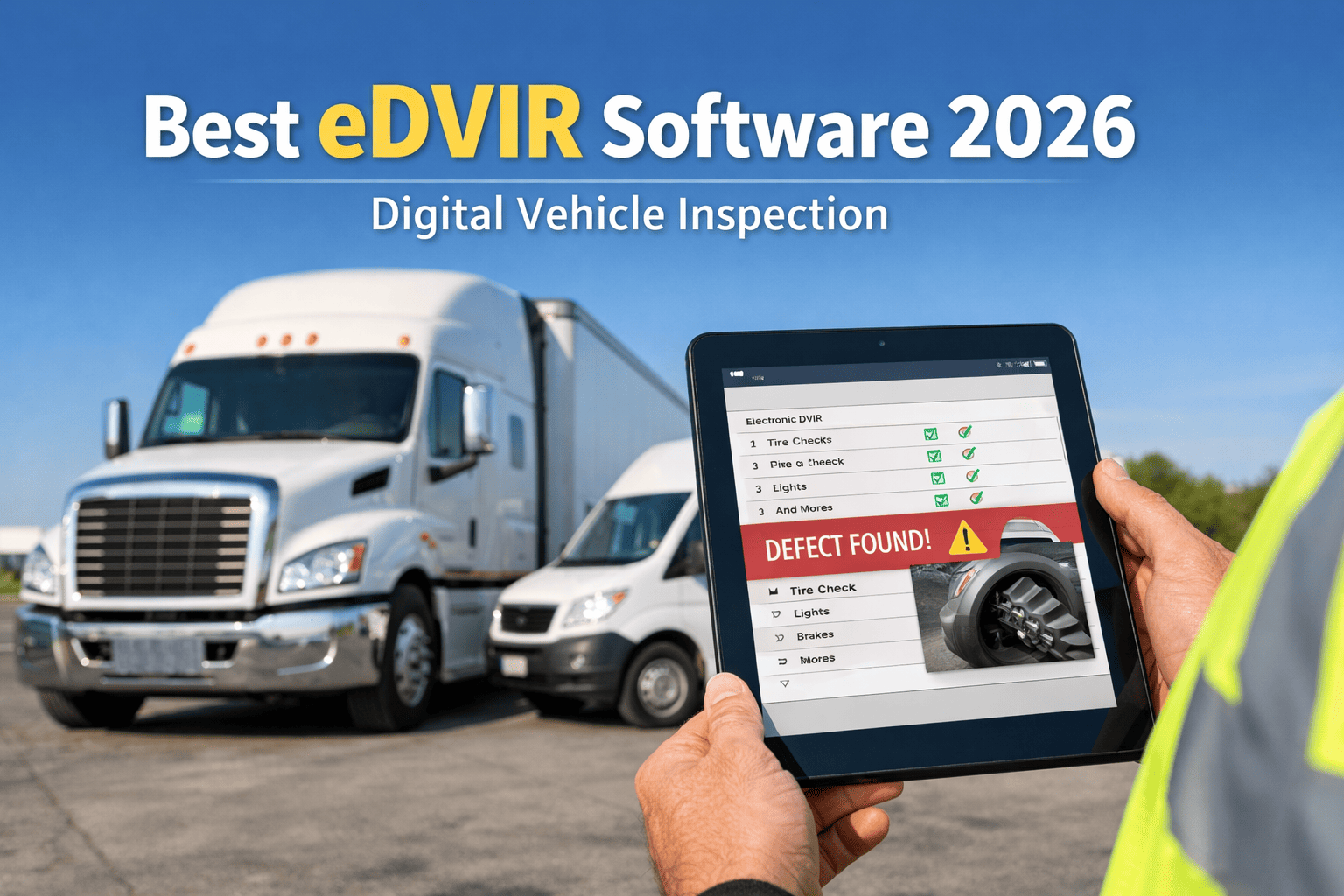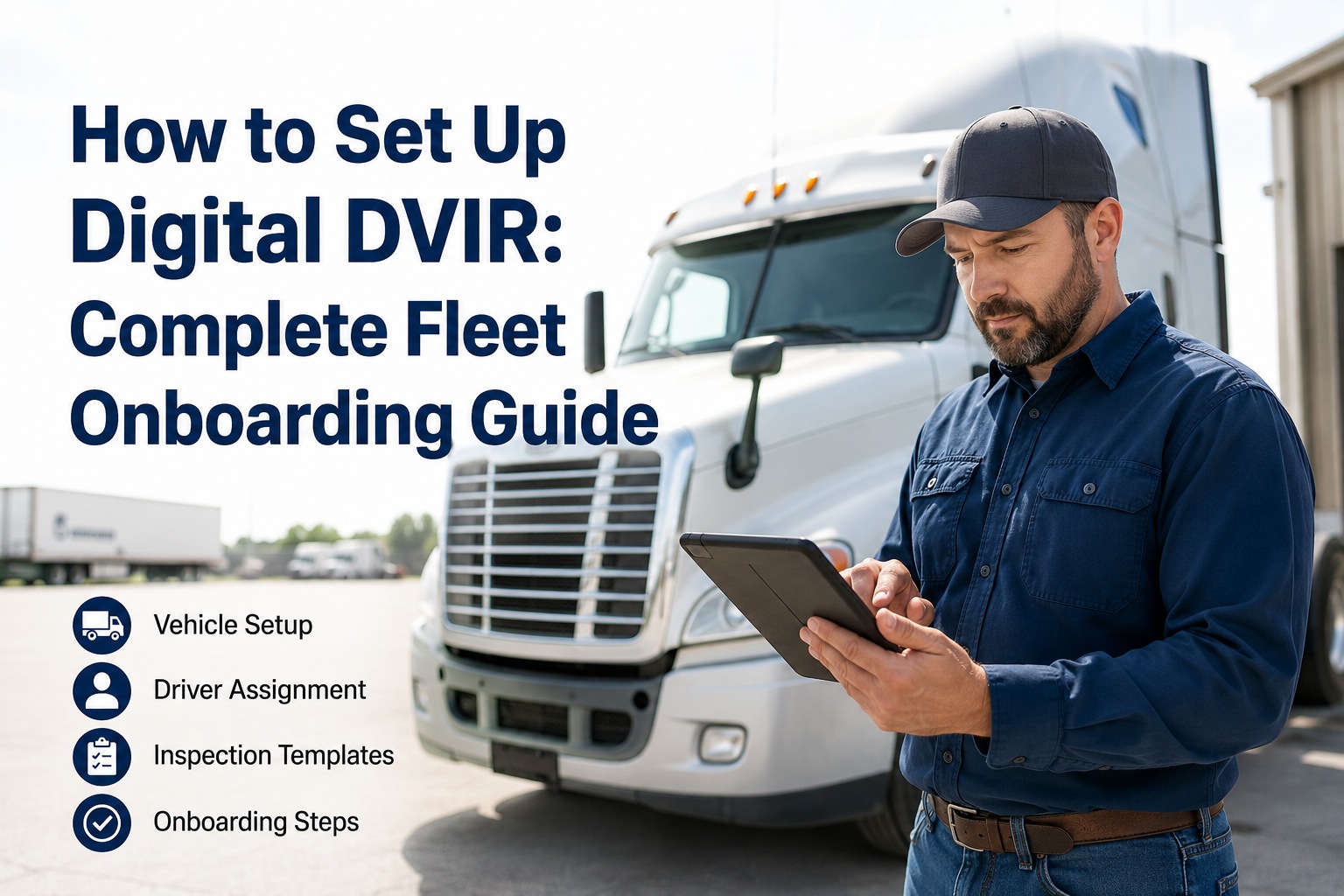
FMCSA's eDVIR Final Rule took effect March 23, 2026 — explicit authorization for electronic Driver Vehicle Inspection Reports under 49 CFR 396.11 and 396.13. Paper stays legal, but the operational gap is measurable: 96% of digital fleets pass a focused compliance review, against fleets where roughly 73% of paper DVIRs never reach the office intact. This guide walks the full 4-week rollout to set up digital DVIR — prep, template configuration, driver assignment, pilot, and full fleet activation. Book a demo to see the rollout live.
The 4-Week Digital DVIR Rollout Plan
Here's the exact sequence — week by week — that gets a fleet from paper carbon copies to fully audit-ready eDVIRs on every driver's phone.
- Inventory current paper forms
- Export vehicle list to CSV
- Identify pilot group (5–10 units)
- Pick admin + shop lead
- Import fleet CSV to HVI
- Build vehicle-type templates
- Set severity + routing rules
- Assign drivers to assets
- Deploy to 5–10 pilot drivers
- Run parallel: paper + digital
- Gather driver feedback
- Tune templates & rules
- All drivers onboarded (30-min session)
- Paper DVIRs discontinued
- Shop foreman on the dashboard
- Audit-ready from day 1
Four weeks is the standard mid-size fleet timeline. Small fleets under 25 units routinely complete the rollout in two weeks; large multi-terminal operations may spread it across six. What matters isn't the exact calendar — it's running the sequence in order. Skip the pilot and drivers push back at scale. Skip the template configuration and you're just digitizing paper without fixing the workflows underneath.
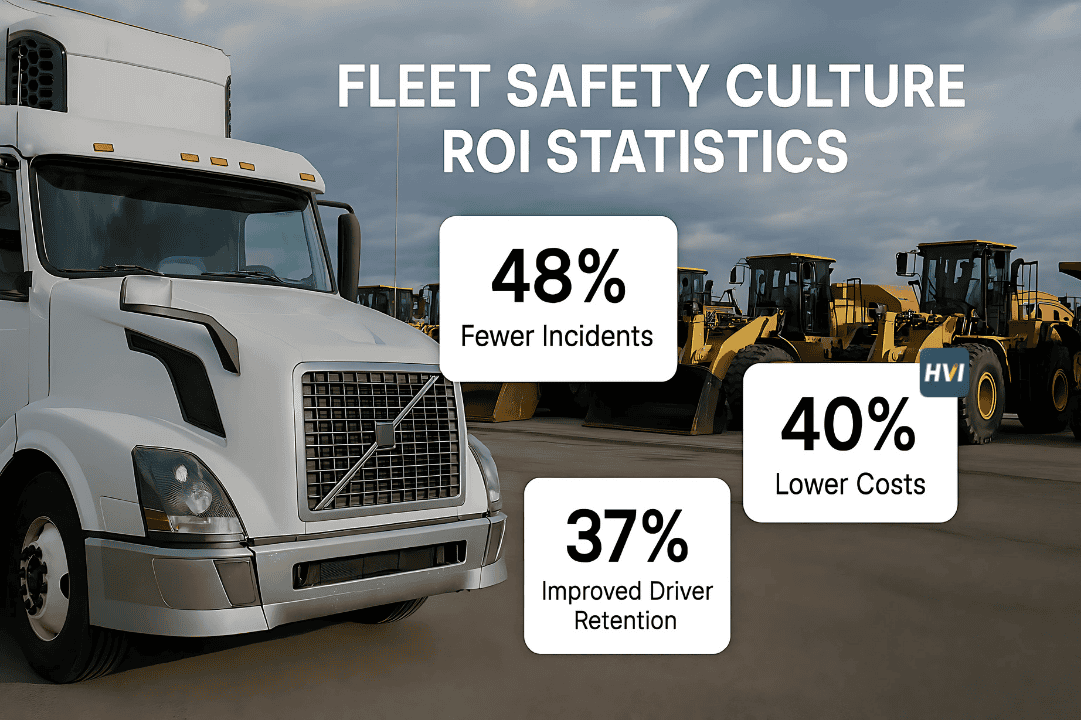
Why paper is now a measurable liabilityThree numbers that shifted after the March 2026 rule
The FMCSA eDVIR Final Rule (Docket FMCSA-2025-0115) didn't ban paper — it explicitly authorized digital and made the operational gap between the two impossible to ignore. Here's the data driving the switch. Book a demo to see the same gap on your own compliance data
What the FMCSA rule actually changesThe 4 things every fleet manager needs to know
The March 23, 2026 effective date closed a decade of ambiguity. Here's what's now unambiguously true — and what stays the same.
Digital signatures fully valid
Driver and mechanic signatures captured on a mobile device are legally equivalent to wet ink. The 3-signature accountability chain (driver reports, mechanic repairs, next driver acknowledges) can now be enforced entirely digitally.
Cloud storage explicitly authorized
Records don't need to sit in filing cabinets. Encrypted cloud storage with proper access controls meets the 90-day retention minimum under 49 CFR 396.11(a)(4). Most fleets retain 12+ months for litigation defense.
48-hour audit production window
Auditors now routinely arrive with a 48-hour demand to produce 90 days of DVIR records digitally. Paper-based fleets cannot realistically respond — the audit gap is now systemic.
Paper stays legal — but disadvantaged
Nothing bans paper DVIRs. But CSA scoring, audit pass rates, and insurance underwriter data now all reflect the digital vs paper gap. The market has moved even where the rule hasn't.
The rule closed the compliance ambiguity. The rollout below closes the operational gap. Start a free trial and begin Week 1 today.
Week 1 · Prep & auditThe 4 things to nail before opening the software
Week one has nothing to do with the app. It's about knowing what you're moving before you move it — and picking the right people to move it with. Book a demo to review your prep checklist with a specialist
Week 2 · ConfigureThe 5 setup tasks that turn HVI into your DVIR system
Week two is the software setup week. Everything in this list is drag-and-drop or CSV import — no coding, no IT ticket. Total configuration time for a 50-truck fleet is roughly 4–6 hours spread across the week.
Week 3 · PilotRun digital & paper in parallel — catch issues cheap
The pilot is the single most important week of the entire rollout. Skip it and you learn about your template gaps at scale — expensive. Run it, and you catch every issue on 5–10 drivers where the fix is one edit away. Book a demo to see the pilot playbook
Week 4 · Full fleet activationOnboard the rest — retire the paper
By week four the templates are proven, defects are routing correctly, and you have driver testimonials. Now scale to the whole fleet in a single week.
From a safety director who ran this exact rollout
We put it off for two years. Then FMCSA published the eDVIR final rule in February and I gave myself a March 30 deadline — four weeks. Pilot with 8 tractors in Week 3, full rollout on 62 tractors Week 4. Discontinue paper on Monday of Week 5. That was it.
The unexpected win was the shop. Defects that used to hit their queue as "brake issue — unit 47" now arrive with a photo, GPS, and severity tag. Mean time to repair dropped from 63 hours to under 6 in the first month. If I could rewind, I'd have done this the day the rule was published, not four weeks later.
Frequently asked questions
Is digital DVIR now required by FMCSA?
No — paper DVIRs remain fully legal. What changed on March 23, 2026 is that FMCSA's eDVIR Final Rule (Docket FMCSA-2025-0115) explicitly authorized electronic DVIRs under 49 CFR 396.11 and 396.13, removing any remaining ambiguity about whether digital signatures, mobile submission, and cloud storage meet compliance requirements. They do — unambiguously. The rule doesn't ban paper; it removes the last reason to stay on paper. Digital fleets pass focused compliance reviews at roughly 96% vs the industry-wide DOT audit pass-without-violation rate of just 7%. That gap, combined with the 48-hour audit production demand fleets now routinely face, is what's driving most carriers to migrate before their next audit rather than after.
How long does the paper-to-digital migration take?
Most fleets complete the paper-to-digital transition in 2–4 weeks. Small fleets under 25 vehicles can run the rollout in 2 weeks with a single admin. Mid-size fleets of 25–150 vehicles typically follow the 4-week rollout in this guide (Prep, Configure, Pilot, Full Rollout). Large multi-terminal operations of 200+ vehicles may spread the rollout across 5–6 weeks to accommodate driver training logistics across locations. The specific week count matters less than running the phases in order — skipping the Week 3 pilot to save time is the single most common cause of failed rollouts, because template gaps that would have surfaced on 8 drivers surface instead on 80, and the fix at scale is exponentially more expensive.
Do drivers need special training or hardware?
No special hardware — HVI's mobile app runs on the smartphone drivers already carry (iOS or Android). Training is a single 30-minute session covering app installation, the guided walk-around sequence, photo capture for defects, severity tagging, and the digital signature workflow. Drivers with no prior digital-form experience are typically running solo inspections by end of the training session. Adoption barriers, when they show up, are almost never technical — they're workflow-related (checkpoint order that doesn't match the physical walk-around, mandatory fields that feel excessive, templates that include items that don't apply to the driver's asset). The Week 3 pilot exists specifically to catch and fix those issues before scaling to the full fleet.
What happens to existing paper DVIR records after we switch?
Keep them. FMCSA's 90-day retention minimum under 49 CFR 396.11(a)(4) applies regardless of format — paper DVIRs completed before the switch must be retained for at least 90 days from the date they were prepared. Most safety-conscious fleets retain 12–24 months of records for litigation defense and audit trail continuity. Digitize the last 90 days of paper DVIRs by scanning to PDF and attaching to the corresponding asset in HVI — this keeps your historical record queryable in the same system as your new digital DVIRs. For records older than 90 days, standard filing cabinet retention is fine unless your insurance carrier or legal counsel requires longer digital archival.
Can we run digital and paper in parallel long-term?
Technically yes — and it's the correct approach during the Week 3 pilot for compliance safety. But it's not sustainable long-term for two reasons. First, defeats the purpose: the audit trail you're now maintaining in two systems is doubly expensive to produce and doubly likely to contain contradictions when auditors request records. Second, breaks the 3-signature chain enforcement: HVI enforces the driver-reports/mechanic-repairs/next-driver-acknowledges chain structurally, but only if all three participants are in the digital system. If a paper mechanic signature closes a digitally-reported defect, the chain has a manual bridge that auditors will scrutinize. Set a hard paper-discontinue date at the end of Week 4 and enforce it. The parallel window during pilot is a safety net; parallel operation past week 4 is a compliance liability.
Set up digital DVIR on your fleet in the next 4 weeks
HVI is the eDVIR platform purpose-built for the March 2026 FMCSA rule: guided mobile walk-arounds, photo-verified defects, 3-signature chain enforced structurally, auto-routed work orders, and audit-ready 90-day export in under 60 seconds. Free onboarding help for fleets over 25 vehicles. 4-week typical rollout. Full paper replacement.
No credit card · No hardware · Compliant on day one of full rollout