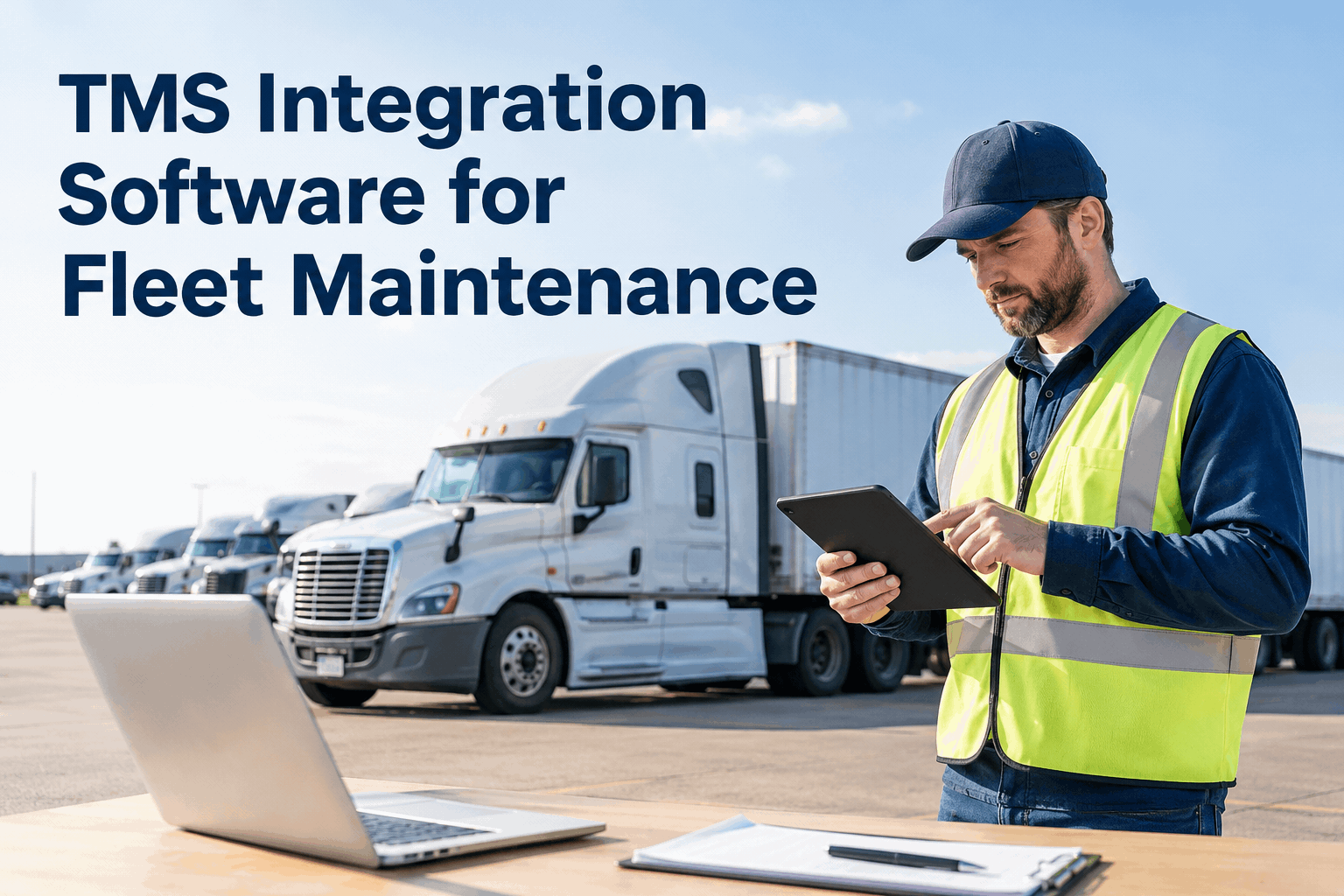
When dispatch is ready to assign a load but maintenance is still chasing yesterday’s defect notes, a gap between systems becomes a real operating problem. TMS integration software for fleet maintenance helps teams plan how transportation and maintenance data should move between platforms—so vehicle records, inspections, defects, and repair status are easier to coordinate.
This guide explains what to connect, how to evaluate integration options and where HVI can support the maintenance workflow. A direct TMS connection depends on the specific systems and scope confirmed for your fleet.
Connect the dispatch decision to the maintenance record
The goal is not to connect every field in every system. It is to make the right vehicle and maintenance information available to the people who need to act on it.
Integration rule: verify supported connectors, API access, fields, update frequency, and ownership of each record before promising automated TMS-to-HVI synchronization.
What should happen when a vehicle needs attention?
Picture a driver reporting a brake concern before a scheduled pickup. The inspection and repair need a traceable process; dispatch also needs a dependable way to confirm the vehicle’s status.
Transport workflow
Load, planned vehicle, trip timing
Inspection record
Defect, photo, unit ID, timestamp
Maintenance action
Prioritized work order and repair status
Status communication
Authorized team confirms next action
This is a target process, not a claim that every step is automatically synchronized by default. Confirm which events can be exchanged and which require a human approval or update.
Start with the fields that prevent confusion
A connection can move data quickly and still create bad decisions if two systems identify the same vehicle differently. Define the source of truth and the destination before mapping fields.
| Data to map | Why teams need it | Question to settle |
|---|---|---|
| Vehicle / asset ID | Matches a dispatch unit to its maintenance record. | Which identifier is unique and consistent across systems? |
| Odometer / engine hours | Supports usage-based preventive maintenance where available. | Which system is authoritative, and how often is it refreshed? |
| Inspection and defect | Preserves what was found, when it was reported, and its evidence. | Which fields, photos, and severity labels can transfer? |
| Work-order status | Helps teams understand whether a repair is open, in progress, or complete. | Does the receiving system accept status updates, or is a manual confirmation needed? |
| Timestamp and owner | Shows when data changed and who should respond to exceptions. | What happens when a sync fails or records disagree? |
Manual updates, file exchange, or API?
The right option depends on the software you already use, the urgency of the data, and the technical support available.
Controlled manual process
Staff update records using an agreed checklist and naming standard.
- Useful for a small pilot
- Easy to start
- Requires ownership and duplicate-entry checks
Scheduled file transfer
Approved files move at defined intervals when both platforms support the format.
- Can reduce repetitive re-entry
- Needs field mapping and error checks
- Data may not be current between transfers
API or connector
Supported endpoints or a pre-built connector exchange specific data.
- Can support more frequent updates
- Requires compatibility checks
- Needs monitoring, permissions, and failure handling
Do not select a solution on the phrase “open API” alone. Ask which objects and actions are supported, whether updates are one-way or two-way, how authentication works, and who supports the connection when it fails.
Give maintenance its own dependable source of truth
HVI helps fleets manage the maintenance actions that sit behind vehicle readiness: digital inspections, defect records, work orders, preventive maintenance schedules, and service history. That creates a more structured maintenance process even when dispatch coordination still involves a confirmed manual handoff.
Capture the finding
Record inspection results and document defects with supporting evidence.
Turn defects into action
Create and track work orders from inspection findings instead of losing issues in messages.
Plan the next service
Manage preventive maintenance by time or meter-based intervals and review upcoming work.
Keep a usable history
Review prior maintenance activity and work-order details when making fleet decisions.
Explore HVI’s integration options, maintenance management, and preventive maintenance tools.
Use this checklist before you approve an integration
A useful demo should test your real workflow—not just show a polished dashboard. Mark each item as you confirm it with your operations and software teams.
Integration readiness review
Eight checks to take into your vendor conversation
For a deeper evaluation, also review HVI’s inspection and defect-management workflows. Ask the HVI team to confirm the connection scope for your particular TMS before treating any workflow as automated.
See how HVI can organize the maintenance side of your fleet workflow
Walk through inspections, defect follow-up, work orders, and preventive maintenance with your actual operating requirements in mind.
TMS integration software FAQs
What is TMS integration software for fleet maintenance?
It connects or coordinates data between transportation management and maintenance systems. The goal is to reduce duplicate entry and help teams coordinate vehicle, inspection, defect, and repair information.
Does HVI connect directly to every TMS?
No universal TMS connection should be assumed. Available options depend on the specific TMS, supported data fields, connector or API capabilities, and the integration scope confirmed with HVI.
Which data should a fleet connect first?
Start with a small, valuable workflow such as consistent vehicle IDs, odometer or engine-hour readings, inspection defects, or work-order status. Confirm the source of truth and update frequency for every field.
Is an API always better than a file transfer?
Not necessarily. APIs can support more frequent exchange, but they require compatible endpoints, secure access, monitoring, and exception handling. A scheduled file transfer may be sufficient for less time-sensitive workflows.
How can HVI help if the TMS connection is not ready?
HVI can still help structure digital inspections, defect records, work orders, preventive maintenance schedules, and maintenance history. Teams can define a reliable manual handoff while confirming any future integration.