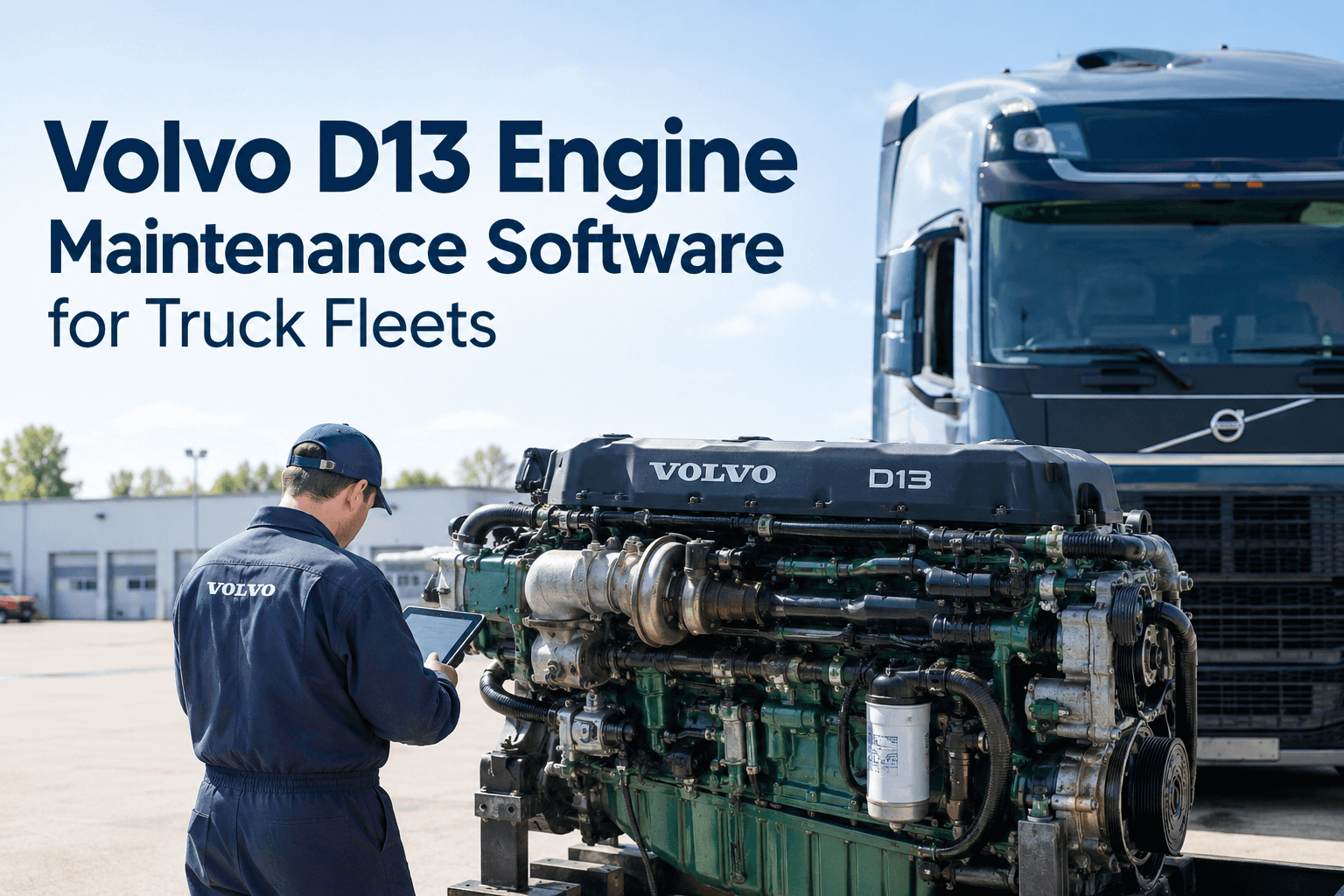
A Volvo D13 isn't one maintenance schedule — it's six running at once. Oil and filters on one interval, DPF and aftertreatment on another, EGR, turbo, coolant, and I-Shift transmission service each on their own clock. A spreadsheet can track one of those. Volvo D13 engine maintenance software is built to track all six, per truck, without anyone in your shop trying to hold it all in their head. Sign up free and set up your first D13's service zones.
Volvo D13 Engine Maintenance Software for Truck Fleets
Oil, DPF, EGR, turbo, coolant, and I-Shift service don't run on the same clock — and they shouldn't live on the same spreadsheet tab either. HVI tracks every D13 service zone, per truck, with digital inspections and work orders that keep your fleet from guessing.
Why a Spreadsheet Can't Keep Up With a D13 Fleet
A single oil-change reminder is easy to track by hand. Six overlapping service clocks per truck, across a fleet of D13s, is where spreadsheets quietly start lying to you.
One Column, Six Clocks
Most fleet sheets track one "next service" date per truck. A D13's oil, DPF, and transmission intervals don't line up — one column can't hold three different answers.
Duty Cycle Gets Ignored
A regional D13 and a long-haul D13 wear differently. A flat mileage reminder applied to both means one truck gets serviced too early, the other too late.
No Link From Defect to Repair
A driver flags a DPF warning light, it gets fixed, but the spreadsheet never records that the repair actually closed the defect out.
History Per Engine, Not Per Zone
When a D13 goes into the shop, the technician gets one combined history instead of a clear record for the specific zone that's acting up.
Give Every D13 Its Own Set of Service Clocks
Stop tracking six maintenance intervals on one "next service" date. Set up zone-specific PM schedules for your D13 fleet and let HVI flag what's actually due, truck by truck.
What Volvo D13 Maintenance Software Should Actually Track
Generic fleet apps track "the truck." D13 fleets need software that tracks the engine's actual service zones — sign up free to build this out for your own trucks.
Custom PM Templates by Engine & Duty Cycle
Set separate intervals for long-haul, regional, and heavy-haul D13s instead of one flat mileage reminder applied fleet-wide.
Aftertreatment & DPF Service Tracking
DPF cleaning, regen checks, and aftertreatment service tracked on their own schedule, separate from the oil and filter clock.
Defect-to-Work-Order Flow
A driver flags a warning light or a leak, it routes straight to a work order, and the record stays linked until a tech certifies the repair.
Digital Inspection Checklists by Zone
Pre-trip and shop inspections built around the D13's actual systems — turbo, EGR, coolant — not a generic truck checklist.
I-Shift Transmission Service Log
Transmission service tracked separately from engine service, since I-Shift maintenance runs on its own interval entirely.
Paper Service Cards vs Digital D13 Tracking
- One "next service" date per truck, averaged across six systems
- Duty cycle tracked by memory, not by the sheet
- Defects reported verbally, repairs untracked
- DPF and transmission history buried in a general notes column
- Shop pulls a vague history instead of a zone-specific one
- Separate PM clocks for oil, DPF, EGR, turbo, coolant, and I-Shift
- PM templates set by duty cycle — long-haul, regional, heavy-haul
- Every defect auto-linked to the repair that closed it out
- DPF and transmission service tracked on their own record
- Shop pulls exactly the zone's history before touching the truck
Self-Check: Is Your D13 Fleet's Maintenance Data Actually Usable?
Run through this before your next D13 rolls into the shop. Every unticked box is a service zone running on guesswork.
Left more than one box unticked? See the exact Volvo D13 PM schedule intervals first, then book a demo to put them on autopilot across your fleet.
Expert View — From a Volvo D13 Fleet Maintenance Manager
We run forty-some D13s and for the longest time our maintenance sheet had one column: next service. That worked right up until a truck came in for an oil change and we found out the DPF service was three months overdue — nobody had a separate reminder for it. Since we split tracking into actual service zones, that kind of miss just doesn't happen anymore. The engine's not simple, so the tracking shouldn't pretend it is.
Conclusion — Track the Engine the Way It Actually Runs
Volvo D13 engine maintenance software isn't about replacing your mechanics' judgment — it's about giving them a record that matches how the engine actually works. Six service zones, tracked separately, by duty cycle, with defects linked to the repairs that closed them — that's the difference between a fleet reacting to the next breakdown and one that saw it coming. If you still need the exact mileage intervals, our Volvo VNL preventive maintenance schedule guide has them. If you're ready to stop tracking them by hand, sign up free and set up your D13 fleet today.
Give Your D13 Fleet Six Clocks Instead of One
HVI tracks oil, DPF, EGR, turbo, coolant, and I-Shift service separately for every D13 in your fleet, with defect-to-work-order tracking and per-VIN history your shop can actually use. No credit card required to start.
- 6 separate engine service zones
- Duty-cycle-based PM templates
- Defect-to-work-order tracking
- Per-VIN zone service history