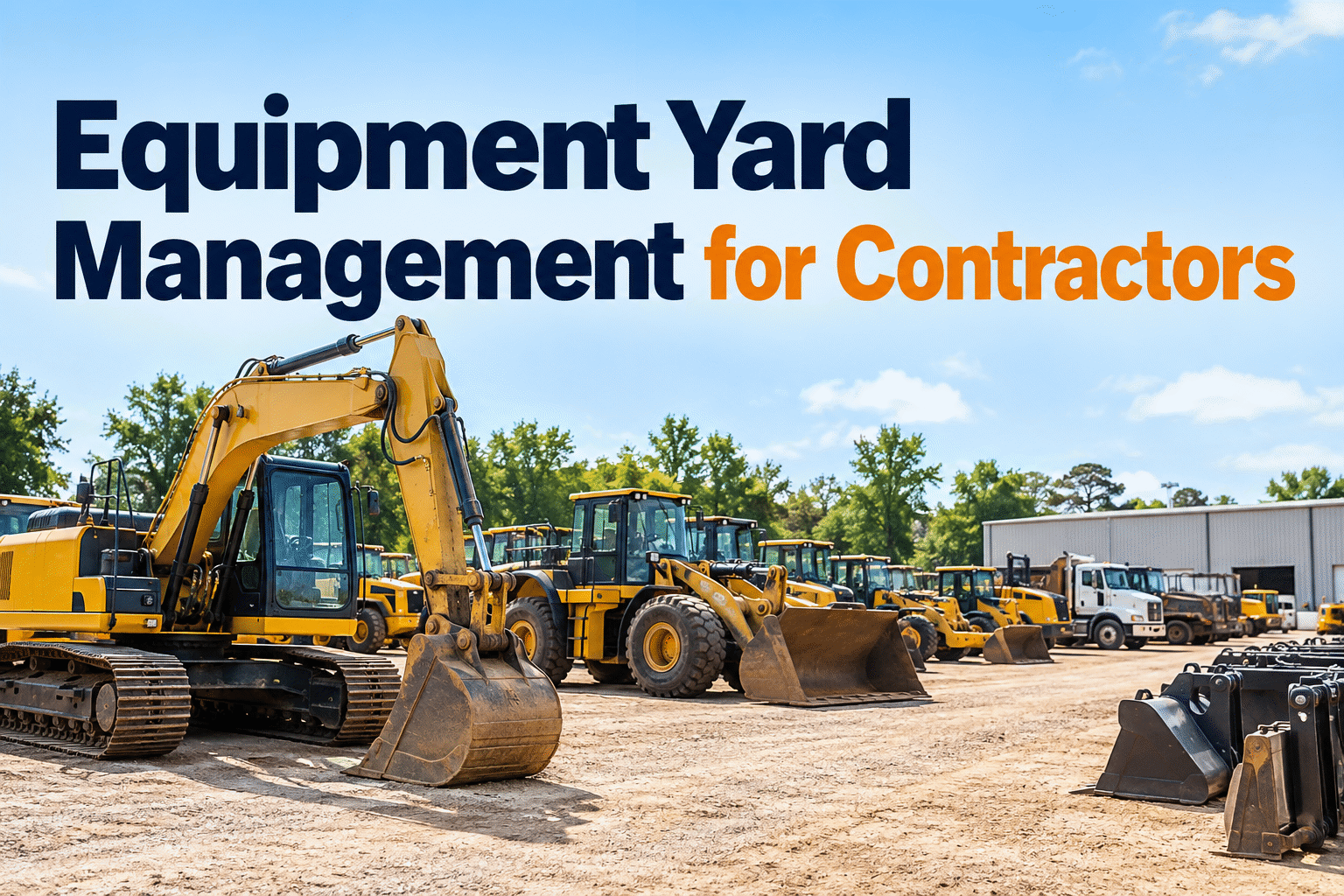
Equipment yard management becomes difficult when machines move between storage rows, active jobsites and repair bays without a reliable record. Contractors need to know which assets are available, which require inspection and who is responsible for each transfer. This guide explains how to organize yard movements, readiness checks and maintenance records so crews can dispatch equipment with fewer avoidable delays.
Know what's in the yard. Know what's ready to move.
Build a repeatable equipment yard management process for dispatch, jobsite transfers, return inspections and maintenance holds—without losing sight of asset history.
Equipment location is only half the answer
A yard supervisor may know a machine is parked in Row C but still not know whether its inspection is complete, an attachment is missing or an open repair makes it unsuitable for dispatch. A useful yard record combines assigned location, equipment status, current responsibility and maintenance readiness.
Keep one accountable record for each asset. Update it when equipment arrives, changes yard zones, leaves for a jobsite or returns. Location information can be entered through an established process; do not assume it updates automatically.
Book a demo to see how HVI organizes equipment and inspection records as part of your contractor workflow.
Divide the yard by equipment movement—not just storage
A clearly marked yard makes it easier to separate machines awaiting inspection from equipment approved for dispatch. The following schematic is illustrative; adapt traffic routes and safe clearances to your site.
Ready zoneOnly machines cleared under the site's readiness process.
Hold zoneKeep equipment with unresolved safety or maintenance defects out of dispatch.
Return zoneRecord incoming condition before returning assets to available status.
Attachment zoneLabel storage positions and record compatible machine assignments.
A yard-to-jobsite transfer needs five clear handoffs
Use a defined handoff sequence so a transfer is not considered complete simply because a machine has left the gate.
Request
Confirm asset type, destination, dates and required attachments.
Verify
Review inspection, open defects and scheduled service.
Release
Record departing condition and authorized handoff.
Receive
Confirm arrival, condition and assigned jobsite.
Update
Keep location, responsibility and service records current.
Make dispatch decisions visible before the morning rush
Assign clear status definitions so a machine cannot appear “available” while an inspection or critical repair remains unresolved.
Release to jobsite
Required checks complete, no unresolved dispatch-blocking defects, and attachments verified.
Action: document releaseInspect before release
Missing or outdated inspection, uncertain condition or incomplete accessory confirmation.
Action: perform readiness checkKeep out of service
Known safety concern, repair requirement or equipment condition that prevents safe use.
Action: repair and verifyWhat to check when equipment comes back
Return inspections protect the next crew from discovering damage at dispatch time. Compare condition against the last departure record, document new defects and identify maintenance work before the machine enters the ready zone.
Book a demo to explore HVI's digital equipment inspections and corrective maintenance workflow.
Keep inspections and repairs connected to each asset.
Explore how HVI can support equipment records, digital inspections and maintenance history across your contractor fleet.
Don't lose attachments, idle assets or service history
Yard records should cover more than large machines. Attachments, spare equipment and long-idle assets can create expensive delays when their condition or location is unclear.
Attachments and compatibility
Record attachment identifiers, storage zones, assigned equipment and inspection findings. Verify coupling and compatibility before use.
Idle equipment
Review stored machines for service intervals, battery condition, fluids and other OEM storage requirements before reactivation.
Multi-site assignments
Document which site has each machine, who accepted it and when the next transfer or service is expected.
Maintenance holds
Link defects and work orders to the correct asset, then verify repair completion before changing its operational status.
Where HVI supports equipment yard management
HVI helps keep equipment and maintenance information organized. Physical yard movements and location updates still require a defined site process and responsible personnel.
Confirm your yard requirements
Ask how your team will record locations, transfer approvals, equipment status and attachment assignments. Do not assume HVI provides automatic GPS positioning, geofencing or dispatch automation.
Book a demo to review HVI's available asset-management capabilities →Build a better yard process in 30 days
Inventory and identify
Reconcile equipment IDs, attachments, storage areas and current assignments.
Define readiness
Agree on inspection, maintenance-hold and dispatch-release criteria.
Standardize transfers
Use one check-out, arrival and return process across sites.
Review exceptions
Measure missing records, delayed dispatches and repeat defects.
Make equipment readiness easier to verify.
See how HVI can support inspections, equipment records and maintenance follow-up for a busy contractor yard.