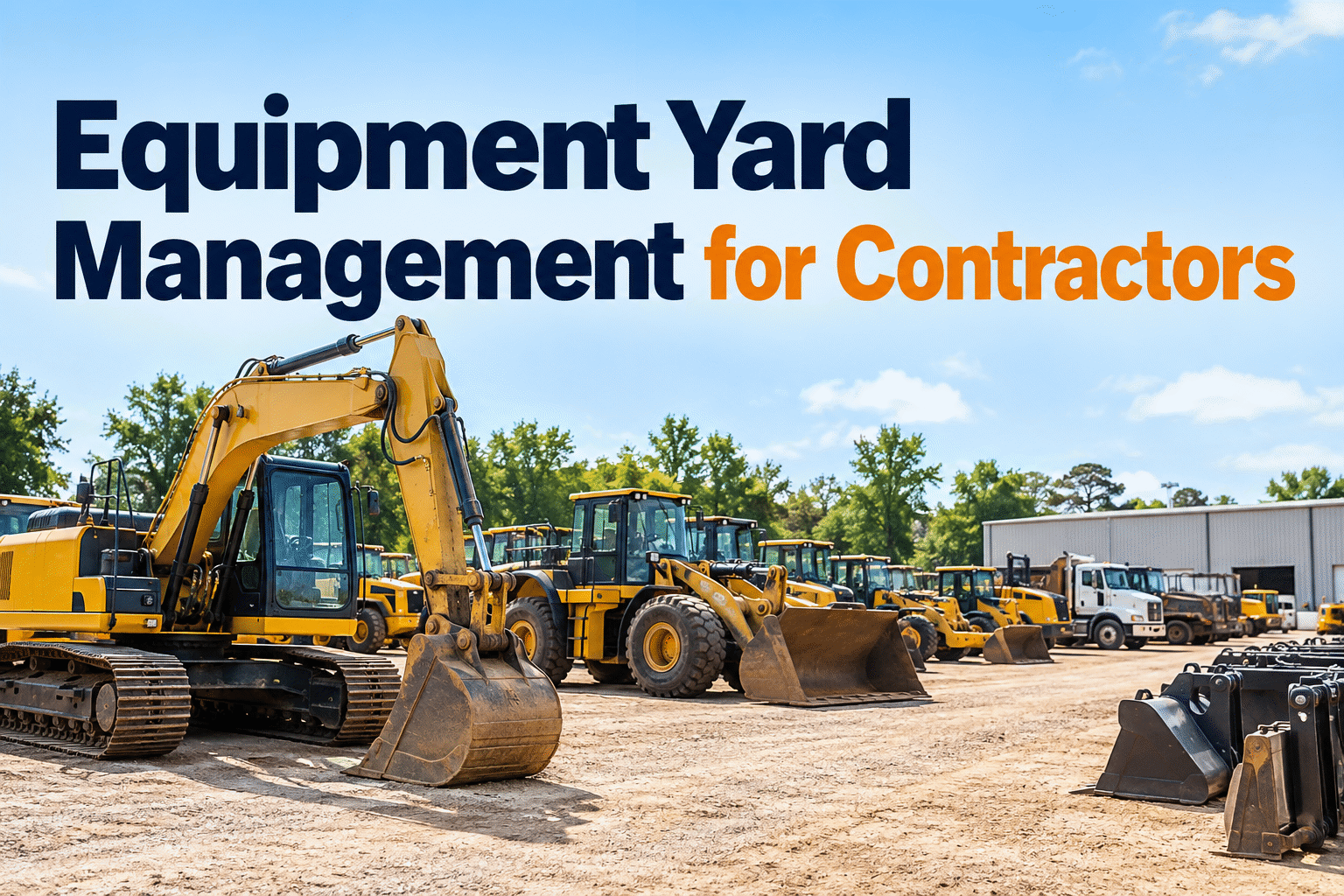
Rented equipment management becomes difficult when hired machines and owned assets move between the same jobsites. Rental return dates, condition photos, operating hours and maintenance responsibilities can easily get lost between dispatch, field teams and accounting. A shared equipment register and consistent inspection process help contractors avoid preventable charges and keep machines ready for work.
One fleet. Two ownership models. Zero missed handovers.
Coordinate rented equipment with owned machines without losing sight of inspections, rental deadlines, jobsite assignments or service history.
Why mixed ownership needs one operational view
Rental equipment may look like another machine on site, but it carries contract dates, return conditions and supplier obligations that owned equipment does not.
Manage through asset life
Schedule preventive maintenance, document repairs, review utilization and plan redeployment.
- Asset ID and service history
- Jobsite and responsible crew
- Next inspection or service
Manage through contract life
Keep the same operational checks, plus the details that control rental costs and return disputes.
- Supplier, contract and off-hire date
- Delivery and return condition evidence
- Service responsibility and hour limits
Practical next step: Book a demo to discuss managing equipment inspections and maintenance records in HVI.
Give every machine a clear status and next action
A shared register lets dispatchers compare availability without confusing ownership, contract obligations or maintenance holds.
| Equipment | Ownership | Assigned site | Readiness | Next action |
|---|---|---|---|---|
| EX-204Excavator | Owned | North cut | Ready | PM at 1,250 h |
| WL-18Wheel loader | Rented | Batching area | Check | Off-hire review Fri |
| DT-07Dump truck | Owned | West access | Hold | Brake inspection |
| LT-31Light tower | Rented | Night works | Ready | Return photos |
Illustrative register. Use confirmed contract dates, asset IDs and inspection findings from your own records.
Asset ID, type, ownership, location, custodian and current status.
Supplier, rental reference, due date, hour allowance and return process.
Meter reading, inspection findings, open repairs and service history.
Control the five moments when rental records matter most
Use a consistent handover process from delivery through final off-hire confirmation.
Receive
Match machine and attachments to the contract. Photograph existing damage and record the hour meter.
Assign
Record jobsite, operator or custodian and expected deployment window.
Inspect
Complete daily checks, flag defects and follow agreed maintenance responsibilities.
Off-hire
Confirm work is finished, review charges and request collection under contract terms.
Return
Document condition, hours, accessories and signed supplier confirmation.
Make handovers repeatable: Start free with HVI digital inspections to organize equipment condition records.
Keep rental handover evidence in one place
Use consistent equipment inspections and maintenance documentation to reduce uncertainty between delivery, use and return.
Prevent rental overruns with a visible off-hire runway
A return date is useful only when someone owns the decision before the machine becomes idle.
Confirm need
Ask the site supervisor whether the machine is still required and whether an owned asset can replace it.
Arrange return
Review supplier notice rules, transport availability and any pending defects.
Capture proof
Record final hours, photos, attachments and collection or receipt confirmation.
Contract check: Off-hire notices, minimum rental periods, hour limits, cleaning fees and damage responsibilities vary by supplier. Confirm terms before changing a rental status or authorizing repairs.
Separate daily care from repair authorization
Daily inspections apply to both ownership types. What changes is who approves the repair and who ultimately pays.
Stop and isolate
Take equipment out of service, notify the responsible manager and follow site safety procedures.
Assess and schedule
Record the condition, determine urgency and follow approved maintenance procedures.
Inspect
Capture condition, photos, meter and operator notes.
Coordinate
Assign the issue to your team or supplier as required.
Close out
Keep repair records and confirm return-to-service status.
See the maintenance handoff: Book a demo of HVI inspection and work-order workflows.
Make keep, move or return decisions with simple evidence
Equipment managers need more than a list of rented machines. Combine current assignment, expected use, rental cost and next return opportunity.
Keep on site
Work is scheduled, the machine is used regularly and rental terms remain competitive.
Action: confirm extension and next review date.Transfer
Another project needs the machine and transfer is permitted by the rental agreement.
Action: record handover, location and contract implications.Off-hire
The job is complete or the machine is idle without a credible near-term requirement.
Action: follow supplier notice and return evidence process.Operating hours ÷ available scheduled hours
Rental charges + delivery + approved extras
Open defects + next inspection + return obligations
Connect the machine record to inspections and maintenance
HVI can support equipment records, digital inspections and maintenance history for a mixed fleet. Keep supplier contracts, billing decisions and live tracking in the systems or procedures that actually manage them.
Equipment record
Identify machine, assignment and ownership using the fields available in your configuration.
Digital inspection
Document condition before dispatch, during use and at return.
Maintenance history
Track defects, planned service and documented repairs.
Want to assess your actual setup? Book a demo to review rented and owned equipment management in HVI or sign up to start organizing equipment inspections.
Put a mixed-fleet process in place in four weeks
Audit the register
List owned and rented equipment, active sites, suppliers and missing return dates.
Standardize handovers
Agree on delivery, daily and return inspection fields and photo requirements.
Assign ownership
Name the people who review defects, approve repairs and manage off-hire notices.
Review exceptions
Check idle rentals, overdue returns, open defects and missing handover evidence.
Rented equipment management FAQs
How do you manage rented and owned equipment together?
Use one asset register with an ownership field, equipment ID, current jobsite, responsible person and condition status. Add rental-specific dates, supplier contacts and return obligations without treating rented assets as company-owned.
What should a rental equipment check-in inspection include?
Record asset identification, hour meter, visible damage, tire or track condition, attachments, fluid leaks, safety devices and timestamped photographs. Compare findings with the supplier handover record.
Who is responsible for maintenance on rented equipment?
The rental agreement governs responsibility. Clarify who performs daily inspections, routine servicing, breakdown repairs and transport, then record approvals and communications before authorizing work.
How can contractors reduce late rental return costs?
Maintain expected off-hire dates, check whether equipment is still required, notify the supplier according to contract terms and retain confirmation of collection or return. Do not assume stopping use automatically stops billing.
Can HVI automatically track rental contracts and GPS locations?
Do not assume native contract automation or live GPS tracking. HVI can support equipment records, digital inspections and maintenance documentation; confirm rental-specific fields, integrations and workflows during a demo.
Make every equipment handover easier to manage
Bring owned and rented equipment inspections, maintenance actions and asset records into a more consistent workflow. Book an HVI demo to discuss your operation.