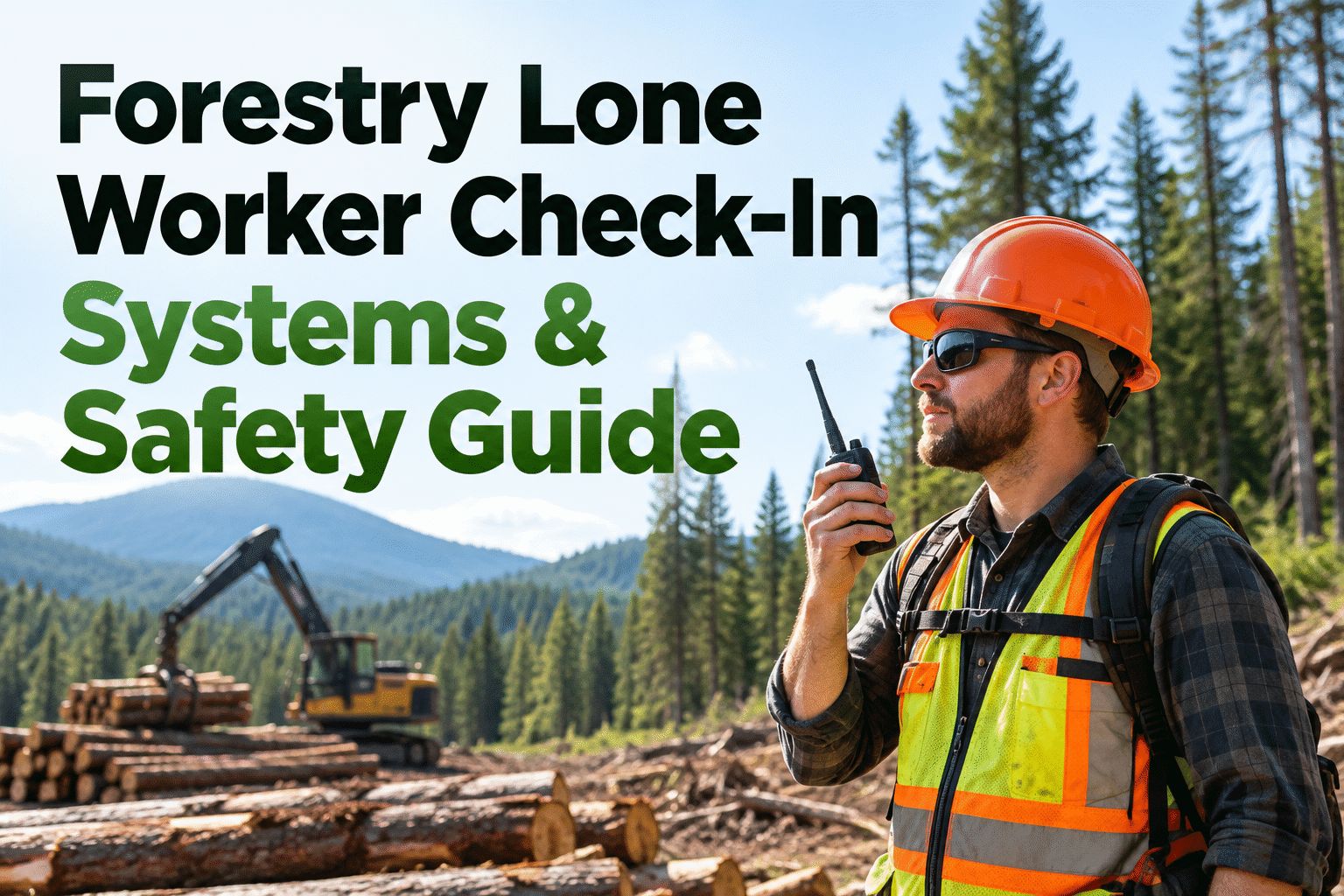
A lone worker check-in system gives forestry supervisors a dependable way to confirm that people working beyond immediate help are safe. Remote logging roads, patchy radio coverage and changing weather can turn a missed call into a serious uncertainty. This guide explains how to set check-in intervals, choose communication backups, respond to missed contacts and document equipment readiness before a worker heads out.
When the forest goes quiet, your response plan should already be clear.
A practical lone worker check-in program defines who calls, when they call, what information they share and exactly what happens when contact is missed. It should work even when the first communication method fails.
What is a lone worker check-in system?
A lone worker check-in system is a combination of communication tools, scheduled status confirmations, assigned supervisors and documented response actions. It can be as simple as a radio call and a paper log, or involve dedicated safety software and satellite devices. The important distinction is that a check-in procedure must produce a response when contact is missed—not merely record the last successful message.
In forestry, isolated tasks can include road assessment, boundary inspection, equipment checks, remote maintenance and site reconnaissance. Before assigning any task to one person, assess whether the work can safely be done alone. Some hazardous operations require additional personnel, specific communication arrangements or other safeguards under applicable rules and company procedures.
Supervisors should establish the worker's planned route, work zone, expected return time, communication channels and emergency access information. The program should also cover visitors, contractors and anyone who may be temporarily separated from a crew.
Build a check-in schedule that fits the risk
Check-in frequency should reflect the hazards of the specific task, isolation, travel time to assistance, communication reliability and the consequences of a delayed response. There is no single interval suitable for every forestry assignment. Set an explicit grace period and escalation trigger rather than relying on informal expectations.
Before work
Record worker, assigned task, location, planned route, equipment, contact method and next check-in time.
At agreed intervals
Worker confirms identity, location, wellbeing, conditions and whether the work plan has changed.
When plans change
Report delays, road closures, relocation, poor reception or changes in the expected return time.
At task completion
Confirm safe return or handover. Close the assignment so nobody assumes the worker remains in the field.
Missed check-in: who acts, and when?
A missed check-in should trigger a predefined response, not an improvised search. The following diagram is an example of a process to adapt to site conditions, local emergency arrangements and your own risk assessment. It does not prescribe universal response times.
Check-in overdue
Log the scheduled time and attempt contact on the primary channel.
Try backups
Use alternate radio, phone or satellite contact; check with nearby crews.
Notify response lead
Escalate per the site plan using the worker's last known location and route.
Activate emergency plan
Contact emergency services when indicated; coordinate a safe, controlled response.
For higher-risk tasks, the emergency plan may call for earlier escalation without waiting through repeated attempts. Supervisors should never send an unprepared worker into hazardous terrain as an ad hoc rescue. Keep the event log factual: time of missed contact, attempts made, decision-maker, notifications and outcome.
For equipment-related follow-up after an incident, book an HVI demo to see inspection and repair documentation.
Choose communication tools for the terrain
A lone worker monitoring system is only as dependable as its coverage and operating procedure. Verify reception along actual travel routes, work zones and low-lying areas; do not assume a coverage map represents conditions beneath a forest canopy or behind ridgelines.
Two-way radio
Useful for: local crews and established radio networks.
Plan for: dead zones, repeater outages, battery life and shared-channel congestion.
Mobile phone
Useful for: voice calls, messages and contact logs where coverage exists.
Plan for: weak signal, damaged devices, cold-weather battery performance and offline areas.
Satellite communicator
Useful for: remote zones with little or no terrestrial service.
Plan for: sky visibility, subscription status, device training and the limits of emergency features.
What every forestry check-in should communicate
Worker & location
- Worker name and crew assignment
- Current work zone or route marker
- Last known safe location
- Planned destination and return time
Condition & hazards
- Wellbeing and immediate assistance needs
- Weather, terrain or access changes
- Vehicle and equipment condition
- Next check-in time and contact channel
Emergency readiness
- Designated response lead and backup
- Site access and emergency meeting point
- Available first-aid and rescue resources
- Backup communication procedure
Keep the reporting format short enough to use consistently. A clear location reference and the next expected contact are more useful than lengthy free-text updates. Workers and supervisors should agree on plain-language emergency signals and test them during training.
Where HVI fits alongside dedicated worker safety tools
A lone worker check-in app or radio dispatch system handles person-to-person contact and emergency escalation. HVI serves a different but complementary purpose: organizing team information and the condition of vehicles and equipment supporting remote operations. Managers can review inspection findings and maintenance records when deciding whether a vehicle or machine is ready for deployment.
Worker communication & response
- Scheduled worker check-ins
- Missed-contact escalation
- Location and emergency communication
- Dispatch or rescue coordination
Use appropriately selected communications, personnel and safety systems.
Fleet readiness & maintenance
- Team member information
- Digital vehicle and equipment inspections
- Defect records and maintenance work orders
- Equipment service and repair history
Use HVI to support equipment readiness, not to replace worker monitoring.
Want to organize the machines used for remote crew travel? Start free with HVI equipment inspections.
Inspect the equipment before isolated assignments
Communication readiness matters, but so does the machine that carries a worker into the field. A preventable breakdown on a remote forest road can turn a routine assignment into an emergency response problem. Adapt pre-departure checks to the vehicle, manufacturer guidance, terrain and work activity.
Vehicle & access
Tires, brakes, lights, fuel, fluids, recovery equipment and roadworthiness.
Communications
Radio function, device charging, spare battery and verified backup method.
Emergency supplies
First-aid supplies, weather protection, water and task-appropriate emergency gear.
Defect resolution
Record failures, assess whether equipment is safe to use and assign corrective work.
For mechanical defects, HVI can support an inspection-to-work-order workflow and preserve service history. Communication-device checks and worker check-ins still require the appropriate dedicated procedure and responsible personnel. Book a demo of HVI maintenance work orders to see how defects can be followed through to repair.
Launch a forestry lone-worker program in four stages
Identify isolated work
Map solo tasks, hazards, road access, communication gaps and activities that should not be performed alone.
Write the response plan
Set check-in intervals, grace periods, backup contacts, escalation authority and emergency procedures.
Test with the crew
Practice normal contacts, failed radio coverage, overdue check-ins and supervisor handovers.
Review and improve
Review missed contacts, near misses, equipment breakdowns and changes in terrain or assignments.
Maintain training records, emergency contact information and periodic reviews. Where OSHA, state occupational safety rules or other jurisdiction-specific requirements apply, evaluate those obligations for the actual tasks and working arrangements. A documented procedure does not by itself establish compliance or make an unsafe solo task acceptable.
Forestry lone worker check-in FAQs
What is a lone worker check-in system?
It is a process for confirming the status of a worker operating without immediate assistance. It combines scheduled contacts, location and task information, named check-in recipients, backup communication and an escalation plan for missed contacts. A dedicated app may support the process, but technology alone is not a complete safety program.
How often should forestry lone workers check in?
Frequency depends on the task hazard, terrain, available communications, access to help and company risk assessment. Agree on the interval before the assignment, document the next expected contact and establish an escalation trigger. Higher-risk tasks may require closer supervision or may not be suitable for solo work.
What should happen when a worker misses a check-in?
Follow the pre-agreed escalation procedure: attempt contact using approved channels, notify the responsible lead, review last known location and route, and activate the emergency response plan when indicated. The plan should specify responsible people and response timing based on risk; do not rely on arbitrary universal grace periods.
Can radio or satellite devices replace a lone-worker policy?
No. Devices provide communication channels, but the organization still needs training, tested coverage, backups, check-in ownership, missed-contact escalation and emergency coordination. The choice of device should reflect the operating environment and its limitations.
Does HVI provide automatic lone-worker check-in alerts or GPS emergency dispatch?
This guide does not present HVI as a dedicated lone-worker monitoring or emergency dispatch solution. HVI supports team information, equipment inspections, defect documentation, work orders and maintenance histories. Use a separately verified worker communication and emergency response system for check-ins and missed-contact alerts.
Keep remote forestry equipment ready before crews head out.
Build a dependable lone-worker communication plan—and use HVI to organize the inspections, defects and repair histories of the equipment supporting those assignments.