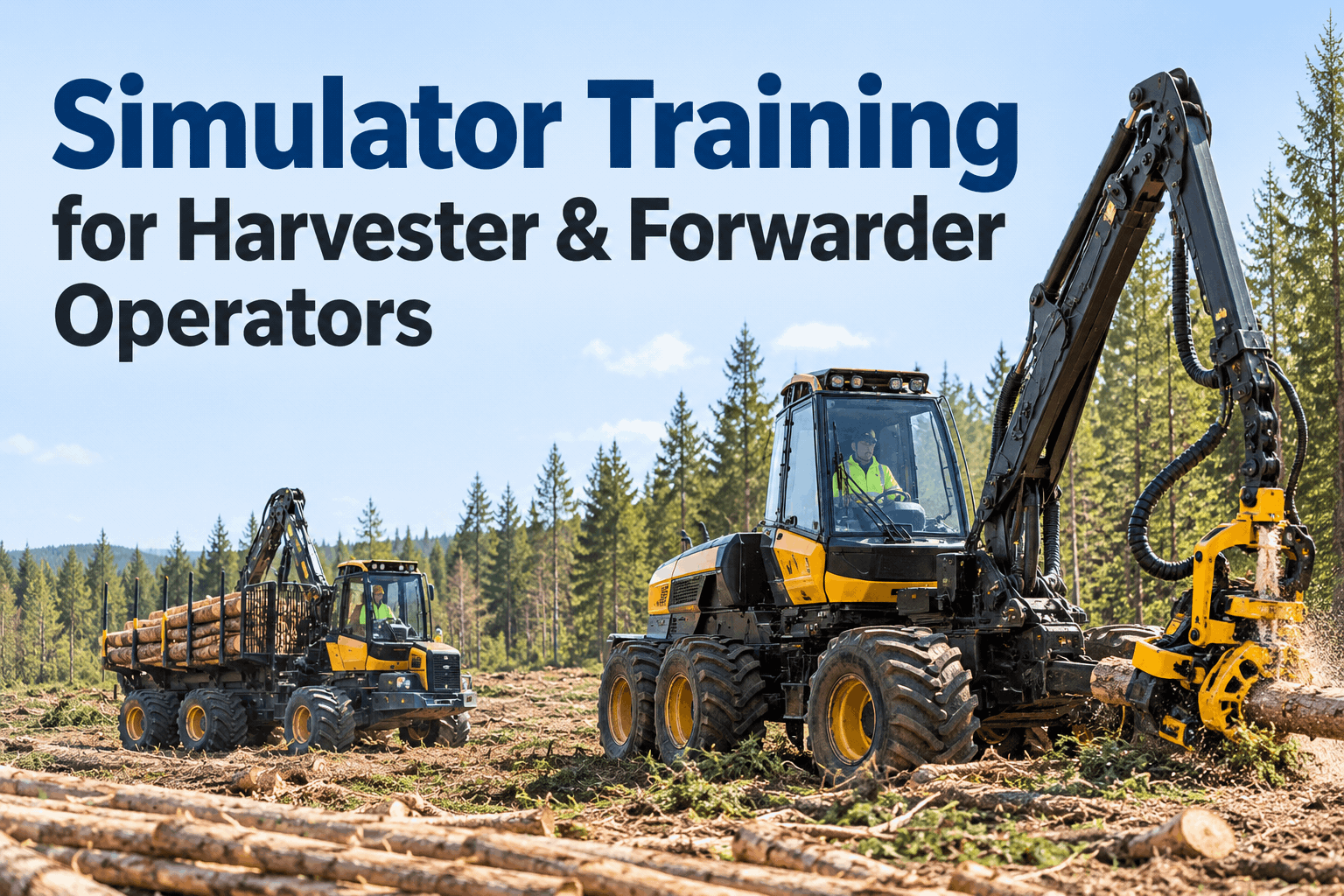
Harvester simulator training gives new forestry operators a place to practice boom movement, head positioning, cutting decisions and machine coordination before they enter a live harvest block. Forwarder simulators add another challenge: loading, stacking and moving timber efficiently without damaging the stand or the machine. A useful training program connects those exercises to supervised field practice, clear competency checks and well-maintained equipment. Sign up free to organize forestry equipment inspections with HVI.
Harvester Simulator Training: Build Skills Before the First Live Shift
Turn simulator practice into a safer, measurable onboarding path for harvester and forwarder operators—without treating virtual hours as a substitute for supervised field competency.
Why Simulator Training Matters in Mechanized LoggingPractice complex controls before adding terrain, production pressure and live hazards
Modern cut-to-length harvesting asks operators to coordinate machine movement, hydraulic controls, timber selection, processing quality and environmental constraints. Beginners may understand each control separately but struggle when several actions happen at once. A simulator provides repeatable scenarios so instructors can slow down a task, observe decisions and repeat difficult sequences without tying up a production machine.
Repeat difficult tasks
Practice head alignment, crane reach and log placement several times with consistent instructions and feedback.
Build procedural habits
Rehearse startup checks, operating boundaries, hazard recognition and stop-work decisions before field exposure.
Protect productive machine time
Reserve actual equipment for supervised field validation rather than using every hour for basic control familiarization.
Simulator performance is one part of the evidence, not a qualification by itself. Supervisors still need to verify practical competence under site-specific conditions, including slopes, visibility, ground bearing capacity, exclusion zones and emergency procedures.
Harvester vs Forwarder: Train for Different WorkOne simulator program, two distinct operator skill profiles
Harvester operators are primarily judged on accurate, controlled cutting and processing. Forwarder operators must move and load assortments safely while protecting machine stability and minimizing unnecessary travel. A shared training plan should recognize these differences rather than treating both roles as interchangeable.
Fell and process
Load and transport
Training content should match the OEM controls, machine configuration and site operating procedures. Operators switching between makes or models may need familiarization even if they have experience in the same machine category.
The Four-Gate Operator Training PathMake the transition from simulated practice to real harvesting explicit
A good program defines what must be demonstrated before a trainee advances. The four gates below are an example structure—not a universal certification standard. Adjust assessment criteria to the machine, jurisdiction and company training requirements.
Orientation
Controls, safety systems, basic machine behavior and operating limits.
Evidence: instructor walkthroughSimulator practice
Repeat controlled tasks, address errors and improve movement sequence.
Evidence: observed exercisesSupervised field
Operate on real equipment with qualified oversight and site controls.
Evidence: field observationAuthorization
Confirm task competence and company authorization before independent work.
Evidence: signed competency recordAt each gate, record the instructor, equipment type, date, observed gaps and required follow-up. If a trainee struggles with a specific control, assign another practice exercise rather than repeating the entire curriculum. The result is a more defensible handoff between training and operations.
A Practical Operator Competency ScorecardAssess observable behaviors, not just simulator hours
Time spent in a simulator is easy to count but weak as a standalone measure of skill. A better scorecard combines instructor observations with task completion, error recovery and the trainee's ability to explain decisions. Use the same criteria across comparable trainees, while adapting the actual task to each machine role.
Illustrative ratings show how a trainer might summarize observations; percentages are visual examples, not a validated scoring method.
For a harvester, observe how the operator approaches a stem, positions the head, manages the crane and maintains a safe working zone. For a forwarder, observe route choice, load stability, grapple movement and recovery from an unexpected obstacle. Document what happened and which action is required next.
Build a Simulator-to-Field Training ScheduleA sample onboarding sequence for new operators
Training duration varies with experience, machine type, simulator fidelity and site complexity. The example below illustrates a sequence rather than prescribing a fixed number of hours. Advance trainees when they demonstrate the required competence—not simply because a calendar milestone has passed.
Orientation, machine systems, controls and basic hazards.
Repeated boom, head, loading and route exercises with feedback.
Supervised practice on a suitable training area and actual equipment.
Document gaps, authorize tasks and review performance after deployment.
For experienced hires, focus simulator time on unfamiliar controls, software interfaces or machine behavior. For beginners, emphasize deliberate practice, short feedback cycles and progressively more complex scenarios. The schedule should also reserve equipment and instructor availability so trainees are not rushed into production to fill a staffing gap.
Operator Onboarding ChecklistWhat to confirm before moving from simulator to machine
Use this practical checklist during training reviews. These are planning prompts; they do not replace OEM manuals, formal safety requirements or your employer's operator authorization process.
Training preparation
- Operator role and target machine model identified
- Instructor or assessor assigned
- Site hazards and operating procedures reviewed
- Simulator controls and scenario settings confirmed
Skills demonstrated
- Basic controls performed smoothly and deliberately
- Machine stability and exclusion zones understood
- Errors recognized and corrected safely
- Harvester or forwarder task sequence observed
Field-readiness gate
- Suitable machine and supervised area selected
- Equipment inspection and service status reviewed
- Communication and stop-work rules confirmed
- Field assessment criteria agreed in advance
Records and follow-up
- Competency observations documented
- Remaining skill gaps assigned for practice
- Supervisor authorization recorded where required
- Post-deployment coaching date planned
An operator's training checklist and a machine's maintenance checklist are separate records. Keep both accessible so supervisors can confirm the person is prepared and the equipment is fit for the planned activity.
Keep Training Machines Ready for Supervised PracticeEquipment availability is part of the onboarding plan
Training programs can stall when a harvester or forwarder is unavailable for the field portion. A trainee may finish simulator exercises but wait for a machine that is undergoing repairs, overdue for preventive maintenance or already committed to production. Align training schedules with fleet availability and the inspection process.
Record the model, configuration, worksite and planned training use.
Check open defects, inspections, service intervals and repair history.
Complete required repairs and confirm release under site procedures.
Coordinate instructor, operator and machine availability.
HVI can support the equipment side of this workflow through asset records, inspections and preventive maintenance history. Book a demo to explore forestry equipment maintenance records and discuss how your team organizes machine readiness.
Measure Training Outcomes Without Overclaiming ResultsUse practical leading and lagging indicators
Simulator vendors may report exercise scores, task times or movement efficiency. These measures are useful inside a training program, but they should not be mistaken for guaranteed field productivity. Weather, timber size, terrain, machine setup and crew coordination all influence actual output.
Compare repeated exercises using the same scenario and scoring method.
Track how long trainees need before supervised assessment and authorization.
Count recurring errors and the exercises used to correct them.
Review inspection findings and maintenance delays affecting field sessions.
Keep assessment records descriptive: the task, observed behavior, assessor and decision. A short written explanation is often more useful than a single composite score. Use trends to improve training scenarios and instructor feedback, not to make unsupported claims about incident reduction or production gains.
How HVI Fits Alongside Forestry Simulator TrainingSeparate operator competency tools from equipment management
A forestry simulator teaches and assesses operator actions within simulated scenarios. HVI addresses a different operational need: keeping equipment records and maintenance activities organized. When the two processes are coordinated by the training manager, the transition from virtual exercises to supervised field operation becomes easier to plan.
Training system responsibilities
Scenario design, instructor feedback, simulator performance and operator competency decisions remain with training tools and qualified supervisors.
HVI-supported equipment workflow
Equipment asset records, digital inspections, preventive maintenance schedules and service history help staff review which machines may be suitable for scheduled field practice.
Do not assume simulator scores automatically flow into HVI or that HVI issues operator certification. Use your established training records and authorization process, while managing machine readiness through the fleet maintenance workflow. Sign up free to start organizing forestry equipment maintenance.
Harvester and Forwarder Simulator Training FAQsCommon questions from forestry training and fleet teams
What is harvester simulator training?
It is a structured way to practice harvester controls, boom positioning, processing sequences and operational decisions in a simulated environment before supervised work on a real machine. It complements, rather than replaces, field assessment.
How is forwarder simulator training different?
Forwarder exercises emphasize grapple handling, load placement, machine stability, travel routes and timber transport cycles. Harvester exercises emphasize felling, head positioning, stem processing and machine placement.
Can simulator training certify a forestry operator?
Simulator completion alone should not be treated as operator authorization. Competency requirements depend on local rules, employer procedures, equipment and the tasks performed. Qualified personnel should assess field performance.
Which KPIs help evaluate a forestry simulator program?
Useful measures include repeat-exercise progress, recurring errors, time to supervised field readiness, instructor observations and post-training coaching needs. Interpret productivity comparisons cautiously because field conditions vary.
How does HVI support forestry operator onboarding?
HVI supports the equipment side of onboarding with asset information, inspections, preventive maintenance and maintenance records. It is not a forestry simulator or an automated operator certification system.