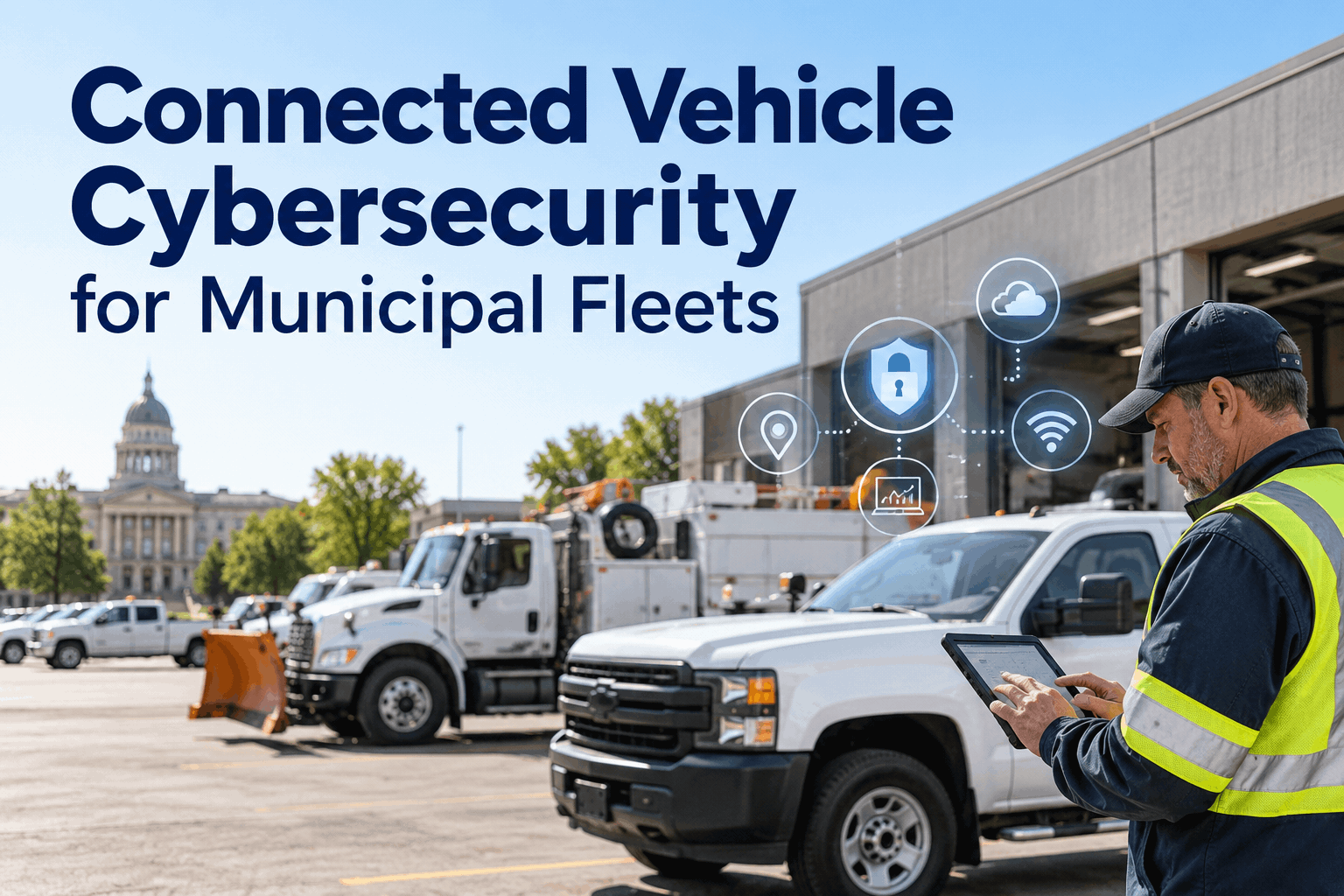
Connected vehicles can help municipal fleets coordinate operations, but every telematics unit, mobile login and data connection also creates a security responsibility. A practical connected vehicle cybersecurity program starts with knowing which systems are connected, who can access them and what happens when a device or account is compromised. This guide gives government IT and fleet teams a shared checklist for reducing exposure without interrupting essential services.
Connected Vehicle Cybersecurity: Protect the Fleet, the Data and the Mission
From a GPS device in a public works truck to a technician's fleet-management login, connected operations cross several trust boundaries. Map them, assign ownership and respond before a small issue becomes a fleet-wide disruption.
Where Connected Fleet Risk Entersfour entry points to include in a municipal fleet assessment
Connected vehicle cybersecurity is not limited to the vehicle itself. Exposure can arise from devices, cloud accounts, vendor connections and operational workflows. Prioritize the paths that can affect public services, sensitive location data or vehicle availability.
Telematics hardware
Untracked devices, insecure installation, old firmware and unmanaged replacement units can create blind spots.
Control: device inventory + update ownershipAccounts and permissions
Shared passwords, stale contractor accounts and excessive privileges can expose fleet data.
Control: unique accounts + least privilegeExternal connections
Telematics platforms, integrations and remote support extend the number of parties handling fleet information.
Control: vendor review + contract requirementsMobile and export paths
Lost phones, unmanaged tablets and broadly shared location exports can undermine otherwise sound systems.
Control: managed access + data handling rulesKeep the distinction clear: a vulnerability in a telematics account is not automatically a compromise of vehicle controls. Assess each connection based on its actual capabilities, network boundaries and vendor architecture.
Map the Trust Boundariesa practical architecture view for fleet and IT teams
Vehicle and edge
GPS units, gateways, onboard interfaces, installed firmware
Inventory device IDs, installation locations and update proceduresNetwork and vendors
Cellular transport, APIs, provider access, remote support
Review encryption, integration scope and vendor incident contactsGovernment operations
Fleet accounts, reporting, exports, dispatch and maintenance records
Apply role permissions, retention rules and access reviewsFor each boundary, document the data that moves across it, the responsible owner and the fallback process if connectivity fails. Do not assume that any one fleet platform secures the entire chain.
A Risk-Based Control Matrixmatch the problem to a specific owner and action
| Scenario | Impact to assess | First control | Owner |
|---|---|---|---|
| Lost maintenance tablet | Unauthorized record access | Revoke sessions; device management | IT + fleet |
| Former vendor account active | Unnecessary third-party access | Disable account; quarterly review | System owner |
| Outdated telematics firmware | Device vulnerability exposure | Vendor-approved update plan | Telematics lead |
| Uncontrolled location export | Privacy and operational exposure | Restrict exports; define retention | Records + IT |
| Telematics service outage | Loss of visibility, not necessarily vehicle control | Offline dispatch and inspection process | Fleet operations |
Illustrative assessment framework. Local regulations, vehicle configurations and agency policy determine actual requirements.
The Municipal Fleet Security Checklistten operational questions to take into your next IT–fleet meeting
Know what is connected
- Maintain a register of installed telematics and GPS devices.
- Record provider, firmware owner, support contact and vehicle assignment.
- Document data flows, integrations and approved exports.
Control who gets access
- Use individual accounts and MFA where supported.
- Remove access when employees or vendors leave.
- Review privileged access and data retention regularly.
Prepare for disruption
- Set a process for vulnerability notices and firmware updates.
- Define lost-device and suspicious-login response steps.
- Test offline inspection, dispatch and repair documentation.
- Identify incident reporting and evidence preservation owners.
Use a documented policy for exceptions and overdue actions. A completed checklist is not proof of security; recurring review and testing matter more than one-time sign-off.
A Fleet-Specific Incident Response Pathillustrative first-response sequence for a suspected connected-system incident
Recognize
Flag abnormal logins, unexpected device changes or unexplained data exports.
Contain
Coordinate with IT and the vendor to isolate affected access without disrupting safety-critical operations.
Preserve
Retain timestamps, relevant logs, device identifiers and a clear action record.
Restore
Validate access, updates and service readiness before normal use resumes.
Incident response must follow agency policy and applicable reporting duties. Vehicle operation or repair authorization belongs to qualified personnel following site procedures—not to an illustrative diagram.
Where HVI Fits—and Where It Does Notfleet recordkeeping complements cybersecurity controls
Operational workflows to evaluate in HVI
- Maintain a consistent vehicle and equipment inventory.
- Capture inspection findings and maintenance follow-up.
- Organize repair history and service documentation.
- Review fleet records and reporting needs.
Security capabilities to verify with HVI
- Authentication options and account permission model
- Data hosting location, encryption and retention
- Audit logs, exports and incident notification terms
- Integration boundaries and third-party assessments
HVI should not be described as an intrusion detection platform, vehicle ECU security tool or a certified cybersecurity solution. Ask for current vendor documentation and a demonstration of the controls your procurement team needs. Book a Demo to review HVI fleet data workflows.
A 30-Day Starting Plana manageable first pass for municipal IT and fleet leadership
Inventory
List devices, vehicles, apps, accounts and vendors.
Assess
Rank exposed data and operational dependencies.
Control
Close stale access, clarify updates and restrict exports.
Exercise
Test incident contacts, fallback processes and reporting.
Start with high-consequence systems and critical public services. Track exceptions with owners and review dates rather than treating the roadmap as a one-time compliance certificate.
Connected Vehicle Cybersecurity FAQsanswers for municipal fleet and IT decision-makers
What is connected vehicle cybersecurity?
It is the protection of connected vehicle devices, networks, accounts and the data they exchange. For municipal fleets, this includes telematics hardware, vendor portals, mobile access and operational response planning.
What are the biggest municipal fleet telematics security risks?
Common risk areas include unmanaged devices, outdated firmware, compromised accounts, excessive third-party permissions, exposed location data and weak outage planning. The actual risk depends on the system architecture and access granted.
Can a telematics cyberattack take control of a vehicle?
Not every telematics product can interact with vehicle control systems. The possibility depends on the hardware, interfaces, permissions and network separation. Agencies should ask vendors for a system-specific architecture and security assessment.
What should government buyers ask fleet software vendors?
Ask about identity controls, encryption, hosting, retention, logging, incident notification, integrations, data exports and independent security evidence. Obtain current documentation rather than assuming a product holds any particular certification.
Does HVI replace a connected vehicle cybersecurity platform?
No. HVI is positioned here for fleet asset, inspection and maintenance record workflows. Vehicle device security, network defense and incident detection require dedicated controls and qualified IT/security oversight.
Bring fleet operations and IT to the same table
Review how HVI organizes inspections, maintenance records and asset information—and bring your agency's cybersecurity checklist to the demo so the right technical questions get answered.