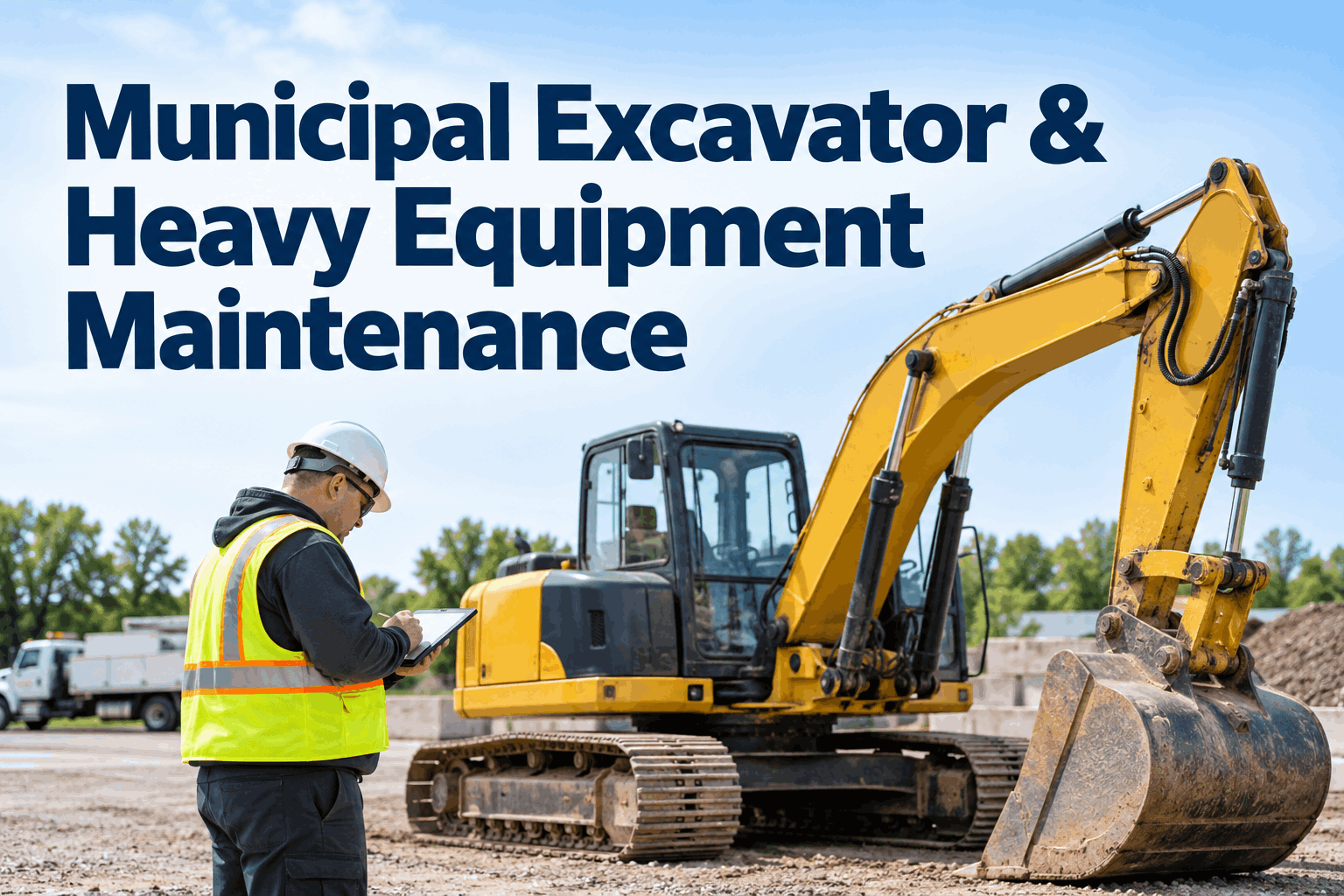
When a municipal excavator leaves a drainage project for an emergency water-main repair, its service hours keep climbing even if the maintenance log stays with the original department. Municipal excavator maintenance works best when operators record machine condition, supervisors monitor engine hours, and the shop can see every open defect before equipment moves to the next job. This guide explains how to build that system without relying on guesswork or calendar reminders alone.
Keep municipal excavators ready for the next job—not the next breakdown.
Connect hour-meter readings, pre-use inspections, preventive maintenance and repair history across departments.
Why heavy equipment needs a different maintenance rhythm
Unlike road vehicles, excavators accumulate wear primarily through working hours, load cycles, ground conditions and attachment use. A machine may sit idle for weeks and then work long shifts during a storm response. Calendar-only reminders can miss those changes. A sound municipal heavy equipment maintenance program combines hour-based service, time-based inspections and condition-based intervention.
Hours tell you when
Use engine-hour readings to trigger manufacturer-specified lubrication, filter and fluid service. Record readings consistently, especially when equipment changes departments.
Inspections tell you what
Pre-use checks surface leaks, damaged guards, loose pins, track wear and safety concerns that cannot wait for the next planned service.
History tells you why
Link repeat defects, work orders, labor, parts and downtime to the individual machine so repair decisions use evidence rather than memory.
Public works teams can connect these records through a demo of HVI's equipment maintenance workflows, while still following each manufacturer's service instructions and their agency's safety procedures.
Build a preventive maintenance schedule around actual machine use
Start with the exact make, model, serial number, engine configuration and OEM manual. Then define the hour-meter source, inspection frequency, PM thresholds and the person responsible for confirming completion. The intervals below are planning examples, not universal manufacturer requirements.
Walkaround and functional checks
Inspect visible leaks, undercarriage, access steps, lights, backup alarms where fitted, cab controls, attachments and work-area hazards. Report unsafe conditions immediately.
Lubrication and wear points
Review grease points, bucket linkage, pins, bushings, hose routing and track condition. Use the OEM lubrication chart and account for dusty, wet or severe-duty service.
Fluids, filters and systems
Schedule manufacturer-directed engine, hydraulic, fuel and cooling-system tasks. Include contamination checks and documentation of replaced parts.
Condition review and overhaul planning
Trend undercarriage wear, hydraulic performance, structural cracks and recurring faults. Reserve shop capacity and parts ahead of major service.
See how HVI can organize hour-based maintenance.
Bring equipment inspections, service tasks and repair records into a shared fleet workflow.
A practical excavator inspection checklist for public works
A digital inspection should capture the machine ID, operator, date, hour-meter reading, defect description and supporting photographs. Supervisors should also know which findings require immediate removal from service under applicable safety rules and agency policy. This checklist is a starting point to adapt to the equipment manual and site conditions.
Hoses, cylinders, fittings, visible leaks, abrasion, unusual motion or noise
Photo + defect locationTrack tension and condition, rollers, sprockets, debris and visible damage
Wear observationTeeth, cutting edges, retaining hardware, pins, bushings and attachment locking
Attachment IDSeat belt, access, glazing, controls, alarms, guards and operator visibility
Pass/fail + notesFluid levels per OEM procedure, leaks, cooling airflow and warning indicators
Meter readingVisible cracks, loose hardware, unusual movement and swing-area hazards
Location + photoThe inspection form should lead to an accountable response—not just a saved PDF. See how to connect field findings with maintenance follow-up by booking a demo of digital equipment inspections.
Make each reported defect traceable to a repair decision
Excavator defects vary in urgency. A damaged hydraulic hose near a moving joint may require immediate isolation and qualified assessment; cosmetic damage may be suitable for planned repair. Never let a software-generated priority override the operator's stop-work duty, technician judgment, manufacturer instructions or applicable requirements.
Capture
Operator reports defect, machine hours and evidence.
Assess
Supervisor or qualified technician evaluates safety and use restrictions.
Repair
Work order records labor, parts, fault cause and corrective work.
Verify
Authorized staff confirm resolution and return-to-service status.
A shared excavator develops a recurring hydraulic leak
Drainage crew reports oil residue around a boom hose and attaches a photo.
Maintenance inspects, determines operating restrictions and opens a repair work order.
Technician documents replacement and testing; supervisor verifies closure before reassignment.
Because the inspection, repair and approval reference the same equipment record, the next department can see the resolved issue and service history.
Prevent maintenance gaps when equipment moves between departments
Municipal excavators may rotate among streets, utilities, parks and emergency response crews. A central equipment record helps everyone see the latest inspection, meter reading, service due status and open restrictions. It also supports more accurate utilization and replacement planning.
Set a simple handoff rule: the receiving department confirms the equipment ID, current condition, hours and any restrictions before use. The issuing department logs new defects before the machine leaves the job. For teams moving away from paper, sign up to explore HVI's fleet record workflows.
Track maintenance performance without misleading comparisons
A single expensive repair does not automatically make an excavator a poor asset. Compare costs against hours worked, age, severity of duty and availability requirements. A newer machine doing high-impact demolition should not be judged by the same assumptions as an older machine used for light landscaping.
Maintenance cost / hour
Maintenance spending divided by verified operating hours over the same period.
Unplanned downtime
Hours unavailable due to unexpected failures, with a consistent reporting definition.
PM completion
Required PM tasks completed within your approved due window.
Repeat defect rate
Repeated failures by system or component, reviewed for root cause.
Record technician hours, parts, vendor invoices and equipment downtime against the asset. Then review patterns monthly. Use the findings to refine service plans, order high-use parts and decide whether repeated repairs justify further engineering review or replacement analysis. Book a demo to discuss fleet maintenance reporting.
A realistic 30-day rollout for a municipal equipment team
Inventory and standards
Confirm machine IDs, models, manuals, meter readings, department ownership and required safety checks.
Configure inspections
Adapt OEM and agency checklists, assign reviewers and establish defect escalation and stop-use rules.
Build PM and repair records
Enter service intervals, current hours, open work orders and critical parts requirements.
Review and improve
Audit sample records, correct missing meter readings and coach operators on consistent reporting.
Bring inspections, PM and repair history into one operational view
HVI supports digital inspections, maintenance scheduling, work orders and equipment history. For municipal teams, the practical value is a consistent process: capture condition in the field, schedule work against machine usage, document the repair and review asset-level trends. Confirm your exact hour-meter, integration and reporting needs during a product walkthrough.
Digital inspections
Standardize condition checks and retain operator notes and evidence with the equipment record.
Preventive maintenance
Plan servicing around appropriate intervals and track completed maintenance tasks.
Work orders
Connect defects to corrective work, parts, technician activity and closure status.
Fleet reporting
Review service history, recurring issues and cost patterns to support decisions.
For a closer look at your own equipment workflow, book an HVI demo for municipal heavy equipment maintenance.
Municipal excavator maintenance FAQs
How often should a municipal excavator be serviced?
Follow the manufacturer's schedule for the specific machine, considering engine hours, calendar limits and severe-duty conditions. Use pre-use checks and condition findings to trigger earlier review when necessary. Do not assume a generic 250-hour or 500-hour interval applies to every model.
What belongs on an excavator daily inspection checklist?
Typical items include fluid leaks, hydraulics, tracks, attachment security, pins, bushings, access and cab safety equipment, alarms and warning indicators. Adapt the checklist to the OEM manual, jobsite hazards and agency procedures, and record defects and machine hours.
Why are engine hours more useful than mileage for excavators?
Excavators can perform substantial work while traveling very little. Engine hours are commonly used for service scheduling, but load, duty cycle, environment and condition also affect wear. The OEM manual remains the controlling reference.
How should a municipality manage excavators shared by several departments?
Use a unique equipment ID and centralized inspection, hour-meter, PM and work-order records. Require condition and restriction checks at each handoff and identify who is responsible for reviewing defects and approving return to service.
Can fleet software help reduce excavator downtime?
Software can improve visibility into inspections, due maintenance, open defects and repeat repairs. Actual downtime outcomes depend on data quality, timely decisions, technician capacity, parts availability and the agency's maintenance practices.
Make municipal excavator maintenance easier to manage.
Explore how HVI connects inspections, hour-based maintenance planning, work orders and equipment history.