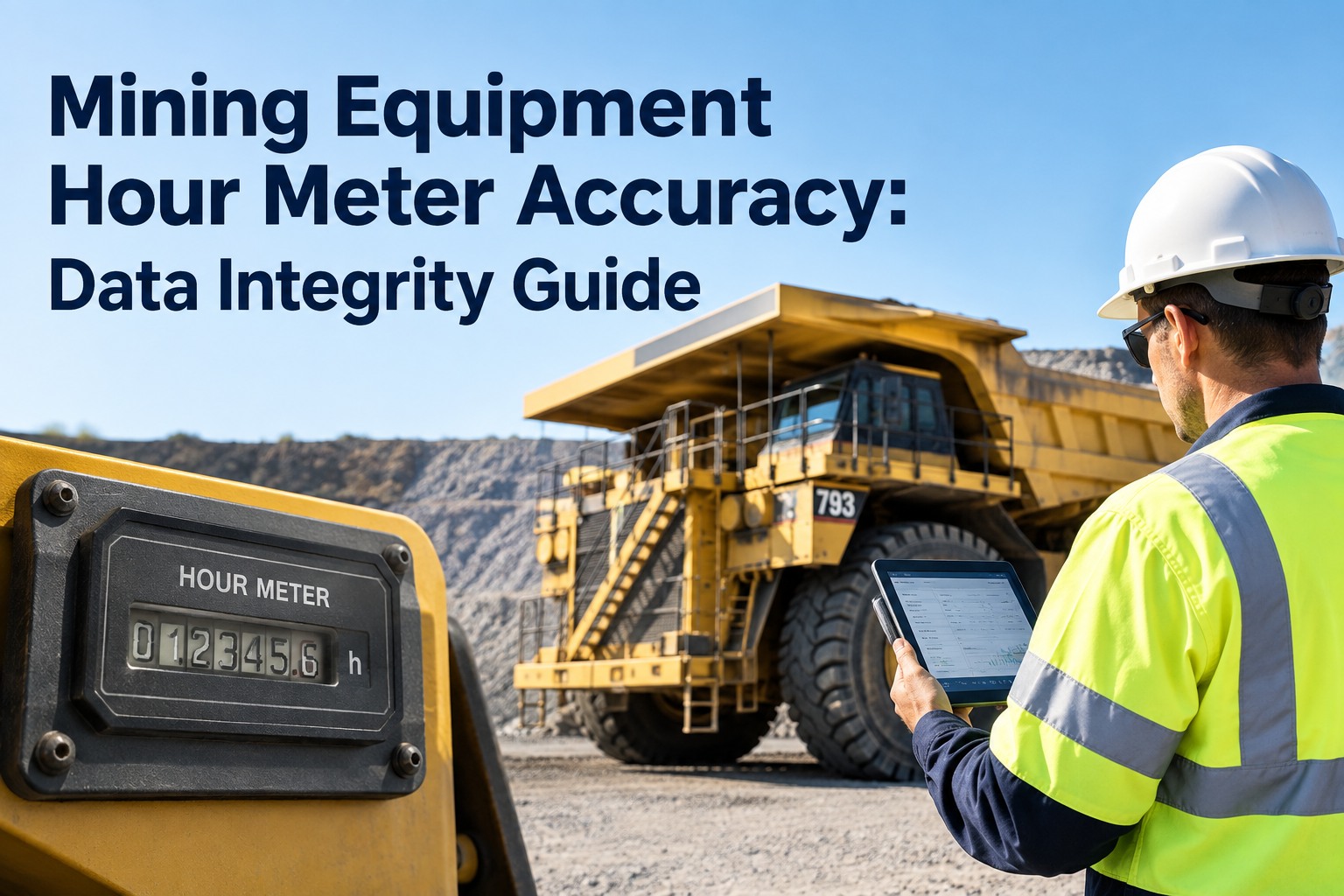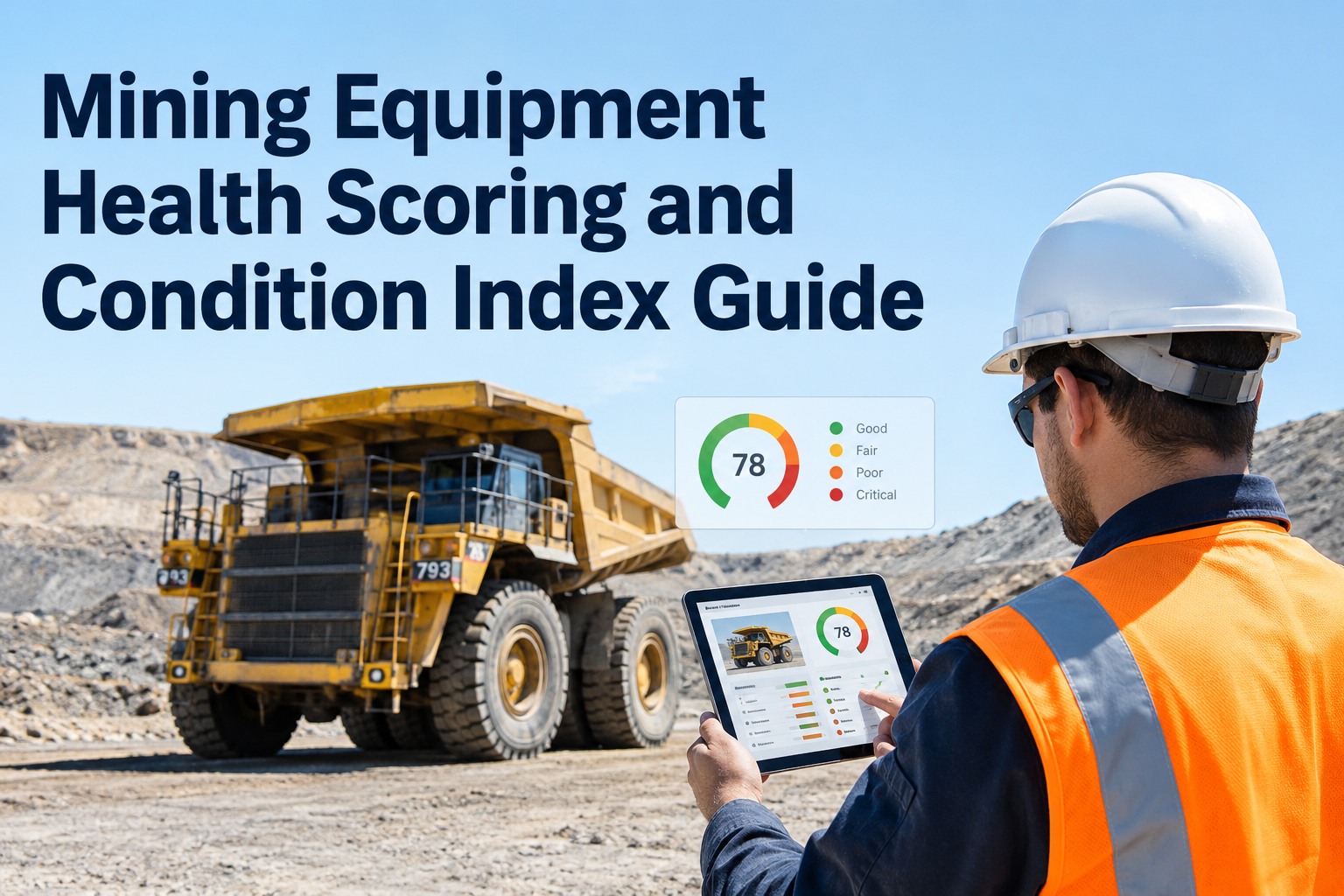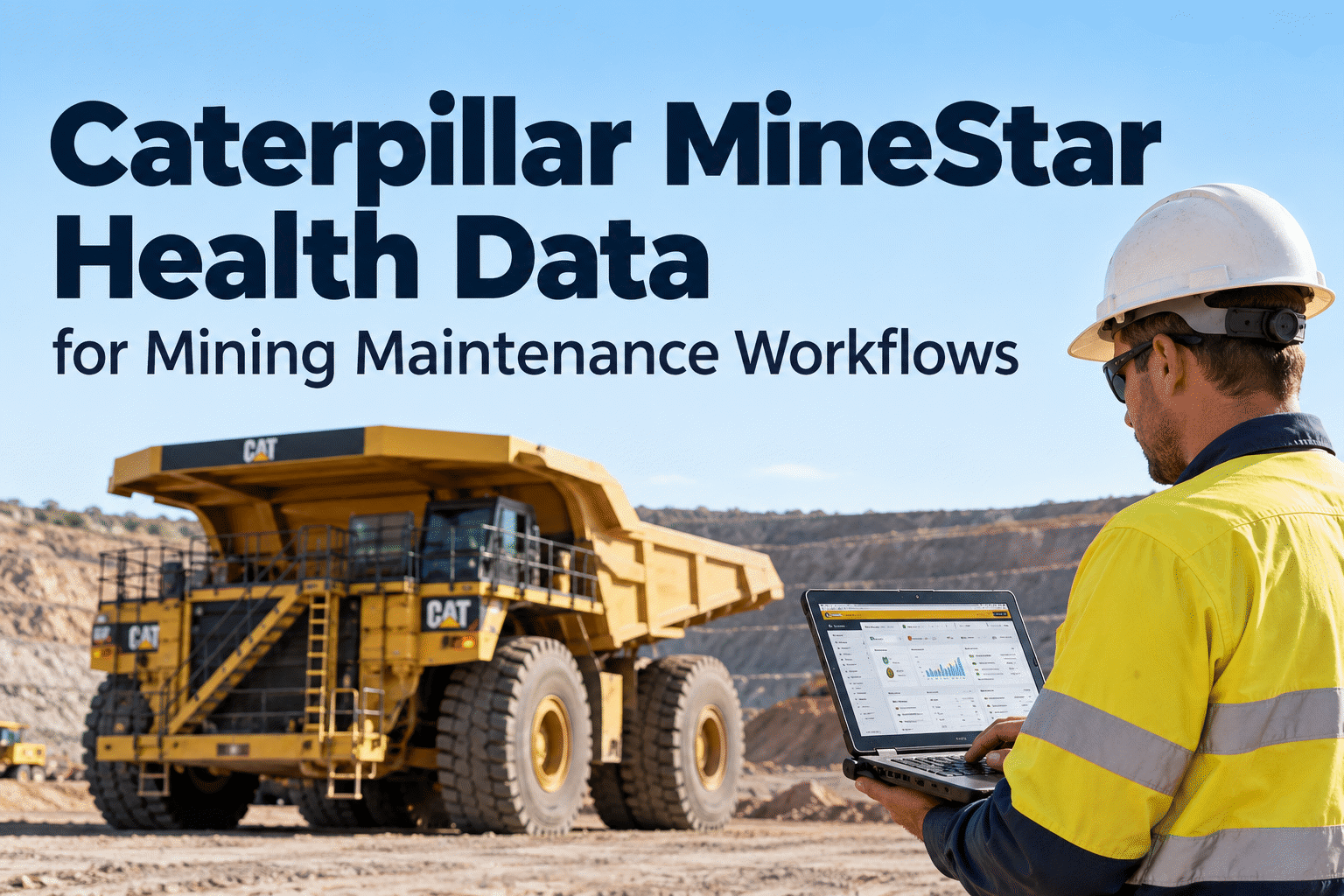
Cat MineStar Health can help mining maintenance teams interpret equipment condition, events and developing reliability risks. The difficult part is deciding which signals need immediate attention, which need inspection and how to document the repair. This guide connects MineStar Health data reviews with practical maintenance planning, work orders and equipment history without assuming that every mine has the same data access or integrations.
From MineStar Health signals to maintenance decisions that stick.
Spot the important condition changes. Give the right issue to the right team. Preserve the evidence behind every completed repair.
MineStar Health is the signal source—not the repair itself.
Caterpillar's MineStar Health offering helps mines analyze equipment condition and maintenance-relevant information. Depending on the deployed solution, hardware, permissions and fleet configuration, teams may review diagnostic events, operating information, machine health trends and related reports.
Products and terminology—including MineStar Health, Equipment Insights, Health Office, VIMS and Product Link—should not be treated as interchangeable. Confirm the exact capabilities, supported machines and access arrangements for your site.
The maintenance question is more specific: what needs attention, how soon, and what evidence closes the loop? Book an HVI demo to discuss equipment inspections and work-order documentation alongside your OEM information.
Give each health signal the right response.
A severity label is not a diagnosis. Use OEM guidance, operating conditions and qualified maintenance judgment to determine the action.
Stop, secure and assess
For a condition presenting immediate danger, follow site stop-work and isolation procedures. Qualified personnel assess before return to service.
Arrange prompt inspection
Investigate repeated or escalating events with potential reliability impact. Record findings and assign repair priority.
Combine with service window
Review nonurgent patterns and schedule preventive work using verified machine hours and OEM recommendations.
Track the trend
Monitor low-confidence or isolated observations while checking data quality and field conditions.
Illustrative decision categories only; they do not replace Caterpillar fault severity definitions or your mine's safety procedures.
Five handoffs between an alert and a verified repair
The handoffs matter more than the number of charts on the monitoring screen.
Detect
Review machine health signals, timestamps and asset identity.
Diagnose
Validate the event and inspect the physical equipment.
Prioritize
Assess safety, production impact and service urgency.
Repair
Assign work, capture parts and document technician findings.
Verify
Confirm resolution and watch for repeated symptoms.
A repeated hydraulic event on a haul truck
Imagine an illustrative fleet truck showing repeated hydraulic-system events over several shifts. The reliability team first checks the machine identifier, event definitions and transmission time. A technician then inspects the system under approved safety procedures.
If the inspection identifies a repairable defect, the team records the finding, schedules the work and checks whether the same event recurs after the truck returns to service. The OEM data helped prioritize the investigation; the maintenance history preserves what happened.
Book a demo to see how HVI can support defect documentation and work orders.
Keep a maintenance record behind every important machine event.
Connect inspections, PM schedules and work orders to the equipment history your team relies on.
How MineStar Health information can inform HVI workflows
A practical architecture must separate what the OEM system supplies from what the maintenance team records.
Cat MineStar Health
Available equipment health data, diagnostic events, operating context and trends.
HVI
Document inspections, scheduled service, assigned repairs and completed work.
Different mining assets need different health reviews.
Haul trucks
Review operating hours, repeat events, braking and powertrain-related observations in the context of duty cycle.
Maintenance focus: safe haulage availabilityHydraulic shovels
Consider hydraulic-system condition, component history, production demands and the impact of planned downtime.
Maintenance focus: high-impact componentsSupport equipment
Verify available OEM fields and align service intervals with actual machine utilization and site needs.
Maintenance focus: consistent PM coverageSeven questions to answer before connecting systems
1. Which MineStar Health products and data feeds are licensed at this mine?
2. Which equipment models and controllers supply the required fields?
3. Who owns access, permissions and data-sharing approvals?
4. How are timestamps, machine IDs and operating-hour counters mapped?
5. What happens when connectivity delays underground or remote transmissions?
6. Who validates an alert before it becomes a maintenance task?
7. How will the team confirm completed repairs and prevent duplicate records?
Prove the workflow with a small machine group.
Inventory data access
Identify machines, OEM data availability and asset IDs.
Define priority rules
Agree on review frequency, escalation and technician ownership.
Document actions
Record inspections, PM and repair outcomes consistently.
Review results
Check repeat events, PM completion and turnaround times.
Make condition information useful beyond the monitoring screen.
Discuss how HVI can support equipment inspections, preventive maintenance and repair records alongside your existing OEM systems.
Cat MineStar Health and mining maintenance
What is Cat MineStar Health used for?
Cat MineStar Health helps mining teams review available machine health and condition information to support equipment monitoring and maintenance decisions. Exact tools, fields and reporting capabilities depend on the deployed offering and fleet configuration.
Can MineStar Health events automatically create HVI work orders?
Do not assume an automatic connection. A native MineStar–HVI integration or automatic work-order creation would need to be confirmed with the providers. HVI can be used to document maintenance work identified through a validated review process.
Which MineStar Health data is useful for preventive maintenance?
Verified operating hours, diagnostic events, condition trends and relevant OEM guidance can inform PM planning. Technicians should validate the readings and use the correct service requirements for each machine.
How should a mine prioritize equipment health alerts?
Assess immediate safety risk first, followed by severity, repeat frequency, operating context and production impact. Follow site safety rules and OEM instructions; alerts should not replace inspection or diagnosis by qualified personnel.
What should be documented after a MineStar-related repair?
Record the asset, observation date, relevant event context, inspection findings, work order, labor and parts used, corrective action, return-to-service decision and follow-up review. These records make repeat issues easier to investigate.