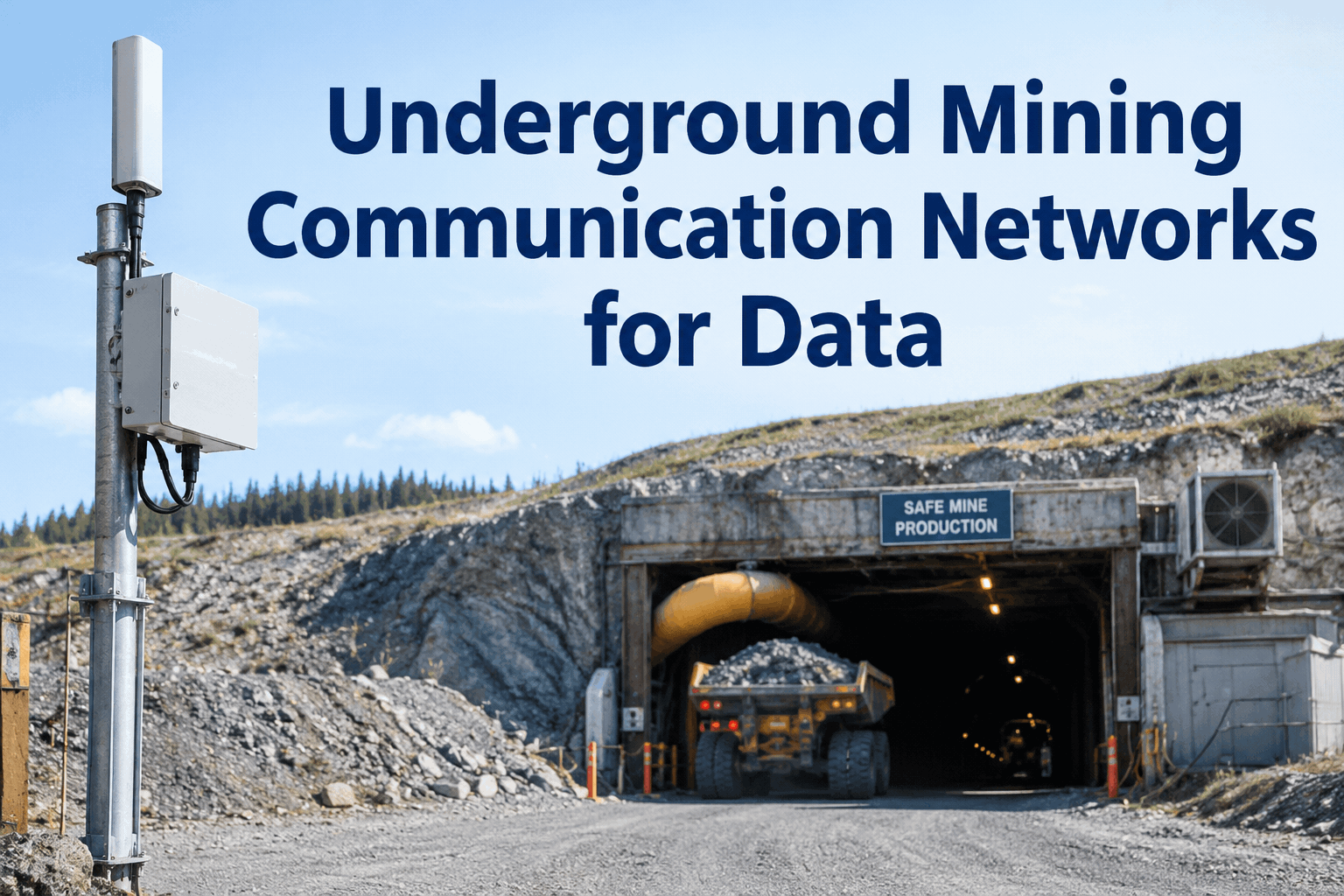
On the surface, a signal is a given. Underground, a drift bends, a borer rolls through, and the connection that was solid at the last crosscut is gone. Underground mining communication networks are what you build to fight that — leaky feeder, Wi-Fi mesh, LTE — and every one of them leaves gaps. The real question isn't which network is perfect. It's whether your equipment data survives the gaps. Start free and run inspections that work offline.
Underground Mining Communication Networks and Your Equipment Data
Leaky feeder, Wi-Fi mesh, and LTE each carry data differently underground — and none of them reach everywhere. The software that depends on them has to handle the dead zones, not pretend they don't exist.
For a mining IT or systems administrator, the connectivity decision underground is never settled once. You're balancing coverage, bandwidth, cost, and the simple fact that rock blocks radio. Before choosing what feeds your equipment data back to the surface, it helps to be clear on what each network type actually does.
The three underground mining communication networks, honestly compared
There's no single winner here — each option trades something away. Leaky feeder is cheap and proven but slow; Wi-Fi mesh carries real data but only near an access point; LTE and private cellular carry the most but cost the most to deploy. Most mines end up running a mix. Here's how they stack up for moving equipment data.
| What matters | Leaky feeder | Wi-Fi mesh | LTE / private cellular |
|---|---|---|---|
| Data bandwidth | Low — built for voice, limited data | High near an access point | High, over longer distances |
| Coverage pattern | Follows the cable along drifts | Pockets around each AP | Broad, via distributed nodes |
| Deployment cost | Lower, well understood | Moderate, many APs to place | Higher, more infrastructure |
| Best suited to | Voice, basic telemetry, legacy sites | Zoned data, fixed-plant areas | High-data, autonomy, large modern mines |
| The catch | Not for heavy equipment data | Gaps between coverage pockets | Cost and planning to extend |
General comparison of common underground connectivity approaches; exact bandwidth, range, and cost depend on your hardware, layout, and vendor. HVI is maintenance and inspection software — it does not supply or install communication networks of any kind.
Whichever mix you land on, notice the common thread in that last row — every network has places it doesn't reach. That's not a flaw to engineer away entirely; it's a reality your software has to be built for. Sign up free and see how HVI handles no-signal zones.
Why offline-first beats chasing full coverage
You could spend heavily extending any network to the last development face — and the face moves next week. The more practical answer for maintenance and inspection data is software that assumes the signal will drop and keeps working anyway. The check happens where the machine is; the sync happens where the network is.
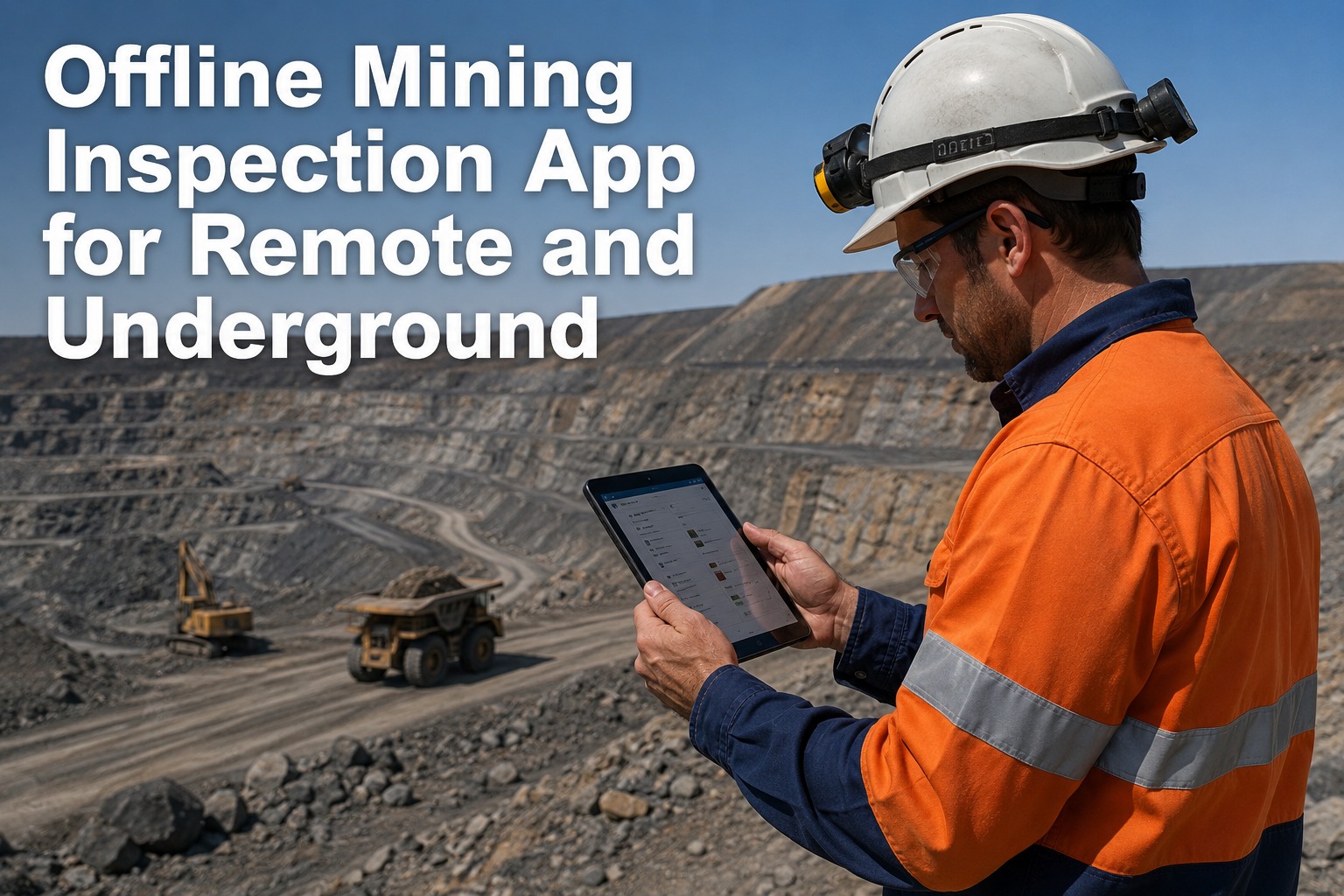
That's the whole idea: an operator runs the inspection at the face with no bars, the record sits safely on the device, and when the unit trams back into a covered zone it uploads on its own. No network upgrade required to make it work — just digital inspections that don't assume a signal. Book a demo to see the offline-then-sync flow.
What your network connects to: the equipment-data layer
A communication network is the pipe. What actually makes it worth the spend is what flows through it and where that data lands. For equipment, that's inspections, defects, meter readings, and telemetry — and it's only useful if it arrives in one system instead of three disconnected ones.
This is where HVI fits — not as the network, but as the destination the network exists to reach. It connects outward through integrations to telematics, ERP, and analytics, so the data your communication network hauls up doesn't dead-end in a silo. Book a demo to map it to your systems.
Planning connectivity for equipment data: a systems checklist
If you're the one answerable for whether equipment data actually makes it to the surface, these are the questions worth settling before you commit to a network design — and before you pick the software that rides on it.
HVI is built to clear the software side of that list — offline capture, clean sync, asset-linked records, and open integrations — so the connectivity you design pays off in data you can actually use. Start free and trial it on your fleet.
From a mining systems administrator who stopped fighting the dead zones
We burned two budgets trying to get a signal to every heading. It never held — the faces move faster than you can run cable or hang APs. What actually fixed our data problem wasn't more network, it was picking an inspection app that didn't care whether there was a signal. The operators do their checks at the face, and the records show up on my dashboard whenever the loader comes back up the ramp. I stopped treating coverage as the thing to perfect and started treating the dead zones as normal.
Underground mining communication networks FAQs
Does HVI provide underground communication networks?
What's the difference between leaky feeder, Wi-Fi, and LTE underground?
Does HVI need a constant connection to work underground?
Can HVI send equipment data into our ERP and other systems?
Do I need to upgrade my network before using HVI?
Make your underground mining communication networks pay off in data
However you connect underground — leaky feeder, Wi-Fi, or LTE — HVI captures equipment inspections and defects at the machine, works through the dead zones, and syncs into one record the moment it's back in coverage. Start on the network you have today.
No credit card · Works on any underground network · Offline inspections from day one
- Runs on any underground network
- Offline capture, auto-sync
- Asset-linked inspection & DVIR records
- Integrates with ERP, telematics & analytics
- No network upgrade required to start