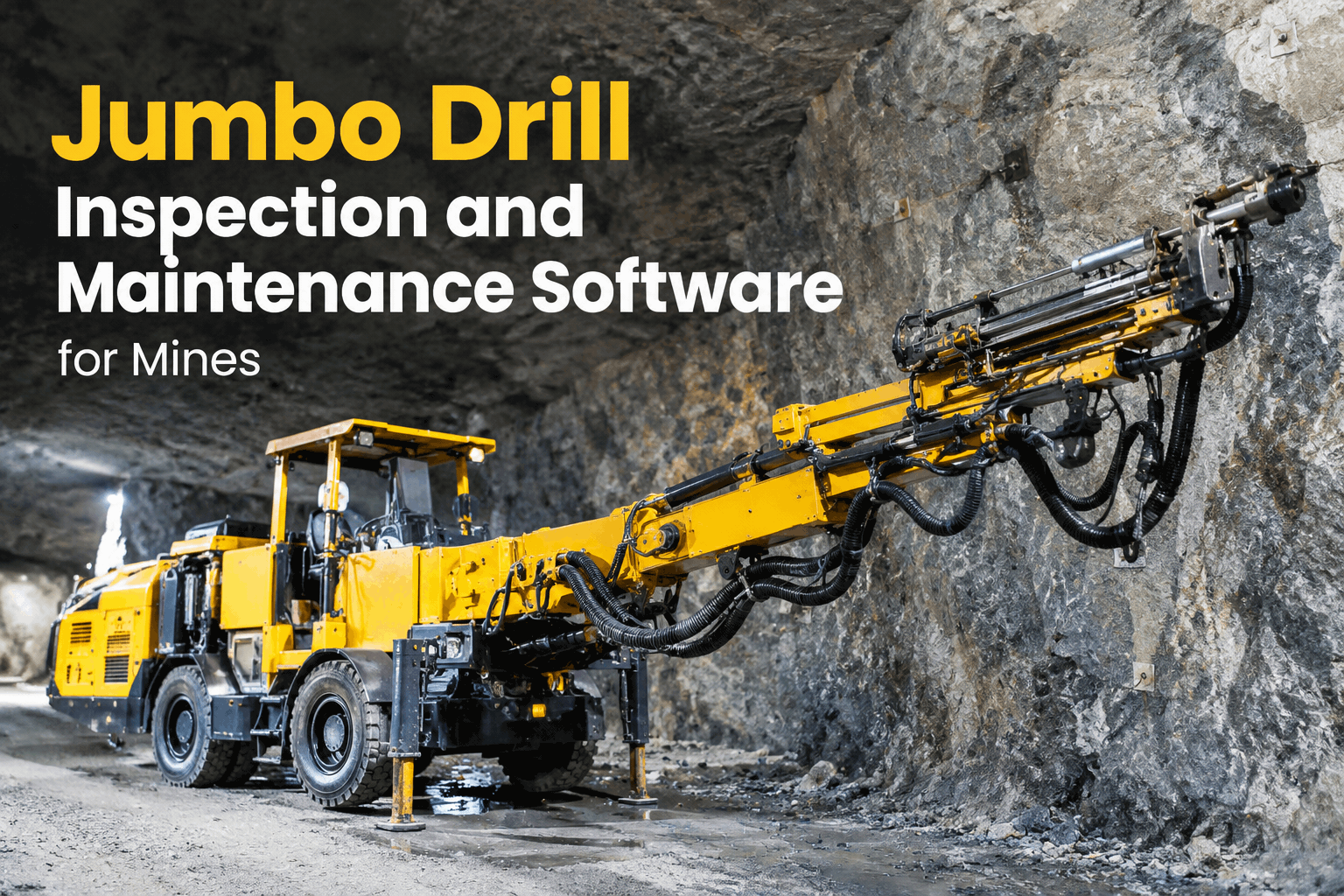
A development jumbo is the machine the whole mine plan waits on — when it's down, the heading doesn't advance, and everything behind it slips. So when a mine goes looking for jumbo drill inspection and maintenance software, the real question isn't "does it have a checklist." It's whether the software survives where the jumbo actually works: a wet, dusty face a kilometre underground with no signal, a drifter that wears by the hour, and a crew that can't stop to fight an app. This is the guide to what to require. Book a demo to put it to that test.
Jumbo Drill Inspection & Maintenance Software: What an Underground Mine Should Require
Offline at the face, PM by drifter hours, photo-gated critical checks, defect-to-work-order — here's how to evaluate jumbo drill software against the way the machine really runs.
Plenty of inspection apps look fine in a demo on surface. The ones that survive underground are rarer, because a development heading breaks the assumptions most software is built on — there's no signal, the environment destroys anything half-built, and the most important wear item doesn't track on a calendar. Choosing jumbo drill software is really choosing a tool that holds up against those three realities.
Underground rewrites the requirementswhy jumbo drill inspection software can't be a surface fleet app
A road-fleet inspection tool assumes signal, a clean cab and mileage-based service. A jumbo at the face offers none of those. Before you shortlist anything, hold it against the three things underground does differently.
The check has to complete fully offline and sync when the rig trams back to a connected zone — not fail or lose data a kilometre down.
Flushing water, rock dust and constant percussion wreck loose process. The workflow has to be fast and glove-friendly, or the crew works around it.
The drifter and feed wear by percussion and run hours, not days. PM has to fire on a meter reading, not a date on a wall calendar.
If a tool can't do all three, it won't last past the first development round. The system-by-system detail of what to actually check lives in our jumbo drill inspection and maintenance, system by system guide. Book a demo and test it against the face.
The drifter is the deal-breakerwhy meter-hour PM is the one requirement you can't compromise
Everything on a jumbo matters, but the drifter decides your advance rate — and it wears on percussion hours, which bear no relation to the calendar. A rig drilling hard rock on two shifts hits its service long before a rig that sat idle a week. Software that schedules by date alone will always service the drifter on the wrong clock.
So the test is simple: can the software fire the drifter and feed service on a meter reading, per rig, and flag it before it's due? That's exactly what preventive maintenance scheduling by meter hours does. Book a demo of drifter-hour PM.
The jumbo drill software checklistwhat to require before you commit to a platform for your development fleet
Run any shortlist against this. These are the capabilities a jumbo actually needs the software to have — the ones that separate a tool a mine can standardize on from an app that looks good on surface and dies underground.
If a tool can't check most of these, it won't replace the paper book at the face — it'll sit beside it. HVI does all of them in one platform, as part of the wider mining equipment maintenance it supports. Start a free trial and run the checklist on a rig.
From the face to the work orderthe flow to watch on every jumbo drill software demo
The capability that proves a platform is real is the whole path from a flagged defect to a scheduled repair, underground and offline. Trace this on any demo — it's where weak tools fall apart.
If any step needs re-keying or drops offline, the record breaks and the repair slips a shift — the gap a connected maintenance management workflow closes. Book a demo and trace a defect from the face.
The view you're buyingwhat a development jumbo looks like inside the platform
What you're really evaluating is this record: the rig's drifter hours, its next service, open defects and inspection history — the single view that tells a supervisor whether the jumbo drills tonight.
When the planner builds the shift or the maintenance meeting asks what's limiting advance, they read the rig record and the analytics and reporting dashboard behind it, built on HVI's digital inspection system. Book a demo on a rig from your own fleet.
From an underground maintenance lead who evaluated the hard way
We trialled two inspection apps before HVI, and both of them looked great in the office and fell over at the face — no signal, so the check either wouldn't save or lost the photos. The thing I made every vendor prove was an offline check on a jumbo at the heading that synced clean on the way out, plus the drifter service running on hours instead of a date. That's the whole game underground. The one that could do both is the one we run now, and our jumbo availability stopped being a guess.
Jumbo drill software FAQs
What is jumbo drill inspection and maintenance software?
Does it work offline at the face?
Can it schedule the drifter by hours instead of calendar?
What components does the inspection cover?
How long until it's running on our fleet?
Choose jumbo drill software that survives the heading
Jumbo drill inspection and maintenance software should hold up where the machine works — offline at the face, servicing the drifter on hours, routing defects to repair. Run the checklist, bring the demo, and keep your development fleet advancing.
- Offline checks at the face, clean sync
- Drifter / meter-hour PM per rig
- Defect-to-work-order in one flow
- Per-rig history & availability reporting