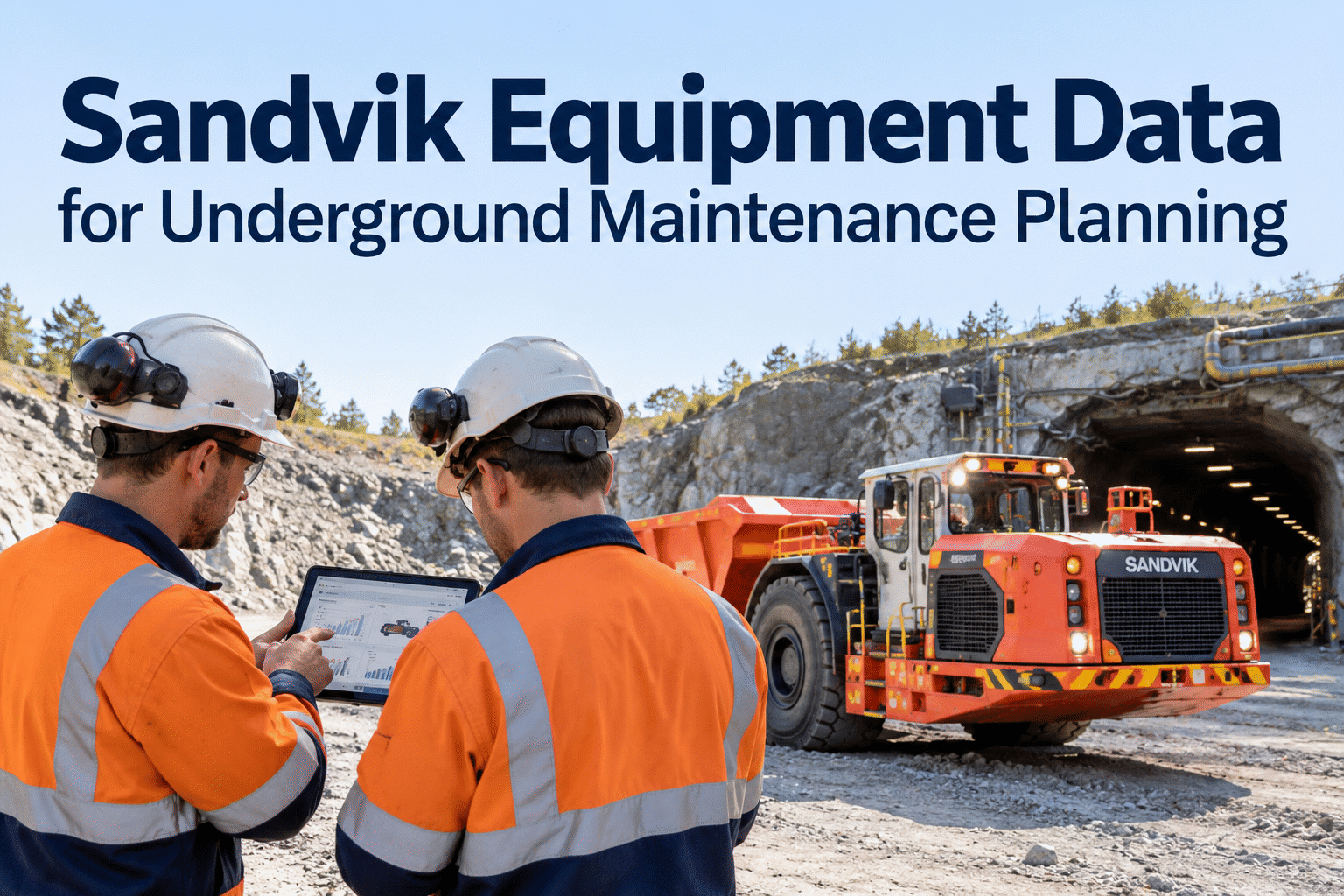
Sandvik equipment data can help underground maintenance teams connect operating hours, machine events and utilization trends with service decisions. But a dashboard reading alone does not tell a technician what to repair. The useful step is turning verified OEM information into inspections, preventive maintenance plans and documented work orders.
Turn Sandvik equipment data into maintenance decisions.
Make better use of machine hours, event histories and equipment condition signals—without losing the repair context behind each underground asset.
Which machine signals should change the maintenance plan?
OEM portals can surface valuable operating information, but available fields depend on the equipment model, installed hardware, connectivity, subscriptions and user permissions. A maintenance manager needs to distinguish an interesting reading from a signal that warrants inspection.
Start with the asset's operating context, then check whether the information is reliable enough to support a maintenance decision. If a loader shows recurring hydraulic events, for example, verify the event description and operating conditions before creating a diagnostic task. Book a demo to discuss how HVI can document the resulting maintenance work.
Different machines, different maintenance signals
Build equipment-specific review routines instead of treating every underground machine as an identical telemetry source.
Underground drills
Review operating hours, drilling activity, repeated event codes and service instructions relevant to the installed system.
Focus: wear and system checksLoaders (LHD)
Compare duty cycle, hours and hydraulic or powertrain-related events with technician findings and prior repairs.
Focus: high-duty componentsUnderground trucks
Use hours and utilization trends to plan service windows while checking braking, cooling and driveline inspection records.
Focus: haulage readinessOther mobile equipment
Confirm the actual available fields and OEM maintenance guidance before adopting a common reporting template.
Focus: model-specific contextHow to convert equipment data into a maintenance task
Data becomes valuable when it changes a decision and the team can trace that decision to a completed repair.
Collect
Review OEM hours, alerts and available utilization data.
Validate
Check machine ID, timestamp, severity and operating context.
Plan
Choose inspection, scheduled PM or diagnostic action.
Execute
Record work, labor, parts and technician findings.
Review
Confirm repair outcome and recurring event trends.
Five checks before relying on an OEM report
Asset identity: Match the OEM machine identifier to the correct fleet asset.
Freshness: Check when data was last transmitted, especially underground.
Units: Confirm engine hours, operating hours and other counters are interpreted correctly.
Event meaning: Use OEM documentation and technician judgment rather than assuming every alert means failure.
Record trail: Keep a clear link between reviewed signals and resulting inspections or repairs.
Keep the maintenance history behind every machine.
Use HVI to organize inspections, planned maintenance, work orders and service records alongside the OEM data your team reviews.
Where Sandvik's data and HVI's maintenance records fit
The distinction matters: access to OEM telemetry does not automatically mean it is synchronized with a maintenance platform.
My Sandvik and machine reports
Depending on the product and equipment configuration, review available machine hours, utilization, events and condition information.
HVI maintenance records
Document inspections, preventive maintenance, work orders, repair history and relevant service activity for the fleet asset.
HVI is not represented here as having a verified native My Sandvik integration, automatic telemetry ingestion or automated fault-code diagnosis. Any integration should be evaluated for your equipment, access rights and technical requirements.
Use data to improve three everyday decisions
Schedule the right service window
Compare verified operating hours, OEM service guidance and upcoming production requirements. Avoid scheduling solely from a stale meter reading.
Investigate recurring machine events
Look for repeated symptoms across shifts, then assign an inspection or diagnostic task that captures the technician's actual findings.
Review the cost of repeat repairs
Compare equipment maintenance history, parts consumption and work performed to understand where reliability problems persist.
A practical four-week pilot for one underground fleet
Start small: prove that the data improves a maintenance decision before expanding the reporting effort.
Map the fleet
List machines, OEM portal access, equipment identifiers and available fields.
Verify the readings
Check data freshness, meter differences and alert interpretation.
Run a review routine
Turn a small set of verified findings into planned inspections or repairs.
Measure outcomes
Review overdue PM, repeat defects and work-order completion—not just dashboard activity.
Build a clearer path from machine insight to completed maintenance.
See how HVI can support your underground equipment records and service planning. Ask about the capabilities relevant to your fleet before assuming an OEM integration.