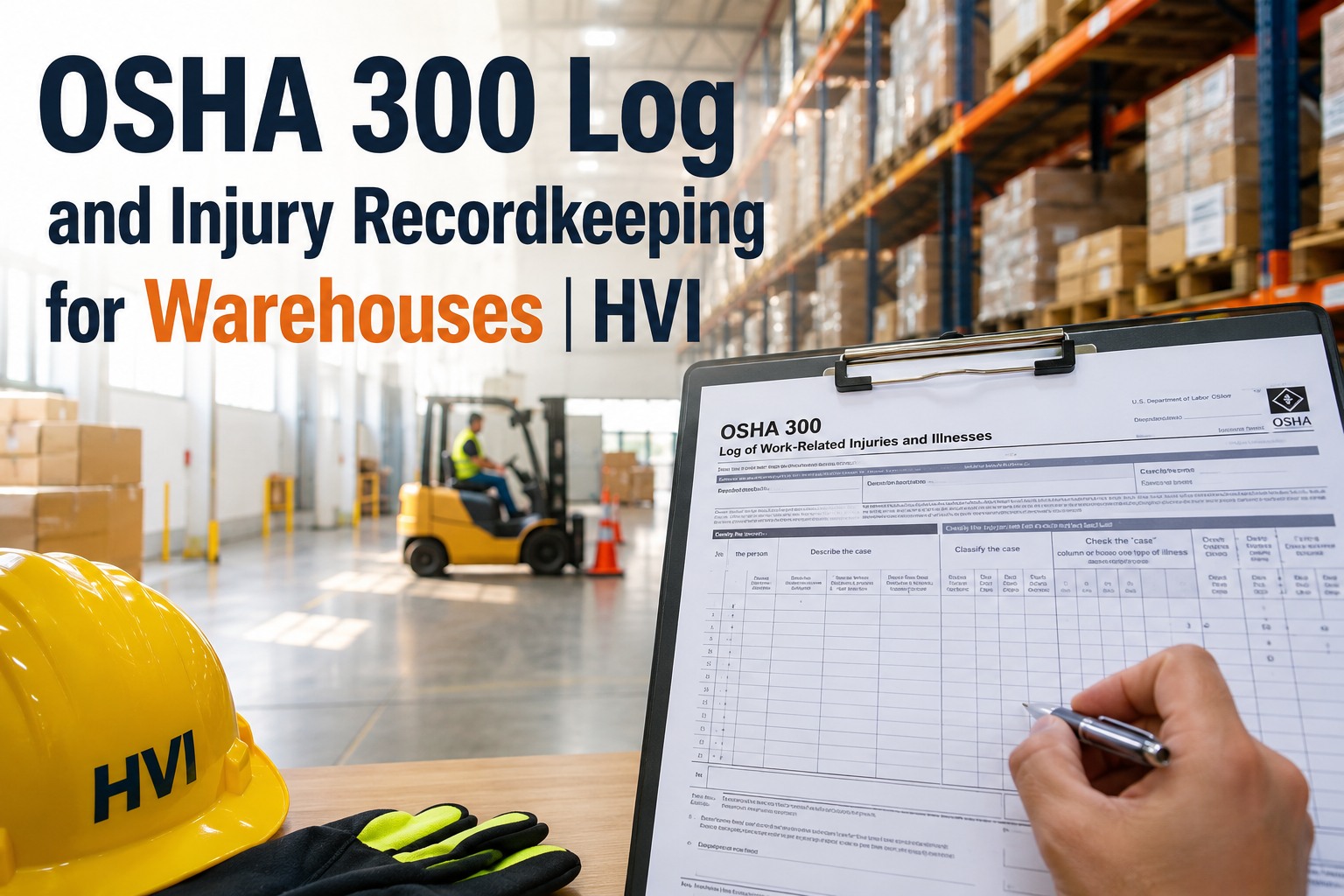
It is 4:47 on a Friday when a picker on a reach truck clips a rack leg and goes down hard. By the time the shift supervisor reaches the floor, the questions have already started: Did he go to urgent care? Is that a recordable? Who is filling out the 301 tonight? If you are the one fielding those questions, you already know that the OSHA 300 log for warehouse operations is where small paperwork decisions turn into citations, higher workers' comp premiums and lost customer contracts during a safety audit. You can walk through a live recordkeeping setup on your own site, but the core issue is this: the 300 log, the 301 incident report and the 300A annual summary each run on separate clocks, and most mistakes happen in the first sixty seconds after an injury, before any form is even opened.
Warehouse Injury Recordkeeping
Three forms, three clocks — one wrong entry triggers a citation
The 300 log, 301 report and 300A summary run on different deadlines. Most recordkeeping errors happen at the recordable determination step, before a form is even opened. Get the workflow right and the audit takes minutes instead of days.
The Real Cost of Getting It Wrong
Warehousing injury rates put your logs under a microscope
Warehousing and storage consistently reports injury and illness rates well above the general industry average. That elevated rate translates directly into heightened scrutiny from OSHA, from workers' comp insurers pricing your premium, and from enterprise customers who now read your EMOD and TRIR numbers before awarding a contract. A single misclassified injury — logged as first aid when it should have been recordable — can unravel your defense in an audit and inflate your DART rate for the next three years.
Recordable Determination
Recordable injury vs. first aid: where most warehouse logs go wrong
The recordable determination is the single most consequential decision in the entire OSHA recordkeeping workflow. Get it right and the rest of the process flows downstream on rails. Get it wrong — in either direction — and you create a cascading compliance problem that surfaces months later in an audit, when memory has faded and the supervisor who handled the incident has moved on. Over-recording inflates your rates and hurts your insurance standing; under-recording is the violation OSHA cites most frequently in warehouse inspections. When reviewers examine your process during a compliance review and recordkeeping audit, the first thing they look for is consistency at this initial decision point.
Recordable — Log It on the 300
- Medical treatment beyond first aid (stitches, prescription-strength medication, physical therapy)
- Loss of consciousness from any cause
- Days away from work or restricted duty / job transfer
- Significant injury diagnosed by a physician or licensed healthcare professional (fractures, torn ligaments, herniated discs)
- Any needlestick or sharps exposure to blood or OPIM
- Hearing loss showing a standard threshold shift on an audiogram
First Aid Only — Do Not Log
- Band-aids, gauze pads, butterfly closures — wound coverings only
- Non-prescription medication at a non-prescription strength (ibuprofen, antacids)
- Tetanus immunizations and cleaning a wound with soap and water
- Hot or cold therapy, massage, drinking fluids for heat stress
- Removing splinters or foreign bodies with simple flushing or tweezers
- Drilling a fingernail to relieve pressure or using eye patches and finger guards
The trap is not the obvious fracture — everyone logs that. The trap is the back strain the worker mentions three days later, the anti-inflammatory a doctor prescribed "just in case," or the light-duty assignment someone arranged informally to keep the employee on payroll. Each of those quietly converts a first-aid case into a recordable, and if your supervisor did not capture it, you are left reconstructing the timeline from memory weeks after the event.
The Workflow
The OSHA reporting timeline: from the incident to the ITA submission
Every recordable case runs through five distinct stages, each with its own deadline and responsible owner. When the stages are disconnected — a paper incident report in one binder, a spreadsheet tracking restricted days, a printed 300A pinned to a break-room board — things fall through the cracks. A worker who was supposed to be on restricted duty for a week comes back full-time on day two, and nobody updates the 300 log column. Six months later the auditor finds the discrepancy and asks which version is true.
Incident occurs — assess immediately
A forklift operator reports a wrist injury after a near-miss with a dock post. The supervisor documents what happened, photographs the scene, captures the employee statement and sends the worker for medical evaluation within the shift.
Determine work-relatedness
If the injury or illness resulted from an event or exposure in the work environment, it is presumed work-related unless a specific exception applies (such as symptoms arising solely from non-work events, or voluntary participation in a wellness program). Document the reasoning either way.
File the 301 incident report within 7 days
Once a case is recordable, complete the OSHA 301 Injury and Illness Incident Report — or an equivalent form — within seven calendar days of learning that the case occurred. This is the case-level narrative: who, what, when, where and what was the outcome.
Maintain the 300 log continuously
Enter the case on the OSHA 300 Log of Work-Related Injuries and Illnesses. Update it whenever the case status changes — the employee returns to full duty, the restricted-day count increases, the case is reclassified. The log is a living document, not a one-time entry.
Summarise, post and submit the 300A
At year-end, total the columns onto the 300A Annual Summary. A company executive must certify it. Post it in a visible, accessible location from February 1 to April 30. If your establishment is covered, submit the data electronically through OSHA's Injury Tracking Application (ITA) portal by March 2.
Immediate Reporting
Fatalities and hospitalisations run on a much shorter clock
The 301 report's seven-day window feels generous until you remember that certain events carry an entirely different and far shorter reporting obligation. These are not "when you get to it" calls — they are "within hours" calls to the OSHA area office or the 1-800-321-OSHA line. Miss the window and you have created a separate, standalone violation regardless of how well you managed the rest of the case.
| Event Type | Reporting Deadline | What You Must Report |
|---|---|---|
| Work-related fatality | Within 8 hours | Call OSHA directly. Provide business name, location, time, number of fatalities, names of victims, and a brief description of the incident. |
| In-patient hospitalisation | Within 24 hours | Required for any work-related in-patient hospitalisation of one or more employees. Amputations and loss of an eye carry the same 24-hour clock. |
| Catastrophic incident | Within 8 hours | Any incident that results in the hospitalisation of three or more employees is treated as a catastrophe and follows the 8-hour fatality clock, not the 24-hour clock. |
A practical note: the person making the call needs the facts in front of them. If your incident records are scattered across a paper binder, a supervisor's notebook and a group chat, you will burn precious minutes assembling the basic details OSHA asks for. This is exactly where a centralised incident record a safety manager can pull up in seconds earns its keep — the timestamp, the photos, the witness statements and the current case status, all in one view.
Rate Calculations
The DART rate and TRIR: the two numbers your customers and insurers actually read
The 300A summary does not sit in a drawer. Its totals feed two benchmark rates that travel far beyond your safety department: the TRIR (Total Recordable Incident Rate) and the DART rate (Days Away, Restricted or Transferred). Insurers use them to price your workers' comp premium. Enterprise customers ask for them in vendor qualification packets. If your numbers sit above the industry average for warehousing, you pay more and win less. If a customer benchmarks your DART against their own internal threshold, a single bad year can cost a multi-year contract.
The 200,000 constant represents 100 full-time employees working 40 hours a week for 50 weeks. If your warehouse logs 12 recordables in a year across 80,000 hours, your TRIR is 3.0 — and the warehousing industry average sits near 5.0, so context matters.
DART counts only cases involving days away from work, restricted duty or job transfer. It is the number that tells a customer how severely your injuries affect operations — not just how often someone got hurt, but how badly it disrupted the floor.
Worked example: what a misclassified case actually costs
A 45-person cross-dock operation logs 11 recordables in a year. One case — a lower-back strain from manually handling a fallen pallet — was initially treated as first aid because the worker was given ibuprofen and sent home early. The doctor later prescribed physical therapy. The case became recordable, but nobody updated the 300 log until an internal audit caught it eight months later. The corrected TRIR moved from 3.1 to 3.4. The workers' comp insurer repriced the renewal at a higher tier, and the operation's largest retail customer flagged the account during its annual vendor safety review. The downstream cost of one missed update: roughly $18,000 in additional premium and a six-week contract pause while the corrective action plan was negotiated.
Stop Reconstructing Timelines
See HVI running on your own warehouse floor — book a 30-minute demo
Capture incidents with photos and timestamps the moment they happen, push corrective actions to closure, and export an audit-ready record set in seconds.
How HVI Helps
Four capabilities that fix warehouse recordkeeping at the source
HVI (Heavy Vehicle Inspection and Maintenance) is cloud and mobile CMMS software built for fleet-heavy, equipment-heavy operations. The same platform that runs your forklift and yard-truck inspections also captures the injury incident that OSHA wants documented — so the record is built once, at the scene, instead of reconstructed later from memory.
Incident capture with photo evidence
A supervisor opens the HVI mobile app on any phone, logs the incident, attaches scene photos and witness statements, and the record is timestamped and geo-locked. No paper form, no group-chat photos lost in a thread. The 301 narrative is half-written by the time the worker leaves for the clinic.
Corrective actions tracked to closure
When an incident reveals a hazard — a damaged rack upright, a missing dock guard, a forklift needing service — HVI converts the finding into a tracked work order with an owner and a due date. You can prove the corrective action was assigned and completed, which is exactly what an OSHA auditor asks for.
Exportable, audit-ready records
Every incident, inspection and corrective action lives in one searchable record set. When an auditor, insurer or customer asks for proof, you export the case history — photos, timestamps, work orders and signatures — in seconds instead of spending a day pulling binders. If you want to see the export format, book a quick demo and we will walk through it.
One platform for the whole operation
HVI covers digital DVIR, preventive maintenance, parts inventory and safety management across trucks, trailers, material-handling equipment and shop tools. Your injury recordkeeping sits beside your forklift inspection history and your PM schedule — so a pattern (a recurring dock-area injury tied to a specific machine) becomes visible instead of buried.
The Status Quo Tax
Paper binders, spreadsheets and group chats are how records get lost
The default recordkeeping system in most warehouses is a paper incident report in a binder, a supervisor's notebook tracking restricted-duty days, a spreadsheet someone updates when they remember, and a group chat full of scene photos that auto-delete after a month. Each of those tools does one job passably well. Together, they create a fragmented record that cannot survive an audit. When OSHA opens a wall-to-wall inspection, they do not ask for your best recollection — they ask for the documented case file, with the incident description, the medical outcome, the restricted-day count and the corrective action, all in one place.
- Capture the incident on a phone at the scene, with photos, before the worker leaves for treatment
- Make the recordable determination the same day, using the OSHA recordkeeping decision tree
- Update the 300 log the moment a case status changes — return to work, new restriction, reclassification
- Review the log weekly with operations so nothing is discovered at year-end 300A total time
- Write the incident report on paper the next day from memory, with no scene photos
- Log the case as first aid because "the worker seemed fine," then discover prescription medication weeks later
- Track restricted-duty days on a whiteboard that gets erased during a shift change
- Assemble the 300A totals on January 31 by flipping through a year of unindexed paper reports
Moving off paper is not a technology project — it is a risk-reduction project. If you want to start logging incidents and inspections free, the setup takes minutes and you can run it alongside your existing paper process until your team is comfortable.
Key Takeaways
OSHA recordkeeping for warehouses, in one summary
The OSHA 300 log, the 301 incident report and the 300A annual summary are three forms on three clocks, and warehouse operations — with injury rates above the general-industry average — face more scrutiny on each of them than the average employer. The recordable determination drives everything downstream; get that first decision right and the rest of the workflow follows. Fatalities and hospitalisations run on an 8- and 24-hour clock that cannot wait for a paper process. The 300A must be posted from February 1 to April 30, and many covered warehouses must now submit electronically through the ITA portal by March 2. Always confirm the current requirements with OSHA directly, as the electronic submission rules and coverage thresholds have shifted in recent rulemaking cycles. The most defensible recordkeeping system is the one that captures the incident at the scene — with photos, timestamps and witness statements — and carries that single record all the way through to the audit export.
Master the recordable determination first — it is the decision that creates or destroys every downstream form entry.
Respect the short clocks: 8 hours for fatalities, 24 hours for hospitalisations and amputations. These are phone calls, not form filings.
Keep the 300 log as a living document — update it whenever a case status changes, not just at initial entry.
Know your TRIR and DART rate. Your insurers and customers already do, and they use them to make decisions about you.
The 300A audit was the wake-up call. We had a back strain from August that nobody updated when the worker went on restricted duty for two extra weeks. Our DART rate was wrong for six months and we only caught it because the customer asked for the number during a vendor review. Now I will not sign the 300A until I can see every case photo, every update and every corrective action in one screen.
Frequently Asked Questions
OSHA 300 log and warehouse injury recordkeeping: what managers ask
What is the OSHA 300 log and which warehouse injuries must be recorded on it?
When does the 300A annual summary need to be posted and submitted electronically?
What is the difference between a recordable injury and a first-aid-only case?
How quickly must a warehouse report a fatality or hospitalisation to OSHA?
How is the DART rate calculated for a warehouse operation?
Build Your Record Once, At The Scene
Book a 30-minute demo and see HVI on your own warehouse floor
Capture incidents with photos and timestamps, track corrective actions to closure and export an audit-ready record set in seconds — all from a phone.
Free to start — Works on any phone — No card needed