An OSHA compliance officer walks into your warehouse office and asks for six months of pre-shift inspection records on forklift number seven, plus the training file for the operator who was driving it last Tuesday. If your answer involves a binder, a filing cabinet and a prayer, you already know how the next hour goes. Getting OSHA audit-ready in a warehouse is mostly a document production problem, not a safety problem - the sites that fail audits usually had the inspections done, they just could not prove it fast enough. This guide shows you exactly which records get requested, how long to keep them, what inspectors actually filter for, and how a digital inspection trail turns a two-day paper chase into a thirty-second export. If you want to see what that looks like on your own units, you can book a 30-minute walkthrough with the HVI team and test the search yourself.
Could you pull six months of forklift records before the inspector finishes their coffee?
OSHA outcomes in warehouses turn on document production speed more than underlying safety performance. Slow or incomplete production reads as an absent programme - even when your inspections were done every single shift.
The binder answer
- Dig through six binders for truck #7
- Hope the pages are signed and legible
- Photocopy while the inspector waits
- Discover the missing week in March
The HVI answer
- Filter by asset: forklift #7
- Filter by date range: last 6 months
- Export timestamped, photo-backed PDF
- Hand it over in under a minute
The numbers behind an OSHA audit warehouse teams cannot ignore
The four records an inspector asks for first
Warehouse audit preparation starts with knowing the request list. These four categories cover the overwhelming majority of what a compliance officer asks to see in the first hour on site.
Daily pre-shift inspection records
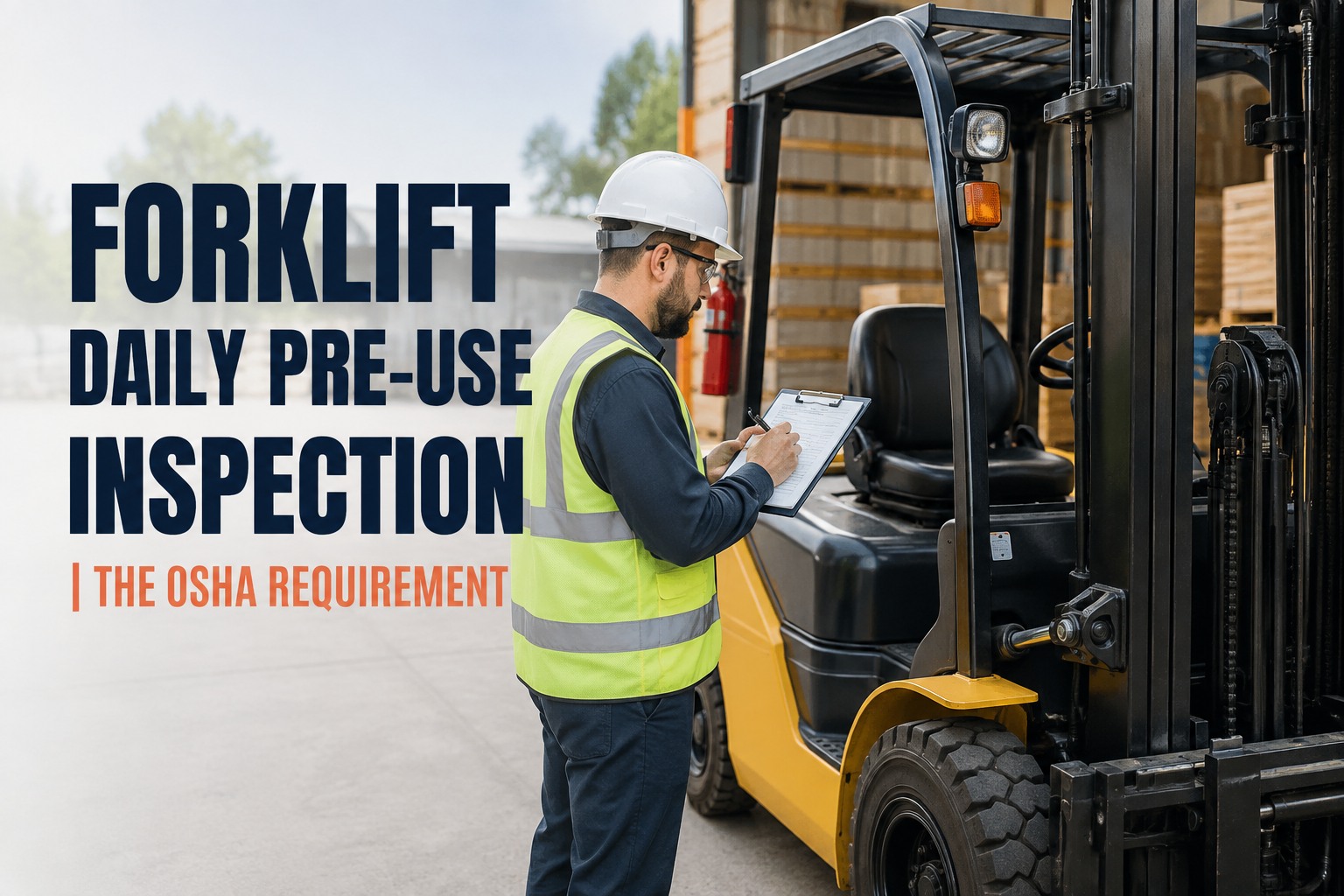
OSHA requires powered industrial trucks to be examined at least daily, and after each shift on multi-shift operations. The inspector wants proof it happened on the specific truck, on specific dates - not a policy statement saying it should.
Typical ask: "Show me truck #7, January through June"Defect reports and their closure
Finding a defect on an inspection is not a violation - failing to fix it is. Inspectors look for the full chain: defect reported, truck taken out of service, repair completed, unit returned. A defect note with no closure record is worse than no note at all.
Typical ask: "This horn defect from April - when was it repaired?"Operator training and evaluation files
Every forklift operator needs documented training plus an evaluation at least once every three years, with refresher triggers after incidents, near-misses or observed unsafe operation. The inspector will name an operator and ask for their file - currency matters more than volume.
Typical ask: "Training and last evaluation for the operator on shift Tuesday"Maintenance and repair history
Preventive maintenance records show the truck was kept in safe operating condition between inspections. Gaps here suggest defects were being driven around unresolved. A complete service log per asset closes this line of questioning quickly.
Typical ask: "Full service history on the reach truck that had the brake failure"How long to keep OSHA records - and why digital retention costs you nothing
Paper forces a brutal trade-off: every extra year of retention means another box in a storage room and another hour of searching when someone asks for it. Digital records remove that trade-off entirely, which changes how you should answer the retention question.
| Record type | Common retention practice | What the inspector filters by | Paper reality | HVI reality |
|---|---|---|---|---|
| Pre-shift inspections | Keep indefinitely - storage is free in the cloud | Specific truck, specific date range | Binder per truck per quarter, pages go missing | Filter by asset and dates, export in seconds |
| Defect and repair chains | Life of the asset plus years after disposal | Specific defect, closure proof, photos | Inspection sheet in one binder, work order in another cabinet | One linked chain: report to work order to photo of the fix |
| Operator training files | Duration of employment plus three-year refresher currency | Specific operator, evaluation dates | HR folder, often out of date, signatures hard to read | Per-operator record with expiry alerts before lapses |
| Maintenance history | Life of the asset | Specific asset, service type, date range | Invoices in accounting, notes in the shop, nothing linked | Logbook per asset with every service, part and cost |
The filtering row is the one that matters. An inspector rarely asks for "everything." They ask for a specific truck over a specific period, or a specific operator. That is a search query, not a filing task - and it is exactly what a digital inspection history retrieval system is built for. You can see that search run live on a demo call using your own fleet's structure.
What one document request costs on paper versus in HVI
Take a real scenario: a 12-forklift distribution warehouse gets a complaint-driven inspection. The compliance officer asks for pre-shift records on two trucks for the past six months, plus the repair history on a third.
Paper and binders
- 6-10 hours of supervisor time pulling, checking and photocopying pages across three binders and a filing cabinet
- 2 missing weeks discovered on truck #4 - the pages were never turned in from nights
- Repair proof split between a work order carbon copy and an invoice in accounting, never linked
- Inspector waits, takes notes, expands the scope because production looks disorganised
HVI digital records
- Under 5 minutes: filter by asset, set the date range, export the PDF with timestamps and operator names
- Zero missing days: the app blocks shift start until the inspection is submitted, so gaps cannot form
- Defect-to-repair chain exports as one document: report, work order, photo of the completed fix
- Inspector gets a clean, complete package and moves to the walkthrough
Even at a conservative loaded labour rate, the paper version burns a full day of a supervisor's week - and that is before you count the risk of an expanded audit. If you want to pressure-test this on your own record volume, start a free HVI account and run your first digital pre-shift inspection this week.
Built for the moment an inspector says "show me"
Four HVI capabilities map directly to the four records inspectors request first - each one designed to produce audit-ready evidence, not just store it.
OSHA-ready exports in seconds
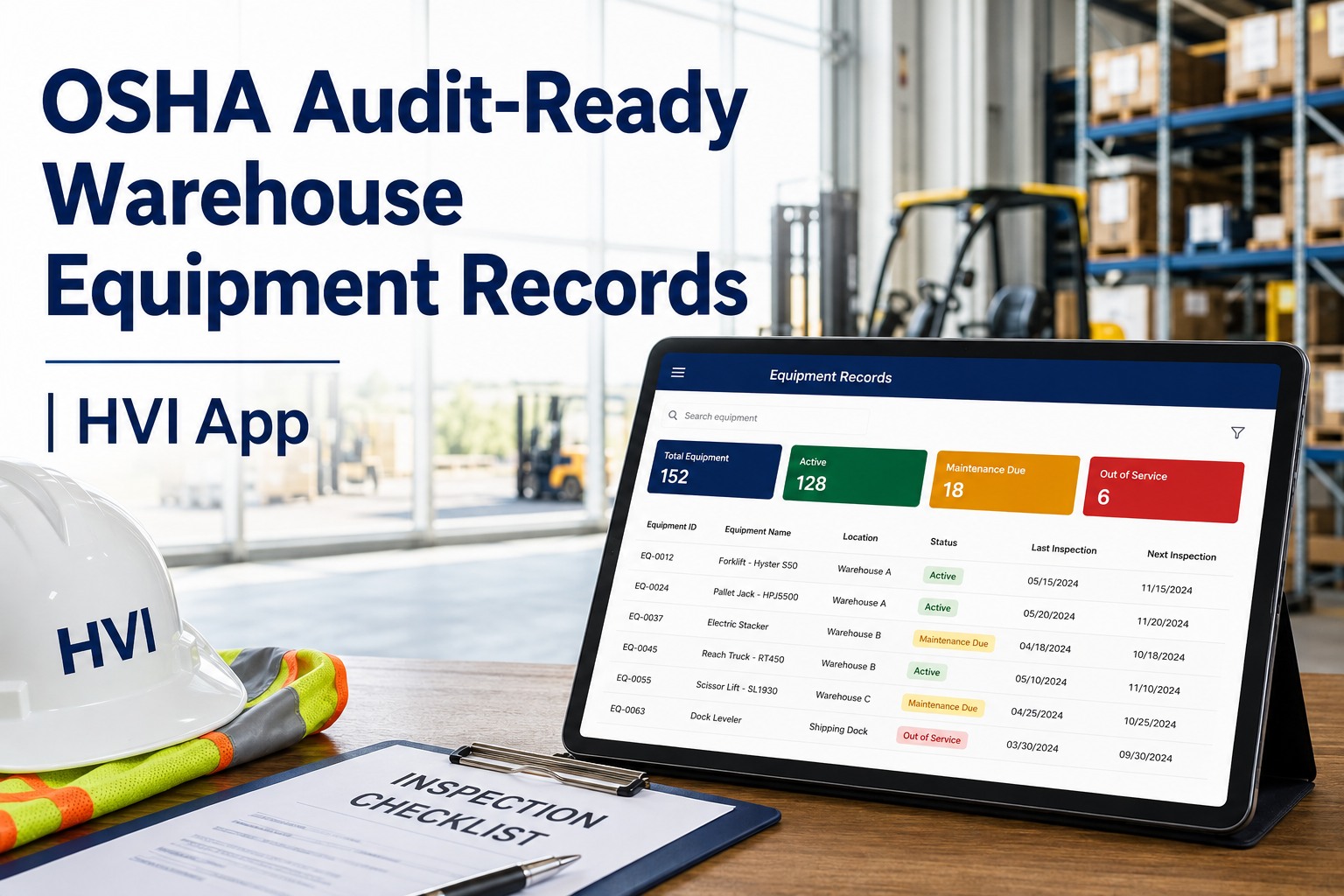
Filter by asset, operator or date range and export a timestamped, photo-backed PDF. The six-months-on-truck-#7 question becomes a thirty-second task, not a two-day scramble.
Audit Checklist Manager
Build pre-shift checklists that match your exact MHE fleet - counterbalance, reach truck, order picker, pallet jack. Required fields and photo capture mean no half-filled forms ever reach the archive.
Complete defect-to-repair chains
A failed item on a pre-shift inspection converts to a work order instantly, stays linked through repair, and closes with photo evidence. The chain an inspector looks for is one document, not three filing cabinets.
Logbook per asset
Every inspection, service, part and cost lives on the unit's own timeline. When the question is "full history on the reach truck," the answer is one screen - and it works on any phone in the yard or on the floor.
Book a demo and watch a six-month record pull happen live
Bring your toughest audit scenario - a specific truck, a specific operator, a specific defect - and see it answered in under a minute on your own fleet structure.
The five-step routine that keeps warehouse regulatory records inspection-proof
Audit readiness is a habit, not a project. Sites that pass consistently run the same simple loop every week, so the document request is never a fire drill.
Gate the shift on the inspection
Set the pre-shift checklist as a required step before an operator logs onto a truck. If it is not submitted, the unit is not in service. This single rule eliminates the missing-pages problem that sinks most paper programmes, and it is the first thing to ask to see configured in a demo.
Close every defect the same day it is found
A defect converts to a work order the moment it is reported. The truck stays flagged out of service until the repair is signed off with a photo. Open defects older than 24 hours should be a red flag on your dashboard, not a surprise in an audit.
Track training currency with alerts, not memory
Load every operator's training and evaluation dates once. The system flags anyone approaching the three-year refresher window or a refresher trigger after an incident. Expired training is one of the easiest citations to avoid and one of the most common.
Run a monthly self-audit on a random truck
Pick one unit at random each month and pull its full record: inspections, defects, repairs, service history. If you cannot produce it in five minutes, fix the gap before an inspector finds it. Ten minutes a month is cheap insurance against a $16,550 serious violation.
Keep one export template ready
Save your standard audit export - asset filter, date range, defect chain, training summary - so the first request of any inspection is answered before the small talk ends. Speed here sets the tone for everything that follows.
OSHA audit readiness is a search problem you can solve this week
Production speed is the real test
Inspectors judge your programme by how fast and how completely you produce records. A safe warehouse with slow paperwork reads as an unsafe warehouse. Getting OSHA audit-ready means your warehouse compliance records answer a filtered question in seconds.
Four records cover most requests
Pre-shift inspections, defect closure chains, operator training currency and maintenance history. Build your system so each of these is one filter away, per asset and per operator.
Retention is free when it is digital
Indefinite digital retention costs nothing and removes the keep-or-toss decision forever. Keep everything, filter anything, and let the archive defend you. When you are ready to make that switch, signing up free takes minutes and your first checklist can be live the same day.
We had a complaint inspection two years ago and I watched my supervisor burn an entire day photocopying forklift sheets - and we still had a gap from the night shift. That gap cost us more in legal time than the software would have cost for five years. Now I run one number every month: time to produce a random truck's full record. If it is over five minutes, something is broken. It has not been over two minutes since we went digital.
OSHA warehouse records: what safety managers ask most
How long does OSHA require you to keep forklift inspection records?
What records does an OSHA inspector ask for first in a warehouse?
What is the penalty for missing forklift inspection records in 2026?
Are digital forklift inspection records acceptable to OSHA?
How do I prepare my warehouse for a surprise OSHA audit?
Make your next OSHA document request a thirty-second answer
HVI turns every pre-shift inspection, defect repair and service into a timestamped, photo-backed record you can filter and export the moment an inspector asks. See it on your own fleet before you commit to anything.
Free to start - Works on any phone - No card needed