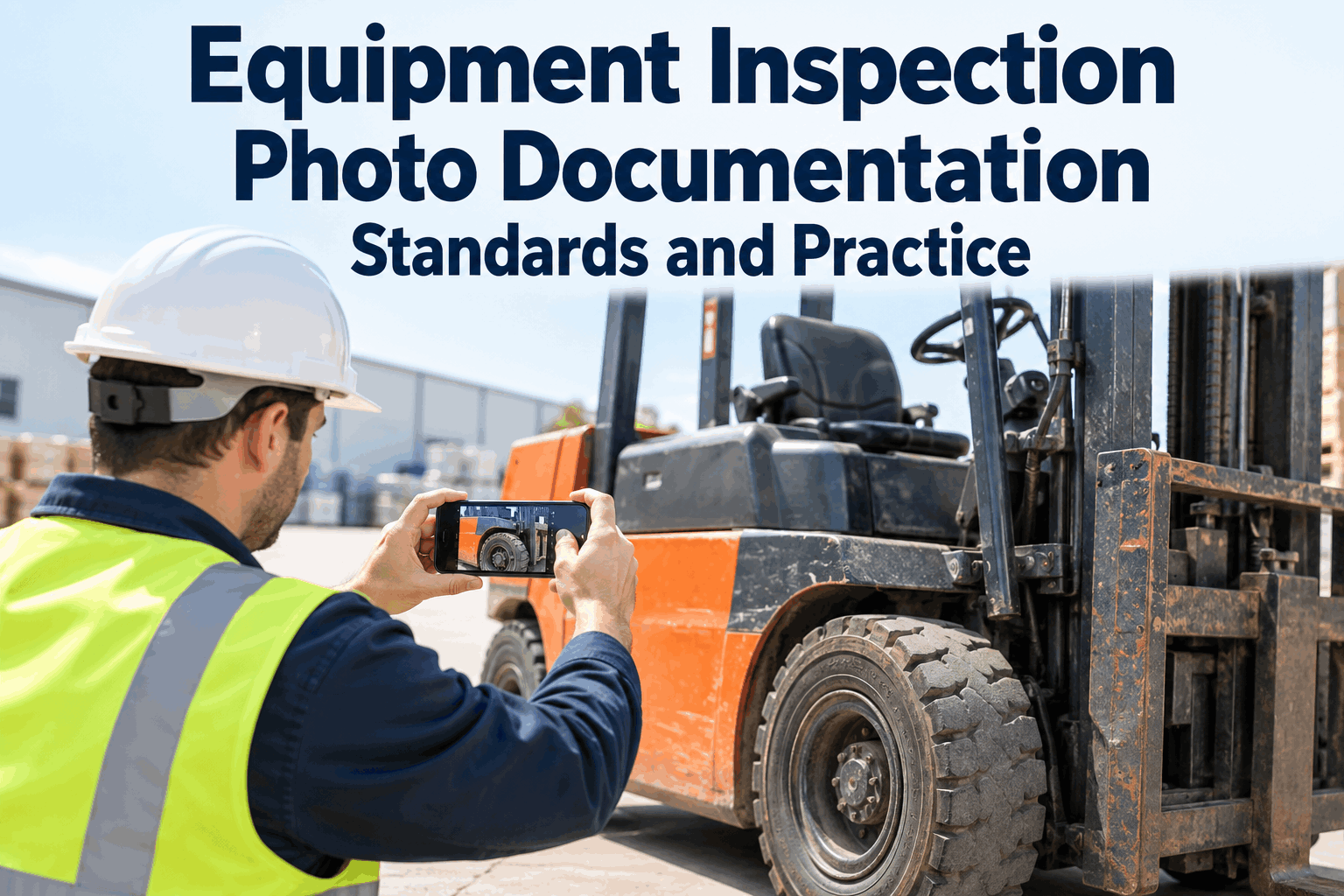
A forklift photo of "the whole truck in a dark aisle" proves nothing. The one showing a chafed hydraulic hose — framed close, lit, in focus — settles an argument before it starts. Equipment inspection photo documentation isn't about taking more pictures; it's about taking usable ones the same way every time, so a defect is unmistakable and the same part next month can be compared. Most inspection photos fail not because they're missing, but because nobody can read them. Book a demo to see photos attached to every defect.
A Photo Is Only Evidence If You Can Tell What It Shows
The difference between a useless inspection photo and a usable one isn't the camera — it's framing, focus and consistency. Standards turn snapshots into a record you can act on.
Most warehouses already take inspection photos — the problem is they're inconsistent. One operator shoots a close-up, the next shoots the whole truck, a third forgets the flash, and six months later nobody can line those images up to see whether a crack grew. Good photo documentation is really a set of small, repeatable habits that make every image mean something on its own and in a sequence.
What Makes an Inspection Photo Useless
Before the standards, it helps to name the failures. Nearly every unusable inspection photo falls into one of these four — and each has a one-line fix.
Fix those four and the average photo goes from decoration to evidence. Capturing images inside a digital inspection solves the last one automatically — every shot is tied to the truck, the item and the date. Book a demo to see a photo land on a defect.
How to Shoot a Defect So It's Usable
A good defect photo follows a simple, teachable pattern. Train every operator on these and your inspection photos start looking like they came from one person.
A context shot to place the defect on the truck, then a close-up where the damage fills the frame.
Flash on in dim areas, tap to focus on the defect, hold steady — blur makes a photo worthless.
Crack, leak, wear — centre it. If the viewer has to hunt for the issue, the photo failed.
A hand, a coin or a tape next to a crack or wear mark shows how big it actually is.
None of this needs a special camera — a phone and a habit cover it. The point is consistency, so a free HVI account with required photo fields nudges every operator toward the same standard. Make it the way photos are always taken.
Consistency Is What Lets You Trend Condition
A single photo documents a moment. The real power comes when you shoot the same part the same way over months — then a slow-growing crack or creeping wear becomes visible as a sequence instead of a surprise.
Hairline mark logged on the fork heel, framed and dated.
Shot from the identical angle — the mark has lengthened, now clearly a crack.
The trend is obvious — the fork is replaced before it fails under load.
That's only possible if each image was captured to the same standard and tied to the same asset. Keeping the series together is exactly what the inspection record and work orders do. This capture-craft angle is separate from the audit-metadata side covered in our eDVIR defect photo documentation guide. Book a demo to see a condition trend.
When a Photo Should Be Required
You don't need a photo of every pass — that just buries the useful ones. Require them where an image genuinely adds proof or protects you later.
Requiring photos only where they matter keeps the inspection fast and the evidence meaningful. Tie those rules to the relevant items and every operator captures the same proof. For safety-critical items, those images live alongside the rest of your safety records automatically.
A Fleet Supervisor's Take
We had thousands of inspection photos and most were useless — a blurry shot of a whole forklift in a dark corner, no idea what the operator saw. When a damage dispute came up, I had a hundred pictures and not one that proved anything.
We taught one rule: one wide, one close, fill the frame, use the flash. The photos got dramatically better overnight, and because they attach to the truck and date now, I can pull up the same fork over three months and watch a crack grow. We caught two before they let go. The camera never changed — the habit did.
Sierra D.Fleet Supervisor · regional distribution center
Equipment Inspection Photo Documentation FAQs
What is equipment inspection photo documentation?
It's the practice of capturing clear, consistent photos of equipment condition and defects during inspections, tied to the asset and date. Done to a standard, those images become evidence you can act on, hand off to a technician, trend over time and pull up in an audit — rather than a pile of unlabeled snapshots nobody can interpret.
How do you take a good inspection photo?
Take one wide shot for context and one close-up where the defect fills the frame. Use the flash in dim areas, tap to focus and hold steady to avoid blur. Add a scale cue — a hand or coin — when size matters. The goal is that anyone looking at the image can immediately tell what and where the problem is.
Why do inspection photos need to be consistent?
Consistency is what lets you compare. If the same part is shot from the same angle to the same standard each time, a slow-growing crack or creeping wear shows up as a clear sequence rather than a surprise failure. Inconsistent photos can't be lined up, so the trending value — catching a problem early — is lost.
Which inspection items should require a photo?
Require photos on any failed item, on safety-critical parts like forks, mast and brakes whether they pass or fail, on newly spotted damage to set a baseline, and after a repair to prove the defect was closed. Requiring a photo on every routine pass just buries the useful ones, so target where an image adds real proof.
How does HVI handle inspection photos?
HVI lets you require a photo on specific items, captures it inside the digital inspection, and attaches each image to the truck, the item and the date. Photos stay in the inspection and work-order record, so they're easy to trend, hand off and retrieve. It supports photo capture and record-keeping; the capture quality still depends on the operator following the standard.
Build Equipment Inspection Photo Documentation That Holds Up
Teach one capture standard, require photos where they matter, and keep every image tied to the truck and date — so your inspection photos are evidence you can trend, hand off and defend, not snapshots lost on a phone.
No credit card · See photos attached to defects in a short demo