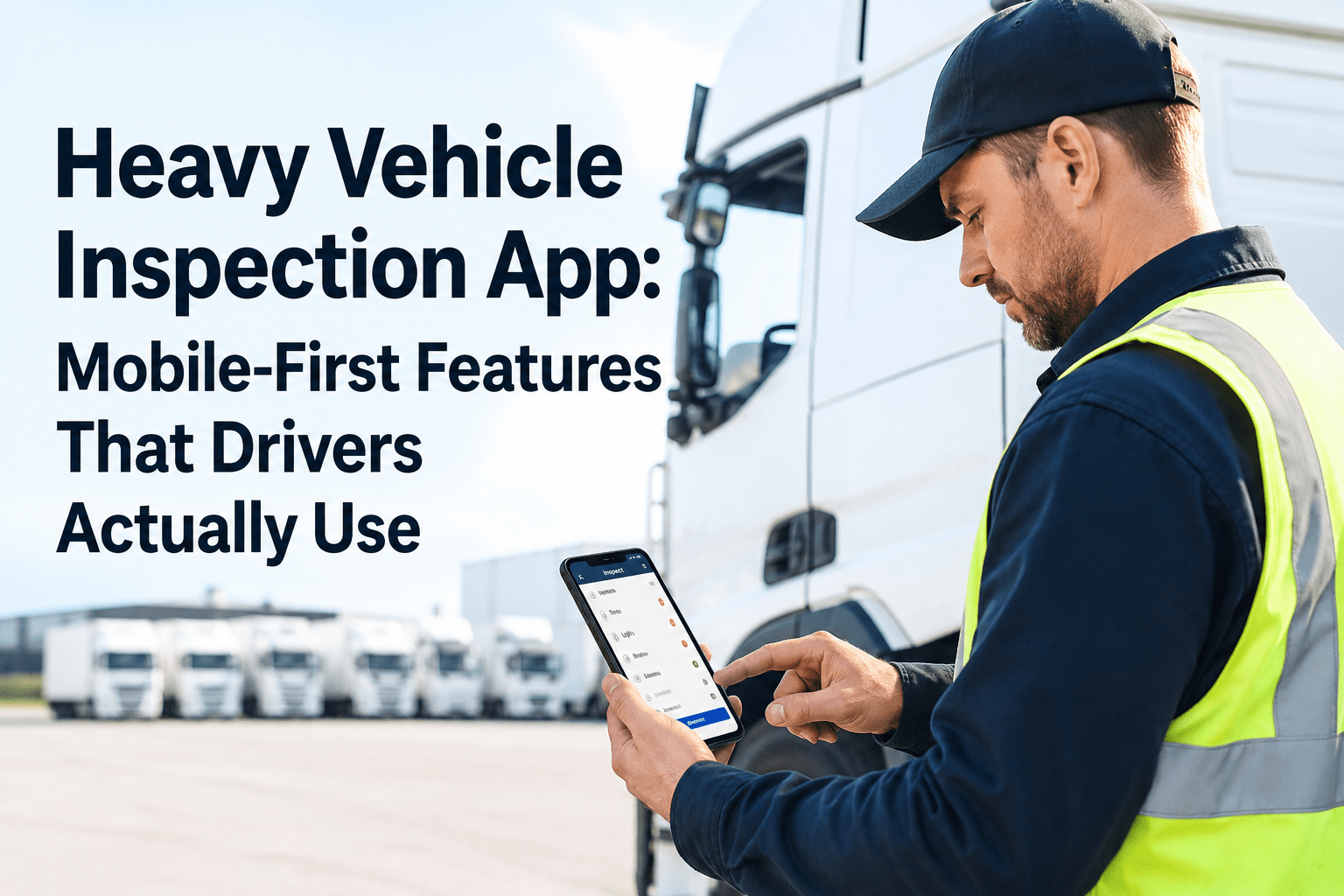
Heavy Vehicle Inspection App: Mobile-First Features That Drivers Actually Use

By Sarah Johnson on June 8, 2026

heavy-vehicle-inspection-app-features

Most inspection apps fail for a reason that has nothing to do with their feature list: drivers don't use them. A beautifully built app that takes longer than the paper sheet, demands two hands and a stylus, or buries the "report a defect" button three taps deep will quietly lose to the clipboard every time — and a DVIR app nobody uses is worse than no app, because now you're paying for the gap. The apps that actually stick share a specific design philosophy: they're built for a tired driver, in the cold, wearing gloves, doing a walk-around before a long shift — not for a manager looking at a dashboard. Get the mobile-first design right and adoption hits 95% in the first week, inspections drop from 20-plus minutes on paper to 5–10, and the data finally starts flowing. Get it wrong and you've bought expensive shelfware. A driver-friendly heavy vehicle inspection app earns its adoption through design choices that respect how the work actually happens. These are the nine mobile-first features that separate the apps drivers reach for from the ones they avoid.

If Drivers Don't Use It, It's Not an Inspection App — It's Shelfware
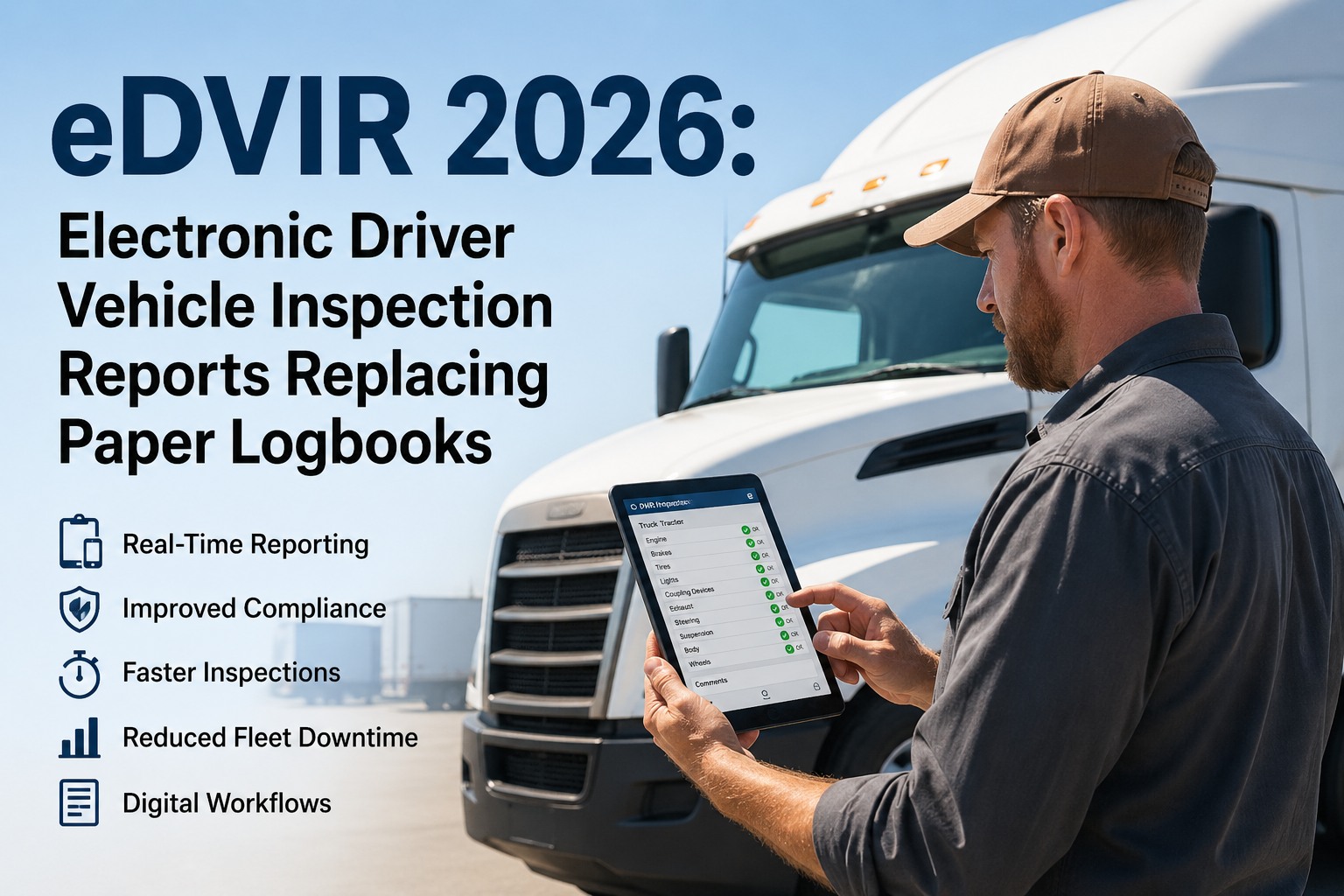
HVI is built mobile-first for the driver doing a real walk-around: large tap targets for gloved hands, photo-first defect capture, guided checklists, and offline mode that never quits on a dead-zone yard. The result is the 95% adoption that finally makes the data real.

The 9 Features Drivers Actually Use

Every one of these exists for a reason rooted in how a driver works — tired, outdoors, gloved, in a hurry, sometimes with no signal. Miss these and adoption stalls; nail them and the clipboard disappears.

1

Large Tap Targets for Gloved Hands

Buttons sized for a cold thumb in a work glove, not a precise fingertip. Big pass/fail toggles, generous spacing, no tiny checkboxes. The single most-felt design choice in the field.

2

Photo-First Defect Capture

Tap a defect, snap a photo, done. A picture of the cracked hose says more than a paragraph and removes the guesswork for maintenance — no typing a description with cold fingers.

3

Guided Walk-Around

The app walks the driver through the route in order — front, side, undercarriage, rear — so nothing gets skipped under time pressure. Structure beats memory, especially on a rushed pre-trip.

4

Offline Mode

Works with zero signal in a steel-walled yard or rural lot, then syncs automatically when back in range. An app that quits without bars quits exactly when drivers need it most.

5

One-Tap Pass

When everything's fine — which is most days — a clean inspection should take seconds, not a slog through fields. Fast on good days is what keeps drivers honest on bad ones.

6

Voice-to-Text Notes

Dictate a defect note instead of thumb-typing in the cold. Speaking "small oil leak at the rear axle seal" is faster and more detailed than anything a driver will type standing outside.

7

Pre-Filled From Last Time

The app remembers the vehicle, the driver, and the route, so the inspection starts ready to go. Less re-entry means less friction, and less friction means it actually gets done.

8

Auto Defect-to-Work-Order

A flagged defect routes straight to maintenance — the driver's report becomes the shop's work order with no hand-off. Drivers keep using an app when their input visibly does something.

9

DOT-Compliant Records

Every inspection is timestamped, signed, and stored to meet FMCSA DVIR requirements automatically — driver-easy on the front end, audit-proof on the back end.

If a feature doesn't make the driver's job faster or easier in the cold, it doesn't drive adoption — it just adds friction. Every one of these nine is built around how the walk-around actually happens. sign up for a free HVI trial and put a driver-first app in their hands.

Why Design Decides Adoption

The gap between an app drivers use and one they avoid isn't features on a spec sheet — it's seconds and friction in the field. The numbers tell the whole story.

95%
first-week adoption
What a driver-friendly app reaches when run in parallel with paper for about a week — drivers stop reaching for the clipboard on their own.
5–10 min
vs 20+ on paper
A guided mobile inspection takes a fraction of the time, so doing it right stops feeling like a penalty.
~40%
events paper misses
Paper captures only about 40% of what happens; a fast app drivers actually complete closes that gap.
<1 min
to learn
Mobile-first design means minimal training — if a driver needs a manual, the app already failed.

Built for the Driver, Not the Dashboard

The core design split is who the app is really for. Manager-first apps optimize for reporting and lose the driver; driver-first apps optimize for the walk-around and win adoption — which is what makes the reporting real in the first place.

MANAGER-FIRST APP

Tiny fields built for a desk, not a glove
Typing required for every defect
Breaks when the signal drops
Long forms even on a clean day
Drivers quietly go back to paper

DRIVER-FIRST APP (HVI)

Large tap targets for gloved hands
Photo and voice instead of typing
Full offline mode with auto-sync
One-tap pass on a clean inspection
Drivers adopt it and the data flows
A driver-first app makes the manager's reporting better precisely because the drivers actually use it — adoption is the foundation everything else is built on. schedule a live demo to put the app in a driver's hands and watch the walk-around.

From Walk-Around to Done in Three Steps

The whole experience, the way a driver lives it: open, inspect, submit. When it's this fast and this clear, it gets done every shift.

1

Open & Pre-Filled

Driver opens the app; vehicle, route, and checklist are already loaded. No setup, no re-entry — straight to the walk-around.

2

Tap, Snap, Speak

Big pass/fail toggles down the guided route; photo and voice note on any defect. Works offline the whole time.

3

Submit & It Routes

Sign, submit, and defects route to maintenance while a DOT-compliant record files itself. Driver's done in minutes.

Give Drivers an App They'll Actually Open

Large tap targets, photo-first capture, guided walk-arounds, offline mode, voice notes, one-tap pass, auto work-order routing, and DOT-compliant records — mobile-first design that hits 95% adoption. The data only matters if the driver uses the app. Trusted by 25,000+ users worldwide.
Frequently Asked Questions

What makes drivers actually use an inspection app?
Speed and friction, not features. Drivers adopt an app when it's faster and easier than paper for the way they really work — outdoors, gloved, tired, sometimes with no signal. That means large tap targets for gloved hands, photo and voice capture instead of typing, a guided walk-around so nothing's skipped, one-tap pass on clean days, and full offline mode. When a guided inspection takes 5–10 minutes instead of 20-plus on paper, doing it right stops feeling like a penalty and adoption reaches 95% in the first week. Sign up for a free HVI trial to see it.
Why is photo-first capture so important?
Because a photo is faster for the driver and clearer for maintenance. Snapping a picture of a cracked hose or worn tire takes a second and conveys more than a paragraph a driver would have to thumb-type with cold fingers — and it removes the guesswork when the shop decides how to respond. Photo-first capture is one of the highest-impact mobile features because it reduces driver effort and improves data quality at the same time. Schedule a demo to see photo-first defect capture.
Does the app need to work without internet?
Yes — offline mode is essential, not optional. Drivers inspect vehicles in steel-walled yards, rural lots, and dead zones where there's no signal, and an app that quits without bars quits exactly when it's needed most. A driver-first app captures the full inspection, photos and all, completely offline and syncs automatically the moment the device reconnects. Without that, drivers hit a wall and revert to paper. Sign up for a free HVI trial to test offline mode.
Will my drivers need training to use it?
Almost none — and that's the point. Mobile-first design means the app is intuitive enough to learn in under a minute; if a driver needs a manual, the design has already failed. The proven rollout is running the app in parallel with paper for about a week, during which adoption typically reaches 95% as drivers find it faster and stop reaching for the clipboard. Most adoption failures come from poor app design or change management, not from drivers being unwilling. Schedule a demo to see the driver experience.
How does a driver-friendly app help managers?
Indirectly but decisively: the reporting only works if the drivers actually use the app. A manager-first app crammed with dashboards and required fields loses driver adoption, and an unused app produces no data. A driver-first app earns near-universal use, so defects get captured, work orders route automatically, DOT-compliant records file themselves, and the manager finally gets complete, real-time data instead of a partial paper trail. Adoption is the foundation every reporting benefit is built on. Sign up for a free HVI trial to get both.

Share This Story, Choose Your Platform!

Start Free Trial Book a Demo