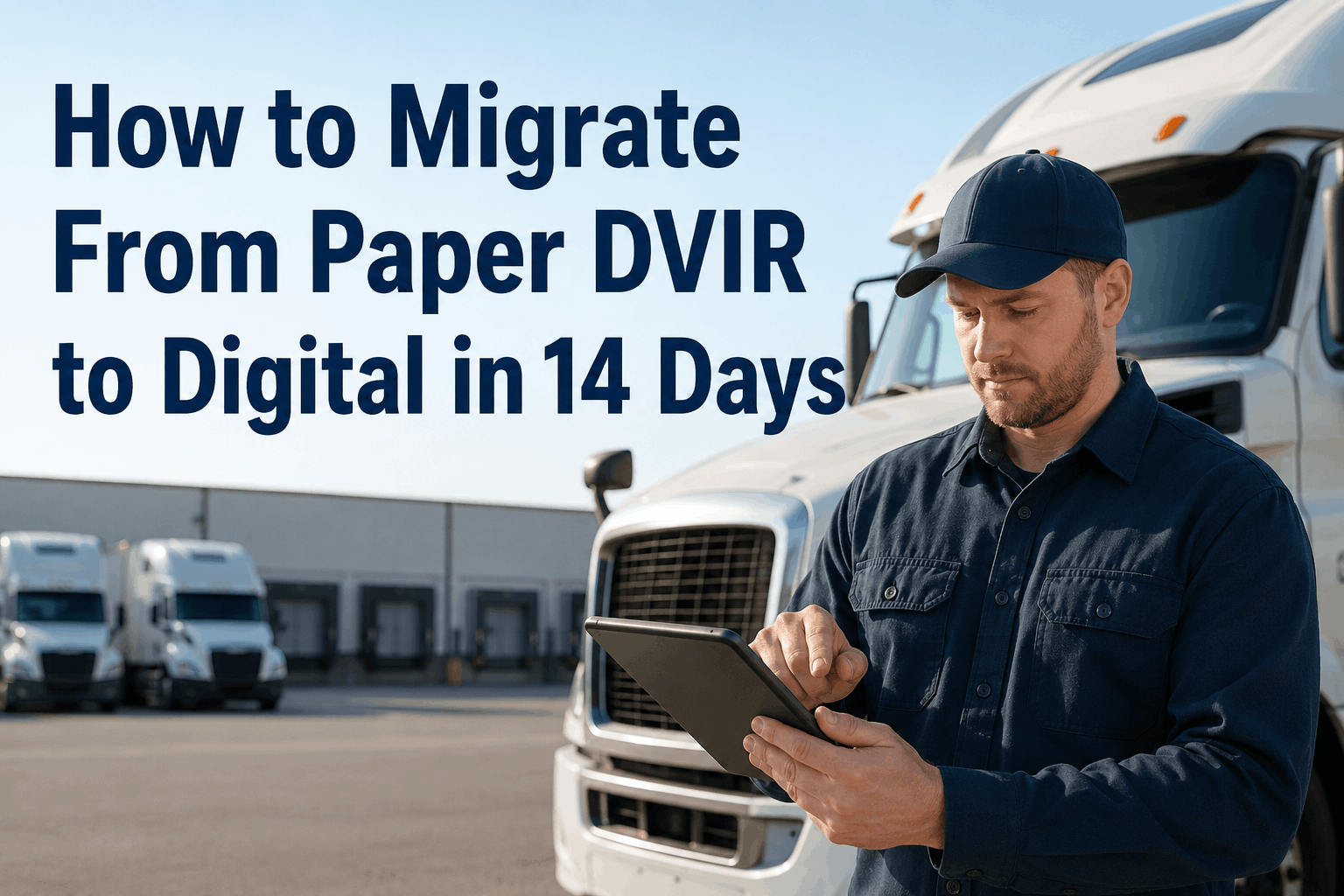
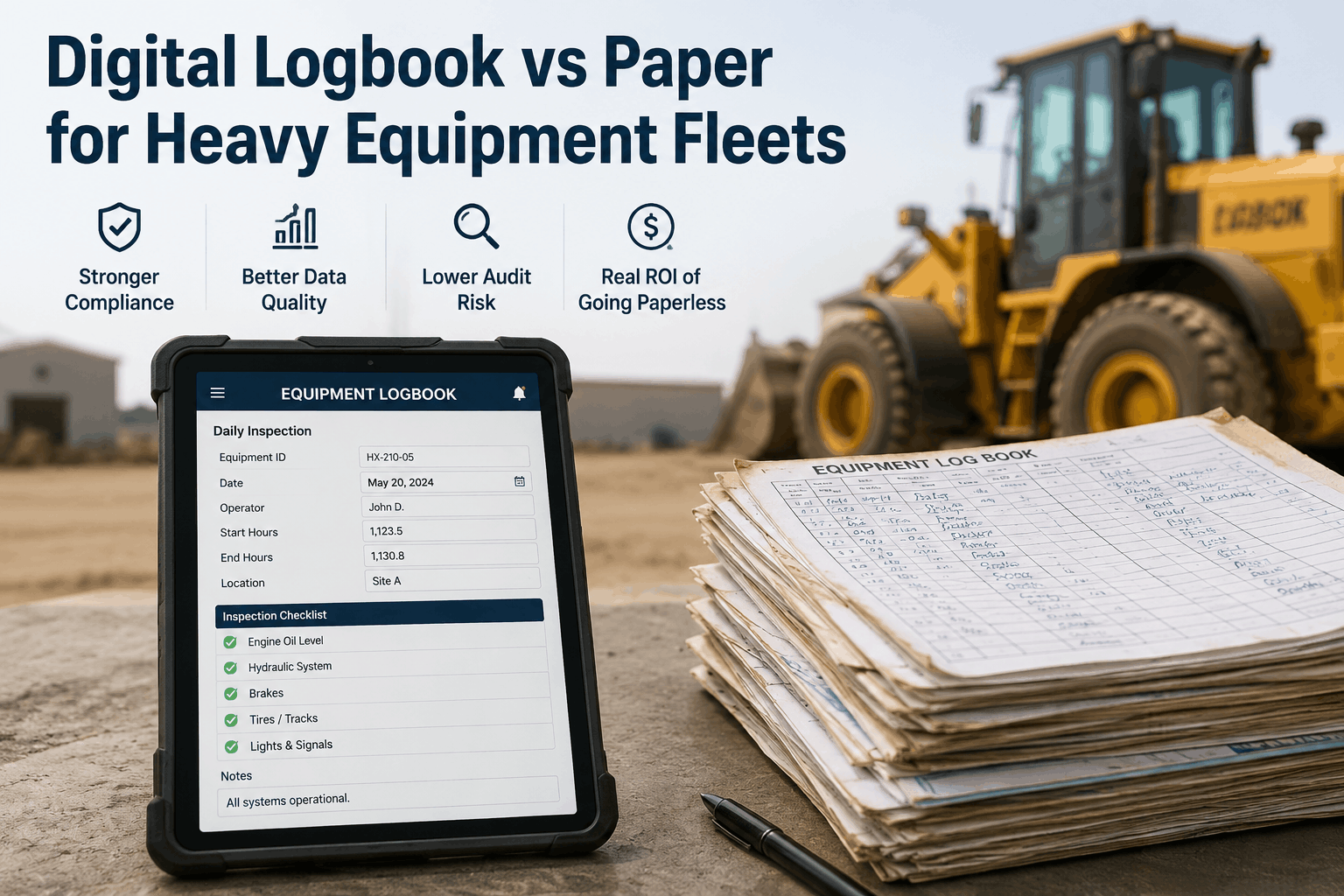
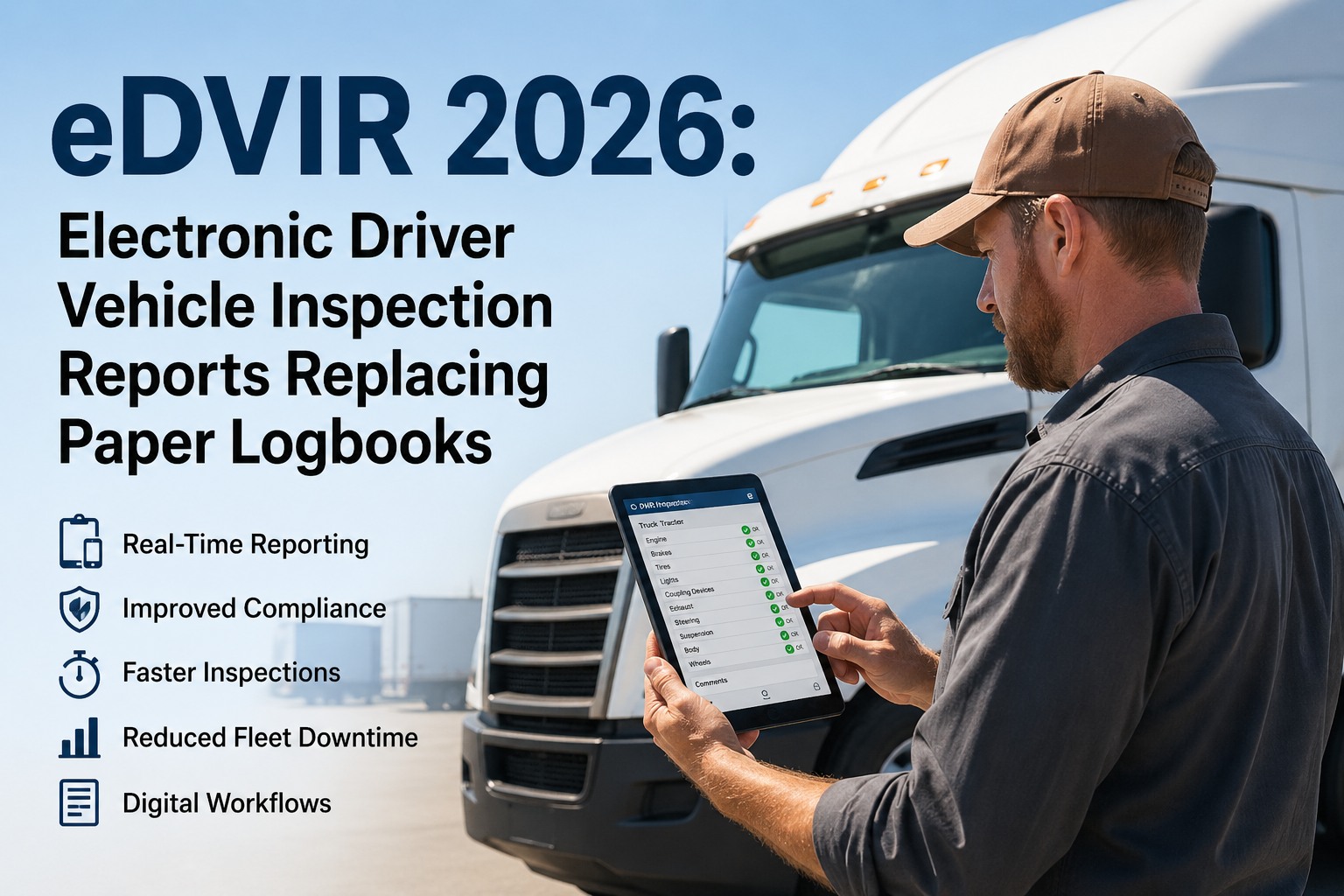
Fleet ops directors do not migrate to digital DVIRs because they want new technology. They migrate because the paper-DVIR cost stack has become impossible to defend: a 7% audit pass rate vs 96% on digital, a 3.2-day defect-to-repair lag vs 2–4 hours, $1,270–$15,420 in fines per violation occurrence, and the new CSA "Driver Observed" category that effectively doubles the cost of any walk-around defect a driver misses. The 2026 eDVIR final rule (effective March 23) removed the last regulatory excuse to stay on paper. What stops most fleets now is not whether to migrate — it is how to migrate without breaking dispatch during the transition. The good news is that a 14-day migration is realistic for fleets in the 12–500 vehicle range. It does not require new hardware. It does not require pulling drivers off the road. It requires a structured day-by-day sequence: account setup, pilot terminal selection, driver training in 25–30 minute sessions, defect-routing configuration, and the staged rollout that protects operations while replacing paper. This guide gives fleet ops directors the exact 14-day migration plan — the same one HVI's inspection & maintenance software customers use to go from filing-cabinet DVIRs to fully electronic in two weeks, with 94–98% inspection completion rates from day 30.
Go Live on Digital DVIRs in 14 Days — No Hardware Required
HVI's migration playbook gets mid-size fleets from paper to fully electronic DVIRs in two weeks. Drivers use existing smartphones, works offline, FMCSA-compliant from day one, 94–98% completion rates by day 30.
Why 14 Days — And What You Get at the End
The 14-day window is not arbitrary. It is the time it takes to onboard, train, and validate a fleet without disrupting dispatch — and the threshold past which drivers stop returning to paper habits. Here is what changes between day 1 and day 30.
Day 14
Full fleet live on digital
Every driver trained, every vehicle configured, every defect routing rule active, audit export tested
94–98%
Inspection completion rate by day 30
Up from typical paper completion rates of 55–78%
< 60 sec
Defect-to-mechanic notification
Down from 1.8 days average on paper
15 min
Audit export of 90 days
Down from 1–3 days of filing-cabinet retrieval
The Migration Risk Map — Pitfalls to Plan Around
Most migrations fail not because the software is hard but because the rollout sequence ignored the realities. Here is what to plan around before you start day 1.
Rolling out to everyone on day 1
Use a 3-day pilot at one terminal first. Catch template gaps before full rollout.
Forcing paper + digital in parallel beyond week 1
Set a hard paper sunset date at end of week 2. Parallel running breeds adoption resistance.
Training in a classroom, not on the vehicle
Train at the truck. Drivers learn the app while doing a real walk-around — retention triples.
Skipping defect-routing setup until "after go-live"
Configure routing before drivers submit a single inspection. Otherwise defects pile up unrouted.
Assuming smartphone access is universal
Survey driver smartphone availability before week 1. Plan loaner devices for the 5–10% who need them.
Treating supervisors as bystanders
Supervisors drive adoption. Train them in week 1. Their walk-around enforcement makes or breaks day 30.
The 14-Day Migration Plan: Day by Day
Below is the full day-by-day playbook. Each day has a primary task, a verification step, and a "do not skip" warning. Follow the sequence and the migration finishes on time.
PHASE 1 — FOUNDATION
Days 1–4
01
Account Setup & Asset Import
Create HVI account. Import every vehicle with VIN, plate, type, terminal, and DOT number. Use CSV import for fleets above 20 units.
Verify: vehicle count in HVI matches your fleet roster exactly.
02
Driver Import & Smartphone Survey
Import all driver records. Send the smartphone-availability survey. Identify drivers needing loaner devices (typically 5–10%).
Verify: every driver has either a personal smartphone confirmed or a loaner ordered.
03
Template Configuration
Configure inspection templates per vehicle type — tractors, trailers, straight trucks, reefers. HVI ships with pre-loaded templates covering all 11 FMCSA components.
Verify: every vehicle category has an assigned template. Test one inspection per category.
04
Defect Routing & Work Order Rules
Configure critical-defect routing (brakes, tires, steering — instant dispatch block + mechanic alert). Routine defects route to scheduled repair queue. Test the rules with simulated submissions.
Verify: a simulated brake defect blocks dispatch and notifies maintenance within 60 seconds.
05
Pilot Terminal Selection & Supervisor Training
Pick one terminal with 8–12 drivers and a supportive supervisor. Train the supervisor first — they will be the change agent. 60-minute walk-through of the app, defect routing, and exception handling.
Verify: supervisor can complete an inspection, log a defect, and run an audit export without assistance.
06
Pilot Driver Training
Train pilot drivers at the truck, not in a classroom. 25–30 minutes per driver. They complete a real pre-trip walk-around using the app. Loaner devices distributed.
Verify: every pilot driver completes one inspection independently before leaving the lot.
07
Pilot Go-Live & Template Refinement
Pilot drivers run digital-only DVIRs all day. Monitor in real time. Collect feedback on template wording, missing items, friction points. Refine templates same-day for company-specific items.
Verify: pilot completion rate above 90% on day 1. Refinement list documented for fleet-wide rollout.
PHASE 3 — ROLLOUT
Days 8–12
08
All-Supervisor Training
Bring every remaining terminal supervisor together for 90 minutes. Cover the lessons from the pilot, refined templates, and adoption enforcement. Supervisors leave with rollout schedules for their terminals.
Verify: every supervisor has signed off on their terminal rollout plan.
09
Terminal Rollout — Wave 1
Roll out to 30–40% of remaining drivers across 2–3 terminals. Train at the truck. Keep pilot drivers available as peer coaches. Monitor inspection submissions in real time.
Verify: completion rate above 80% on day 1 of each terminal.
10
Terminal Rollout — Wave 2
Roll out to the next 30–40%. Address any patterns from Wave 1 — friction points, template tweaks, missing items. Loaner device deployment continues.
Verify: total fleet on digital reaches 70%+ by end of day.
11
Terminal Rollout — Wave 3 (Final)
Cover remaining terminals and any owner-operators or contracted drivers. Hold-outs typically need direct supervisor follow-up. Make the paper sunset date crystal clear.
Verify: 100% of drivers trained and have completed at least one digital DVIR.
12
Paper Sunset Day
Paper DVIRs no longer accepted. Filing cabinets stay (for 90-day legacy retention) but no new paper enters. Supervisors enforce. Any driver still submitting paper is retrained same-day.
Verify: zero paper DVIRs submitted to the office. Inspection dashboard shows 100% digital.
PHASE 4 — VALIDATION
Days 13–14
13
First Audit Export Drill
Run a mock audit. Filter HVI by random vehicle + 90-day date range. Export full PDF package with photos, signatures, GPS data. Time the export — should be under 15 minutes.
Verify: export complete, all signatures captured, audit-ready package produced.
14
Compliance Dashboard Activation
Activate the CSA dashboard for "Driver Observed" tracking. Set completion-rate alerts (notify supervisor if a driver misses 2+ days). Configure the weekly fleet-wide compliance report. Migration complete.
Verify: weekly compliance report delivered to ops director email. Day 14 close-out meeting scheduled.
The plan above is the same playbook HVI customers use to migrate mid-size fleets in 14 days. Templates pre-loaded, defect routing configurable in minutes, smartphone-only deployment, full audit-export drill on day 13.
Start free with HVI and your day 1 begins today.
Driver Training: The Single Most Important Investment
Most migrations fail at the driver-training step. Drivers who feel imposed-on revert to paper habits the first time they hit friction. Here is the training format that produces 94–98% completion rates by day 30.
01
25–30 Minutes Per Driver
Longer than 30 minutes loses attention. Shorter than 25 skips edge cases. Time-box it.
02
At the Truck, Not in a Classroom
Drivers learn the app while doing a real walk-around. Muscle memory forms faster. Retention triples.
03
Their Own Smartphone
No "training devices." Drivers train on the phone they will actually use. Notification setup, login, app placement on their home screen — all done during training.
04
Complete One Real Inspection
Before training ends, the driver completes one real pre-trip on a vehicle they will drive. Defects (if any), photos, signature — full cycle.
05
Peer Coach Within Reach
Identify pilot drivers as peer coaches for Wave 1+2 trainees. Drivers help drivers — adoption multiplies.
06
Day-30 Refresher
Schedule a 10-minute group refresher at day 30. Address what drivers learned the hard way. Celebrate fleet completion-rate milestone.
Adoption Curve: What to Expect
Inspection completion rates do not jump instantly. Here is the realistic adoption curve for a mid-size fleet — and the milestones to track.
Day
Status
Completion Rate
Action
Day 1
Setup begins
0%
Foundation phase
Day 7
Pilot live
10–15% (pilot only)
Refine templates
Day 10
Mid-rollout
55–65%
Wave 2 deployment
Day 12
Paper sunset
85–90%
Hold-out follow-up
Day 14
Go-live complete
92–95%
Validation drill
Day 30
Steady state
94–98%
Day-30 refresher
Day 60
Optimized
96–99%
First audit-ready
14 Days From Paper to Audit-Ready
A paper-to-digital DVIR migration is not a technology project — it is an operational sequence. The fleets that complete it in 14 days are the ones that picked a pilot terminal, trained supervisors first, trained drivers at the truck (not in a classroom), set a hard paper sunset date, and validated with an audit export drill before declaring done. The fleets that take 6 months or never complete are usually the ones that tried to roll out to everyone on day 1, ran paper and digital in parallel indefinitely, or skipped supervisor enforcement. The 14-day plan in this guide is the same playbook HVI customers use across the 12–500 vehicle range — mid-size fleets that need to migrate without breaking dispatch. HVI's inspection & maintenance software ships with pre-loaded templates covering all 11 FMCSA components, smartphone-only deployment that requires no hardware, offline capture for sites without signal, configurable defect routing that activates in minutes, and audit exports that complete in under 15 minutes from day 13 onward. The 2026 eDVIR rule made the migration unambiguous. The 14-day plan makes it operational. Start free today or book a 30-minute demo to see HVI's migration playbook live on your fleet.
Run Your 14-Day Migration with HVI
Pre-loaded FMCSA templates. Smartphone-only deployment. Offline capture. Configurable defect routing. 94–98% completion by day 30. Migration playbook included. Trusted by 25,000+ users worldwide.
Frequently Asked Questions
Q: Can a mid-size fleet really migrate to digital DVIRs in 14 days?
Yes — for fleets in the 12–500 vehicle range, 14 days is the typical timeline. Account setup takes 1–2 days, template configuration takes 1 day, pilot runs 3 days, full rollout takes 5 days, validation takes 2 days. Larger fleets (500+ vehicles) typically need 21–28 days due to terminal count. The 14-day plan does not require new hardware — drivers use existing smartphones.
Q: What if drivers do not have smartphones?
Typically 90–95% of CDL drivers already own a smartphone. For the remaining 5–10%, plan loaner devices during Day 2's smartphone survey. Loaner phones cost $80–$150 each (refurbished Android works fine for HVI). HVI's app works on both iOS and Android.
Start free with HVI.
Q: What is the single most common migration mistake?
Running paper and digital in parallel indefinitely. The "we'll let drivers choose" approach kills adoption — drivers default to the familiar paper. The fix is a hard paper sunset date by end of week 2, supervisor enforcement, and same-day retraining for any driver still submitting paper after sunset. Without the sunset date, migration drags on for months.
Q: How long does each driver-training session take?
25–30 minutes per driver. Done at the truck, not in a classroom. The driver completes one real pre-trip walk-around using the app during the session, captures any defects with photos, and signs off — full inspection cycle. Retention is far higher when training happens on the vehicle rather than at a desk.
Book a demo for HVI's training format.
Q: How do we handle drivers who resist the change?
Three tactics that consistently work: (1) Recruit pilot drivers as peer coaches — drivers listen to drivers. (2) Set the paper sunset date publicly and stick to it. (3) Show resistant drivers the personal benefit: 5-minute inspections vs 12–18 minutes on paper, no more lost forms, no more illegible writing being read aloud during disputes. Within 30 days, most resistant drivers prefer digital.
Q: What does HVI cost per vehicle for the migration?
HVI is free for up to 3 vehicles — useful for pilot evaluation. For larger fleets, pricing scales per vehicle on a monthly basis. No hardware costs, no setup fees, no per-driver charges. The smartphone-only deployment means no hardware capex during migration.
Start free today or schedule a demo to discuss pricing for your specific fleet size.