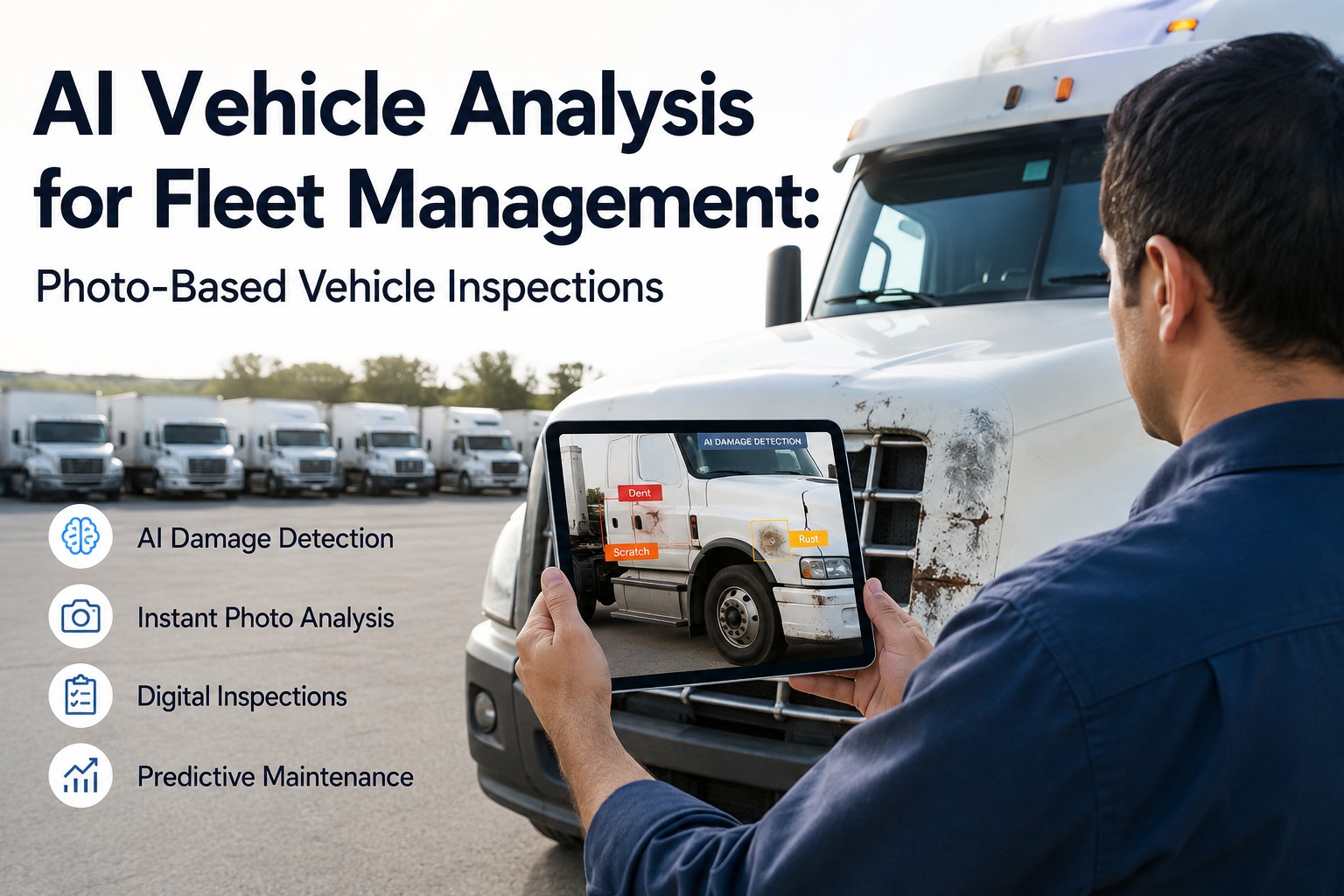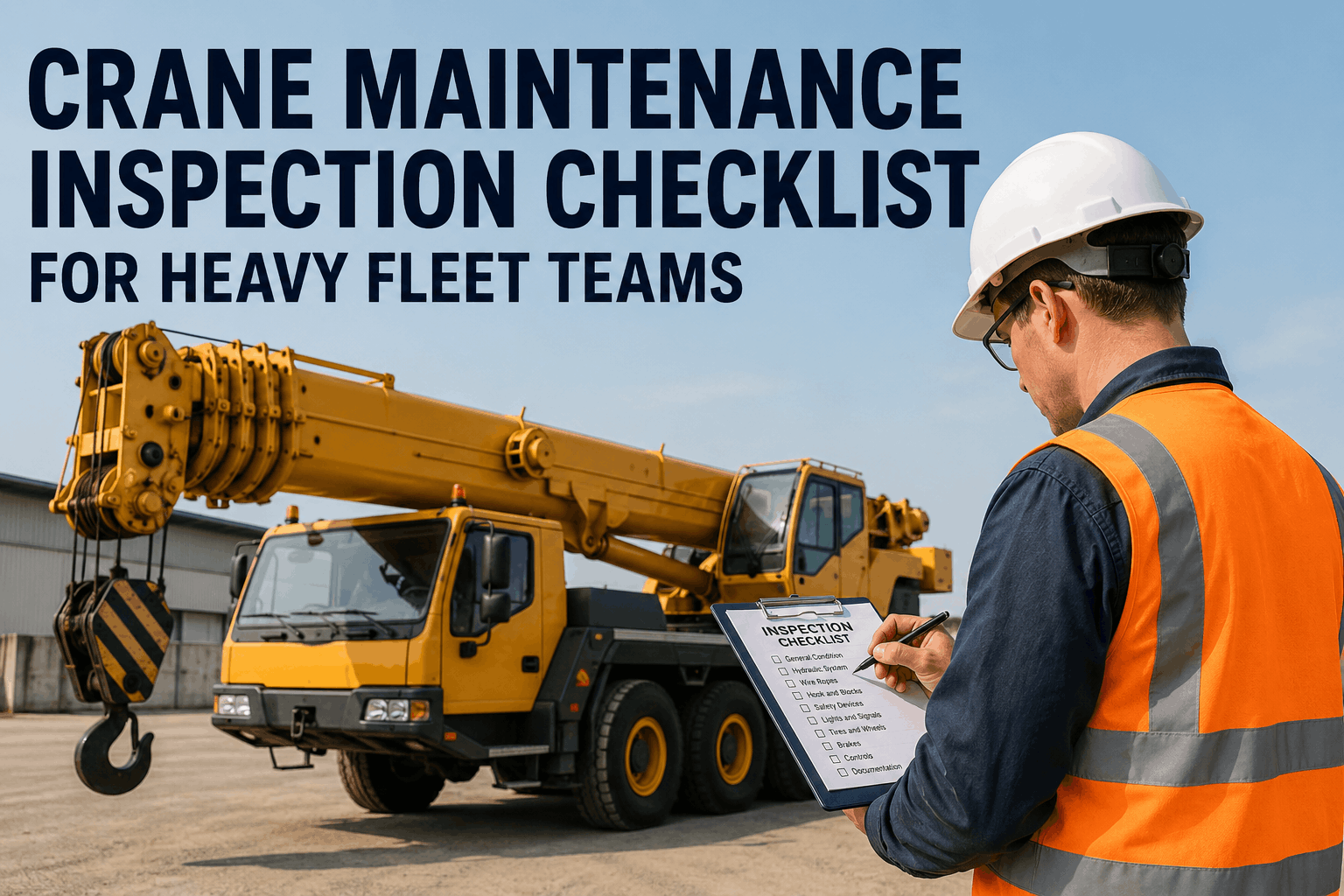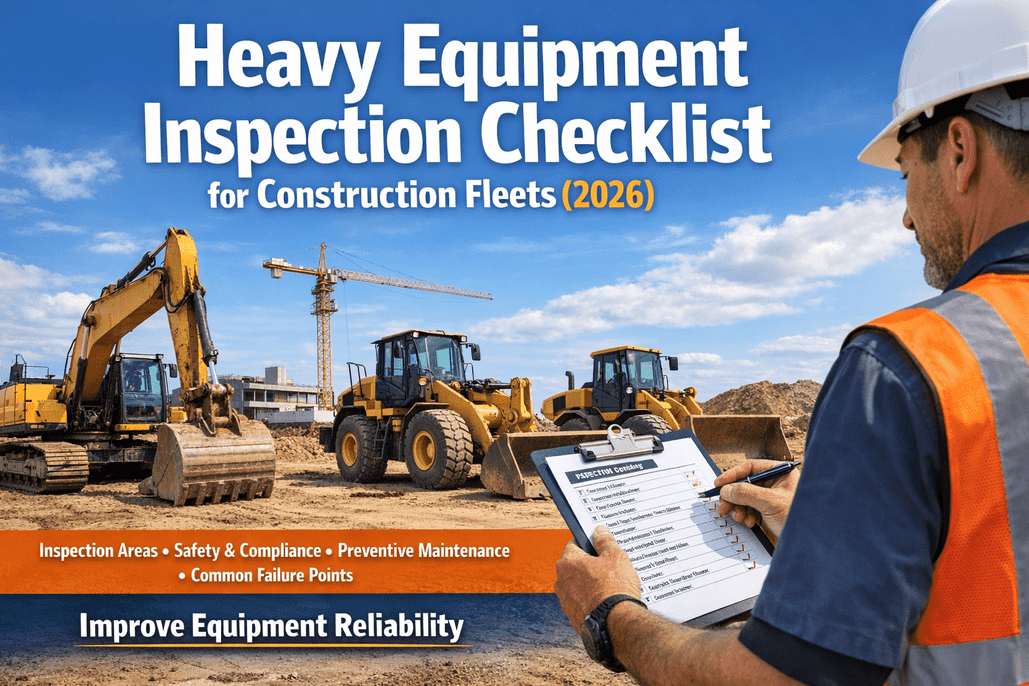
A loader returns from a rental with a fresh gouge near its counterweight. The driver says it was already there; your outgoing inspection shows only a small paint scuff. Automated damage detection promises to make these comparisons faster, but a trustworthy equipment check-in still depends on clear photos, consistent inspection points, and a human decision about what changed. Here is how to build a defensible process—and where HVI helps.
Spot the change. Document the damage. Get the machine ready again.
Compare checkout and return condition, capture the defect against the correct asset, and hand off repairs without losing the evidence.
What automated damage detection actually means
In equipment rental, automated damage detection generally means using software, image analysis, or AI to help identify changes between photos taken at different handovers. A system might highlight a suspicious area, but it cannot reliably decide every case of wear, liability, or repair urgency without good inputs and review.
Potential AI-assisted tasks
- Compare images of the same machine area.
- Flag visible changes for a reviewer.
- Group images by machine and inspection event.
- Help prioritize which photos need attention.
These are capabilities of some specialized systems—not a claim that HVI performs automatic image-based damage recognition.
What HVI helps manage
- Guided digital equipment inspections.
- Photos attached to reported defects.
- Inspection and asset history for comparison.
- Work orders and maintenance follow-through.
Want to see how this works for your rental or construction fleet? Book a demo of HVI's photo-backed inspection workflow.
From checkout evidence to a defensible damage decision
The important comparison is not simply whether two pictures look different. It is whether they show the same machine, same component, and a comparable viewing angle. A mud-covered panel, different lighting, or an attachment change can create false alarms.
Record baseline
Capture checkout condition, hour meter, accessories, and existing marks before release.
Repeat the views
At return, photograph the same sides, attachment points, and known damage locations.
Review differences
Compare evidence, separate ordinary wear from new damage, and inspect safety implications.
Route the finding
Document the defect, arrange repair where required, and verify readiness before reuse.
For fleets already documenting returns manually, sign up free to start consistent equipment condition inspections rather than leaving photos scattered across phones.
Which damage should your team inspect at equipment check-in?
A visual check is only part of the story. Some faults need physical inspection, functional testing, or a qualified technician. Use the following review guide to prevent a cosmetic comparison from overlooking an operational hazard.
| Inspection area | What to capture | Decision after review |
|---|---|---|
| Body and guards | New dents, cracks, missing panels, impact marks | Record damage; assess exposed or unsafe components |
| Hydraulics | Hose abrasion, wet fittings, cylinder-rod damage | Qualified inspection; isolate unsafe leaks |
| Undercarriage and tires | Sidewall cuts, track damage, missing fasteners | Determine safe operation and repair need |
| Attachments | Bucket teeth, couplers, pins, cutting edges | Verify attachment condition and secure fit |
| Cab and controls | Broken glass, damaged restraints, warning indicators | Remove from service where safety is compromised |
| Hours and accessories | Meter reading, keys, manuals, supplied tools | Reconcile return record and follow up on discrepancies |
Digital inspection records make these findings easier to retrieve later. Book a demo to see HVI defect photos and equipment history together.
Turn equipment damage photos into trackable repairs
See how HVI connects check-in inspections, documented defects, asset history, and maintenance work orders—without claiming unverified AI damage detection.
How to distinguish damage, wear, and an uncertain claim
Damage disputes often start with an overly confident judgment. A gouge may be fresh, but poor checkout photographs cannot establish when it happened. Build a review process that can say confirmed, existing, or needs review instead of forcing every finding into a yes-or-no answer.
Matching baseline and return views show a clear change. Record evidence, assess safety, and follow your contractual review process.
The condition was documented at checkout or falls within the agreed wear policy. Retain the record without an unsupported charge.
Photos differ in angle or quality, or the area was hidden. Request additional review; avoid treating an AI flag as proof.
Damage attribution and customer charges depend on rental terms, evidence, and applicable law. HVI can help organize the inspection and repair record, but it does not determine legal responsibility. Book a demo to explore consistent equipment return records.
12-point automated damage detection and check-in checklist
Whether you use manual comparisons or a separate AI image-analysis tool, the underlying check-in discipline remains the same. Train your receiving team to complete these steps before a machine is marked available.
Before the machine returns
- Confirm unit ID and return assignment.
- Retrieve checkout inspection and photos.
- Review existing damage notes.
- Prepare machine-specific inspection points.
During the return inspection
- Capture consistent wide-angle views.
- Add focused images of every new concern.
- Record hour meter and accessories.
- Inspect critical safety and functional areas.
Before release or re-rental
- Compare findings with the baseline.
- Mark uncertain changes for human review.
- Create repair actions for confirmed defects.
- Verify repairs and document readiness.
For a practical starting point, sign up free to document return inspections in HVI.
What makes AI damage detection reliable—or unreliable?
If you are evaluating specialized AI damage detection, ask the vendor to demonstrate the technology on your own excavators, loaders, compactors, and attachments. Different paint colors, mud, dents, shadows, and field repairs can affect results. A high-confidence image match is not a substitute for a mechanical inspection.
Ask for measured false-positive and missed-damage rates on equipment similar to yours, along with how the system handles muddy or poorly lit photos. Do not accept an accuracy percentage without understanding its test conditions.
HVI's value is the connected inspection and maintenance record around that decision. Book a demo to see equipment defect reporting and repair follow-up.
Track whether equipment damage checks are actually improving
Look beyond the number of photos captured. Measure the percentage of returns with a complete inspection, the share of defects with usable images, the time from return to repair assignment, and how many issues are discovered only after the next customer receives the machine.
Review disputed findings separately from confirmed damage. If disagreements rise after introducing AI assistance, inspect image quality and review rules before assuming the equipment is suddenly being damaged more often. A reliable process should improve traceability and response—not simply produce more alerts.
When a unit returns with an unsafe fault, keep it out of service until qualified personnel assess and correct the problem. Your inspection workflow should never override manufacturer guidance or local safety requirements.
Make every equipment handover easier to verify
Give your team a repeatable way to record condition, photograph defects, track repairs, and review equipment history in HVI.
Automated damage detection FAQs
What is automated damage detection for heavy equipment?
It is the use of software or image-analysis technology to help identify possible changes in equipment condition, often by comparing checkout and return images. Human verification is still important, especially for hidden damage and safety decisions.
Can AI identify every type of equipment damage?
No. Image-based systems may miss hidden cracks, internal hydraulic problems, or damage obscured by dirt or lighting. They can also flag harmless visual differences. Physical inspections and qualified technicians remain essential.
Does HVI automatically detect damage using AI?
HVI provides digital inspections, photo-backed defect reporting, equipment records, and maintenance workflows. Automatic AI image-based damage recognition should not be assumed to be an HVI feature without direct product confirmation.
What photos should be taken during equipment check-in?
Take consistent wide-angle views of each side, attachments, and high-risk components, plus close-ups of any new concern. Use the same viewpoints as the checkout inspection wherever possible.
How can damage records reduce equipment rental disputes?
A clear checkout baseline and documented return inspection help reviewers compare conditions and explain decisions. They strengthen the evidence available, but do not automatically establish liability or guarantee a dispute-free outcome.
Build a better equipment damage detection process
Automated damage detection is useful only when your team can trust the baseline, review the evidence, and act on the finding. Start with consistent checkout and check-in photos, a clear damage review policy, and repair records tied to each asset. HVI helps connect those everyday inspection and maintenance steps. Book a demo to see HVI's equipment inspection workflow and decide how it fits your fleet.