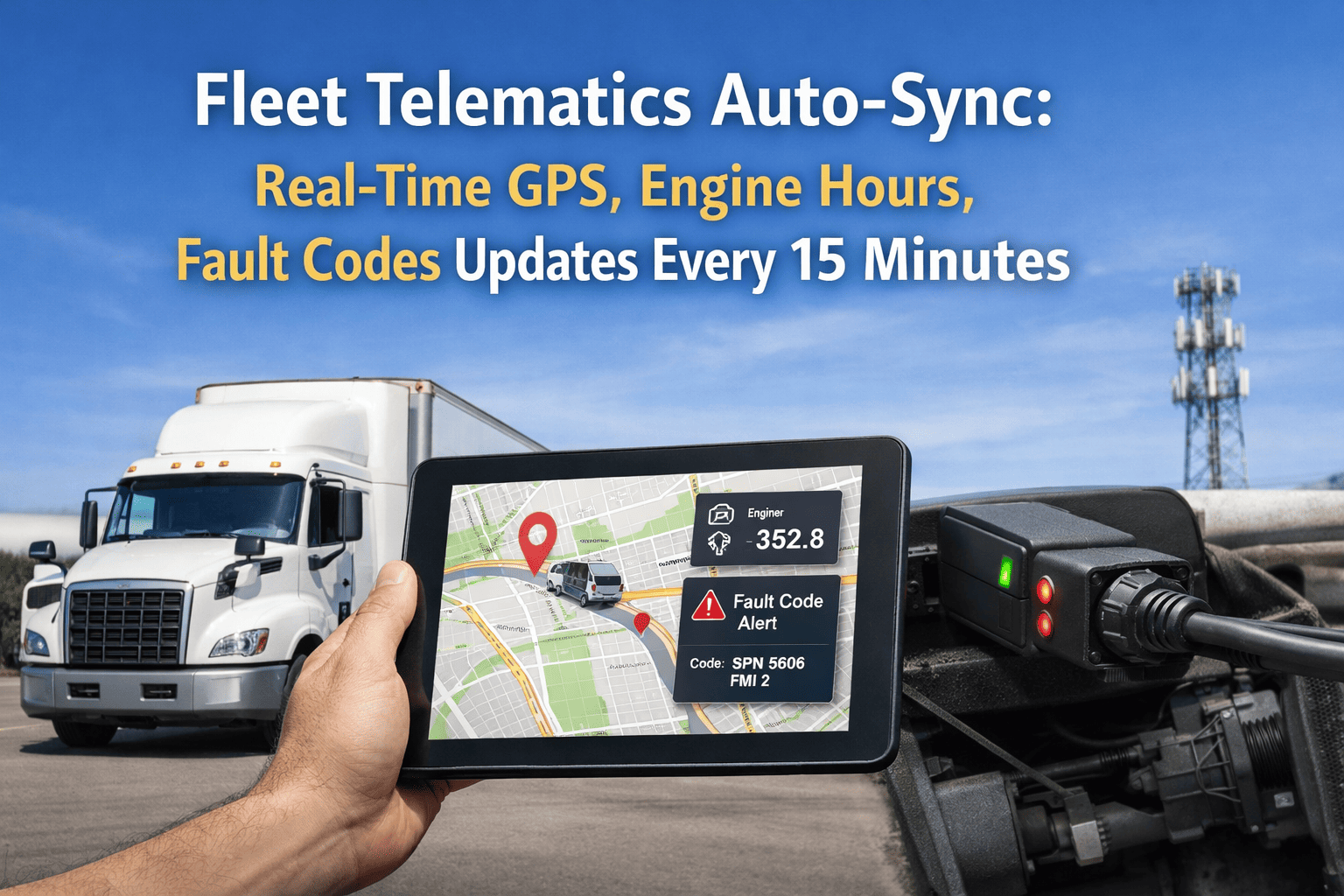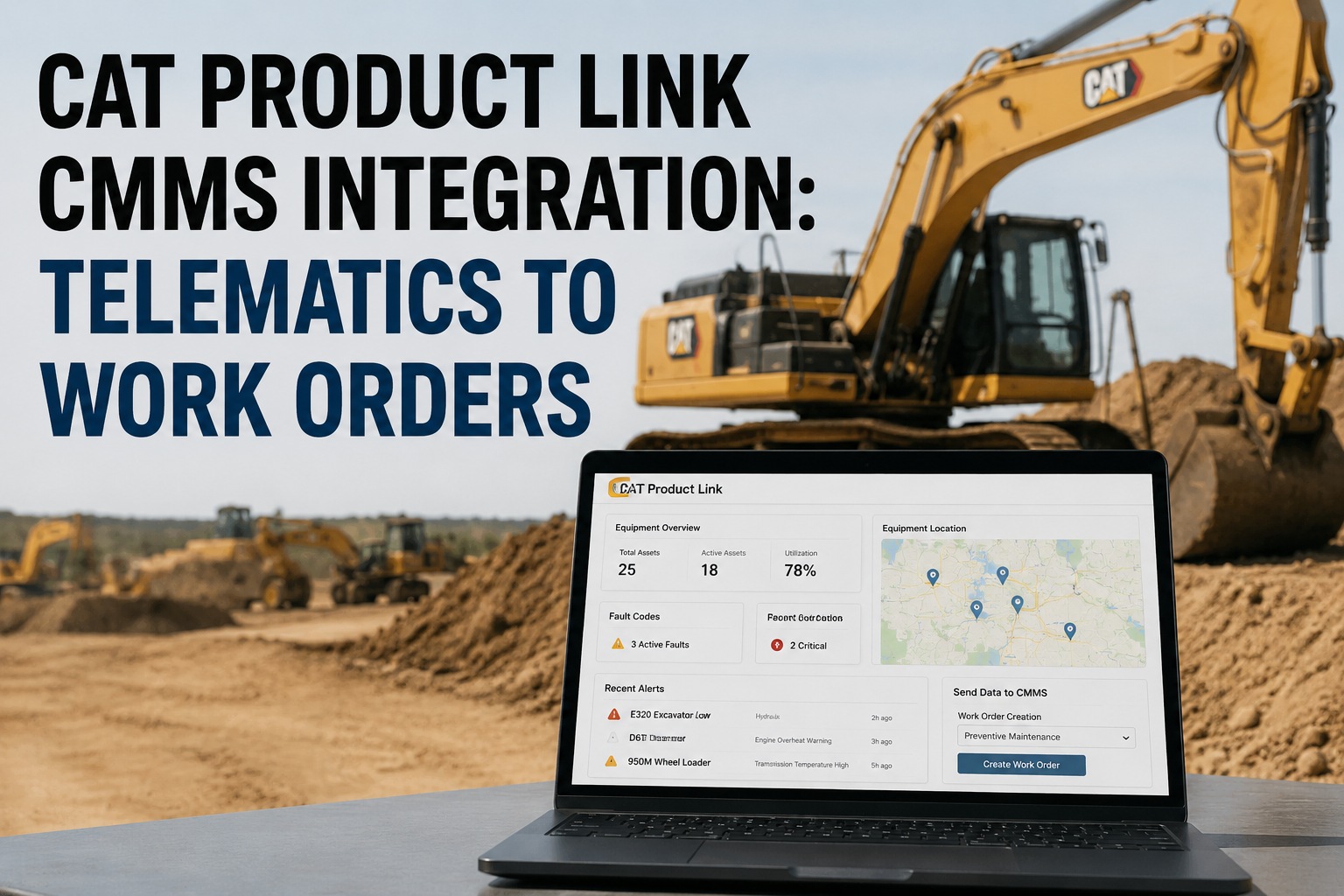
Every Cat machine built in the last decade already sends telematics data. Cat Product Link streams engine hours, fault codes, fuel burn, and utilization into VisionLink every 10 minutes over cellular. The data is there. The problem is what happens next — most fleets manually re-enter hours into a spreadsheet, chase fault codes in a separate portal, and trigger PMs off calendar dates instead of actual runtime. This Cat Product Link integration guide shows how the data flows from machine to work order automatically. Book a demo
The data flow that turns Product Link telemetry into work orders on autopilot.
Cat Product Link + VisionLink already generates the data. HVI closes the loop: engine-hour thresholds trigger PM work orders, fault codes create technician-assigned tickets, and utilization data feeds cost-per-hour analytics — without a spreadsheet in sight.
The data flow — from machine to work order in five stops
The Cat Product Link integration isn't a one-way data dump. It's a closed loop where the machine reports, HVI interprets, rules fire, and a work order lands in the technician's queue with the fault code and machine context already attached. Here's the exact path each data point takes.
Cat machine
Excavator, dozer, wheel loader, ADT. ECM continuously generates engine hours, SMCS fault codes, DEF level, fuel rate, coolant temp, hydraulic pressure, seatbelt status, operator ID.
Product Link hardware
PL161, PL542, PL671, PLE641 modules. Buffers data on-board, transmits over cellular (10 min) or satellite (4 hr). Weatherproof, factory-installed on new Cat, retrofitted on older units.
VisionLink cloud
Cat's cloud platform stores the stream. Exposes data through NextGen VisionLink APIs and the ISO 15143-3 (AEMP 2.0) standard endpoint — both REST/JSON, both token-authenticated.
HVI rules engine
Polls VisionLink APIs on schedule. Maps machine ID to asset record. Checks engine-hour thresholds vs PM plan. Reads fault codes against severity rules. Fires actions.
Work order
Technician-assigned ticket in the queue. Machine ID, fault code, severity, engine hours, location, recommended parts — all pre-populated. No manual data entry between machine and technician.
Every Cat fleet already has the first three stops running. The gap is what happens after VisionLink receives the data — without HVI, someone has to log into VisionLink each morning, note the fault codes, look up the machine in a separate maintenance system, decide if a PM is due, and open a work order manually. With HVI's Cat Product Link integration, those four steps collapse into one automated rule. Book a demo to see the flow running live on a Cat 336 excavator
Field mapping — what data does what
Not every Product Link field triggers a work order. Some feed dashboards, some drive analytics, some are the source of truth for compliance. Here's exactly how each core data point maps to an HVI action.
| Cat data field | Frequency | HVI action | Outcome |
|---|---|---|---|
| Engine hoursCumulative SMH reading | Every sync | PM threshold check | Auto-open 250/500/1000-hr PM work orders |
| Fault codes (CID-FMI)Cat SMCS diagnostic codes | Event-driven | Severity-based route | Sev 1: alert & ticket / Sev 2: log / Sev 3: dashboard |
| DEF levelDiesel exhaust fluid remaining | Every sync | Refill trigger | Low-DEF alert to yard crew, part order |
| Fuel burn rateGallons per operating hour | Every sync | Cost-per-hour analytics | Machine-level $/hr, benchmark vs fleet |
| Idle time %Idle hrs / total engine-on hrs | Rolling 24 hr | Operator scorecard | Per-operator idle % on weekly dashboard |
| LocationGPS coordinates + geofence status | Every sync | Site allocation | Auto-assign hours/costs to correct job/site |
| Utilization %Working vs idle vs off | Daily rollup | Rental/return decision | Underutilized machines flagged for reallocation |
Each row above is a rule the fleet configures once during setup. After that, the machine runs the workflow — not the fleet manager. Start free and configure your first Cat data-to-action rule this week
Fault code severity routing — what happens when a code fires
Cat SMCS fault codes come in three severity levels. Without routing rules, every code either gets ignored or every code becomes an emergency. The right integration reads severity and routes accordingly — so a level-1 gets immediate technician action, a level-3 goes on the trend dashboard, and nothing sits unread in a portal.
- Immediate SMS/email alert to fleet manager + on-call technician
- Priority work order opened with machine location and fault detail
- Operator notified via HVI mobile app to stop machine safely
- Machine flagged Out of Service until inspection complete
- Work order queued for next scheduled service window
- Fault code logged in machine history
- Repeat-fault alert if same code fires 3+ times in 7 days
- Fleet dashboard tile shows count trending
- Logged to fault history for trend analysis
- Rolled into monthly reliability report
- No immediate alert — visibility without noise
- Reviewed at monthly maintenance ops meeting
The routing matters more than the alerting. A fleet that alerts on every level-3 will train its technicians to ignore alerts within a month. A fleet that routes by severity keeps the signal high and the response times low.
MineStar bridge — when the fleet also runs Cat's mining suite
Mining, quarry, and heavy earthmoving operations often run Cat MineStar alongside Product Link. HVI's integration handles both. MineStar Fleet, Terrain, Health, and Detect modules push additional telemetry — payload cycles, dispatch assignments, terrain data, proximity events — that layer on top of the base Product Link stream. HVI pulls both feeds and unifies them into the same asset record.
Mining fleets running MineStar plus Product Link get one unified asset record per machine — PM history, fault history, payload cycles, safety events, cost-per-hour, and cost-per-ton in one place. Book a demo for a MineStar + Product Link + HVI stack walkthrough
From an Equipment Manager running 47 Cat machines across 6 quarries
We had VisionLink running for four years before we integrated it with a real CMMS. The data was all there — I could log in every morning and see fault codes on 47 machines across six sites. What I couldn't do was act on it fast enough. By the time I'd checked VisionLink, cross-referenced our maintenance spreadsheet, called the site foreman, and opened a paper work order, four hours were gone.
The Cat Product Link integration into HVI collapsed that whole loop. Now a low-oil-pressure fault on a 745 ADT at 6am opens a priority work order with location, fault code, and last PM history attached — and my on-call tech has it on his phone before I've had coffee. Engine-hour PMs fire on actual runtime, not the spreadsheet estimate that was always 30-40 hours off. First 12 months: our unplanned downtime dropped 34%, and the two admin hires we would have needed to keep up as the fleet grew — we didn't need them. That's before we count what we saved on the four engines that didn't blow up because a level-1 code got acted on in twenty minutes instead of two days.
Frequently asked questions
How does Cat Product Link integrate with HVI CMMS?
HVI connects to Cat's telematics infrastructure through two supported API paths. The primary path is the NextGen VisionLink API, Cat's proprietary REST/JSON endpoint that exposes the full data set: engine hours, fault codes (SMCS format with CID/FMI codes and severity), fuel burn rate, DEF level, idle time percentage, GPS location, operator ID, and utilization percentages. The secondary path is the ISO 15143-3 (AEMP 2.0) standard endpoint, which provides common definitions across Cat and other AEMP-compliant OEMs — useful for mixed fleets running Cat, John Deere, Komatsu, Volvo, and Hitachi on one platform. Setup takes 30-60 minutes: authorize HVI's OAuth token with your Cat Digital Marketplace account (or VisionLink account through your Cat dealer), select which machines to sync, and map machine IDs to HVI asset records. Data begins flowing on the next Product Link sync (10 minutes cellular / 4 hours satellite). No hardware installation is required on the machine side — every Cat unit built in the last decade already has Product Link hardware (PL161, PL542, PL671, PLE641 modules) factory-installed. Older units can be retrofitted through a Cat dealer if telematics coverage is required across the whole fleet.
Does HVI trigger PMs off engine hours automatically for Cat machines?
Yes — this is one of the highest-value outcomes of the integration. Once Cat Product Link is connected, HVI reads engine hours (SMH) on every sync and compares against configured PM thresholds per machine class. When a Cat 336 excavator crosses its 500-hour service threshold, HVI automatically opens a PM work order pre-populated with the machine ID, current hours, last-service history, recommended parts list, and standard task checklist for that service tier. The technician sees the work order in the mobile queue; the fleet manager sees it on the dashboard. The critical difference from calendar-based PMs: engine hours from Product Link are the actual ECM reading, not a driver-reported estimate or spreadsheet number, which typically drifts 30-40 hours off actual runtime over a quarter. Every PM triggers on real runtime. For fleets running multiple Cat classes with different service intervals (a D6 dozer at 250/500/1000 hours, a 336 excavator at 250/500/1000/2000, a 745 ADT at 500/1000/2000), HVI applies the correct interval per machine automatically. The integration also handles compressed schedules for heavy-duty cycles — if a machine is running 14-hour shifts in a demanding application, PM intervals can be scaled proportionally rather than using the standard book value.
How are Cat fault codes handled inside HVI?
Cat fault codes use the SMCS format with a CID (Component Identifier) and FMI (Failure Mode Identifier), along with a severity level assigned by the ECM. HVI ingests each fault as an event tied to a specific machine, timestamp, and current engine hours. The integration then routes based on severity: Level 1 (immediate stop / high risk — e.g., low oil pressure, engine over-temp, hydraulic failure) fires an immediate SMS or email alert to the fleet manager and on-call technician, opens a priority work order with location and fault detail, notifies the operator through the HVI mobile app to stop the machine safely, and flags the asset Out of Service until inspection is complete. Level 2 (attention needed / degraded — DEF warnings, DPF regen incomplete, coolant low) queues a work order for the next scheduled service window, logs the code to machine history, and triggers a repeat-fault alert if the same code fires three or more times in seven days. Level 3 (informational / trending) logs silently for trend analysis and monthly reliability reporting — no immediate alert, no noise, but full historical visibility. This severity-based routing is what prevents alert fatigue: technicians only get notifications for events that actually require action, and the routine diagnostics still get captured for pattern analysis.
Can HVI handle mixed fleets running Cat plus other OEMs?
Yes, and this is a common deployment pattern. Very few fleets run 100% Cat — most mix Cat with John Deere, Komatsu, Volvo, Hitachi, and occasionally Doosan or Hyundai. HVI's OEM telematics module supports the ISO 15143-3 (AEMP 2.0) standard, which is the common language across Cat Product Link, John Deere JDLink, Komatsu KOMTRAX, Volvo CareTrack, and Hitachi ZXLink. When a fleet runs multiple OEMs, HVI pulls data from each OEM's respective API using AEMP 2.0 for the common fields (engine hours, location, fuel level, utilization) and OEM-specific endpoints where richer data is needed (Cat's proprietary fault code detail via VisionLink API, for example). The result: one unified asset record per machine regardless of manufacturer, one dashboard for the whole fleet, one work order queue for all technicians, one PM engine, one cost-per-hour analytics view. Fleet managers running mixed-brand equipment routinely report losing 12-15 hours a week to portal switching between VisionLink, JDLink, and KOMTRAX before integrating — time that gets fully recovered once HVI centralizes the streams. For MineStar-heavy fleets, HVI also handles the mining suite alongside Product Link so mine operations don't fragment across two Cat interfaces plus other OEM portals.
How long does Cat Product Link integration take to set up in HVI?
Initial API connection takes 30-60 minutes. The steps: request API credentials from Cat Digital Marketplace (or coordinate through your Cat dealer for VisionLink API access; note that Cat's approval process typically takes about two weeks the first time it's requested), authorize HVI's OAuth token with the credentials, select which Cat machines to sync (single machine, single site, or entire fleet), and map machine serial numbers to HVI asset records. Once connected, data begins flowing on the next Product Link sync cycle — 10 minutes for cellular-connected units, 4 hours for satellite-only. Rule configuration (PM thresholds per machine class, fault code severity routing, alert recipients, geofence-based cost allocation) typically takes another 2-4 hours for a mid-sized fleet, though HVI provides pre-built rule templates for common Cat machine classes that reduce this substantially. Most fleets go from "signed contract" to "first automatic work order triggered by Product Link data" in under two weeks — and see full ROI in the first 60-90 days as the manual reconciliation time disappears, engine-hour PMs fire on actual runtime, and fault codes stop sitting unread in VisionLink. Book a demo to see the Cat Product Link connector configured live.
Every Cat machine you own is already reporting. HVI is what turns the reporting into results.
Connect Cat Product Link to HVI in under 30 minutes. Engine-hour PMs fire on actual runtime. Fault codes route by severity to the right technician. Utilization data feeds cost-per-hour analytics. MineStar layers on for mining operations. Zero manual data entry between machine and maintenance action — the loop closes, the fleet runs.