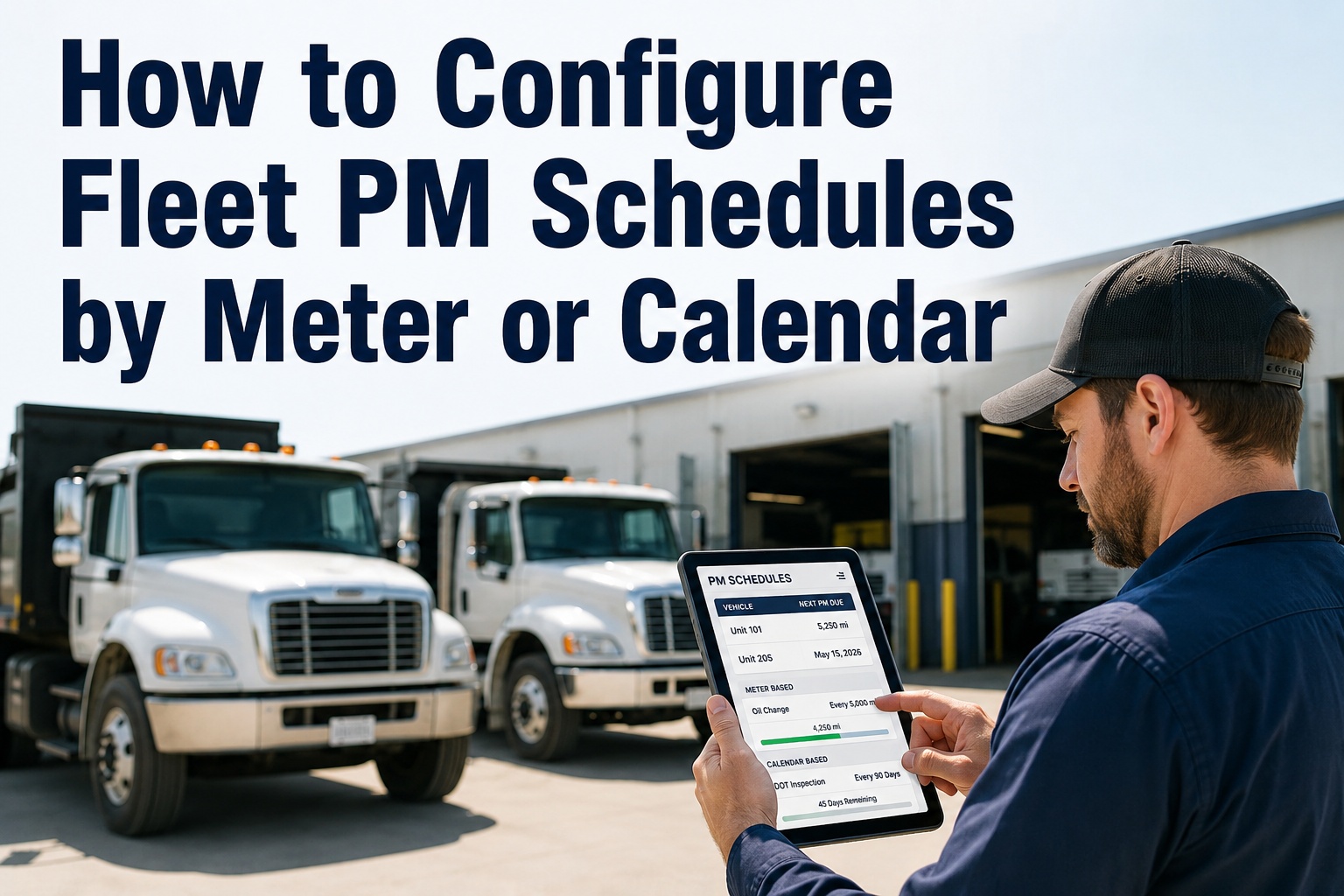
A pickup that runs 8,000 miles a year and a Class 8 tractor that runs 120,000 don't wear on the same clock — but calendar-only PM treats them identically. That's how fleets over-service quiet units and under-service the ones that earn the money. A well-built fleet preventive maintenance schedule mixes meter triggers (mileage, engine hours) with calendar triggers and lets whichever fires first drive the work order. This guide shows how to configure both in HVI. Book a demo to see it running.
The Three Ways to Trigger a Preventive Maintenance Work Order
Every asset in your fleet fits one of these. Pick the wrong one and you either over-service or under-service — both cost real money.
regardless of use
or 500 engine hrs
whichever comes first
The rest of this guide walks the full configuration — how to pick the right trigger for each asset type, how to set thresholds without over-servicing, how to structure tiered A/B/C service levels, and how every PM automatically becomes a tracked work order in the shop queue. If your current PM lives in a spreadsheet, this is the workflow that replaces it.
Pick the trigger by duty cycleA 60-second decision framework
Not every asset needs a hybrid trigger, and not every task needs a meter trigger. Match the trigger to how the asset actually earns its keep. Here's the framework the best-run shops use. Book a demo to see this modeled on your fleet
High-mileage highway runs wear the drivetrain, not the calendar. A quarterly PM on a truck already at 25,000 miles since last service is 10,000 miles overdue.
Miles undercount urban wear because a truck idling in traffic accumulates engine wear without adding miles. Hour-meter triggers catch the real duty cycle.
Off-road equipment has no meaningful mileage. Hydraulic oil, filter, and swing gear service intervals all live in engine hours, not miles or dates.
Meter-only misses time-based degradation during 8 months of storage. Calendar-only over-services when the truck sits. Hybrid catches both failure modes.
Regulatory inspections (DOT annual, FMCSA 396.17, DVSA MOT) fire on the date regardless of use. Never tie a compliance PM to a meter reading only.
Configure a PM in HVI — step by stepThe 6-field setup that runs your whole schedule
Every PM schedule in HVI is a 6-field record. Once created, it lives on the asset and fires work orders automatically whenever its trigger conditions are met. Total setup for a new PM template is 2–3 minutes; cloning it across similar assets takes seconds. Book a demo to walk this configuration live
Asset or asset group
Attach the PM to one specific truck, or to a group (all Peterbilt 579s, all 2022 Freightliners, all reefer trailers). Group PMs let you set a schedule once and apply it to 40 similar assets.
Service tier (A / B / C)
A = frequent light service (fluid checks, tire pressure, filter inspection). B = mid-tier (oil & filter, brake inspection, DPF service). C = heavy service (full drivetrain, cooling system, aftertreatment).
Trigger type
Pick calendar, meter (mileage or engine hours), or hybrid. Hybrid is a checkbox that says "whichever comes first" — and it's the right default for anything but pure compliance items.
Threshold values
Enter the interval: e.g., "15,000 miles OR 90 days" for a B-service. HVI tracks each asset's current meter and clock separately and fires when either threshold is hit — not both.
Task template
Attach the checklist of work the tech will do — drain oil, replace filter, check DEF, inspect brakes, torque wheel nuts. Templates are reusable across similar assets so the same B-service always runs the same checklist.
Advance-warning window
How many days or miles ahead should HVI generate the work order? Default is 7 days / 500 miles — enough lead time to order parts and schedule the bay without letting the interval slip.
Where meter readings actually come fromThree ways to feed the trigger engine
A meter-based PM is only as reliable as the meter readings feeding it. Miss an odometer capture for two months and the trigger fires late — or worse, doesn't fire at all until someone notices. HVI supports three capture methods, and mature fleets use all three.
Telematics integration
HVI pulls odometer, engine hours, and DTC codes directly from Samsara, Geotab, Motive, Verizon Connect, or OEM telematics APIs. Meter readings update daily without human effort. This is the gold standard for large fleets and the only method that keeps a 50+ truck fleet's PM engine accurate.
Driver capture on fuel log
Drivers enter the current odometer each time they log a fill-up in the HVI mobile app. Meter readings update 2–4 times a week per vehicle. Good middle-ground for fleets without full telematics coverage — the fuel log is already a habit, so meter capture piggybacks on it.
DVIR walkaround entry
Every DVIR includes a required odometer/engine-hours field. Meter updates on every pre-trip inspection — daily for most fleets. This is the fallback that keeps PM triggers honest even when telematics goes down or fuel logs are missed.
Mature fleets layer all three — telematics as the primary feed, fuel log as the backup, DVIR as the always-on floor. If one source fails, the next one keeps the trigger engine running. Start a free trial and enable meter capture from all three sources on day one.
From PM trigger to closed work orderThe chain that runs without a foreman touching it
Setting up a PM schedule is only half the value. The other half is what happens automatically when the trigger fires. Here's the full chain, end-to-end — the same chain that turns a scheduled interval into a completed, documented service without anyone chasing paperwork. Book a demo to see the chain fire live
From a maintenance director who rebuilt his PM engine
We were running calendar-only PM on 84 trucks for years — every 90 days, every truck, same service. Sounded disciplined on paper. Reality: three of our high-mileage haulers were 20,000+ miles overdue on oil at every service, and half our yard tractors were sitting through B-services they didn't need yet.
Switched to hybrid triggers in HVI — 15,000 mi OR 90 days on the tractors, engine-hours OR 6 months on the yard equipment. Six months in, our shop labor per truck is down 18% and we haven't had a single unplanned oil-related failure. The wasted labor wasn't a productivity problem — it was a scheduling problem the software solved.
Frequently asked questions
Should I use meter-based or calendar-based PM for my fleet?
For most commercial fleets the answer is both — and specifically, hybrid "whichever-comes-first" triggers for the majority of assets. Meter-based (mileage or engine hours) is the right primary trigger for anything that wears with use: oil service, brake wear, drivetrain, tires, DPF regeneration cycles. Calendar-based is the right primary trigger for time-degraded items and compliance events: DOT annual inspections, coolant flushes, seasonal service, safety inspections, warranty-required intervals. Hybrid triggers — where the PM fires on the first threshold reached — are the safest default for critical assets because they catch both failure modes: high-use trucks that would blow past calendar-only intervals, and idle-heavy units where fluids degrade sitting in the yard. Industry research suggests picking the wrong trigger type wastes 15–30% of maintenance labor on any given asset. The goal isn't to pick one method — it's to configure the right trigger per task per asset class.
What's a good PM interval structure for a mixed fleet?
Most well-run fleets use a tiered A/B/C structure that layers frequent light service on top of less-frequent heavy service. A-service (every 2,500–5,000 miles or 30 days): fluid checks, tire pressure, filter inspection, quick walkaround. B-service (every 15,000 miles or 90–180 days): oil and filter change, brake inspection, DPF service, fuel system check, chassis lube. C-service (every 45,000 miles or annually): full drivetrain inspection, cooling system service, transmission fluid, aftertreatment deep service, DOT annual. Every A-service is included when a B fires; every B is included when a C fires — so a C is really "everything at once." Exact intervals depend on OEM recommendations, duty cycle, and warranty terms — but the A/B/C shell is a universal starting point that scales from a 5-truck operation to a 500-truck operation without redesign.
What happens if we miss a meter reading — does the PM still fire?
This is exactly why meter-only PM fails on many fleets — if the meter isn't captured, the trigger engine has no way to know when to fire. HVI solves this three ways in parallel. First, telematics integration pulls odometer and engine hours automatically (daily) from Samsara, Geotab, Motive, Verizon Connect, or OEM feeds — no human involvement. Second, driver fuel-log entries capture meter readings 2–4 times per week per vehicle. Third, every DVIR pre-trip inspection includes a required odometer field, guaranteeing a daily meter update per vehicle. If any single source fails or lags, the other two keep the PM engine accurate. HVI also flags any asset whose meter hasn't updated in more than 7 days so the maintenance manager knows to investigate before a trigger silently misses.
How does the PM engine avoid firing while the truck is on a long-haul run?
HVI's advance-warning window is designed exactly for this. When you configure a PM, you set how many days or miles ahead the work order should generate — default is 7 days or 500 miles before the actual threshold. This gives dispatch and the shop lead time to route the truck to a maintenance bay at the right point in its lane, order parts if needed, and schedule labor without disrupting a load in transit. The work order sits in a "scheduled" state during that window and only becomes "due" when the threshold is actually crossed. For long-haul operations, most fleets set a wider window (14 days / 1,000 miles) to give lane routing more flexibility. For local delivery fleets that hit the yard nightly, a shorter window (3 days / 200 miles) is fine because the truck is easy to bay.
Can I clone one PM schedule across 40 similar trucks?
Yes — and this is the difference between a scheduling engine that scales and one that turns into a data entry job. In HVI you create an asset group (e.g., "2022 Freightliner Cascadia tractors") and attach one PM template to the entire group. Every asset in the group inherits the same trigger, threshold, task checklist, and parts list — but each keeps its own individual meter clock and service history. Add a truck to the group next week and the PM applies automatically. Change the template threshold from 15,000 to 12,000 miles and every truck in the group updates. Group-based PM is what makes it realistic to run a proper preventive maintenance schedule across a 50, 100, or 500-truck fleet without spending Fridays copy-pasting spreadsheet rows — and it's what makes meter-based scheduling operationally feasible at scale, not just theoretically better.
Configure your fleet preventive maintenance schedule the right way — in HVI
HVI runs calendar, meter, and hybrid triggers side-by-side on one platform. Real-time meter feeds from telematics, driver fuel log, and DVIR. Group-based PM templates that scale across 5 or 500 assets. Every trigger auto-creates a tracked work order, pulls parts, assigns a technician, and closes the loop with signed proof of service. Live in 1–2 weeks. No hardware. Full audit trail on day one.
No credit card · No hardware · PM engine ready on day one