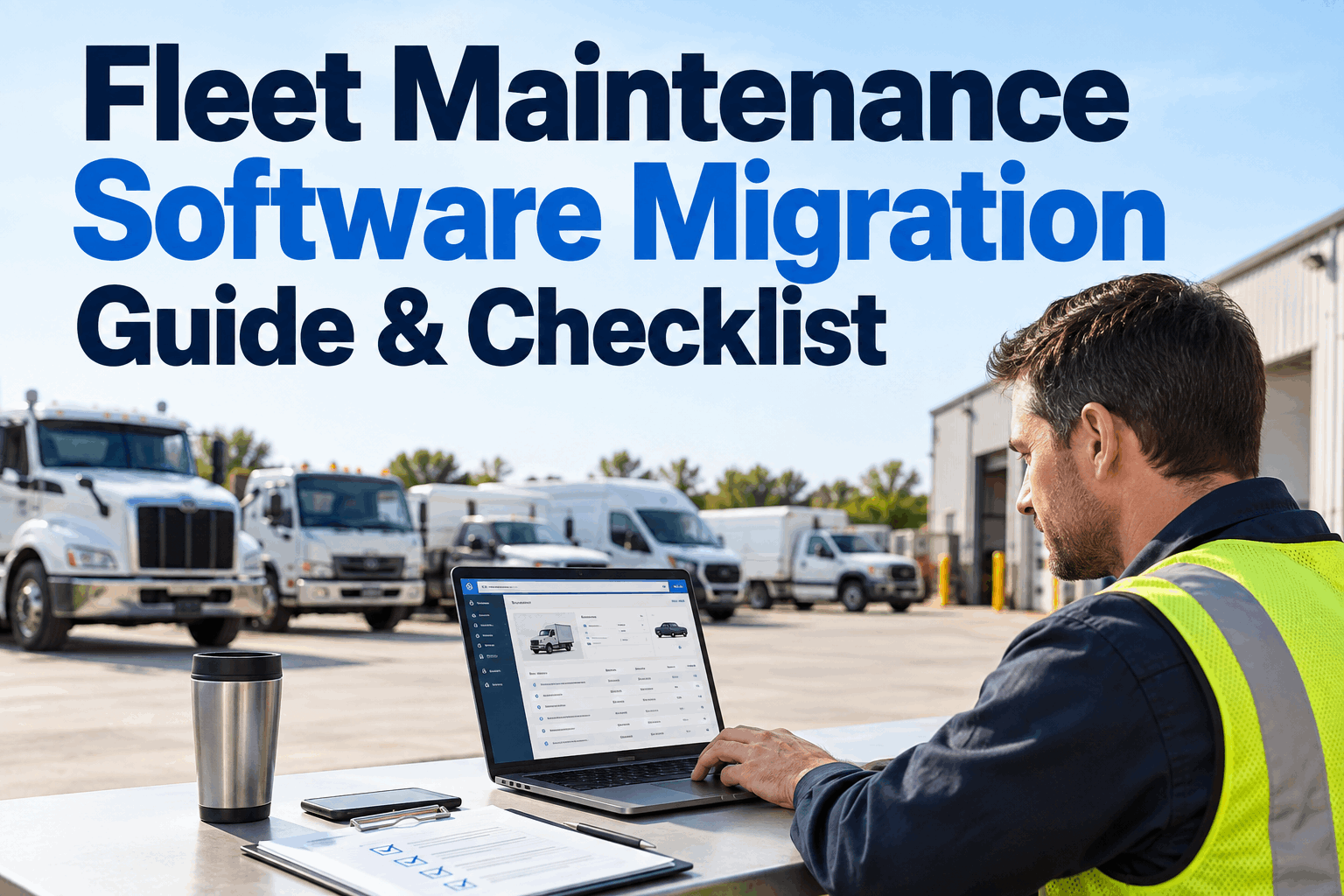
Fleet software migration is not simply an export-and-import exercise. A successful move protects the asset register, active preventive maintenance schedules, open work, meter history and the maintenance records the fleet still depends on—while preventing duplicate assets, outdated fields and unreliable legacy data from following the organization into its new system.
Move Your Maintenance Operation—Without Moving Every Legacy Problem With It
Plan the transition from spreadsheets, a legacy CMMS or disconnected fleet systems with a controlled path for data selection, cleanup, mapping, test imports, validation and final cutover.
The difficult part of a fleet maintenance software migration is deciding what deserves to become operational data in the replacement platform. Moving every historical field can create more work than value, while migrating too little can break PM continuity, maintenance visibility or reporting. The migration plan should therefore begin with business-critical records and a dependable asset identity—not with the size of the old database.
Do Not Start With “How Do We Export Everything?”
Start with a more useful question: what information must be available on day one for maintenance operations to continue? That changes migration from a database-copy project into an operational continuity project.
Needed for active operations
Information the new system needs to schedule, perform or understand current maintenance activity.
- Active asset register
- Current PM schedules
- Open maintenance work
- Useful meter readings
- Relevant parts and inventory data
Needed for reference
Older information may still have reporting, operational or record-retention value without needing to live in the active database.
- Older closed work orders
- Historical repair documents
- Legacy cost reports
- Retired asset history
- Old attachments and exports
Do not preserve bad data by default
A migration is an opportunity to prevent obsolete or unreliable records from contaminating the replacement system.
- Duplicate assets
- Unused custom fields
- Obsolete user records
- Known incorrect meters
- Unusable duplicate history
Know Where Fleet Maintenance Data Actually Lives
A legacy CMMS may not be the only migration source. Parts data could be in a spreadsheet, meter readings in telematics, invoices in finance software and open maintenance issues in email or paper files.
Before extraction begins, identify each source, its owner, its expected quality and whether it should become part of the new maintenance environment.
Discuss your migration scope with HVI →Reconcile the Asset Register Before Mapping Maintenance History
The same truck or piece of equipment may appear under different identifiers across maintenance, fuel, telematics and finance systems. If those identities are not reconciled first, historical maintenance can land against the wrong asset or create duplicate units.
If asset matching is performed after importing maintenance history, duplicate or mismatched records can become much harder to unwind. Establish the target asset register first, then associate dependent records with it.
Use the Migration as a Data Quality Reset
Legacy systems accumulate naming variations, inactive records, outdated fields and workarounds. A clean migration distinguishes data correction from data movement.
- Consistent identifier
- Current PM interval
- Validated meter
- Correct asset class
Translate the Old Data Model Into the New One
A CMMS data migration rarely involves identical field names and structures. Document how each important source field maps to the target system and what transformation or validation is required.
See How Your Fleet Data Can Fit Into an HVI Maintenance Workflow
Walk through assets, maintenance records, PM schedules and migration priorities before committing to the final cutover.
Should Every Old Maintenance Record Be Migrated?
Not necessarily. The right answer depends on how the fleet uses its history, its reporting and recordkeeping needs, the quality of legacy data and the practical cost of transforming it.
Move useful operational history
Prior repairs, recent costs or other history may be valuable when technicians and managers regularly need it against the active asset.
Keep older records accessible
A searchable or otherwise accessible legacy archive can sometimes be more practical than transforming low-use history into the active platform.
Before choosing an archive-only approach, consider applicable contractual, operational, reporting and record-retention requirements for your organization.
Never Make the First Full Import the Production Cutover
Use representative data to test mapping and import behavior before the final migration. Include ordinary records as well as difficult cases: duplicate-looking assets, missing values, unusual meters, open work and assets with substantial history.
The purpose of a test migration is not simply to receive an “import successful” message. The target data should be inspected from an operational perspective.
Validate the Migration in Layers
Record counts are useful, but they cannot prove that the records are operationally correct. Combine technical reconciliation with targeted fleet and maintenance review.
Did the expected records arrive?
Compare counts, required fields, failed rows and import exceptions.
Are records connected correctly?
Confirm maintenance history, PM schedules and open work belong to the intended assets.
Can users perform real work?
Have maintenance users locate assets, review history and work through representative tasks.
Does the new picture make sense?
Review exceptions such as unusual meters, missing schedules, duplicate assets and unexplained status changes.
Plan the Changeover Like an Operational Event
The final maintenance system migration needs a defined point at which the legacy system stops being the source for new maintenance activity and the replacement workflow takes over.
Confirm users, mappings, backups, unresolved test issues and communication.
Control changes so the final dataset has a known reconciliation point.
Load approved data and activate the planned target workflow.
Check critical assets, open work, PM schedules and exceptions immediately.
Resolve migration issues and monitor whether users are following the new process.
Decide What Happens If Cutover Does Not Go as Planned
A rollback plan does not mean the migration is expected to fail. It means the team has decided in advance how it will protect operations if a critical issue appears during the changeover.
Preserve the approved source extract and other records needed to reconstruct the migration state.
Define which problems are serious enough to pause or reverse the planned cutover.
Make sure maintenance teams know how active work will be handled during the transition window.
Should the Old and New Systems Run Together?
A short overlap can help teams compare critical information or protect a transition, but indefinite parallel operation creates its own risk: users may enter different information in two places and neither database remains authoritative.
If parallel running is used, define what must be validated before the old workflow stops receiving new operational data.
Technicians and Supervisors Should Test the Migrated Data
Technical teams can confirm that a record imported, but maintenance users can tell whether it is useful. Give representative users specific tasks instead of asking whether the system “looks okay.”
Move From Legacy Records Toward an Active Maintenance Environment
HVI combines asset management and fleet maintenance workflows, providing a practical destination for fleets replacing spreadsheets or older maintenance systems. Bulk data import can support structured onboarding of fleet information, while mixed-asset support helps organizations manage different vehicle and equipment classes within the fleet environment.
Migration scope still matters. Source files should be reviewed, cleaned and mapped before import, and the target records should be validated against the fleet's real maintenance workflow before the legacy system is retired.
Clean source data
Structured fleet records
Check operational data
Use new workflows
12 Controls to Review Before Final Cutover
Use this compact checklist to make sure data preparation, operational readiness and changeover controls have all been addressed.
A Better Fleet Software Migration Moves Trustworthy Data, Not Just More Data
A successful fleet software migration preserves what the maintenance operation needs while giving the organization an opportunity to leave duplicate, obsolete and unreliable legacy records behind. Begin with the asset register and active maintenance requirements, then decide deliberately which history belongs in the new environment.
Reconcile asset identities, clean source records, document field mappings, test imports and have maintenance users validate the result. When the final cutover arrives, backups, rollback criteria and post-migration reconciliation should already be defined rather than improvised during the transition.
For fleets replacing spreadsheets or an older CMMS, HVI can provide a new environment for asset and maintenance management. Book an HVI demo to discuss your migration scope and target maintenance workflow.
Fleet Maintenance Software Migration FAQs
Common questions for fleet and maintenance teams preparing to replace a CMMS, spreadsheet process or legacy maintenance platform.
01 What data should be included in a fleet maintenance software migration?
Start with information required to continue active fleet maintenance, such as the asset register, current PM schedules, open maintenance work and useful meter information. Parts, inventory, costs and historical maintenance records can then be evaluated according to how they will be used in the replacement system. Avoid assuming every legacy field needs to be imported.
02 Should all historical maintenance records be migrated to a new CMMS?
Not always. Frequently used maintenance history may be valuable inside the active asset record, while older low-use information may be more practical to retain in an accessible archive. The decision should consider data quality, operational usefulness, reporting needs and applicable record-retention requirements.
03 How should fleet data be validated after migration?
Use several validation layers. Compare expected and imported record counts, review failed or incomplete records, confirm that maintenance history and schedules are attached to the correct assets, inspect meter values and have technicians or supervisors perform representative tasks with the migrated data. Successful import alone does not prove operational accuracy.
04 Should old and new fleet software run in parallel?
A short, controlled overlap can be useful when the fleet needs additional validation or transition protection. However, running both systems indefinitely can create conflicting records and duplicate work. If parallel running is used, define which system is authoritative for each activity and establish a clear condition for ending the overlap.
05 How can HVI support a fleet maintenance software transition?
HVI combines asset and fleet maintenance management and supports structured onboarding of fleet information through data import workflows. Mixed-asset support can also help organizations managing different vehicle and equipment classes. Migration data should still be cleaned, mapped, tested and validated before the legacy platform is retired.
Plan the Data Move Before You Plan the Cutover
See how HVI can support the next maintenance environment for your assets, PM schedules and fleet workflows.