Fleet maintenance software evaluation is one of the highest-consequence commercial decisions a fleet manager makes — a 3-year contract commits the fleet to a specific workflow, integration set, and data model. Yet most evaluations happen on demo dazzle plus a shortlist of feature bullets, rather than a systematic feature-by-feature audit against the actual capabilities your operation needs. This fleet maintenance software features checklist walks 24 features organized into three priority tiers: 10 core features every viable CMMS must deliver, 7 advanced features that separate best-in-class platforms from adequate ones, and 7 integration requirements that determine whether the software fits your existing tech stack. Use this as your shortlisting rubric for any fleet PM software, CMMS, or fleet maintenance platform evaluation — and the five common buyer's mistakes below to avoid the multi-year contract regret that happens when evaluation shortcuts get taken. Book a demo after you see the full checklist.
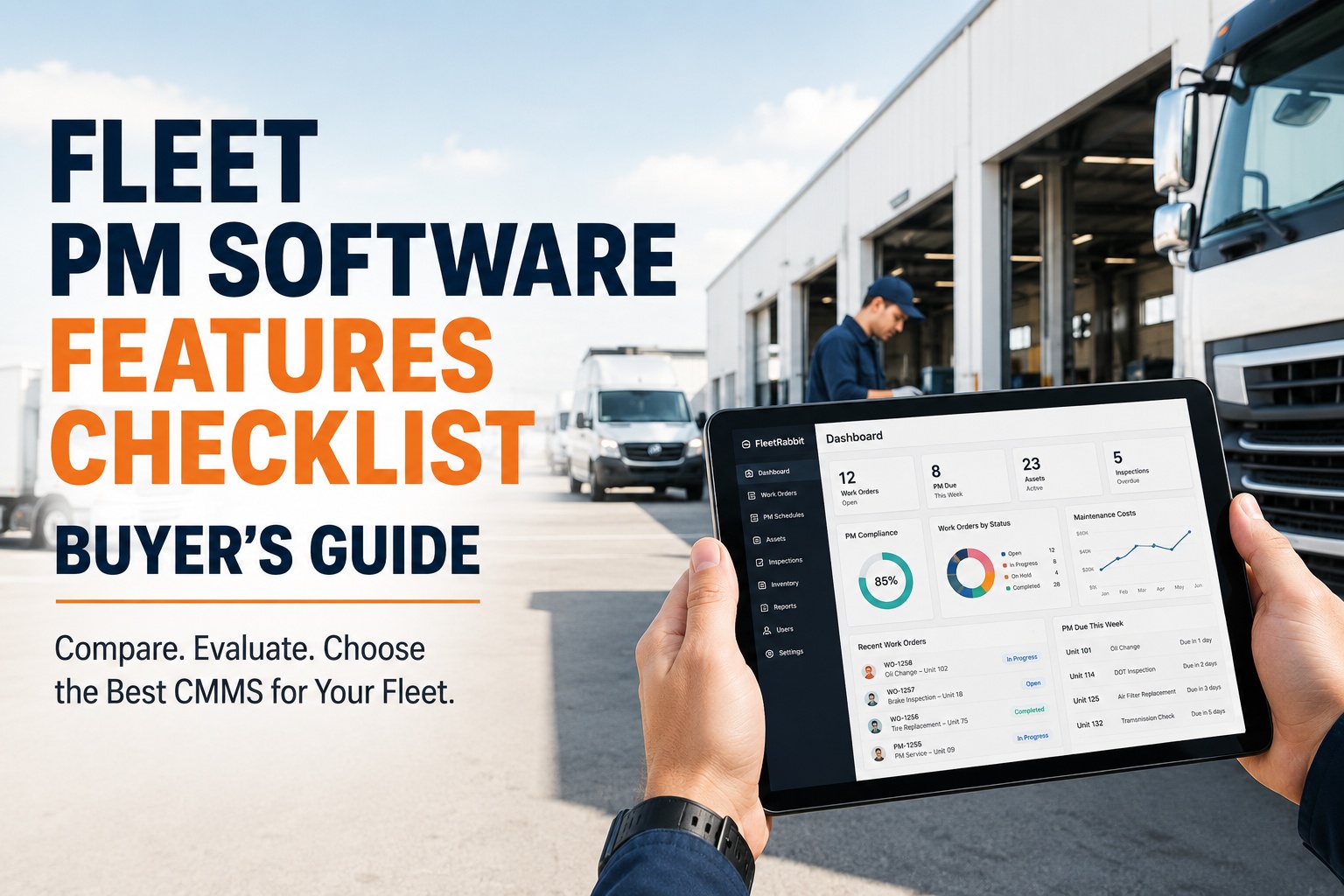
Fleet PM Software Features Checklist
Three tiers organize the evaluation. Every viable platform must clear Tier 1. Tier 2 separates best-in-class from adequate. Tier 3 depends on your existing stack.
Core capabilities
The 10 baseline features every viable fleet PM software must deliver. Missing any one is a shortlist eliminator.
Advanced capabilities
Features that separate best-in-class platforms from adequate ones. These deliver the biggest ROI beyond the baseline.
Integration + tech
Requirements determined by your existing stack. Verify each integration natively before signing — not "custom connector" promises.
The three tiers above frame the evaluation. Below are the full checklists tier-by-tier, followed by the five recurring mistakes fleets make when running these evaluations and the pattern that produces a successful vendor decision.
Tier 1 — 10 core features every fleet PM software must deliver
These 10 features are the baseline. Any platform missing more than one of them is not a serious shortlist candidate for a commercial fleet in 2026, regardless of pricing or vendor reputation.
Core capabilities checklist
10 items · Must-have for viable shortlistAny platform that fails to deliver 8 or more of these 10 core features shouldn't advance past initial screening — the operational gaps will surface within the first 90 days of deployment and generate workarounds that undermine the whole implementation. Book a demo to verify HVI against every core feature
Tier 2 — 7 advanced features that separate best-in-class from adequate
These 7 features aren't strictly required, but they deliver the largest incremental ROI beyond the baseline. Best-in-class platforms include them; adequate platforms don't.
Advanced capabilities checklist
7 items · Best-in-class separatorsPlatforms delivering 5 or more of these 7 advanced features hit best-in-class positioning. Platforms delivering 3 or fewer are competing on price alone and typically fall short at scale beyond 50 trucks. Start free and try the advanced features hands-on
Tier 3 — 7 integration + tech requirements based on your stack
These 7 requirements aren't universally applicable — they depend on what technology your fleet already runs. Verify each integration natively works before signing, not "we can build a custom connector" promises that often fall apart post-sale.
Integration + tech requirements checklist
7 items · Stack-dependent evaluationIntegration checklist items are pass/fail based on your existing stack. Any missing integration your fleet actually needs is a shortlist eliminator, not a "nice to have" — the operational cost of manual data reconciliation eats into ROI faster than most fleets expect. Book a demo to verify HVI integrates with your existing stack
5 mistakes fleets make when evaluating PM software
Every fleet that ends up regretting its CMMS selection traces the regret to one of five evaluation shortcuts. All are preventable with the checklist framework above.
Focusing on demos rather than trial with real data
Vendor demos are scripted showcases of the platform's best moments. Six months post-implementation, the fleet realizes daily workflow doesn't look anything like the demo, and the features that mattered most are buried three menus deep.
Ignoring mobile UX because "the desktop looks great"
Fleet manager evaluates on desktop. Technicians and drivers use the mobile app for 90% of daily interactions. Mobile is clunky, offline mode is broken, forms take 3x longer than paper. Adoption fails within 60 days.
Not testing integrations before signing
Fleet trusts vendor claim that "we integrate with Samsara." Post-signing, discovers the integration is a nightly CSV import instead of real-time API, missing critical data fields, and requires manual reconciliation. Workaround-driven daily overhead consumes the ROI.
Selecting on feature count instead of feature depth
Platform A lists 47 features. Platform B lists 32. Fleet picks A. Turns out 30 of A's 47 features are shallow-implemented shells, while B's 32 are all production-quality and cover the workflow completely. Regret shows up around month 4.
Signing multi-year contracts without data portability guarantees
Fleet signs a 3-year contract for attractive pricing. Two years in, wants to switch platforms. Discovers historical data can't be cleanly exported. Effectively locked in through end of contract plus data-migration friction that extends switching cost to 6–9 months.
Every mistake above turns a $30,000-$50,000/year software investment into a 3-year regret. Get the evaluation discipline right at the shortlist stage and the vendor decision defends itself over the contract term. Book a demo to see HVI against your evaluation criteria — or start a 14-day free trial with your fleet data .
From a fleet manager who ran a 6-vendor evaluation
We ran a formal evaluation of 6 CMMS platforms across Q2. Two enterprise-tier, two mid-market, two integrated fleet management. Total elapsed time from RFP to selection: 11 weeks. First round narrowed to 3 platforms based on the core feature checklist. Second round narrowed to 2 based on advanced features + integration compatibility with our Samsara + Comdata + QuickBooks stack.
Final round was a 14-day trial with real fleet data on both finalists. HVI won because the mobile UX for technicians was noticeably better and the Samsara integration was real-time API, not nightly CSV. Nine months in on 89 tractors: PM compliance rate from 63% to 91%. Downtime days per truck dropped 34%. Zero regret decisions. The checklist framework saved us from at least two bad vendor choices we would have made on demo dazzle alone.
Frequently asked questions
What features should I look for in fleet maintenance software?
Organize your evaluation into three tiers. Tier 1 (must-have, 10 features): automated PM scheduling with mileage + hours + calendar triggers, work order management with assignments and tracking, parts and inventory tracking with reorder thresholds, digital DVIR forms with photo capture, fault code and defect tracking with escalation, reporting and analytics dashboard, multi-user access with role-based permissions, fleet asset management with per-vehicle records, mobile app for technicians and drivers, and notification/alert system. Tier 2 (should-have, 7 features): telematics integration, predictive analytics, vendor and shop management, warranty tracking, custom form builder, fuel and tire management integration, and DOT/FMCSA/CVSA compliance reporting. Tier 3 (depends on your stack, 7 features): open REST API, telematics platform integrations, accounting integrations, fuel card integrations, ELD integrations, data export/portability, and mobile-first responsive design. Any platform failing more than one of the Tier 1 features shouldn't advance past initial screening.
How much does fleet maintenance software cost?
Fleet maintenance software pricing in 2026 varies by category and fleet size. Integrated fleet management platforms (which include HVI, Fleetio, AUTOsist) typically run $5–$30 per vehicle per month, translating to $300–$4,500 per year for a 5–25 vehicle fleet or $3,000–$30,000 per year for a 25–100 vehicle fleet. Enterprise CMMS platforms with heavy customization can run $50–$150 per vehicle per month plus implementation fees. Telematics-first platforms that include maintenance modules run $25–$45 per vehicle per month plus $100–$500 hardware per vehicle. The software cost is almost always the smallest line item in the ROI math — typical PM optimization and downtime avoidance recovers $150,000–$300,000 annually for a 100-truck fleet, delivering software payback in 3–6 months. Focus evaluation on feature fit and integration compatibility, not price alone. A cheaper platform that doesn't fit the workflow is more expensive than a properly-priced one that does.
What's the difference between CMMS and fleet maintenance software?
CMMS (Computerized Maintenance Management System) is the general software category covering PM scheduling, work orders, parts inventory, and asset management for any equipment-heavy operation — manufacturing plants, facilities, hospitals, or fleets. Fleet maintenance software is CMMS specifically designed for commercial vehicle fleets, with additional capabilities that generic CMMS platforms lack: telematics integration for engine hour and mileage data, DVIR for FMCSA-compliant driver inspection reports, fuel card integrations for expense tracking, ELD integrations for hours-of-service data, and DOT/FMCSA/CVSA-specific compliance reporting. A generic CMMS may technically handle vehicle maintenance but usually requires heavy customization to fit fleet workflows and lacks the regulatory-compliance features fleets need. Best practice for a commercial fleet is to pick a fleet-purpose-built platform rather than adapting a generic CMMS — the operational overhead of adaptation typically exceeds any pricing advantage.
How do I evaluate fleet maintenance software vendors?
Run a structured 8–11 week evaluation. Weeks 1–2: build the requirements list from the 24-feature checklist in this guide, prioritized by tier. Weeks 3–4: RFP or informal shortlist, identifying 4–6 candidate platforms across categories (integrated fleet management, telematics-first, dedicated CMMS). Weeks 5–6: attend product demos with your actual workflow scenarios, verifying every Tier 1 feature and testing integrations against your existing stack. Weeks 7–9: narrow to 2–3 platforms and run 14-day free trials with real fleet data on each. Watch mobile UX with actual technicians, not just fleet managers. Weeks 10–11: final selection based on trial performance, contract terms review, and reference customer conversations. Avoid signing on demo dazzle alone.
Do I need a mobile app for fleet maintenance software?
Yes — and mobile UX quality typically determines whether the platform succeeds or fails at adoption. Technicians and drivers use the mobile app for 80–90% of daily interactions: submitting DVIRs, updating work order status, capturing photos of defects, ordering parts, and completing inspections. Fleet managers use desktop dashboards, but the operational workhorse is the mobile experience. Critical mobile capabilities: native iOS and Android apps (not just responsive web), offline mode for shop floors and remote locations without cell coverage, fast photo capture with automatic upload, tap-friendly form design (not cramped desktop layouts), battery-efficient background sync, and quick load times on 4G/LTE. Evaluate mobile UX hands-on with real technicians during the trial, not by watching a scripted demo on desktop. A platform with beautiful desktop dashboards but poor mobile UX will fail adoption within 60–90 days regardless of every other feature it delivers well.
Run the 24-feature checklist against HVI in a 14-day trial
HVI delivers all 10 Tier 1 core features, 6 of 7 Tier 2 advanced features, and native integrations with Samsara, Geotab, Verizon Connect, Motive, WEX, Comdata, Voyager, QuickBooks, and SAP. Full 14-day trial with your actual fleet data — no scripted demo. Verify every checklist item against your workflow before signing anything.
No credit card · No hardware · Full platform trial with your fleet data