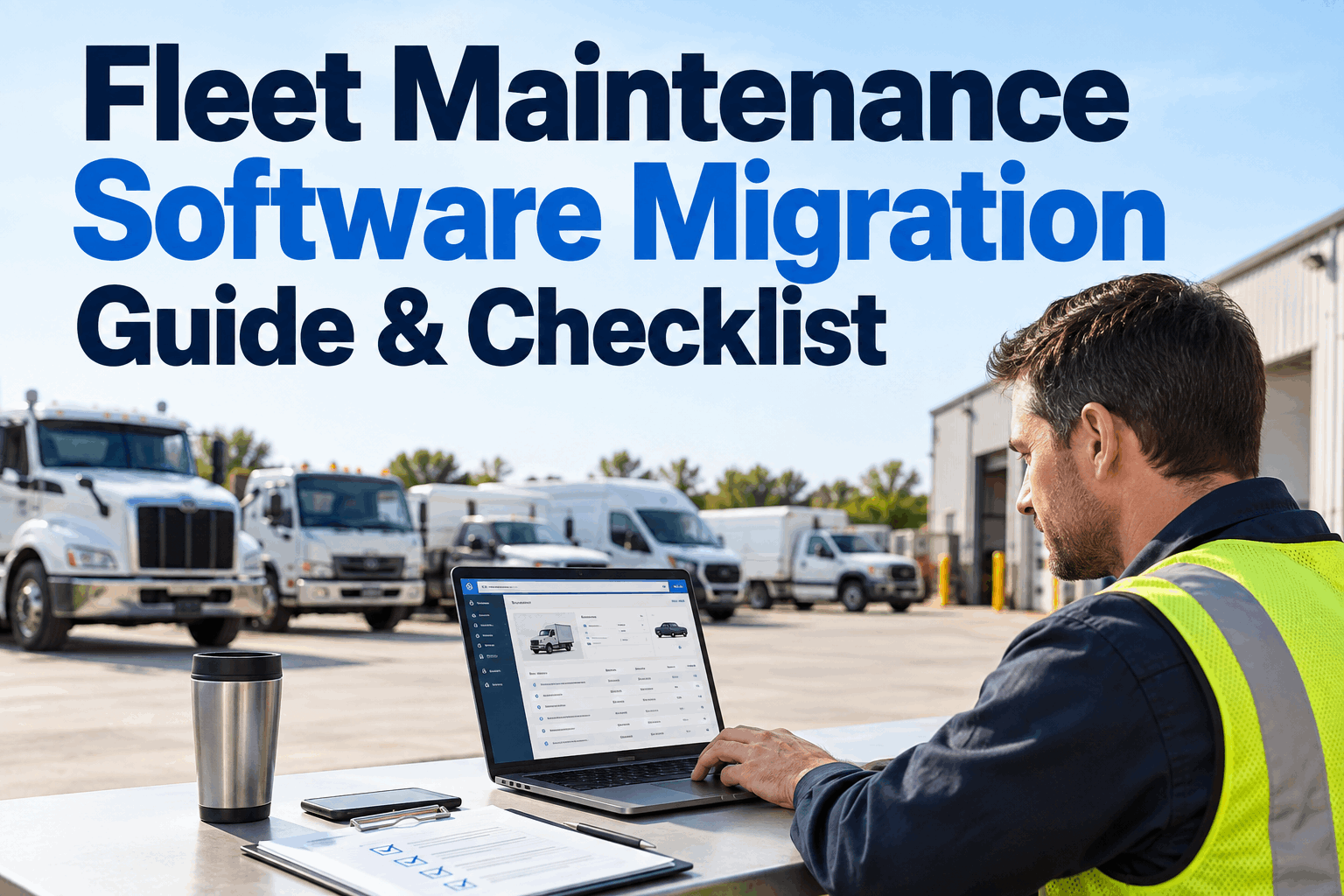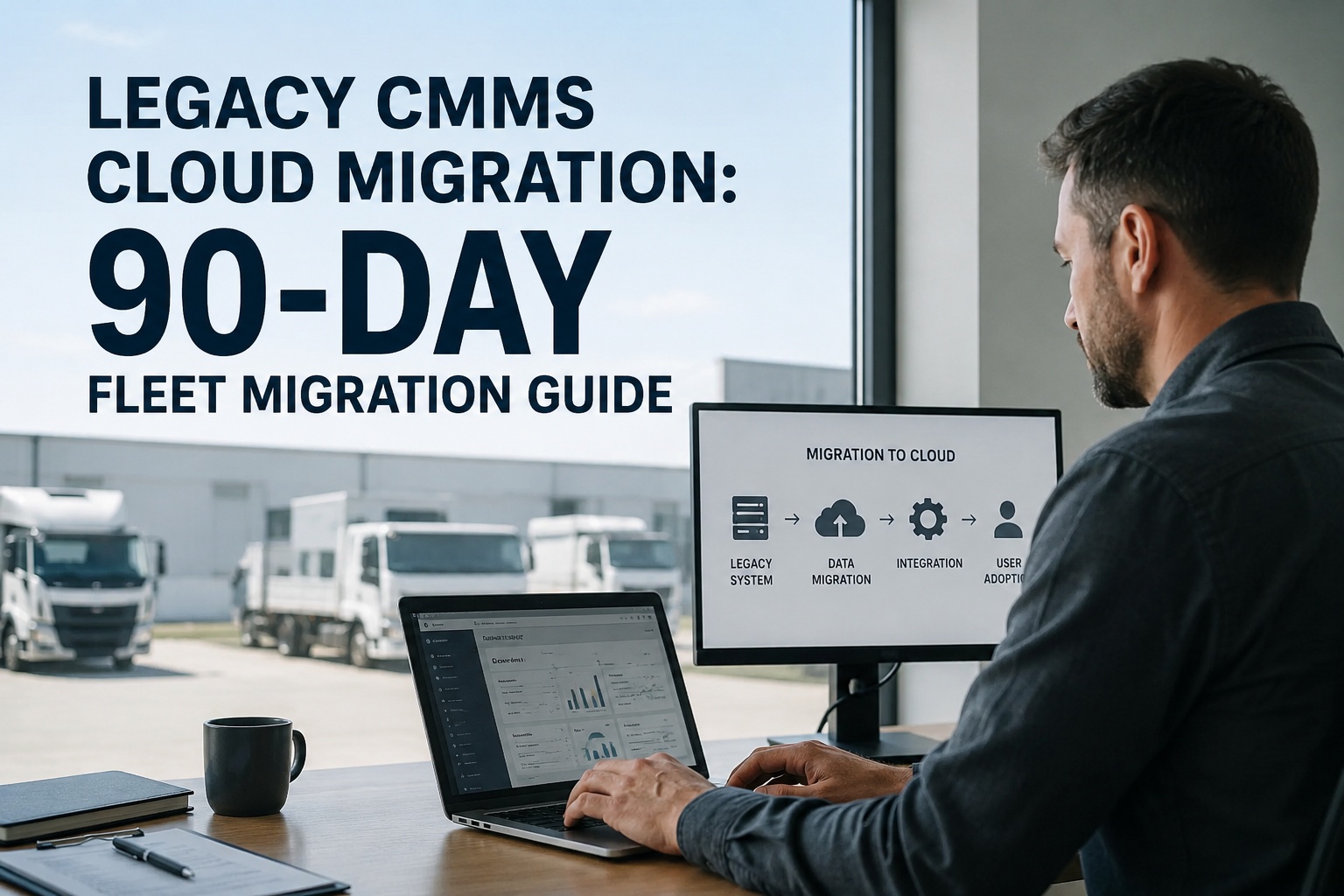
Every fleet director eventually faces the same conversation: the legacy CMMS is slow, the reports don't work, and the renewal quote just landed. Then somebody says the word "migration" and the room goes quiet. Legacy CMMS cloud migration doesn't have to be the horror show it's remembered as — but it does require a plan. This is the 90-day playbook the fleets that pull it off cleanly actually use. Book a demo
The 90-day migration roadmap — when everything happens, in one view
Six workstreams. Three phases. Two go/no-go gates. Zero surprises.
If you've been burned by a migration before — or heard the war stories from someone who has — the fear is rational. Data goes missing, PMs stop firing, techs can't find work orders, and the team who was supposed to embrace the new system quietly opens the old one instead. Every one of those failures is preventable. What follows is what preventing them actually looks like, laid out the way top-quartile implementations run.
The cost of standing still — and the cost of moving badly
The reason most fleets delay migration isn't that they don't see the value. It's that they've heard the horror stories and the risk feels asymmetric — keep paying for a system that works badly, or take a swing that might make things worse. Both risks are real. Both are quantifiable. Here's the honest comparison.
- Rising annual maintenance fees on aging platforms
- Field techs on paper because there's no mobile
- Broken integrations forcing manual data entry
- Reports that don't answer real questions
- Audit exposure from scattered DVIRs and PM records
- Data cleansing scoped in weeks, discovered as months
- Techs quietly reverting to paper post-cutover
- PMs that stop firing because meter data didn't map
- Integrations promised for go-live, still not live
- Six-month rescue instead of a 90-day rollout
The math sits in the middle. Standing still is expensive but predictable; migrating badly is expensive and preventable. The 90-day framework below is how the fleets that get it right actually make the second cost disappear. Book a demo to see the framework applied to your fleet size and legacy system
The six workstreams — who does what, and when
The Gantt at the top shows the shape. This section shows the substance. Every migration runs six parallel workstreams, each with its own owner, its own outputs, and its own dependencies on the others.
What it delivers: A clean, mapped, validated dataset ready for import. Every asset ID unique, every PM interval defined, every field mapped from legacy to target schema.
Where teams underestimate it: Cleansing is grunt work — deduping records, standardizing naming, filling mandatory fields. If your legacy system is more than 5 years old, budget this workstream at 2x whatever your first estimate is.
What it delivers: The new CMMS set up to match how your team actually works — PM schedules by asset class, digital DVIR templates, work order routing, user roles by function, cost centers by site.
Where teams underestimate it: Trying to replicate every quirk of the legacy system. Use the migration as an opportunity to simplify — the new platform's defaults are often better than the workflows the old one forced you into.
What it delivers: Telematics feeding engine hours and mileage, fuel cards feeding per-unit gallons, ERP/accounting feeding cost centers. Every connection tested independently, then together.
Where teams underestimate it: Scoping seven integrations for day one. Prioritize two or three (telematics + fuel is usually right for fleets). ERP and accounting can follow post-go-live.
What it delivers: One site, one truck category, or one shift live on the new system for two weeks with legacy running in parallel. Real users, real work orders, real edge cases surfaced.
Where teams underestimate it: Skipping the pilot to save two weeks. That "saved" fortnight becomes six weeks of full-fleet firefighting when the configuration issues surface across every user simultaneously.
What it delivers: All sites cut over. Legacy system moved to read-only reference. New CMMS running as system of record for every DVIR, PM, work order and cost line.
Where teams underestimate it: Underestimating the parallel-run window. Two weeks of legacy-as-reference is table stakes — it's the safety net that catches what the pilot missed.
What it delivers: Role-specific training for drivers, techs, planners and managers. Shop-floor champions identified. Adoption metrics tracked weekly, not quarterly.
Where teams underestimate it: Assuming a single email announcement equals training. It doesn't. Techs quietly keep using paper for six months if nobody shows them why the new system is faster.
The workstreams don't run sequentially — they overlap in deliberate ways the Gantt shows. Data audit finishes before configuration ramps. Configuration ramps into integrations. Pilot depends on all three. Full deployment depends on pilot. Training runs continuously from mid-Phase 2 through post-go-live. Compress any one workstream and the ones downstream stretch to compensate. Start free and get pre-built PM & DVIR templates ready to configure
Before & after — what actually changes on the shop floor
The strategy document is one thing. What it feels like on the ground is another. Here's what shifts between the legacy world and the cloud CMMS world — across the four roles that touch the system every day.
Paper DVIR at start of shift, faxed or handed to dispatch, defects lost in translation.
Tablet or phone DVIR, mandatory photo on flagged items, signed and time-stamped in seconds.
Handwritten work orders, no photo evidence, part numbers guessed at, history in a binder.
Digital job card on tablet, parts scanned, torque specs attached, unit history one tap away.
PM board whiteboard-managed, intervals fired by memory, missed services caught after failures.
PMs auto-triggered on ECM hours, parts pre-staged, scheduling dashboard live per-unit.
Monthly Excel report built by hand, cost per hour is a guess, availability lagged 2 weeks.
Live dashboard, per-unit cost per hour, availability trended vs targets, one-click audit pull.
Nothing on the right side is exotic. It's the same disciplines the left side is trying to run — just held together by data instead of memory. That's the entire transformation the migration is buying you. Book a demo to see the after-state running on live fleet data
The go/no-go gates — when to keep going, when to hold
The single most important discipline in a 90-day migration is enforcing the two go/no-go gates. Every fleet that overshoots the timeline does it by waving through a gate they should have held. Here's what "passing" each gate actually looks like.
Data ready to migrate
- Data quality score ≥ 90% on cleansed asset master
- Every legacy field mapped to target CMMS schema
- Mapping matrix reviewed & signed by IT + maintenance
- Duplicate records resolved, mandatory fields populated
- Naming conventions standardized across all categories
Pilot passed, ready for full rollout
- Pilot site running clean for 2 full weeks in parallel with legacy
- Zero critical defects open on the new system
- Priority integrations (telematics, fuel) live & validated
- Pilot users trained and completing shifts without paper backup
- Rollback plan documented and tested for full-fleet cutover
Every gate that gets held costs schedule — and saves budget, sanity, and the trust of the field team. Every gate that gets waved through saves schedule — and costs the migration. The right discipline is unglamorous but reliable: honor the gates, adjust the plan. Book a demo to walk through the framework with an HVI implementation lead
From an IT Director who migrated 340 tractors off a legacy system
We waited three years too long. Our old CMMS was running on a server the IT team was terrified would fail, and the annual "keep the lights on" cost had crept past what a modern cloud CMMS would run us for two years. What kept us from moving was the fear of migration, not the value of the destination.
When we finally did it, the surprise was how much of the pain was self-inflicted from bad data hygiene over 15 years. Cleansing took twice as long as we scoped. But once we were through it, the cutover was almost anticlimactic. Ninety-two days from kickoff to full deployment. Six months later our per-tractor cost-per-hour was down 8%, and I stopped getting Sunday-night emails about the CMMS.
Frequently asked questions
How long does a legacy CMMS cloud migration actually take?
For a mid-sized fleet with structured legacy data (a few hundred to a few thousand assets), 8–14 weeks is the realistic band from kickoff to full deployment — with 90 days being a common and achievable target when data is reasonably clean and the migration is planned in three phases: 30 days for data preparation, 30 days for configuration and pilot, and 30 days for full rollout and legacy decommission. Smaller fleets with clean data and fewer than 500 assets can move in 4–6 weeks. Larger enterprise fleets with 5,000+ assets, complex parent-child equipment hierarchies, or multiple integration points typically run 4–6 months. The variables that actually determine timeline are almost always upstream of the software: the state of the legacy data (naming inconsistencies, duplicate records, missing fields), the number of integrations required (telematics, fuel cards, ERP, accounting), and whether the pilot phase is honored or skipped. Research shows 83% of data migration projects fail or exceed budget/timeline, and almost every failure traces to compressing the preparation phase rather than a technical problem with the destination platform.
Should we migrate all historical work orders and asset data?
Generally no — and this is one of the most consistent mistakes that turns 90-day migrations into 9-month rescues. The temptation to preserve every closed work order, every archived asset, every historical PM record from a decade of legacy operation feels responsible, but it produces three problems in the new system: import performance slows dramatically, the database bloats with records nobody references, and users find current work harder to locate under a mountain of history. Industry best practice is to migrate the last 12–24 months of active maintenance data (open work orders, active assets, current PM schedules, recent inventory movements) into the new CMMS, and to archive the rest as read-only in either the legacy system (kept alive as reference only) or a separate data warehouse. Active technicians typically look at work order history from the last quarter or two; assurance and audit needs are usually satisfied by 24 months of active history plus archive access to older records on request. Cleaner migration, faster performance, and no loss of the historical record.
What's the biggest reason CMMS migrations fail?
Dirty legacy data, discovered too late. Every major research study on data migration (including Gartner's benchmark that poor data quality costs organizations an average of $12.9M annually) traces the same root cause: teams underestimate the state of the source data and don't budget adequate time to cleanse it before import. The failure pattern is consistent. A migration project kicks off with an aggressive timeline. The team pulls a data extract from the legacy CMMS and discovers duplicate asset IDs, inconsistent naming conventions, work orders assigned to decommissioned equipment, PM schedules that exist in three different formats, parts records with missing units of measure. What was scoped as a two-week cleansing effort becomes a three-month workstream, or worse: the team compresses cleansing to hit the deadline and dirty data lands in the new system, poisoning every subsequent report and PM trigger. The fix is unglamorous but reliable: do the data audit before signing the migration contract, scope the cleansing effort based on what you actually find, and treat the data quality gate at the end of Phase 1 as non-negotiable. Extend Phase 1 if you have to. Never compress Phase 2 or Phase 3 to compensate.
How do we handle integrations during a CMMS migration?
Integrations should be scoped in Phase 1 (Days 1–30), stood up and tested individually in Phase 2 (Days 31–60), and validated end-to-end during the pilot. The most common priority integrations for fleet operations are: telematics (for automatic engine hours, mileage, DTC codes, idle time), fuel cards (for per-unit gallon and cost data feeding fuel logs and emissions reports), ERP or accounting systems (for work order costing, invoice reconciliation, purchase orders), parts vendors (for automated parts ordering and inventory sync), and OEM telematics feeds where applicable. The rule of thumb is to prioritize the two or three integrations that unlock the biggest workflow value first (typically telematics and fuel cards for fleets) and get those live before the pilot phase. ERP, accounting and lower-priority integrations can follow post-go-live in a Phase 4 without blocking the main cutover. Trying to stand up seven integrations simultaneously before pilot is where migration schedules disappear. Modern cloud CMMS platforms including HVI ship with pre-built connectors for major telematics providers, fuel-card networks, and ERP systems, which reduces integration effort dramatically compared to legacy on-prem systems.
How does HVI support fleet CMMS migration?
HVI's implementation approach follows the same 90-day three-phase framework described in this guide, adapted to the specific fleet size, legacy system and integration profile. In Phase 1 (Days 1–30), HVI's implementation team runs the data audit against your legacy CMMS export, produces a data quality scorecard, builds the field mapping matrix with your maintenance and IT stakeholders, and identifies which categories are ready to migrate vs. need cleansing vs. should be rebuilt. In Phase 2 (Days 31–60), HVI configures PM schedules, digital DVIR templates, work order workflows, user roles and cost centers, stands up integrations (telematics, fuel cards, ERP), and runs a pilot at one site or one vehicle category with legacy running in parallel. In Phase 3 (Days 61–90), full data migration completes, the legacy system moves to read-only reference status, role-specific training rolls out across all users, and adoption metrics are tracked weekly. Post-go-live, HVI's team stays engaged for the first 30 days to resolve edge cases and support user questions. Published customer data shows fleets on HVI report ~25% lower annual maintenance cost and typical payback around 3 months — but only when the migration is done right. The 90-day framework is what makes "done right" repeatable.
Stop paying to keep a legacy system alive. Run the 90-day plan with a team that's done it before.
HVI's implementation team runs the 90-day migration framework end-to-end — data audit, cleansing, mapping, configuration, integrations, pilot, cutover, adoption support. Fleets on HVI report ~25% lower annual maintenance cost and ~3-month payback. Live in 90 days or less for most mid-sized fleets.
No credit card · No hardware · Migration scoping call on the demo