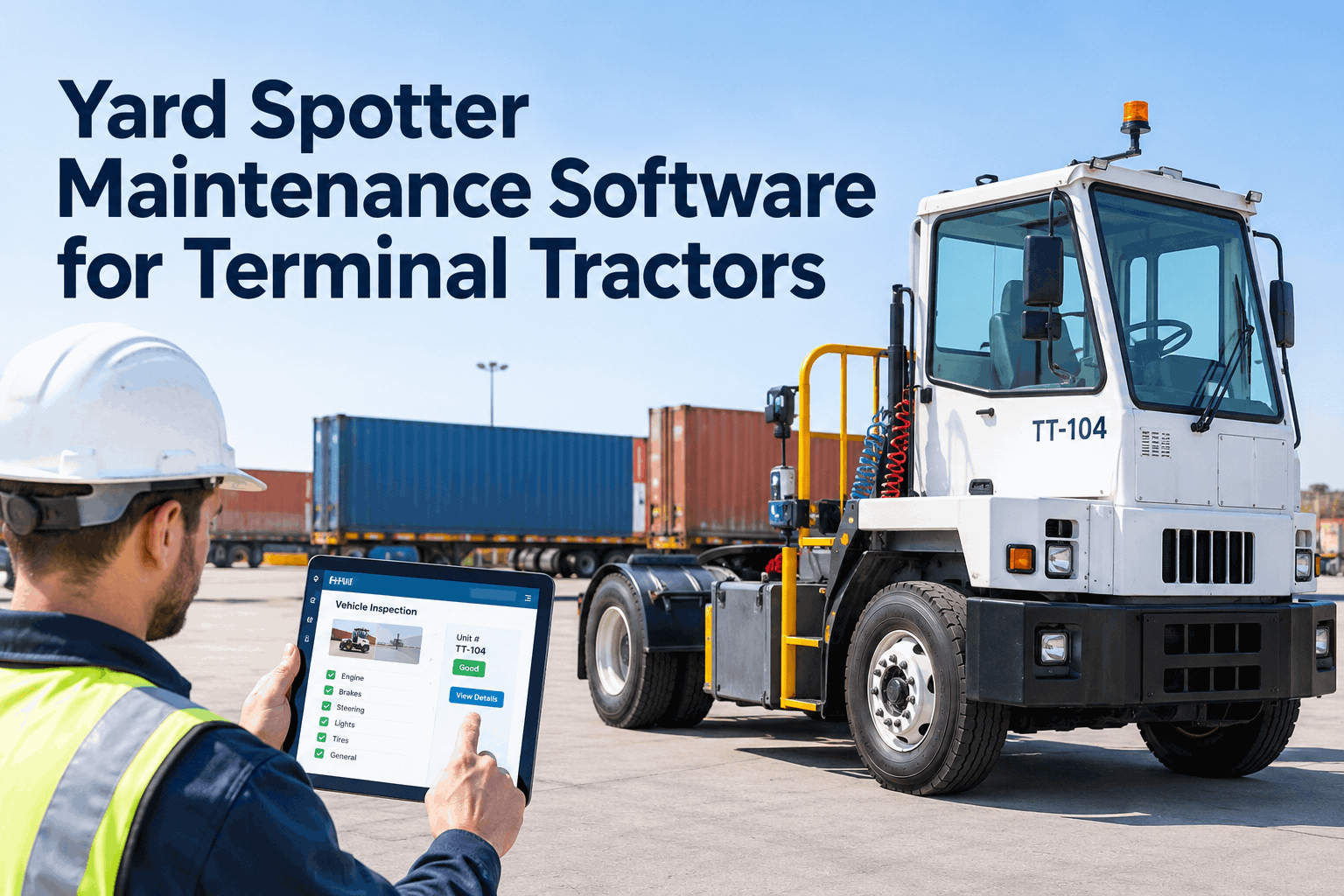
If you run a yard full of spotters, the real headache isn't any one unit — it's that what each terminal tractor needs is scattered across a clipboard, a spreadsheet, a whiteboard, and someone's phone. Yard spotter software pulls every inspection, defect, work order, part, and hours-based PM into one connected record per unit. Here's what it should actually do, and how to spot a real fit. Book a demo of your spotters on one screen.
Yard Spotter Software That Runs Every Terminal Tractor From One Record
Inspections, defects, work orders, parts, and hours-based PM for every spotter — tracked per unit, visible across every shift, instead of buried in four separate places.
A spotter is the easiest machine in the yard to mismanage, because the data you need to run it lives in four disconnected places. Before comparing software, it helps to see exactly where the gaps open up today.
Four tools, four blind spots: why spotter upkeep slips
Most yards don't lack effort — they lack one place to put it. The pre-shift check, the defect, the service history, and the parts all sit in separate systems that never talk, so a worn fifth wheel noted at 6 a.m. never reaches the mechanic.
Paper walkaround
The pre-shift check goes on a clipboard that stays in the cab. The next driver never sees the fifth-wheel note from the last shift.
Blind spot: defects die on paperPM spreadsheet
A tab tracks service "by month" — but a spotter runs on engine hours, so the sheet always services it on the wrong clock.
Blind spot: wrong maintenance clockShop whiteboard
Open work orders live on a board in the shop. Nobody in the yard knows which spotter is grounded until they go to use it.
Blind spot: no shared statusTexts & photos
Part requests and damage photos get texted to whoever's around, then lost. No cost history ties back to the unit that keeps failing.
Blind spot: no per-unit costThat single record is the whole point of yard spotter software: a check flagged in the yard becomes a work order the shop sees, the part gets pulled from inventory, the cost lands on the unit, and the next PM fires off real engine hours. Book a demo to watch a flagged defect become a work order on a live spotter record.
What yard spotter software must do that a generic truck CMMS won't
Any fleet tool can store a service date. A spotter needs more, because its workload hides from mileage and its heaviest wear is on body equipment a road-truck template doesn't even list. Here is what to hold any terminal tractor software against.
| What a spotter needs | Generic truck CMMS | Purpose-fit yard spotter software |
|---|---|---|
| Maintenance clock | Miles or calendar — under-services a low-mileage spotter | Engine-hours and meter-based PM per unit |
| Fifth wheel & boom | Not on a standard truck inspection form | Body-equipment defect tracking with photo evidence |
| Per-shift handoff | One daily check, one driver | Each operator's check carried to the next shift |
| Where it works | Assumes cab network, desk entry | Mobile and offline in the yard, syncs later |
| Cost visibility | Fleet average hides the problem unit | Cost and downtime rolled up per spotter |
The pattern is clear: a spotter is a specialist machine, so it needs software that tracks what it actually does, not a reskinned road-truck record. The deeper reason the clock has to change — why the odometer lies on a spotter — is its own subject; our yard tractor maintenance and PM guide covers the hours-versus-miles mechanics in full, while this page stays on choosing the software. You can also explore HVI's preventive maintenance scheduling to see hours-based triggers in action.
How one connected record flows: inspection to cost
The value of yard truck maintenance software isn't any single screen — it's that one event flows into the next without re-typing. A single pre-shift check sets off the whole chain.
Inspect
Operator runs the per-shift check on a phone — fifth-wheel lock, boom, brakes, camera — offline on the yard.
Flag defect
A worn fifth-wheel jaw is flagged with a photo and grounds the unit so the next driver sees it.
Work order
The defect becomes a work order the shop sees instantly — no whiteboard, no re-typing.
Pull part
The jaw kit is pulled from inventory and logged, so stock stays accurate and the cost attaches to the unit.
Cost & PM
Cost rolls up per spotter and the next PM fires off real engine hours — the record stays whole.
Because every step is tied to the same unit, the spotter that keeps eating brakes or fifth-wheel parts stops hiding in the fleet average — you see it in the per-unit cost and fix the root cause. Explore HVI's daily operator reporting to see how the per-shift check starts the chain, or book a demo to follow one defect through to cost.
Your yard spotter software evaluation checklist
Comparing terminal tractor software? Score each option against the list below. A real fit should tick nearly all of these — anything missing several rows is a road-truck tool wearing a yard badge.
Spotter-specific fit
- Triggers PM off engine hours and meter, not miles or calendar
- Tracks the hydraulic fifth wheel, lift boom and jaws as body equipment
- Carries each operator's defect across shift and driver changes
- Lets you tighten intervals for multi-shift or intermodal duty
Field & workflow
- Works mobile and offline in the yard, syncs when back in range
- Turns a flagged defect into a work order in one tap
- Captures photo evidence on every defect and sign-off
- Pulls parts from inventory against the work order automatically
Visibility & scale
- Rolls cost and downtime up per spotter, not just fleet average
- Runs spotters beside your mixed fleet, each on its own clock
- Connects to GPS, telematics and fuel-card feeds
- Exports a clean service and defect history for audits
HVI ticks every row on this list — it was built for exactly this mix of inspection, hours-based PM, and body-equipment tracking. Sign up free and run this checklist against your own spotters, or explore HVI's parts and inventory control to see the stock side of the chain.
What a down spotter really costs the yard
The reason this software pays for itself fast is leverage: a spotter moves several trailers in the time a road tractor moves one, so when it's down, the whole yard's flow backs up behind it. A few figures frame why hours-based upkeep matters here more than almost anywhere.
Figures reflect widely reported terminal-tractor duty-cycle patterns; confirm your own units' intervals against the manufacturer's manual and your shift volume.
Put plainly: the machine that's cheapest to overlook is the most expensive to lose. That's the case for running every spotter on purpose-fit software. Book a demo to see your own spotter uptime per unit, explore HVI's analytics and reporting, or see how warehouse yards run HVI.
From a yard operations manager running spotters on HVI
We weren't short on effort — we were short on one place to put it. Checks on paper, PM in a spreadsheet, parts over text. The day a spotter dropped a trailer on a worn fifth wheel nobody had logged, we moved everything into one record on hours-based PM, and the hardest-working unit on the yard finally gets serviced for what it actually does.
Yard spotter software FAQs
What is yard spotter software?
Why can't I just use my road-truck maintenance software for spotters?
Does HVI work offline out in the yard?
Can I run terminal tractors alongside my mixed fleet in the same system?
How fast can yard spotter software go live?
Stop running your spotters from four places
Give every yard spotter one connected record — inspections, defects, work orders, parts, and hours-based PM — and keep the hardest-working machine on the yard from taking the yard down. See it on your own units.
No credit card · Hours-based PM from day one · Works offline on the yard
- Engine-hour PM per unit
- Fifth-wheel & boom defect tracking
- Per-shift checks, offline
- One-tap work orders & parts
- Cost & downtime per spotter