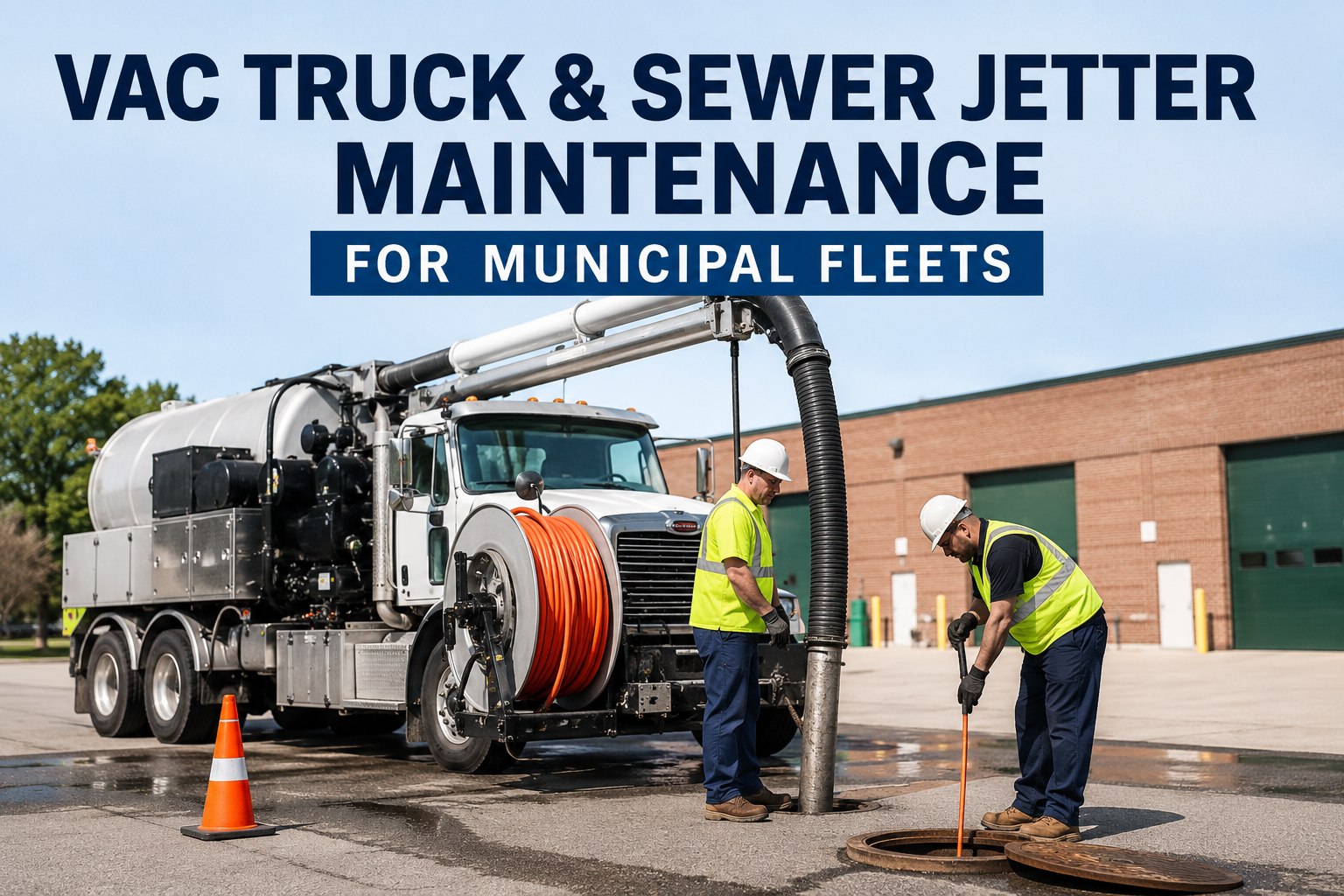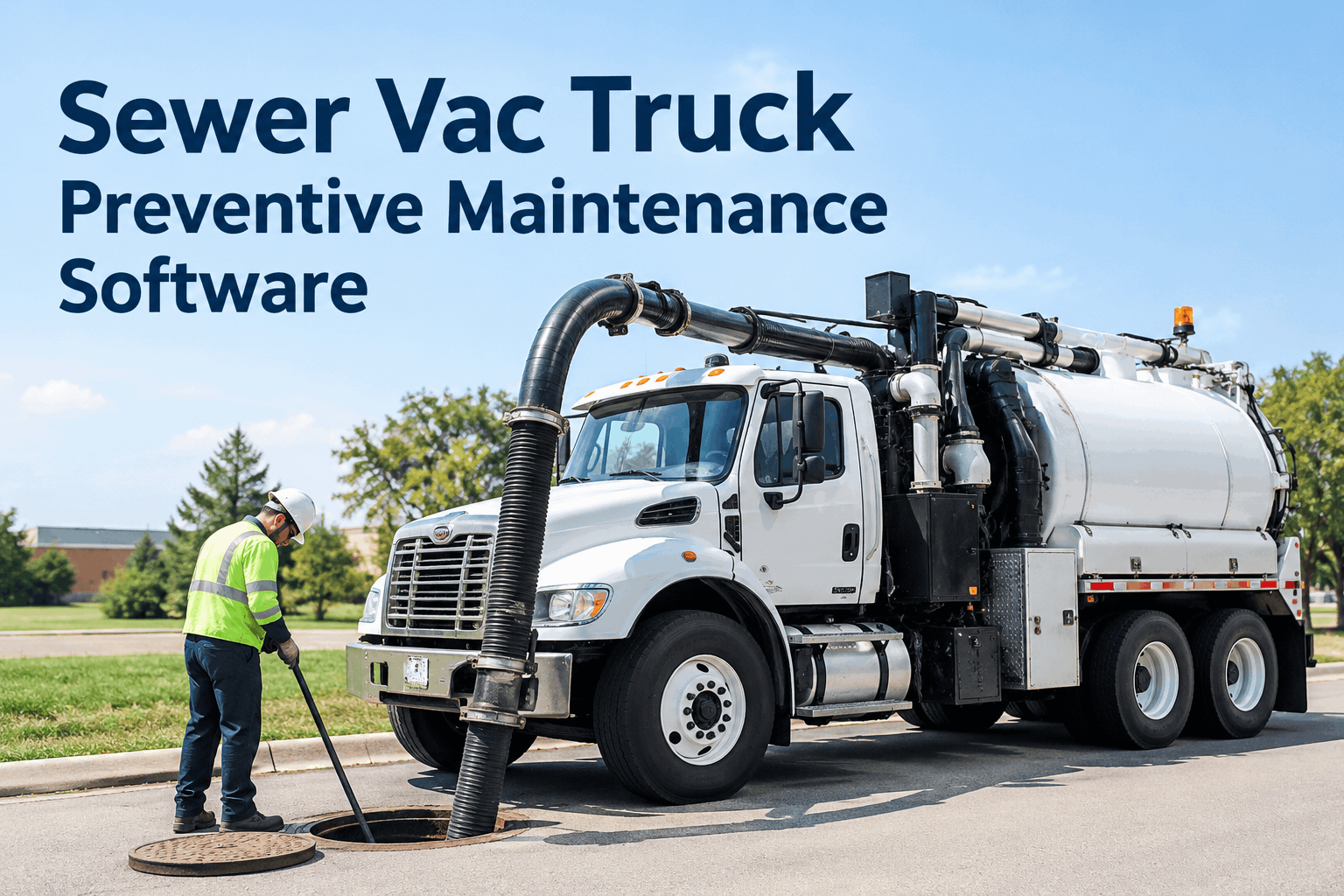
A sewer vac truck is really two machines bolted together: a chassis that counts miles and a vacuum system that counts engine hours the odometer never sees. Park it on a jetting job all day and it logs almost no road miles while the blower runs for eight hours — so a schedule built on the odometer quietly lets the vacuum side blow past its service, until a blower seizes on a Monday. Sewer vac truck preventive maintenance software fixes that by scheduling each part on the clock it actually runs on. Book a demo to see split-clock scheduling.
Sewer Vac Truck Preventive Maintenance Software That Schedules by Miles, Hours and Calendar
One system that reads both clocks on every sewer cleaner — chassis on mileage, vacuum and pump on engine hours, seals on the calendar — and fires each service on whichever comes due first.
The hardest thing about maintaining a combination sewer cleaner isn't the work — it's knowing when the work is due. A reefer wears by the hour, a van wears by the mile, but a vac truck does both at once, on separate meters, often on the same day. Get the scheduling trigger wrong and the most expensive part on the truck gets serviced on the wrong clock. That's the problem preventive maintenance software for a sewer vac has to solve first.
Whichever comes due firsthow the software picks the right trigger for every service
Each service on a sewer vac has a natural clock. The trick isn't choosing one trigger for the whole truck — it's letting every service watch its own, and firing when the first one hits. The software runs all three triggers at once and acts on whichever lands first.
That whichever-comes-first logic is the same multi-trigger engine behind public works fleet management across a mixed DPW fleet, where a street sweeper, a plow and a sewer vac each need a different clock. Book a demo of multi-trigger scheduling.
Each system on its own clockwhich trigger the software uses for which part of a sewer vac
Set the trigger once per subsystem and the software tracks them all in parallel. Here's how the clocks map across a combination sewer cleaner — the setup that keeps the chassis and the vacuum side both on time.
| Subsystem | Primary trigger | Why that clock |
|---|---|---|
| Chassis & driveline | Mileage | Wears with road distance like any truck |
| Blower / vacuum pump | Engine hours | Runs hard while the truck sits still |
| Water / jetter pump | Engine hours | Cycles under pressure independent of miles |
| Hydraulics & boom | Engine hours | Loaded by operation, not travel |
| Pump seals & fluids | Calendar | Degrade with time whether used or not |
| Filtration & inspections | Calendar + hours | Both elapsed time and run hours matter |
Because the triggers run together, the software always surfaces the one that's about to hit — and for related utility digging units it applies the same way, as our utility hydro-excavation PM schedule shows. Book a demo of per-subsystem triggers.
The sewer vac inspection checklistwhat the software checks on every unit, chassis and vacuum side
Scheduling catches what's due; the inspection catches what's failing early. The software runs this on every sewer vac, with each line tied to the unit, a photo on any flag, and a work order on any fail.
On paper these checks and the two meter readings end up on different sheets that never meet. In the software they land on one unit record, so a flag and a due-date live together. Start a free trial and load this checklist on your fleet this week.
What's due, by the right clockwhat a sewer vac looks like inside the platform
Open any unit and you see both meters and everything they've triggered — what's due by miles, by hours and by date, side by side — instead of a chassis log in one place and a vacuum-system log in another.
When a supervisor asks what's coming due or where labor should go this week, you sort the fleet by what's overdue — across the maintenance management workflow and the analytics and reporting dashboard behind it. Book a demo on a unit from your own fleet.
From a public works shop that stopped servicing on the wrong clock
Our sewer cleaners barely put on road miles — they sit on a manhole all day running the blower — so for years our mileage-based PM said they were fine right up until a blower let go. Once the app tracked the hour-meter next to the odometer, the vacuum-side services finally came due on time, and I could see which trucks were about to need a blower before it became a tow. We service on the right clock now, not the convenient one.
Sewer vac truck PM software FAQs
What is sewer vac truck preventive maintenance software?
Can it schedule by engine hours and mileage at the same time?
What service intervals should a sewer vac use?
Does it handle inspections and work orders too?
How long until it's running on our fleet?
Keep every sewer vac on schedule, both machines
Sewer vac truck preventive maintenance software should read both meters and fire each service on the clock that matters, not the one that's easy. Put scheduling, inspections and work orders on one platform and stop servicing on the wrong clock.
- Mileage, engine-hour & calendar triggers
- Per-subsystem scheduling
- Inspection-to-work-order in one tap
- Service-due view, worst-due first