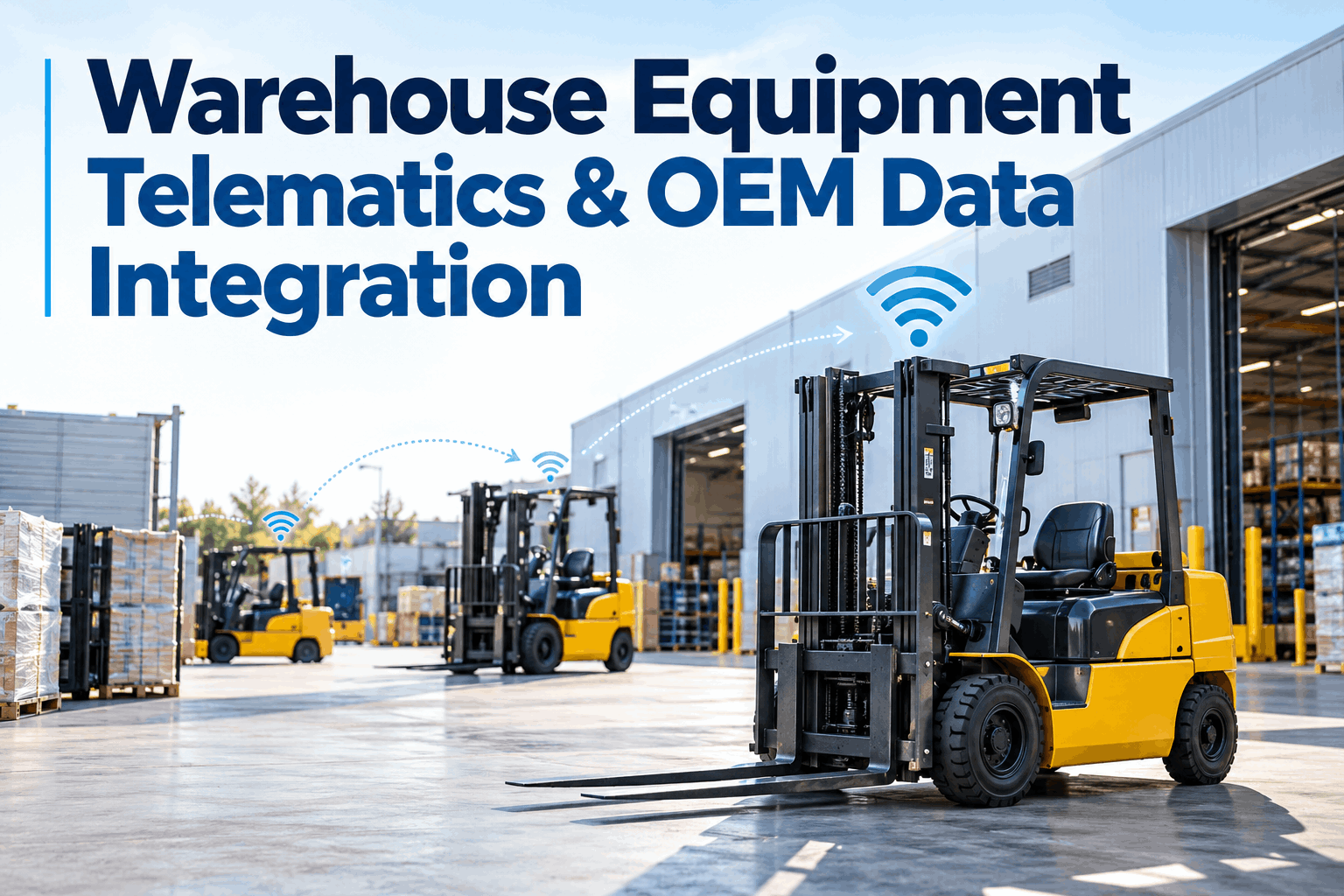
Three forklift brands, three telematics portals, and a maintenance technician still walking the floor with a clipboard to write down hour meter readings by hand — because none of those three dashboards talks to the system that actually schedules preventive maintenance. The machines are streaming data constantly. Warehouse equipment telematics only becomes useful the moment that data reaches a maintenance workflow instead of a fourth screen nobody has time to check.
The Data Inventory Behind Every Telematics Feed
This guide covers why telematics data sitting in a separate portal doesn't reduce downtime on its own, what to actually check before building an integration across a mixed-brand fleet, how automated meter readings improve preventive maintenance scheduling, turning fault codes into work orders instead of isolated alerts, standardizing asset identity across systems, and the data-quality checks that keep automated PM reliable over time.
Why Warehouse Equipment Telematics Alone Doesn't Reduce Downtimethe data existing and the data being used are two different things
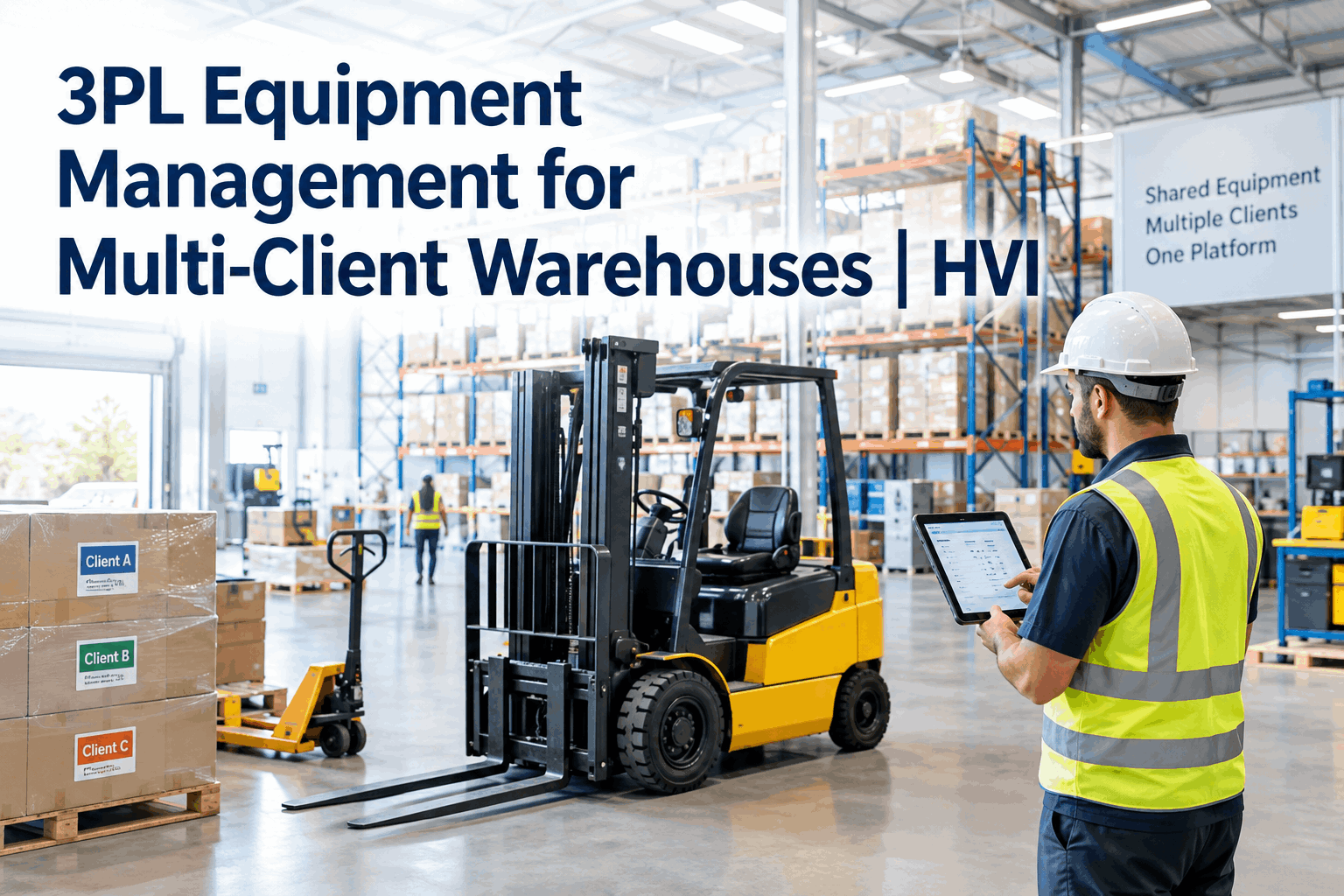
A mixed material handling fleet — forklifts, reach trucks, order pickers, pallet trucks, yard tractors — pulled from several manufacturers over several buying cycles ends up with data fragmented across just as many OEM and third-party platforms. Each one shows something true about a piece of equipment. None of them, on their own, tells a maintenance team what to do about it. An hour meter reading that never reaches the preventive maintenance schedule is just a number on a dashboard; a fault code that only appears in the OEM's own app is an alert nobody but that one technician who happened to check it will ever see. The equipment isn't the limitation — the gap between where the data lands and where the maintenance decision actually gets made is.
Building an Integration Strategy: Check Per Provider, Not by Assumptionthe same data point behaves differently depending on who's sending it
Before connecting any telematics feed to a maintenance system, it's worth mapping exactly what each manufacturer or provider actually exposes — not what the category of data suggests it should include.
| Data point | Typical availability | What to verify |
|---|---|---|
| Operating hours | Broadly available | Update frequency — some feeds refresh in minutes, others only once per shift |
| Utilization | Common on newer equipment | How "utilization" is actually calculated — key-on time isn't the same as active work time |
| Location | Common, varies by precision | Indoor positioning accuracy, which is far less reliable than outdoor GPS |
| Battery / fuel level | Inconsistent across brands | Whether it's reported as a percentage, a voltage, or not exposed at all |
| Fault / diagnostic codes | Narrowest, most OEM-specific | Whether codes are standardized or proprietary — this is where integrations break most often |
Book a demo to see what your specific equipment and telematics providers actually expose before committing to an integration plan.
From Automated Meter Readings to Preventive Maintenancethe most immediate payoff of a working integration
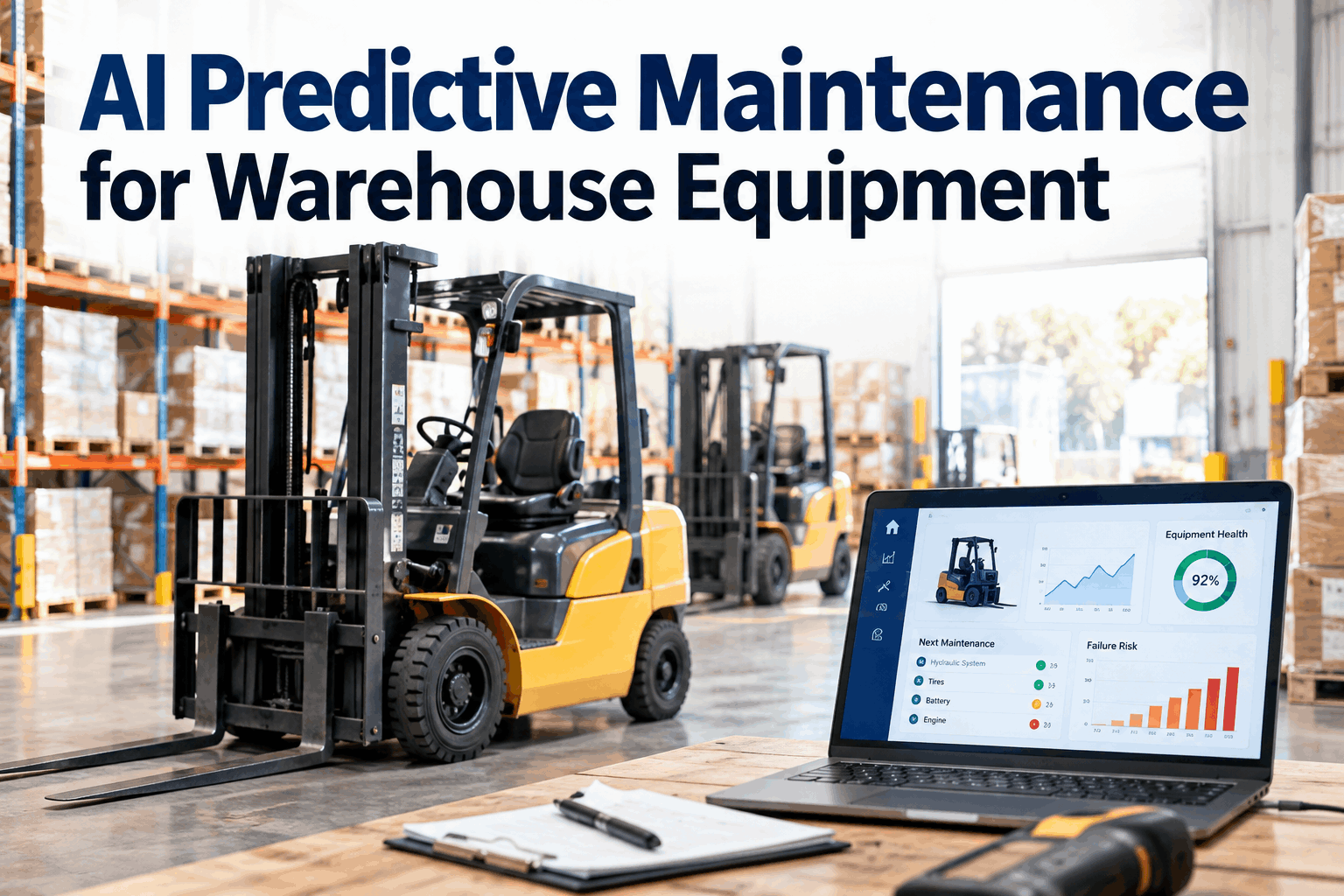
Hour-based PM schedules are only as accurate as the hour reading behind them, and a technician manually recording hours off a dash display introduces exactly the kind of delay and transcription error that automated capture removes. When a telematics feed reports operating hours directly into the maintenance system, a PM due date stops depending on someone remembering to check and write it down — it fires based on the equipment's actual run time, on schedule, every time.
Turning Fault Codes Into Work Orders, Not Isolated Alertsan alert that stays in one portal might as well not exist
Where diagnostic or fault information is actually available from the equipment or provider, the value only shows up once that alert connects to a maintenance review step rather than sitting in a separate app a maintenance lead has to remember to open. A fault code that automatically creates a work order — flagged, assigned, and tracked against the same asset record as its inspection and PM history — gets investigated. A fault code that pops up on a screen nobody's watching gets found three weeks later during a breakdown. Book a demo to see a fault code turn into an assigned work order the moment it's received, not whenever someone next opens that OEM's app.
Standardizing Asset Identity: The Step Everyone Underestimatesthe integration doesn't fail on the data — it fails on the matching
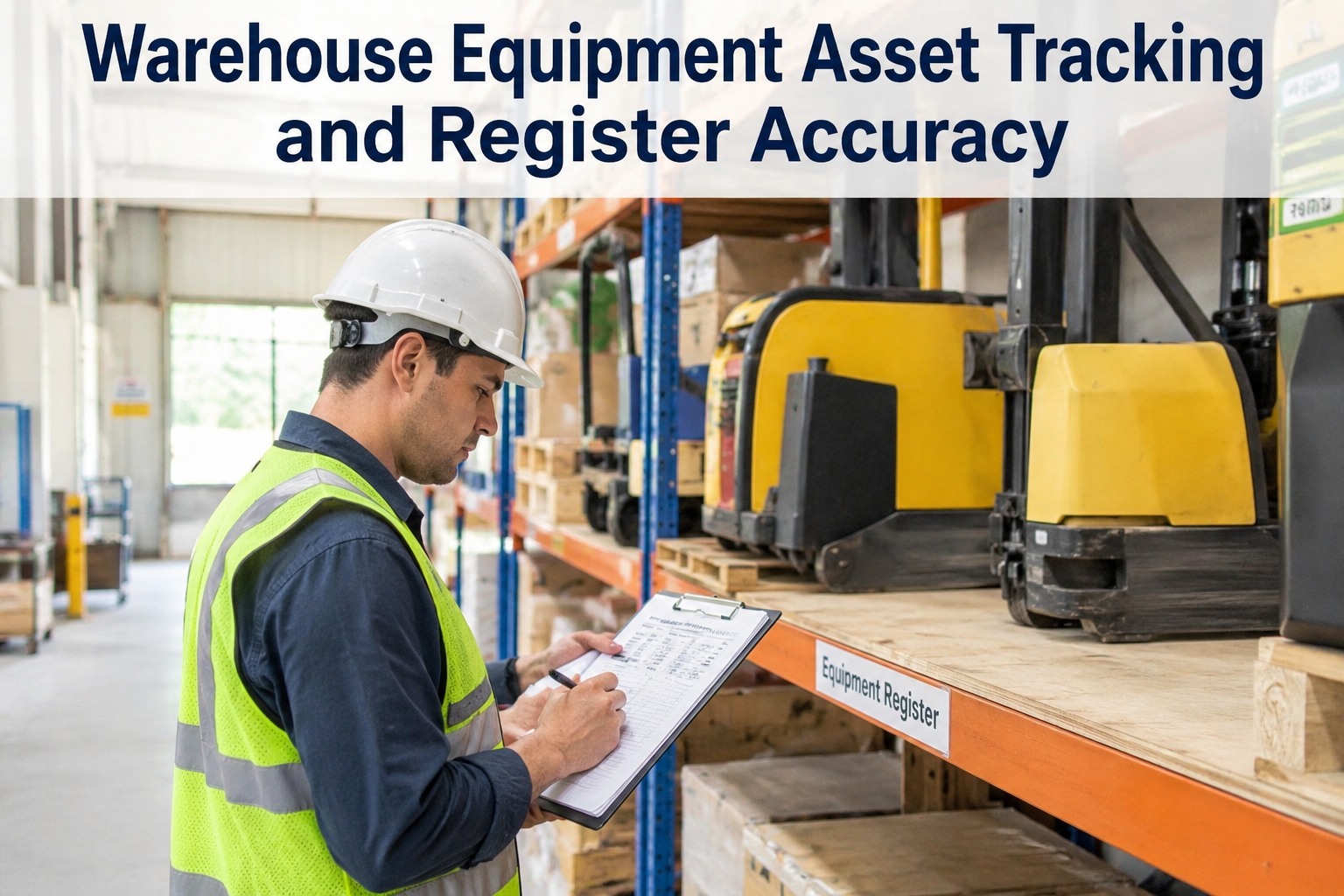
None of the data above matters if it lands on the wrong machine. Telematics feeds identify equipment by serial number, VIN, or an internal fleet ID that rarely matches the asset numbering a maintenance team already uses — and when a forklift gets reassigned between warehouses or a unit is swapped under warranty, that mismatch compounds. Getting asset identity standardized and verified across every telematics source and the maintenance system itself is unglamorous, invisible when it's working, and the single most common reason an otherwise well-planned integration quietly produces bad data. Sign up free to see how incoming telematics data gets matched to the correct asset record automatically, even across a mixed-brand fleet.
Monitoring Data Quality: What Breaks Quietlyautomated PM is only as reliable as the feed behind it
None of these failure modes announce themselves loudly — they just mean a PM schedule is quietly running on bad or absent data until something breaks and the gap becomes obvious. Sign up free to get flagged automatically the moment a connected asset goes quiet, instead of finding out during a breakdown.
From a reliability manager who stopped trusting a single dashboard
We had three OEM portals open on a monitor nobody actually watched consistently. A reach truck's hour meter stopped updating for eleven days before anyone noticed its PM was overdue — the telematics was still "working," it just wasn't reporting, and nothing flagged that silence as a problem. Now a stale reading triggers its own alert, separate from the maintenance alert itself, so a quiet integration failure doesn't get mistaken for a healthy machine.
How HVI Connects Warehouse Equipment Telematics to Your Maintenance Workflow
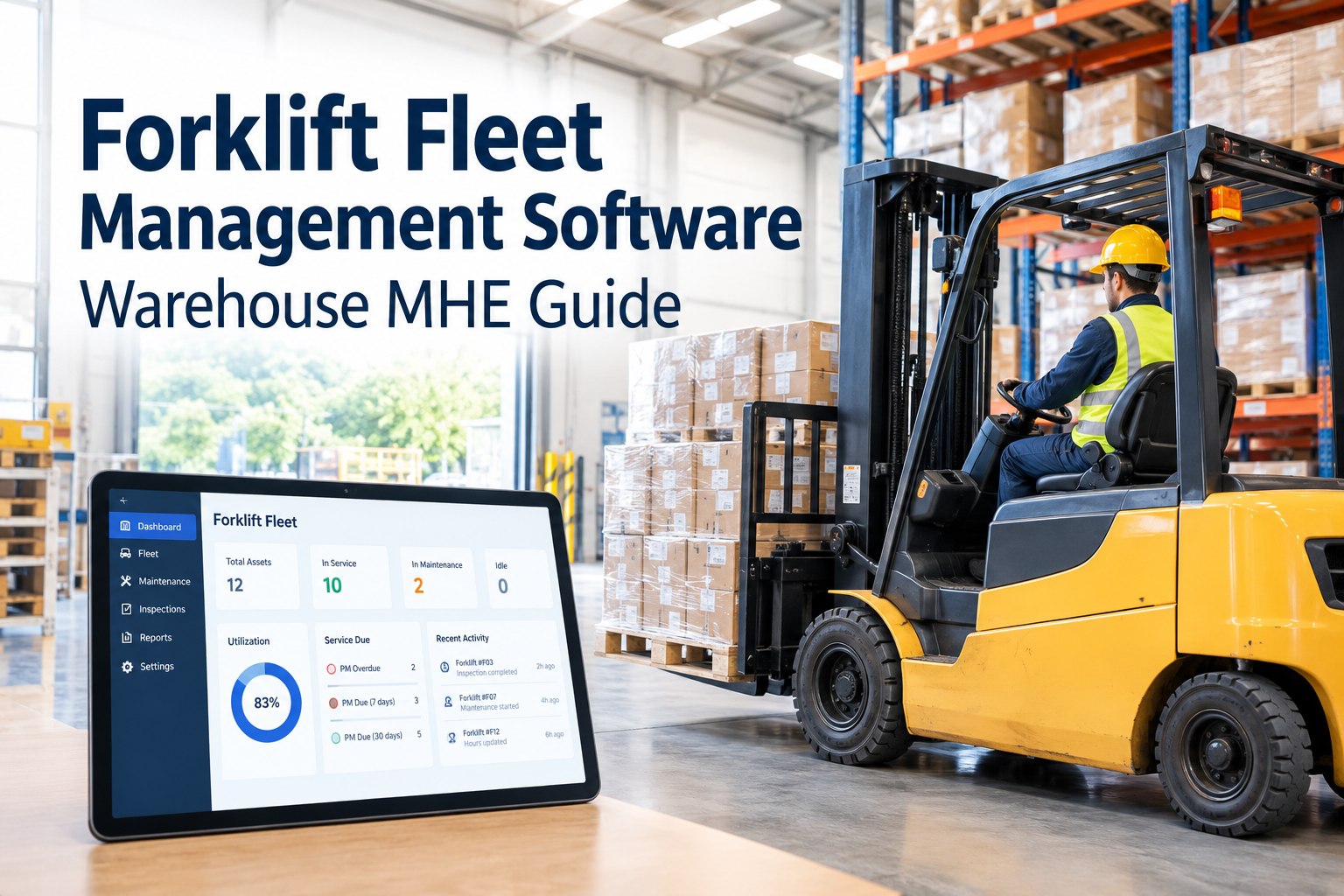
HVI brings available telematics data — operating hours, utilization, fault codes, and more — into the same record as inspections, preventive maintenance, and work orders, so equipment data becomes part of the maintenance workflow instead of another dashboard someone has to remember to check. Automated meter readings drive hour-based PM scheduling directly, cutting out manual recording and the delays that come with it. Sign up free to connect your first telematics feed and see hours flowing straight into your PM schedule.
Where fault or diagnostic data is available, it connects to work order and defect-history workflows automatically, so an alert turns into an assigned task instead of sitting unread. Asset identity is matched and verified across every connected source, and data quality — stale readings, missing assets, sync failures — is monitored continuously rather than discovered after a breakdown. Book a demo — Connect Telematics with Equipment Maintenance to see your mixed-brand fleet's equipment utilization, fault history, and maintenance records in one place.
Frequently Asked Questions
What data can warehouse equipment telematics actually provide?
Depending on the manufacturer and telematics provider, available data commonly includes operating hours and key-on time, utilization, location, battery or fuel level, equipment alerts, and diagnostic or fault codes. Not every provider exposes all of these, and depth and update frequency vary significantly, so it's worth confirming what's actually available before building an integration around it.
Why doesn't telematics data automatically reduce equipment downtime?
Telematics data only creates maintenance value once it reaches the systems where maintenance decisions actually get made. Data sitting in a separate OEM portal — however accurate — doesn't trigger a preventive maintenance schedule or open a work order on its own. The benefit comes from integration, not from the data existing in the first place.
Can mixed-brand forklift fleets be managed from a single platform?
Yes, provided the available data from each manufacturer and telematics provider is mapped and connected individually rather than assumed to be identical across brands. A platform that ingests available data per source and standardizes asset identity across the fleet can present a mixed-brand operation through one consistent maintenance record, even though the underlying feeds differ in structure and completeness.
What's the biggest technical challenge in a telematics-to-maintenance integration?
Standardizing asset identity is usually the most underestimated step. Telematics feeds identify equipment by serial number, VIN, or an internal ID that doesn't automatically match a maintenance system's asset records, and a mismatch means incoming data lands on the wrong machine's history. This matters more in practice than most of the data-availability questions, because it silently corrupts records rather than producing an obvious error.
How can a maintenance team tell if telematics data quality is degrading?
Watch for stale meter readings that haven't updated in longer than expected, assets that stop reporting entirely, integration or API sync failures, and duplicate or mismatched asset records after a system change. None of these failure modes are obvious from a single glance at a dashboard, which is why monitoring data quality needs to be a deliberate, ongoing check rather than an assumption that the integration is working because it was working last month.
The Takeaway
Warehouse equipment telematics generates real, useful data — the limitation has never been the machines, it's been getting that data into the place where maintenance decisions actually happen. Building the integration around what's actually available per OEM and provider, rather than assuming uniform data across brands, is what separates a working mixed-fleet system from a collection of dashboards nobody checks. Standardize asset identity, connect meter readings to PM and fault codes to work orders, and keep watching for the quiet failures — stale data, silent assets — that undermine an automated system long before anyone notices. None of this requires replacing the telematics you already have; it requires a maintenance system willing to actually use it.
Turn the data your equipment already streams into automatic maintenance
HVI connects available telematics data from across your mixed-brand fleet into one maintenance workflow — meter readings, fault codes, work orders, and utilization included.