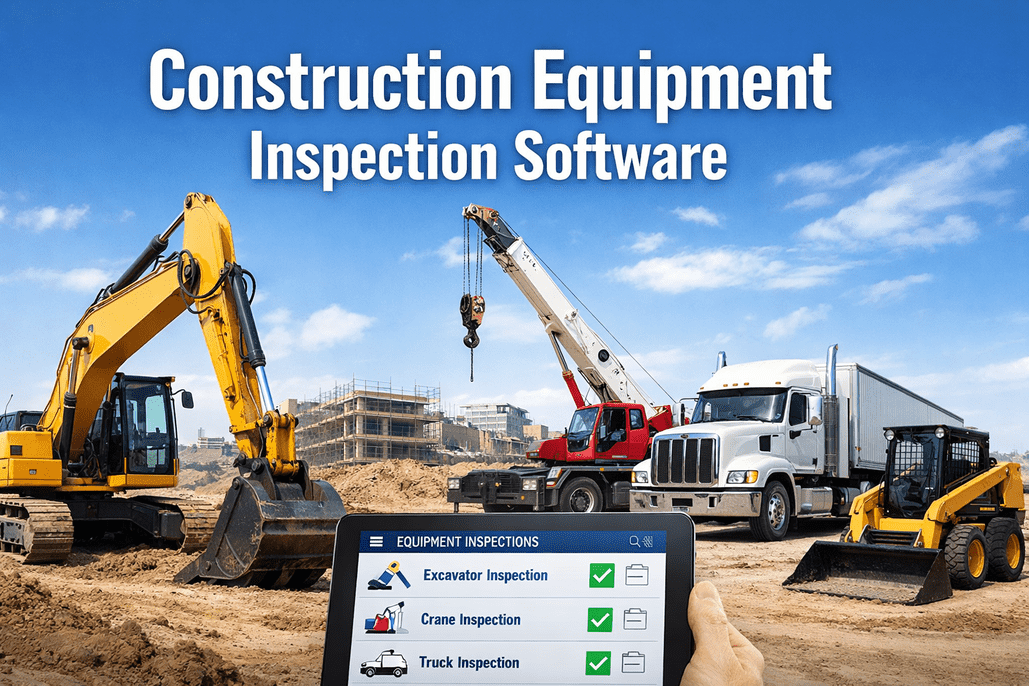
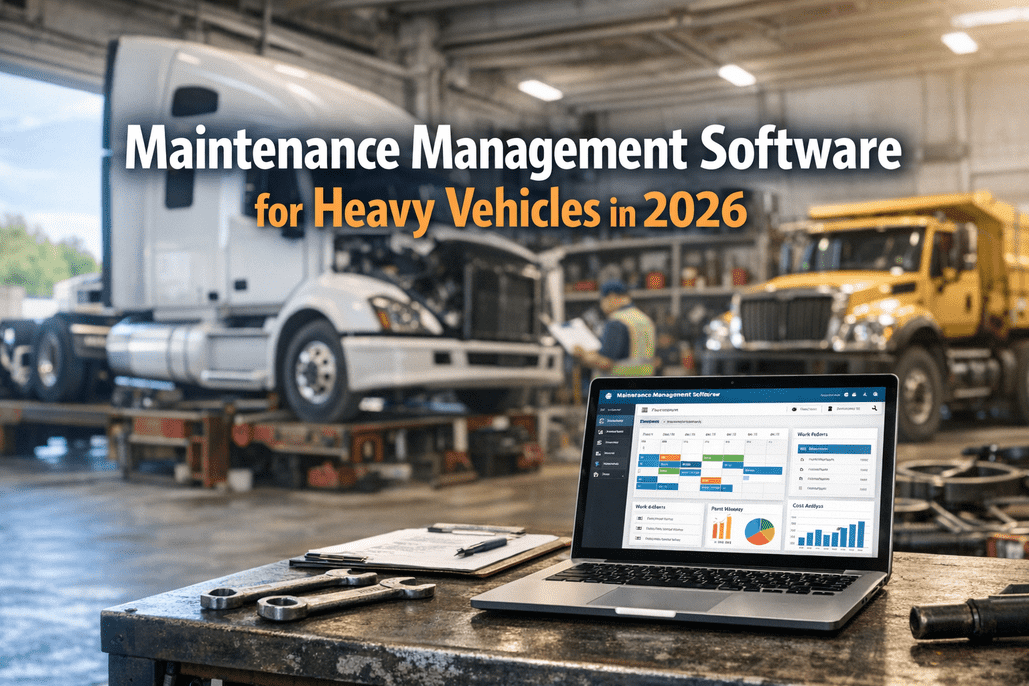
Heavy equipment inspection management software replaces paper clipboards, filing cabinets, and "I think we checked that last month" with digital workflows that schedule inspections automatically, guide operators through standardized checklists, capture photo-verified defect evidence, generate work orders instantly, and create the audit trail that regulators, insurers, and attorneys expect. The business case is settled: construction companies implementing comprehensive inspection software achieve 400-700% ROI within 24 months through eliminated emergency repairs, improved equipment availability, and reduced compliance violations. Yet 82% of construction companies still rely on manual maintenance tracking — missing service intervals, experiencing 40% higher equipment failure rates, and building zero usable data from years of paper inspections. The US fleet management software market reached $32.36 billion in 2025 and is projected to hit $152.89 billion by 2034. Heavy equipment inspection is a growing segment within this market as construction, mining, energy, utilities, and municipal agencies digitize inspection programs that were paper-based for decades. This guide covers what this software actually does, who needs it and why, the features that separate basic tools from operational platforms, ROI and payback data, and how to implement without disrupting your existing operations.
What Heavy Equipment Inspection Management Software Actually Does
At its simplest, this software digitizes inspection forms. At its best, it creates a closed-loop system where every inspection generates actionable data: defects become work orders, work orders become completed repairs, completed repairs update asset records, and asset records inform lifecycle decisions. The difference between a digital checklist and an inspection management platform is what happens after the checkmark.
Schedule
Automated inspection triggers by calendar, mileage, engine hours, or events. No more missed intervals.
Inspect
Guided checklists on mobile devices. Photo capture, severity rating, GPS/timestamp on every item.
Report
Defect found = instant notification to maintenance. Auto-generated work order with photos and severity.
Repair
Mechanic completes work, documents repair with photos, signs certification. Asset status updated.
Analyze
Defect trends, completion rates, cost per asset, compliance scores. Data drives capital and maintenance decisions.
Who Needs It: Industries and Roles
Heavy equipment inspection software isn't a single-industry tool — it serves any operation where expensive, safety-critical machines must be inspected, maintained, and documented. The specific value depends on the industry's regulatory environment, equipment diversity, and failure consequences.
Construction
Excavators, loaders, cranes, dozers, dump trucks, concrete mixers
OSHA 1926, ASME B30, FMCSA (on-road)
Equipment idle time averages 30% of scheduled hours. Downtime on a critical lift can delay entire projects. $165,514 max OSHA willful penalty.
Mining
Haul trucks, drills, shovels, crushers, conveyors, underground loaders
MSHA 30 CFR Part 46/48, OSHA
Harsh environments accelerate wear. Equipment failure underground or in pits = extreme safety risk. MSHA requires pre-shift examinations.
Transportation / Fleet
Tractors, trailers, straight trucks, buses, reefers, yard equipment
FMCSA 49 CFR 396, DOT annual, CVSA
DVIRs required daily for CDL vehicles. Annual DOT inspections tracked fleet-wide. 22.6% vehicle OOS rate at roadside inspections.
Energy / Utilities
Bucket trucks, digger derricks, service vehicles, generators, cranes
OSHA 1910/1926, NESC, state PUC
Live-line work on energized equipment. Failed inspection = worker electrocution risk. Utility vehicle compliance crosses federal and state requirements.
Municipal / Public Works
Dump trucks, plows, sweepers, mowers, buses, fire apparatus, utility trucks
FMCSA (CDL vehicles), OSHA, state codes
Taxpayer accountability. Extreme vehicle diversity across departments. Service criticality: vehicle downtime = public service failure.
Equipment Rental
Mixed fleet: everything from mini-excavators to 300-ton cranes
OSHA, ASME B30, contractual
Pre-delivery and return inspections document condition. Damage disputes without photo evidence cost thousands. Utilization tracking drives profitability.
Fleet Manager
Compliance, availability, costs
Operator
Pre-use checklist, defect reporting
Mechanic
Work orders, repair certification
Safety Manager
Audit records, incident prevention
Executive
ROI, lifecycle decisions, risk
HVI serves all six industries and all five roles on one platform — customizable inspection templates for every equipment type, from Class 8 tractors to mobile cranes to mowing equipment.
Book a demo. Or
start free.
Core Features: What Separates Real Platforms from Digital Checklists
Every inspection app offers a digital form. The features below are what turn a form into an operational system that drives compliance, prevents failures, and produces ROI.
Must-Have: Without These, Don't Buy
Mobile-first design — works on operator's phone or tablet, glove-friendly, offline capable
Customizable checklists — templates per equipment type, not one-size-fits-all
Photo/video capture — timestamped, GPS-tagged evidence per defect
Digital signatures — operator, mechanic, and reviewer signatures with timestamps
Defect-to-work-order — defect reported = work order generated automatically
Compliance documentation — audit-ready records retained per regulatory requirements
Advanced: Separates Good from Great
Multi-trigger PM scheduling — mileage, engine hours, calendar, or whichever-first
Severity-based routing — critical defects get instant push notification; minor defects queue
QR/barcode asset identification — scan to load correct template, eliminate wrong-asset errors
Fleet-wide dashboards — completion rates, defect trends, overdue inspections, compliance scores
Maintenance integration — inspection data feeds PM scheduling, parts inventory, and KPI tracking
Inspector/operator qualification tracking — certifications, training records, expiration alerts
Differentiator: Competitive Advantage
Defect trend analytics — recurring issues by component, asset, operator, site, or time period
Lifecycle asset management — condition history driving repair-vs-replace decisions
Telematics integration — DTC codes and usage data feeding inspection triggers
Multi-regulation support — FMCSA DVIRs, OSHA equipment, ASME crane, MSHA pre-shift on one platform
AI-assisted defect detection — photo analysis flagging potential issues for inspector verification
Inspection quality scoring — time, completeness, photo quality, and consistency metrics per operator
ROI and Payback: The Numbers That Justify the Investment
Heavy equipment inspection software isn't a cost — it's an investment with measurable, compounding returns. The data below reflects industry benchmarks from published studies and implementation outcomes.
400-700%
ROI within 24 months
From eliminated emergency repairs, improved availability, and reduced compliance violations. Break-even typically 12-18 months.
75%
Downtime reduction
Leading platforms deliver 75% reduction in unplanned downtime through proactive defect detection and automated PM scheduling.
40%
Higher failure rate without software
Manual tracking produces 40% higher equipment failure rates vs. digitally managed fleets. Paper misses what software catches.
50-67%
Inspection time reduction
Digital inspections take 5-10 minutes vs. 15-30 minutes paper. Multiply by inspections per day across fleet = significant labor savings.
~30%
Average equipment idle time
Equipment sits idle ~30% of scheduled hours. Utilization tracking identifies underused assets for redeployment or disposal, eliminating carrying costs.
3-9x
Reactive vs. planned maintenance cost
Emergency repairs cost 3-9x more than planned work. Every defect caught during inspection that prevents a breakdown is a direct cost avoidance.
HVI delivers measurable ROI from day one: faster inspections, instant defect-to-work-order routing, automated compliance tracking, and fleet-wide analytics.
Book a demo to see the ROI for your fleet. Or
start free.
How HVI Is Built for Heavy Equipment
HVI was designed from the ground up for heavy vehicle and equipment inspection — not adapted from a general-purpose form builder or ELD platform. The platform handles everything from FMCSA-compliant truck DVIRs to ASME B30 crane inspections to OSHA-required equipment checklists on one system.
Equipment-Specific Templates
Customizable checklists for every asset type: Class 8 tractors (37+ items), trailers (28+ items), mobile cranes (70 items/7 systems), forklifts (OSHA pre-shift), construction equipment (excavators, loaders, dozers), and specialty equipment. Each template maps to the relevant standard (FMCSA, OSHA, ASME) with the correct items for that equipment class.
Multi-Regulation Compliance
One platform covering FMCSA DVIRs (49 CFR 396.11/396.13), DOT annual inspections (49 CFR 396.17), OSHA equipment inspections (1926/1910), ASME B30 crane inspections (pre-use/periodic/annual), and MSHA pre-shift examinations. Inspector qualification tracking, retention management, and audit-ready documentation across all regulatory frameworks.
Photo-Verified Defect Chain
Every defect documented with timestamped, GPS-tagged photo evidence, severity classification, and structured description. Defect triggers instant notification to maintenance, auto-generates work order with all evidence attached, tracks repair through completion, and updates asset record. The complete chain is audit-ready and litigation-grade.
Guided Walk-Around Workflows
Checklists follow the logical inspection sequence for each equipment type — not alphabetical lists. Operators follow the physical walk-around path: exterior front, driver side, rear, passenger side, cab, undercarriage. Reduces missed items, improves thoroughness, and completes inspections in 5-10 minutes with photo documentation.
Fleet-Wide Analytics
Dashboards showing inspection completion rates, defect trends by component/asset/site, maintenance cost per asset, overdue inspections, and compliance scores across the entire fleet. Identify the 10% of equipment causing 50% of maintenance costs. Track which operators produce the most thorough inspections and which rush through.
Offline-First Mobile
Full inspection capability without cellular signal — critical for construction sites, mines, remote yards, and underground operations. Complete the entire inspection with photos offline; auto-sync when connectivity returns with zero data loss. Works on any iOS or Android device without specialized hardware.
Implementation: Getting from Paper to Production
The most common implementation concern is disruption. The reality: most fleets complete the paper-to-digital transition in 2-4 weeks with proper planning. Companies achieving 90%+ user adoption invest in change management, not just software deployment.
Week 1-2
Setup & Configuration
Import asset inventory (equipment types, unit numbers, locations)
Configure inspection templates per equipment type
Set PM schedules and inspection triggers (mileage, hours, calendar)
Configure defect routing rules (who gets notified for what severity/type)
Set up user accounts (operators, mechanics, managers, admins)
Week 2-3
Training & Pilot
Train operators on mobile app (typically one 30-minute session)
Train mechanics on work order and repair certification workflow
Pilot with 5-10 vehicles/equipment — test full defect-to-repair chain
Collect feedback, adjust templates and routing
Week 3-4
Full Rollout
Retire paper forms — digital becomes the sole system
Monitor completion rates daily for first two weeks
Flag missed inspections immediately — reinforce with operators
Share early wins: defects caught, inspections completed, time saved
Month 2+
Optimization
Review defect trend data — identify recurring issues and root causes
Refine templates based on operator feedback and inspection patterns
Integrate with telematics, ERP, or maintenance systems as needed
Build management reports: compliance scores, KPIs, cost analysis
Fleet Management Software Market: $32.36B (2025) → $152.89B (2034)
Heavy equipment inspection is a fast-growing segment driven by construction, mining, and municipal digitization. Companies that remain paper-based face 40% higher failure rates and zero usable inspection data for maintenance optimization or compliance defense.
AI Moving into Inspection: Photo Analysis and Defect Detection
AI systems analyzing inspection photos can flag cracking, corrosion, wear patterns, and structural anomalies for inspector verification — ensuring no defect in a large dataset goes unnoticed. These systems augment inspector judgment, not replace it. Production-grade accuracy is reaching construction equipment, crane, and fleet applications.
Book a demo.
Platform Consolidation: One System for All Equipment Types
Fleets are consolidating from multiple disconnected tools (one for trucks, one for cranes, one for construction equipment) into unified platforms handling all regulatory frameworks on one system. Multi-regulation support (FMCSA + OSHA + ASME + MSHA) on a single platform eliminates data silos and reduces administrative overhead.
82% of Construction Companies Still Paper-Based
The opportunity is enormous. The 82% relying on manual tracking experience higher failure rates, miss service intervals, cannot trend defect data, and produce documentation that fails under audit scrutiny. Early digital adopters gain measurable competitive advantages in equipment availability, maintenance costs, and compliance readiness.
The Software Isn't the Point — The System It Creates Is
Heavy equipment inspection management software isn't about replacing paper with pixels. It's about creating a closed-loop system where every inspection generates actionable data: defects become work orders, work orders become completed repairs, repairs update asset records, and asset records inform lifecycle decisions. The platform that does this across every equipment type in your fleet — from FMCSA-regulated trucks to OSHA-required construction equipment to ASME B30 cranes — on one system, with photo-verified evidence, automated routing, and audit-ready documentation, is the platform that delivers the 400-700% ROI within 24 months. Everything else is a digital form.
See HVI in Action for Your Fleet
Purpose-built for heavy equipment inspection. Customizable templates for every equipment type, multi-regulation compliance, photo-verified defect chains, automated work orders, and fleet-wide analytics — all on one platform.
Frequently Asked Questions
Q: What is heavy equipment inspection management software?
Software that digitizes the entire inspection workflow for heavy vehicles and equipment: scheduling inspections automatically, guiding operators through standardized checklists on mobile devices, capturing photo-verified defect evidence, generating work orders instantly, tracking repairs to completion, and maintaining audit-ready compliance documentation. It replaces paper forms with a closed-loop system that turns inspection data into maintenance intelligence.
Q: What industries use this software?
Construction (excavators, cranes, dozers), mining (haul trucks, drills, underground loaders), transportation/fleet (tractors, trailers, buses), energy/utilities (bucket trucks, service vehicles), municipal/public works (dump trucks, plows, fire apparatus, buses), and equipment rental (mixed fleets). Any operation with expensive, safety-critical equipment that must be inspected and documented.
Start free with HVI.
Q: What ROI can I expect?
Industry benchmarks: 400-700% ROI within 24 months, break-even in 12-18 months, 75% reduction in unplanned downtime, 50-67% faster inspections, and 40% fewer equipment failures vs. manual tracking. Primary value streams: eliminated emergency repairs (3-9x more expensive than planned), improved equipment availability, reduced compliance violations, and labor savings from faster inspections.
Q: How long does implementation take?
Most fleets complete paper-to-digital transition in 2-4 weeks. Week 1-2: setup and configuration (import assets, build templates, set triggers). Week 2-3: training and pilot (one 30-minute session for operators, pilot with 5-10 assets). Week 3-4: full rollout (retire paper, monitor completion, reinforce adoption). Month 2+: optimization (trend analysis, template refinement, integration).
Q: Can one platform handle different equipment types and regulations?
Yes — with customizable templates per equipment type and multi-regulation support. HVI handles FMCSA DVIRs for trucks, OSHA equipment inspections, ASME B30 crane checklists, and general equipment inspections on one platform. Each equipment type gets its own template with the correct items for its regulatory framework. One system, one dashboard, one audit trail across your entire fleet.
Q: Do inspections work offline?
Critical feature. Construction sites, mines, remote yards, and underground operations often lack cellular coverage. HVI provides full offline capability: complete inspections with photos, record defects, capture signatures — all without signal. Auto-sync when connectivity returns with zero data loss. This is a must-have, not a nice-to-have, for heavy equipment operations.