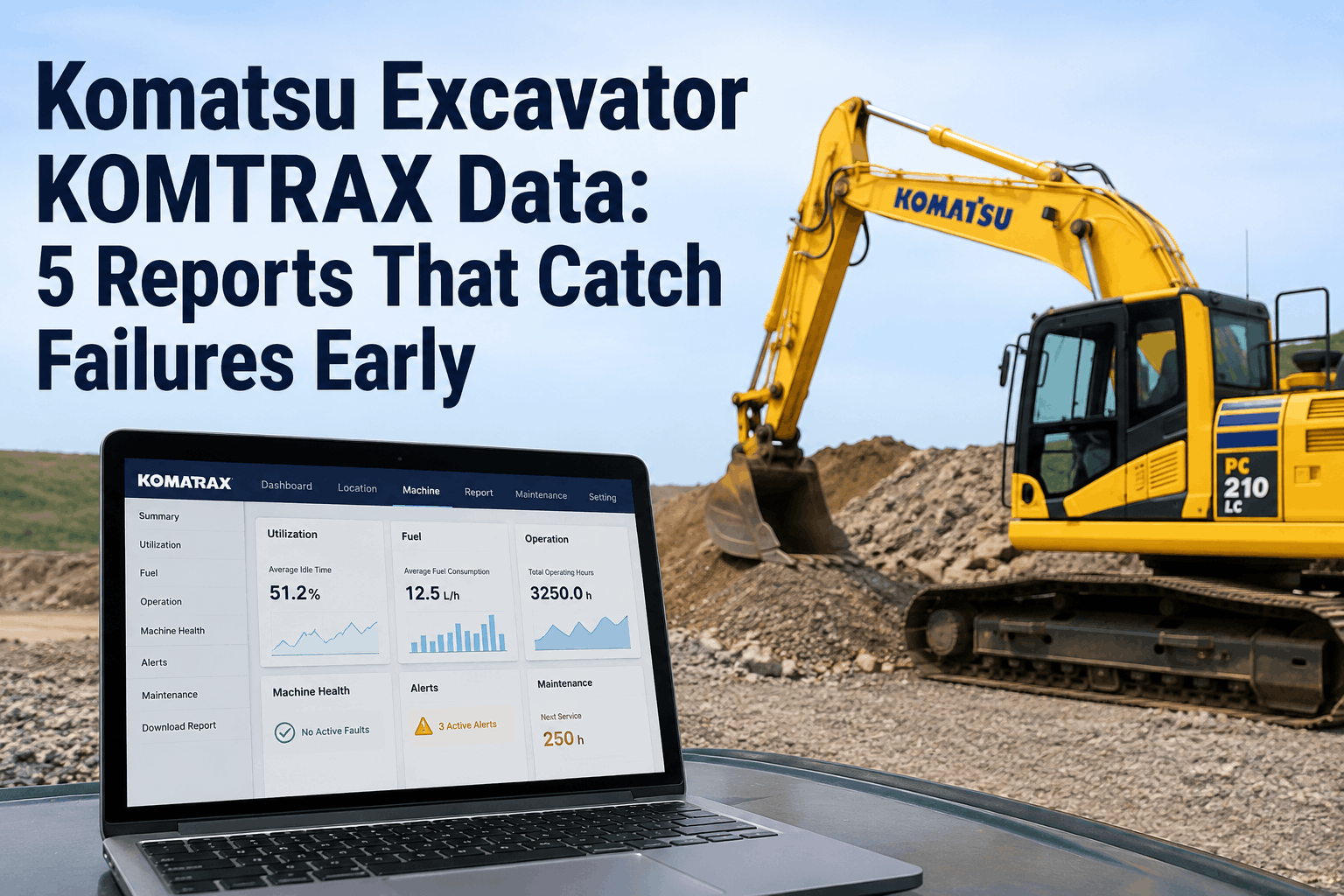
Every Komatsu excavator built since the Tier 4 era ships with KOMTRAX running quietly in the background, beaming machine health data to a secure portal at no extra cost. Most owners log in to check hours and location, glance at the fuel gauge, and log out. They are reading 5% of what the system is telling them. The other 95% — the slow drift in idle percentage, the creeping fuel burn, the regen cycles getting shorter and shorter, the abnormality code that fired twice last week and cleared itself — is exactly the data that catches a failure two weeks before it strands a machine on a job site. A clogged DPF caught at 40% soot load is a cleaning; caught at a forced parked regen it is a lost shift; ignored, it is a $6,000–$9,000 aftertreatment bill. The difference is whether someone read the right report at the right threshold. This guide breaks down the five KOMTRAX reports that actually predict failures, what normal looks like on each, and the alert thresholds that mean "act now." HVI's inspection & maintenance software imports KOMTRAX data and turns these thresholds into automatic work orders, so the warning never sits unread in a portal nobody opened.
The 5 Reports at a Glance
KOMTRAX surfaces dozens of data points, but five reports do the heavy lifting for failure prediction. Each one tracks a different failure pathway — wear, fuel system, aftertreatment, hydraulics, and electronics. Here's the map before we go deep on each.
Idle Percentage
Catches: wasted fuel, DPF soot loading, engine wear
Average Fuel Rate
Catches: injector wear, hydraulic drift, clogged filters
DPF Regen & Soot
Catches: aftertreatment clogging, EGR sensor drift
Hydraulic Relief Hours
Catches: operator strain, pump & valve overload
Abnormality / Fault History
Catches: intermittent electrical & sensor failures
Report 1 — Idle Percentage
The single most revealing number in KOMTRAX. High idle wastes fuel, but more importantly it cooks the aftertreatment system: a machine sitting at low idle never reaches the exhaust temperature needed for passive DPF regeneration, so soot piles up with nowhere to go. Idle % is the leading indicator behind half the problems on this page.
Most excavator fleets run 30–45% idle. Every point above 30% is fuel burned for nothing — and exhaust temperature lost from the regen budget.
What "normal" looks like
A productive excavator on dig-and-load work sits around 20–30% idle. Brief idling between truck loads is expected and healthy.
The threshold that matters
Sustained idle above 40% across a week. It signals either an operator habit problem or a machine left running during long waits — and it's actively damaging the DPF.
Report 2 — Average Fuel Rate
Fuel rate is the machine's metabolism. A healthy excavator burns a predictable amount per hour for a given workload. When that number creeps up while the work stays the same, something is wrong upstream — worn injectors, a clogging air or fuel filter, or hydraulics working harder than they should to move the same dirt.
Reading the trend, not the number
The absolute fuel rate varies by model and application, so the signal is the direction. Compare a machine to its own 90-day baseline and to identical units on similar work.
Report 3 — DPF Regeneration & Soot Load
This is the report that quietly turns a sensor problem into a five-figure repair. KOMTRAX 5.0 logs soot count, active regeneration time, and regen frequency. When regens get more frequent and shorter, the aftertreatment system is fighting a losing battle — and the root cause is almost always upstream of the filter itself.
Soot under ~40%
Burns off automatically during normal working heat. This is where you want every machine living. No action needed.
Soot 40–60%
ECM injects fuel to raise exhaust temp, 20–40 min. Occasional active regens are normal. Frequent ones are a warning.
Soot 80%+
Machine forces a stop, 30–60 min idle, zero revenue. If you're seeing these, the system is already in trouble.
⚠ The KOMTRAX signal that means "fix it this week"
If a single active regen takes longer than 2 hours to complete, or regen frequency climbs sharply with no change in workload, the DPF is clogging or the EGR differential-pressure sensor is drifting — a known failure on the PC210 class. A drifted sensor is a cheap fix; a soot-killed filter is not.
Report 4 — Hydraulic Relief Hours
KOMTRAX records how long the hydraulic system spends at relief pressure — essentially how often the machine is pushed to its limit. A spike in relief hours means the machine is being overworked or an operator is "stalling" the hydraulics against immovable loads. Sustained, it accelerates pump and valve wear and is a direct predictor of expensive hydraulic failures.
Low relief hours
Machine working within its design envelope. Operators matching technique to material. Pumps and valves wearing at normal rate.
Rising relief hours
Pair it with load-frequency data. A sudden climb points to operator training need or a machine on work it's undersized for — both fixable before the pump fails.
Report 5 — Abnormality & Fault History
The fault history is the report most owners only open after something breaks. That's backwards. Komatsu's ECM logs abnormality codes the moment a sensor reads out of range — and many fire intermittently and clear themselves long before a hard failure. The codes that show up twice, clear, then return are the early-warning gold.
General system errors — engine, hydraulic, parking brake. Broad but flags the affected subsystem fast.
Engine and sensor faults. Frequently fuel-system or air-flow related — often the first sign of injector or filter trouble.
Electrical and control-circuit faults. Intermittent D-codes point to wiring or connector wear that worsens over time.
Solenoid and EPC valve failures. These affect hydraulic control precision — catch them before they strand a function.
The pattern to hunt for
A code that appears, self-clears, then reappears within days is a component in early failure — not a glitch. Logged centrally, that recurrence is a work order waiting to happen. Lost in a portal, it's a roadside breakdown waiting to happen.
Reading All Five Together: The 10-Minute Weekly Routine
No single report tells the whole story — the power is in the cross-read. Here's the weekly pass that turns KOMTRAX from a dashboard you ignore into a failure-prevention system.
Scan idle % fleet-wide. Flag anything over 40%. High idle explains a lot of the other numbers, so start here.
Check fuel rate against baseline. Any machine up 10%+ on steady work gets a closer look at filters and injectors.
Review regen frequency. Rising regens or any parked regen this week = aftertreatment investigation now.
Glance at relief hours. A spike alongside high fuel rate usually means overwork — coach the operator, save the pump.
Read the fault log for repeats. Self-clearing codes that recur become a work order before they become a tow.
Stop Reading KOMTRAX. Start Acting On It.
HVI imports your Komatsu telematics, watches all five reports against the thresholds that matter, and turns a drift into a dated, assigned work order — automatically. Catch failures at the cheap stage, every time. Trusted by 25,000+ users worldwide.