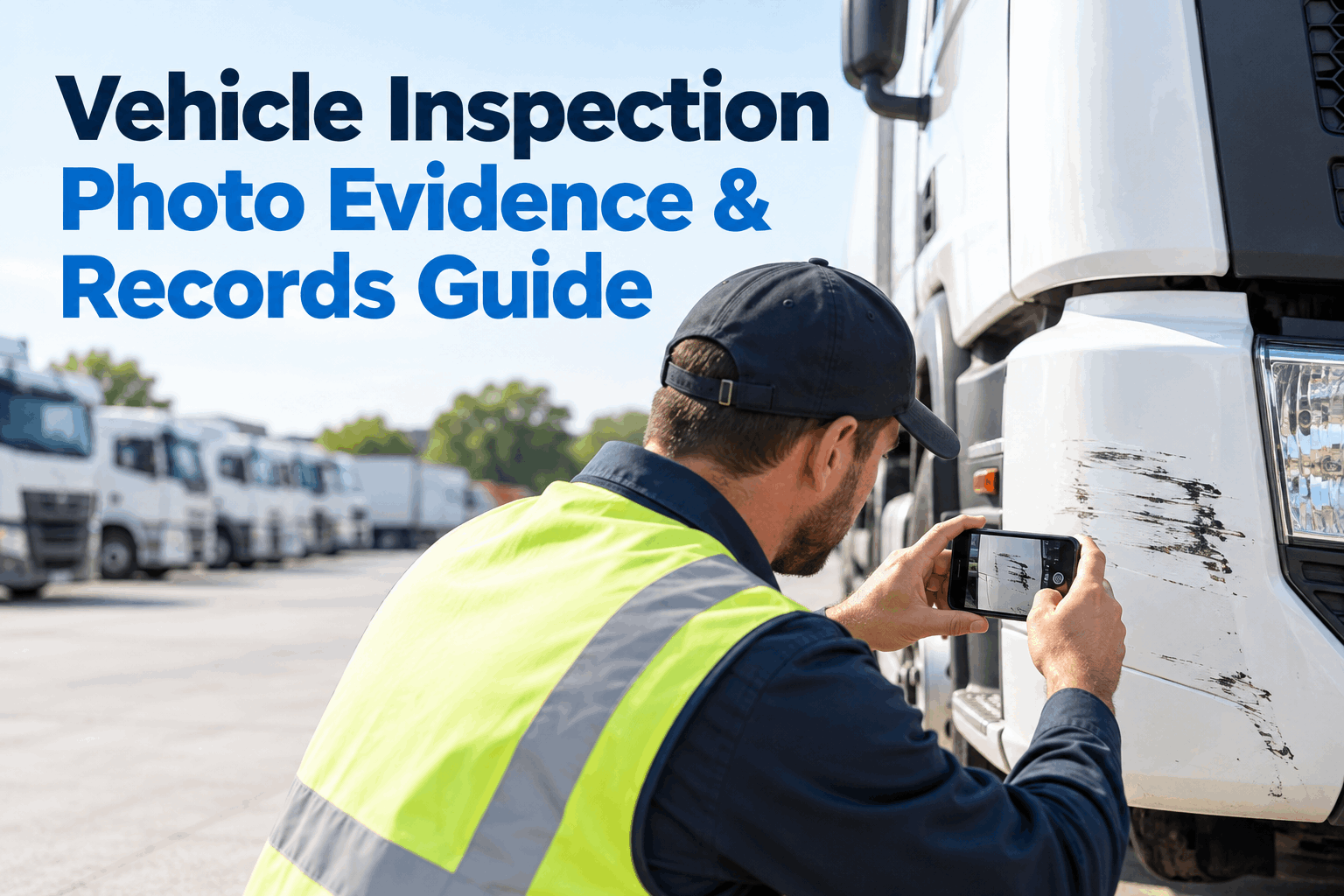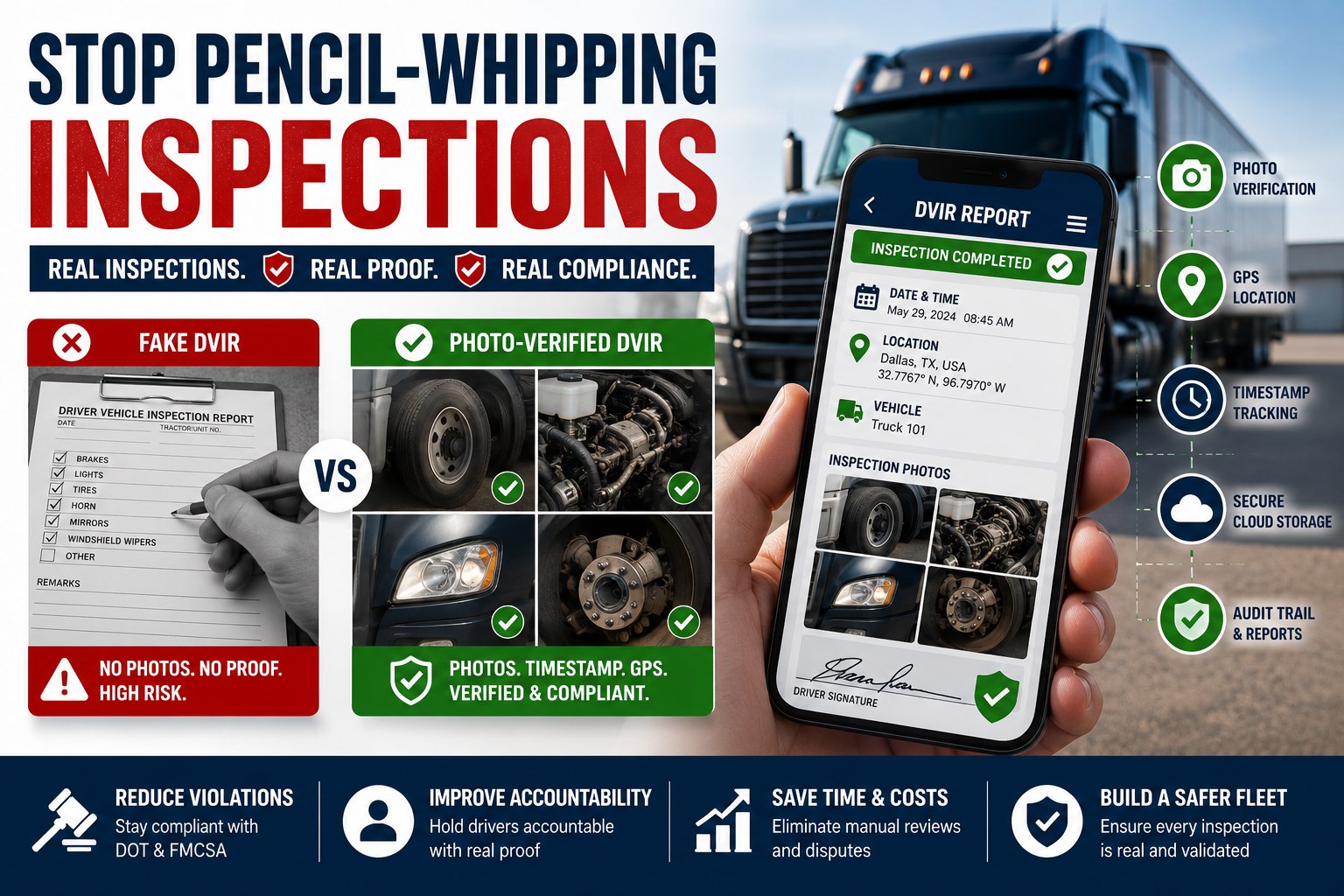
Adding photos and voice notes to a DVIR isn't a federal requirement — FMCSA §396.11 does not mandate photo evidence — but it's what turns a defect description like "brake light out" into a mechanic-actionable, insurance-defensible, litigation-durable record. The practical framework is three shots per defect (wide context, mid framing, close-up detail) plus a 15-second voice note capturing what a driver knows but doesn't have time to type. Digital DVIR platforms store the evidence alongside the record. Book a demo .
How to Add Photos + Voice Notes to DVIRs
Photos turn "brake light out" into evidence. Voice notes turn "driver knew something" into a record. Neither is federally required — both are what audit response, insurance claims, and shop workflows actually run on.
Photos and voice notes on DVIRs are the operational layer sitting on top of what the regulation requires. FMCSA §396.11 mandates the report content (11 required parts and accessories, defect descriptions, reporting-driver signature, chain to repair certification and next-driver acknowledgment) — but it does not require photo evidence or voice attachments. What photos and voice notes do is close the gap between "a defect was reported" and "the mechanic knows what to fix, the safety manager knows what happened, the insurance adjuster has evidence, and the litigation team has a defensible record." Digital DVIR platforms permit both under the §390.32 electronic records framework. Practical implementation is a repeatable framework drivers can execute in the field: three shots per defect (wide, mid, close-up) plus a voice note that captures what a driver knows but doesn't have time to type into a cold-cab mobile keyboard.
Are photos required on a DVIR?FMCSA regulatory position, why photos are still standard practice, and where they matter most
Section 396.11 does not require photo evidence or voice attachments — the regulation specifies the written report content, signature chain, and retention, but not the evidence format. Fleets add photos and voice notes because they solve four operational problems the written text alone doesn't solve. Book a demo to see HVI's photo-attached DVIR workflow
A photo of the specific defect lets the mechanic parts-plan and troubleshoot before the truck arrives at the shop. Written descriptions like "unusual noise" or "brake feels soft" require diagnostic follow-up; a photo of a cracked mount or worn brake pad is directly actionable.
When a defect is later tied to an incident or claim, timestamped photo evidence proves the defect state at reporting time and the repair or non-repair certification that followed. Photos are among the strongest pieces of evidence in commercial vehicle insurance defense and litigation.
During a DOT compliance review, a defect entry supported by wide + mid + close-up photos plus a voice note demonstrates a documentation discipline that experienced auditors recognize immediately as a well-run program. It doesn't replace the required written record — it augments it in a way that reduces scrutiny of adjacent files.
The next driver reviewing the DVIR per §396.13(c) sees not just a text description but a picture of what the prior driver actually saw. Reduces "I didn't understand what they meant" acknowledgment failures and improves the quality of the review that the signature attests to.
The 3-shot photo framework — wide, mid, close-upEvery defect gets three shots that answer three different operational questions
A single close-up photo of a broken part looks like a defect from a distance but tells the mechanic nothing about which vehicle, which side, or which assembly. Conversely, a single wide shot of the whole truck shows the vehicle but nothing about the actual defect. The 3-shot framework covers both scopes and everything in between.
Stand back far enough that the whole vehicle (or the whole relevant section of a large asset) fits in the frame with the defect area visible but not detailed. Includes unit number or license plate where possible. Provides the "where" context that lets any reviewer — mechanic, safety manager, adjuster, auditor — instantly identify the asset.
Common mistake: Wide shot without any defect visible at all. Include enough zoom to see the general problem area, even if fine detail comes in the close-up.
Frame the defect area with surrounding components visible for reference. If the defect is a cracked brake mount, the mid shot shows the wheel, brake assembly, and adjacent suspension — the reviewer can see exactly which brake mount is affected without ambiguity.
Common mistake: Jumping straight from wide to close-up with no mid-range framing. Mid shot is the connector between "the truck" and "the specific part" — skipping it forces the reviewer to guess at spatial relationships.
The defect fills the frame. Cracks, tears, wear patterns, missing hardware, corrosion, deformation — the specific problem is visible in detail. Include something for scale where possible (a coin, a finger, or a familiar-size component in frame). Adequate lighting is critical.
Common mistake: Blurry close-ups from too close (below the phone camera's minimum focus distance). Back off slightly if the focus won't lock; a slightly wider close-up in focus is more useful than a very tight close-up out of focus.
Fleet-wide framework training combined with in-app photo capture guidance is what turns evidence consistency from a hope into an operational default. Book a demo to see HVI's photo capture prompts
Voice notes: what to record, and when they beat typed text15-second discipline that captures driver context text notes miss
Voice notes solve the specific field-condition problem that mobile keyboards create: cold cab, gloved hands, small screen, hurried driver at end of shift. A voice note captures 3-5x more useful context than a typed note in the same time, and it captures the driver's actual observation instead of the shorthand summary the keyboard forces. Start a free trial to configure voice note capture in DVIR workflow.
(1) What — the specific defect ("right rear brake light out"). (2) When — observed timing ("noticed at Kingman fuel stop"). (3) How long — pattern history ("been intermittent last two shifts"). (4) What you think — driver's guess ("probably bulb, connection didn't feel loose"). Four elements in 15-20 seconds.
Voice notes are especially useful when: outside temperatures make touchscreen typing slow or unreliable, driver is wearing work gloves, driver is at end of a long shift and typing is fatiguing, or the defect requires nuanced description (intermittent behavior, noise character, feel) that a short text description can't capture.
Voice-to-text transcription combines both benefits: driver speaks the defect note in the field (fast, detailed) and the platform generates searchable text alongside the audio. The audio remains attached as evidence; the text supports search and mechanic-workflow routing.
Common DVIR photo mistakes — and the simple fixesField mistakes drivers make and the framework corrections that prevent them
The same handful of photo documentation mistakes appear across every fleet before the 3-shot framework is standardized. Each has a specific fix that requires no additional training beyond the framework itself.
Failure mode: Driver takes a single tight close-up of the defect. Mechanic can see the damage but not which side of the truck, which axle, which assembly. Diagnosis requires callback to the driver.
Fix: Standardize the 3-shot framework (wide, mid, close-up) as the baseline evidence per defect. Every defect gets three shots or explicit note of why fewer.
Failure mode: Close-up shot is under-lit (shadow) or over-lit (flash washout). Defect visible in reality; not visible in the photo. Effectively no evidence.
Fix: Use mobile flash for shadowed areas (under vehicle, inside wheel wells). Position body to block direct sunlight for outdoor close-ups. Check the photo before submitting; retake if defect isn't clearly visible.
Failure mode: Close-up shows the defect but no reference for size. Small crack vs large crack looks similar without scale. Severity assessment requires physical inspection.
Fix: Include a familiar-size object in frame — coin, finger, ruler, or a component with known dimensions. Adds size context that survives review by anyone not physically present.
Failure mode: Voice note captures the "what" (defect name) but not the when, how long, or driver's guess. Reduces voice-note value to what a typed text would have captured — without adding the depth voice enables.
Fix: Train drivers on the 4-part pattern (what, when, how long, what you think). Reinforces the discipline that makes voice notes qualitatively better than typed notes.
The four mistake patterns and their fixes fit on a single one-page driver reference. Simplicity is what makes evidence discipline stick across a fleet at scale. Book a demo to see HVI's driver-side capture guidance
From a fleet safety manager on DVIR evidence discipline
We didn't standardize DVIR photo documentation until an insurance claim went sideways on us. Driver had reported a brake air leak on his DVIR, mechanic certified the repair, next driver acknowledged, truck ran a load, and 40 miles into that load a brake system failure caused a minor incident. Insurance defense asked for the photo evidence of the original defect and the repair. We had one blurry close-up from the reporting driver and no photo of the completed repair. Claim outcome was worse than it needed to be, purely because our evidence was thin.
Standardizing the 3-shot framework across drivers took one training cycle. Adding voice notes took maybe two weeks of habit-building. Six months later we had another claim — unrelated defect, different truck — and the defense had wide, mid, and close-up photos of the original defect, a 20-second voice note where the driver described the intermittent pattern, mechanic's repair photos on the completed work, and a next-driver acknowledgment. Claim closed in our favor with minimal discussion. Same regulatory chain, dramatically different evidence quality. FMCSA doesn't require the photos. Insurance defense functionally does.
Frequently asked questions
Can you add photos to a DVIR?
Yes — photos can be added to a DVIR and are widely used as supplementary evidence attached to defect entries, though FMCSA §396.11 does not federally require photo evidence. The written report content, signature chain, and 3-month retention are the federal requirements; photos augment the record without replacing the required written content. Digital DVIR platforms permit photo attachments under the §390.32 electronic records framework, and most modern fleet DVIR software supports multiple photos per defect entry with timestamps and metadata preserved for audit and insurance response. Best-practice photo documentation is a 3-shot framework per defect: (1) wide shot showing the whole vehicle or major section with the defect area visible and asset identification (unit number, plate) legible, (2) mid-range shot framing the defect area with surrounding components for spatial reference, (3) close-up shot with the defect filling the frame in adequate lighting and ideally with a scale reference (coin, finger, familiar object). The 3-shot framework answers three separate operational questions (which vehicle, which assembly, what specifically is wrong) that a single photo can't cover simultaneously.
Are photos required on a DVIR?
No — photos are not federally required on a DVIR. FMCSA 49 CFR §396.11 specifies the written report content (11 required parts and accessories, defect descriptions, reporting-driver signature), the multi-signature chain (reporting driver + mechanic certification + next-driver acknowledgment per §396.13(c)), and the 3-month retention (§396.11(a)(4)) — but does not require photo or video evidence. Photos and voice notes are fleet best practice, not federal minimum. They solve four operational problems the written text alone doesn't solve: (1) mechanic diagnosis speed (a photo of the specific defect is directly actionable), (2) insurance and litigation defense (timestamped photo evidence proves the defect state at reporting time), (3) audit trail depth (well-documented defect entries demonstrate the operational discipline experienced auditors recognize), and (4) cross-shift context (the next driver reviewing per §396.13(c) sees what the prior driver actually saw). Fleets should treat photo and voice documentation as valuable operational discipline that augments the required written record — not as compliance requirements. Company policy on photo documentation is a fleet decision, not a regulatory obligation.
How should drivers photograph vehicle defects?
The standard framework is 3 shots per defect: wide, mid, and close-up. Wide shot — stand back far enough that the whole vehicle (or major section of a large asset) fits in frame with the defect area visible; include unit number or license plate where possible for asset identification. Mid shot — frame the defect area with surrounding components visible for spatial reference (if the defect is a cracked brake mount, the mid shot shows the wheel, brake assembly, and adjacent suspension). Close-up shot — the defect fills the frame with adequate lighting; include something for scale where possible (coin, finger, familiar-size component). Common mistakes to avoid: single close-up with no context (mechanic can't identify which side/assembly), poor lighting on close-ups (defect visible in reality but not in photo), no scale reference in close-up (severity assessment requires physical inspection), and jumping straight from wide to close-up without the mid connector shot. Consistency across drivers matters more than any single perfect photo — a fleet-wide standard produces evidence that reviews the same way across every driver, shift, and terminal. The framework takes one training cycle to introduce and becomes automatic within a few weeks of consistent application.
Can drivers use voice notes during vehicle inspections?
Yes — voice notes can be recorded and attached to DVIR entries, and they solve the specific field-condition problem that mobile keyboards create: cold cab, gloved hands, small touchscreen, hurried driver at end of a long shift. Voice notes capture 3-5x more useful context than typed notes in the same time, and they capture the driver's actual observation rather than the shorthand summary a keyboard forces. The 4-part voice-note pattern is: (1) what — the specific defect, (2) when — observed timing, (3) how long — pattern history, (4) what you think — driver's guess at cause. Four elements in 15-20 seconds. Voice notes are especially useful for intermittent defects (behavior described in words is more useful than a photo of a temporarily-normal-looking component), unusual noises or vibrations (character captured in speech better than in text), and complex defects requiring nuanced description. Voice-to-text transcription combines both benefits: the audio remains attached as evidence while the platform generates searchable text alongside. Voice notes, like photos, are not federally required under §396.11 — they're fleet best practice for evidence and diagnostic quality.
How does HVI store DVIR photos and voice notes?
HVI supports multi-photo attachments per defect entry with the driver capturing wide, mid, and close-up shots from the mobile device directly into the DVIR record, voice notes recorded in-app with automatic timestamping and attachment to the specific defect entry, timestamped metadata (date, GPS coordinates where enabled, vehicle unit, defect category) preserved with every attachment, automatic linkage to the 3-signature DVIR chain (reporting driver + mechanic certification + next-driver acknowledgment per §396.13(c)) so evidence travels with the compliance record, retention beyond the §396.11(a)(4) 3-month minimum with extended digital storage supporting crash defense and insurance claim response, and searchable multi-year photo and voice history supporting audit response and litigation preparation. Photos and voice notes are treated as supplementary evidence attached to the required written DVIR content — §396.11 written report requirements remain the compliance floor and are met independently of any photo or voice attachment. HVI is not itself an FMCSA compliance authority, insurance representative, or litigation counsel — specific compliance and legal determinations remain with qualified DOT counsel and specialized professionals.
Photos and voice notes aren't required — they're what turns "brake light out" into a record that closes cleanly
HVI supports multi-photo attachments (wide + mid + close-up) per defect entry, in-app voice notes with timestamped attachment, automatic linkage to the 3-signature DVIR chain, and extended retention supporting crash defense and insurance response — the evidence layer that turns compliant DVIRs into audit-defensible, litigation-durable records.
No credit card · No hardware · Setup in minutes