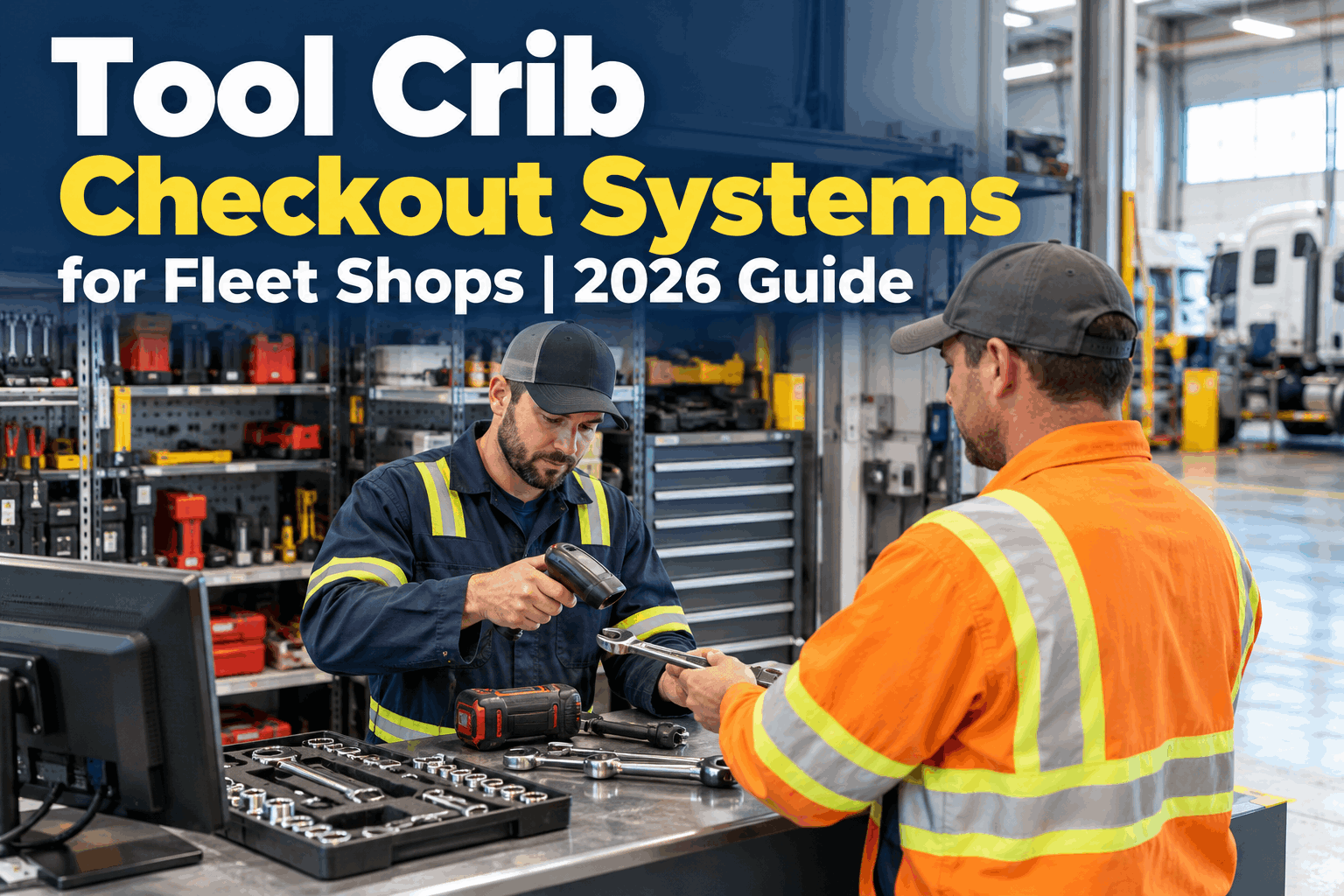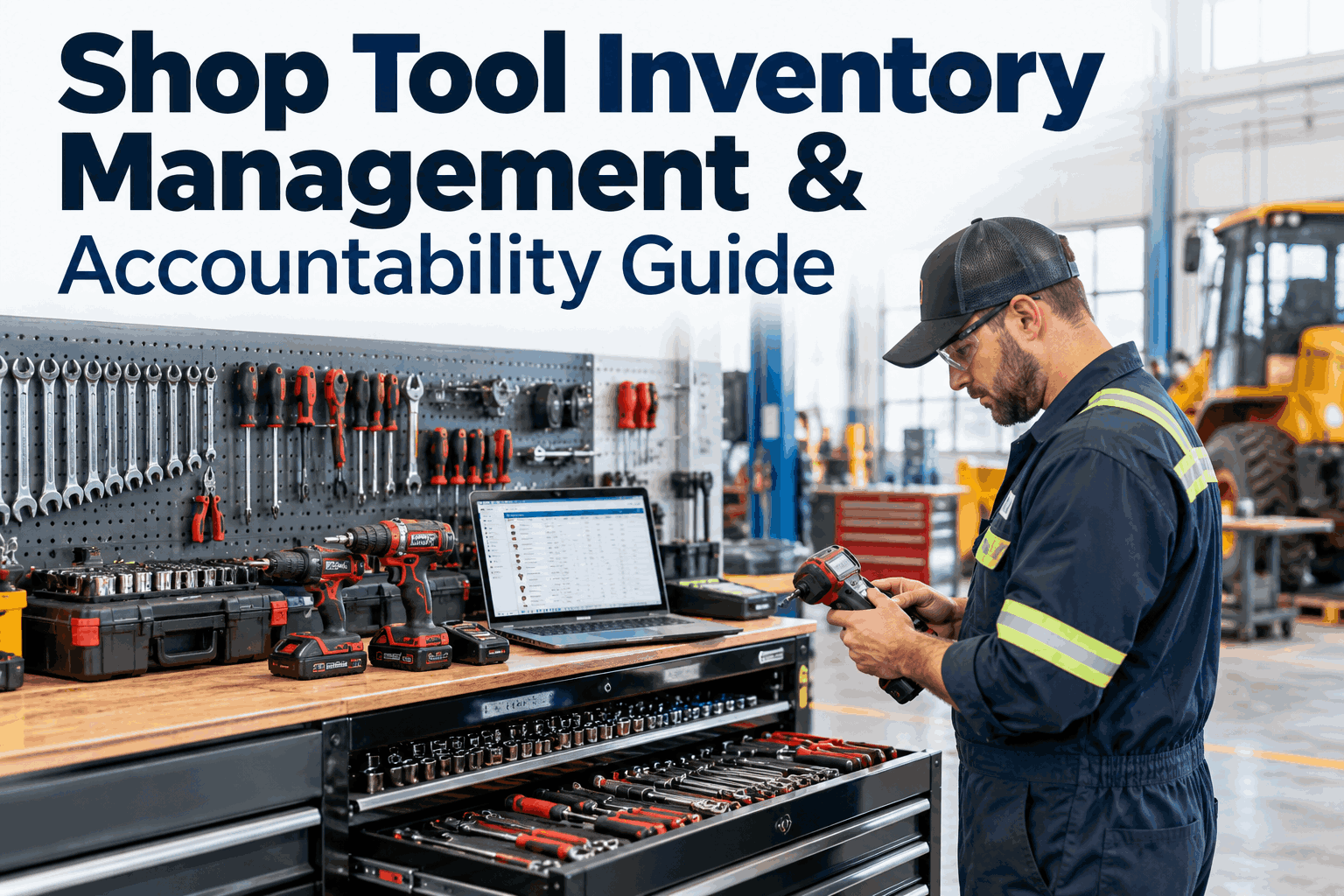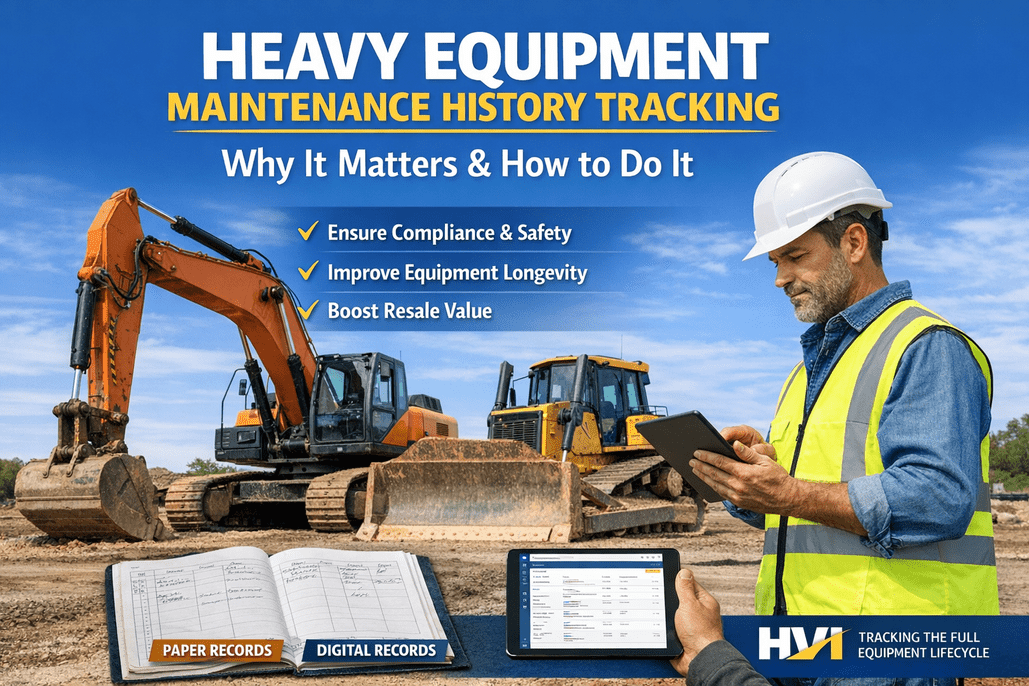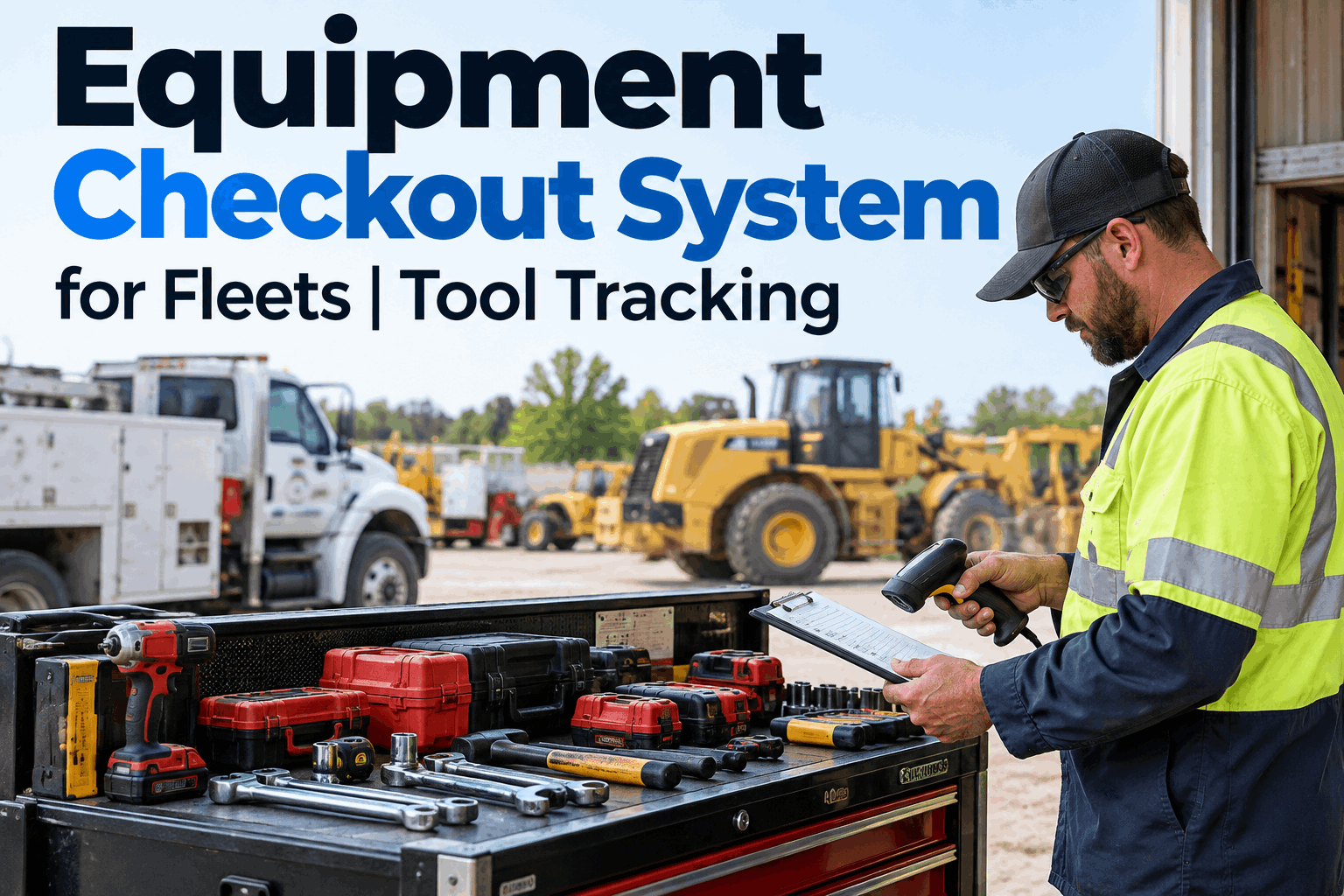
An equipment checkout system answers the one question that eats a shop's morning: who has the torque wrench? When every tool and portable asset has a current holder and a location, nobody loses an hour hunting for gear and nothing walks off without a name attached. Book a demo to see checkout tracking in action.
Every tool has a name and a place — or it's already lost
An equipment checkout system tracks each tool by who has it, where it is, and whether it's out or back. Shared gear with no owner is gear on its way out the gate.
This is a practical guide to equipment checkout systems — why shared tools disappear, how a check-out and check-in loop fixes accountability, what to track on every item, how shop cribs and field crews differ, and how HVI turns custody into a record you can actually trust.
Why shared tools quietly disappear
A tool with no owner is everyone's and no one's. It gets borrowed for "just a minute," rides out to a job in someone's truck, and never comes back — and because nobody logged who took it, there's no one to ask. Multiply that across a busy shop and the losses add up fast.
Companies typically lose 5 to 10% of their portable tool inventory every year to walk-offs, misplacement and no-record borrowing. An equipment checkout system closes that leak by giving every item a named holder the moment it leaves the crib.
The cost isn't only the replacement. It's the hour a tech spends hunting, the job delayed because the one calibrated gauge is missing, and the double-buying of gear you already own but can't find — losses a quick demo shows you plugging.
The check-out, check-in loop
Every equipment checkout system runs on one simple loop: a tool goes out to a named person, it's in use and accounted for, then it comes back and is available again. The magic isn't complexity — it's that custody is never a mystery at any point in that cycle.
Check out
Scan the tool to a person, crew or vehicle. It's now their responsibility, with a timestamp.
In use
The board shows it's out, who holds it and where — so anyone can find it without a group text.
Check in
Scan it back in. It's available again, and the record shows it returned complete and on time.
What makes the loop powerful is the gap it exposes: a tool checked out but never checked back in is flagged automatically, so a missing item surfaces the same day — not at the next annual count when it's long gone. A proper tool management system makes that flag the moment the loop breaks.
What to track on every item
A checkout system is only as good as the details it holds on each tool. These are the fields that turn a list of gear into a system you can run a shop on — enough to identify, locate and hold someone accountable for every item.
A unique ID and serial, make and model — so two identical impact guns are never confused for one.
Who has it right now, when they took it, and the full history of everyone who held it before.
Home crib, and where it is now — a bay, a truck, a jobsite. Linked to the vehicle or site it rode out on.
Available, issued, or not returned — the one field that tells you instantly what's in and what's out.
The field that earns its keep fastest is custody history. When a tool comes back damaged or doesn't come back at all, you don't need a shop-wide investigation — the record already shows who had it last. That same trail lives alongside your mixed-fleet asset tracking, so tools and machines share one system.
Shop crib and field crews need different handling
Checkout isn't one-size-fits-all. A tool crib in the shop and a crew heading out to a jobsite put different demands on the system, and a good equipment checkout system covers both without forcing one to work like the other.
- Quick scan-out, scan-in at a single counter
- High turnover — many short checkouts a day
- Fast "who has it" lookups across the shop
- Overdue flags for tools out too long
- Issue a kit to a crew or truck for the whole job
- Mobile check-in from the jobsite, not the crib
- Tools tied to the vehicle that carried them out
- Confirm the full kit came back before close-out
The field side is where losses hide most: a tool left at a jobsite is gone quietly unless the system expects it back. Tying a kit to the truck it left on means close-out flags anything that didn't return — the same discipline a mobile inspection app brings to the field. Book a demo to see field-kit checkout.
What an equipment checkout system changes in week one
The difference between a shop with a checkout system and one without isn't subtle. It shows up in the first week — in how fast tools are found, how few go missing, and how quickly you know who had the last one.
- "Has anyone seen the…" group texts daily
- Tools walk off with no name attached
- Double-buying gear you already own
- Losses found at the annual count, too late
- No way to know who had it last
- Open the board — see who holds every tool
- Every item leaves with a named holder
- Buy only what you're genuinely short
- A missing tool flags the same day
- Custody history answers "who had it"
Accountability isn't about blame — it's that people treat gear differently the moment their name is on it, and the checkout step alone changes behavior. You can start free or book a demo to see it on your own tools.
We were replacing the same kinds of tools over and over — torque wrenches, pressure testers, the expensive stuff — and nobody could ever say where they went. We put every portable tool on a checkout system with a scan at the crib, and tied field kits to the trucks. Within a month the "has anyone seen" texts stopped, and our tool spend dropped noticeably because we weren't rebuying things that were sitting in someone's truck box. The real win is I can pull up any tool and see who's got it, right now.
How HVI runs equipment checkout
A checkout system on a clipboard is better than nothing, but it's only as current as the last person who remembered to write in it. HVI's tool management makes the checkout the record — scanned, timestamped and always live.
Scan out, scan in
Issue a tool to a person, crew or vehicle with a scan — and check it back the same way.
Live status on every item
Each tool flags Issued, Returned or Not Returned on its own, so the board is always current.
Full custody trail
Every checkout is logged, so you always know who had each tool and when — damage or loss included.
It's the same connected platform behind your fleet asset management — tools, equipment and vehicles tracked in one place, so a wrench and a truck live by the same rules of custody and accountability.
Equipment checkout systems — FAQs
The questions fleet and shop managers ask most when setting one up
What is an equipment checkout system?
An equipment checkout system tracks tools and portable equipment by who has them, where they are, and whether they're out or back. When someone takes a tool, they check it out to their name (usually with a scan); when they're done, they check it back in. At any moment, the system shows the custody status of every item — available, issued to a person or crew, or not yet returned — so a shop always knows who holds what, and a missing tool is flagged automatically instead of being discovered at the next inventory count.
How does a tool checkout system reduce lost tools?
Two ways. First, accountability: the moment a tool is checked out to a named person, crew or vehicle, there's a clear owner — and people treat gear differently when their name is attached to it. Second, early detection: a tool checked out but never checked back in is flagged the same day, so a missing item surfaces while it can still be recovered, not months later. Companies commonly lose 5 to 10% of portable tool inventory a year to walk-offs and no-record borrowing; a checkout system closes that leak and cuts the double-buying of gear you already own but can't locate.
What should I track for each tool?
At minimum: a unique ID and serial (plus make and model) so identical items aren't confused; current custody — who holds it now and the history of who held it before; location — its home crib and where it is now, ideally linked to the vehicle or jobsite it went out on; and status — available, issued, or not returned. Useful extras include purchase and warranty details and any calibration dates. The custody history is the field that pays off fastest: when a tool comes back damaged or doesn't return, the record already shows who had it last.
Does an equipment checkout system work for field crews, not just the shop?
Yes, and the field is where it matters most. In the shop crib, checkout is a quick scan-out and scan-in at a counter with high daily turnover. For field crews, you issue a kit to a crew or truck for the whole job, let them check items in from the jobsite on mobile, and tie the tools to the vehicle that carried them out — so at close-out the system flags anything that didn't come back. A tool left at a jobsite disappears quietly unless the system is expecting it back, which is exactly what a crew-or-vehicle checkout prevents.
How does HVI handle equipment checkout?
HVI's tool management lets you catalog each tool with its ID, serial, location and details, then issue it to a person, crew or vehicle with a scan. The system automatically flags each item as Issued, Returned or Not Returned based on the checkout and check-in, builds a complete custody trail of who had it and when, and links tools to the vehicles and locations they ride out on. Because it's part of the same platform as your asset and fleet management, tools, equipment and vehicles all live under one system of custody and accountability — the checkout board is always current, and a missing tool is a flag rather than a surprise.
Stop losing tools you already paid for
Put every tool and portable asset on a checkout system: scan it out to a name, see the live board of who holds what, and get flagged the moment something doesn't come back. Fewer walk-offs, less double-buying, and crews that are never waiting on a missing tool.