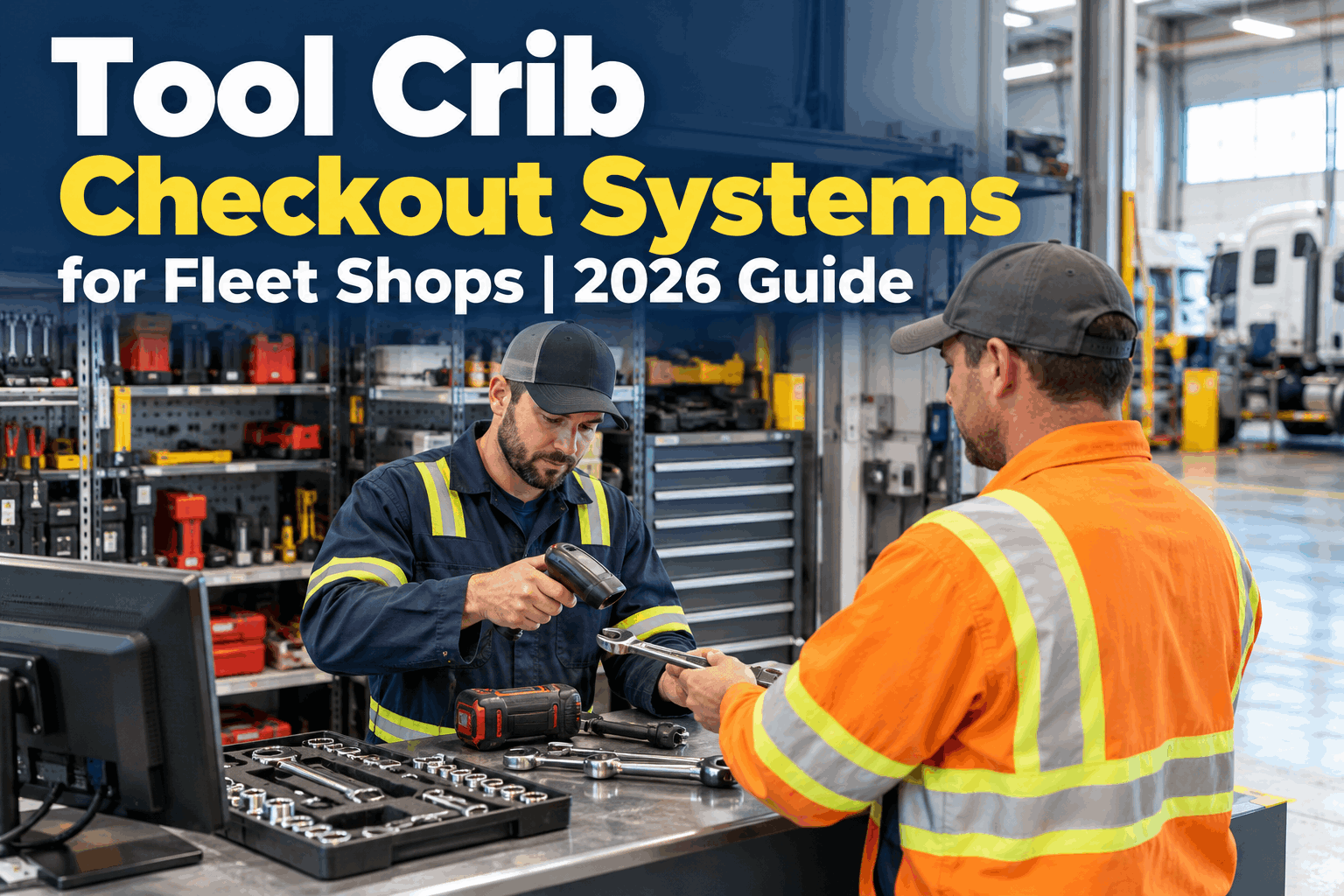
The tool crib should be the one place you always know what's on the shelf and what's out. In practice it's often a cage with an open door, a clipboard nobody signs, and a shelf missing the impact gun everyone needs. A tool crib checkout system turns that cage back into a controlled counter — every tool issued to a name, returned to a spot, accounted for by end of shift.
SHOP TOOL MANAGEMENT · TOOL CRIB CHECKOUT
Run your tool crib like a controlled counter, not an open cage
A tool crib checkout system logs every tool that leaves the crib to a technician, a job and a time — so you can see what's out, what's overdue, and what came back at a glance.
THE CRIB TODAY · ISSUE DESK
One counter, one log — every tool in and out of the crib.
Why a tool crib checkout system beats an open cage
An open crib runs on trust and memory, and both fail under pressure. When a job's waiting and the crib is unmanned, people grab what they need and mean to write it down later — later never comes. By week's end nobody can say who has the torque wrench or why the shelf is bare the one morning it matters.
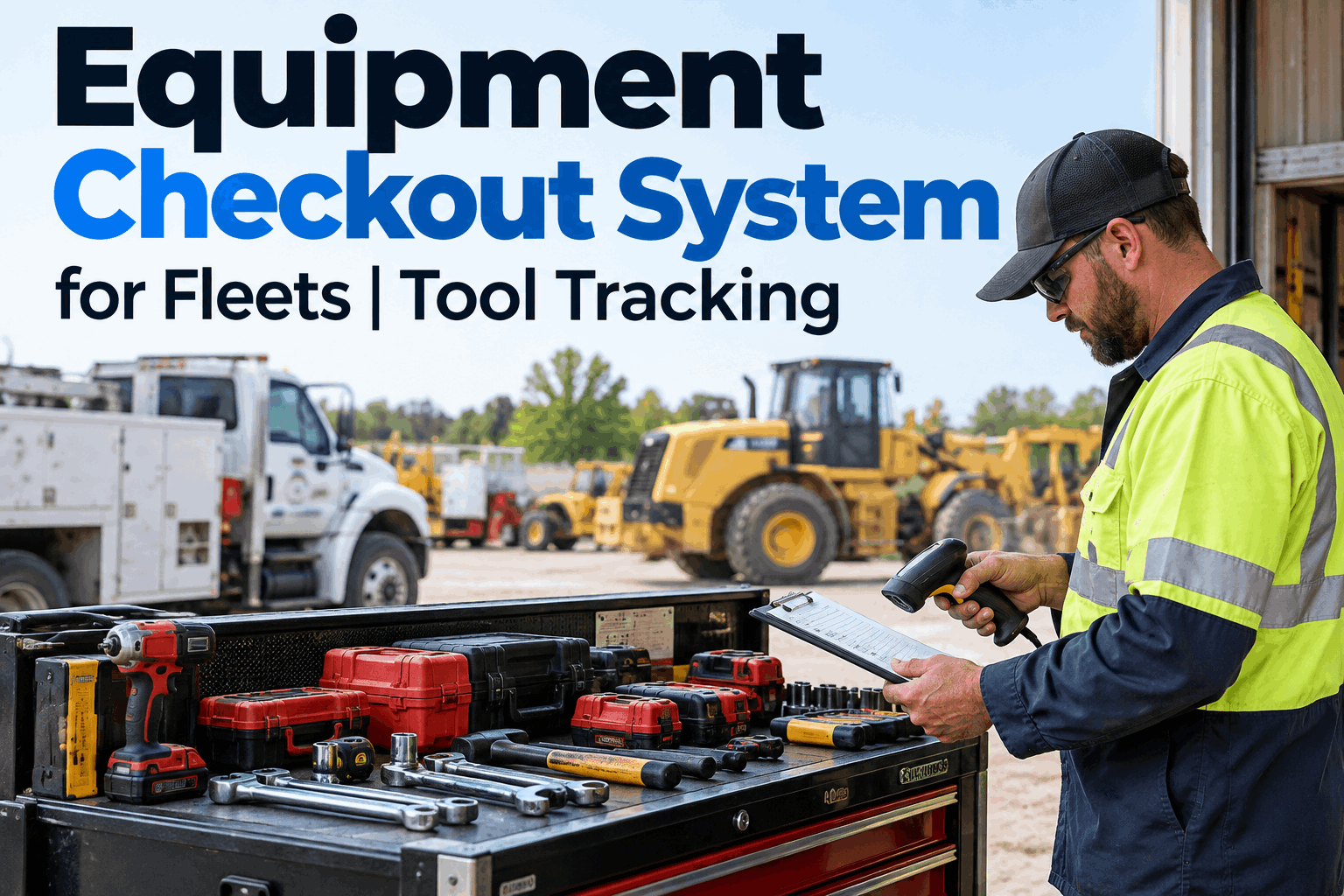
A checkout system makes the crib a controlled point again without making it slow. Every tool that leaves is scanned to a technician in seconds, and the crib log shows what's out and overdue in real time. Shops that tighten this up stop re-buying tools that are sitting in a toolbox somewhere — and you can book a demo to see the crib log live.
Attended crib or self-serve: two ways to run the counter
A tool crib checkout system doesn't force one way of working. The right setup depends on your shift pattern and how busy the counter gets — and a good system supports both, so the crib stays controlled whether or not someone's standing behind it:
Attended crib
- An attendant issues and receives every tool
- Returns get a quick condition check at the counter
- Best for high-value gear and busy day shifts
- One person owns crib order and restocking
Self-serve checkout
- Techs scan tools out and in themselves at a kiosk
- Covers off-shifts and nights with no attendant
- Every scan still ties the tool to a name and time
- Overdue and no-return flags fire automatically
Most fleet shops end up running a mix — attended at the busy counter, self-serve for nights and satellite cribs. Either way the record is the same, which is what keeps shop tool management consistent across every crib you run.
See your crib counter on one live log
Watch a tool get scanned out to a tech, show up as "out" on the crib log, and clear on return — with overdue items flagging on their own.
What happens when a tool comes back to the crib
Issuing a tool is the easy half. The crib earns its keep on the return, because a tool that comes back broken or due for service and goes straight back on the shelf is tomorrow's problem. A checkout system routes every return instead of just marking it "back":
Back in stock
Scanned in, condition fine — the tool clears to available and the crib count updates.
Needs clean or service
Flagged on return so it's cleaned, sharpened or serviced before it's issued again.
Calibration due
A measuring tool past due is held back, not re-shelved, until it's recalibrated.
Never returned
A tool out past its window flags the same day, with the last holder on record.
Routing returns is what keeps a broken or out-of-cal tool off the shelf and out of the next job — and it's the easiest part to see in action, so it's worth a quick demo of the return workflow.
What makes a tool crib actually work
The software is only half of it. A crib checkout system pays off when the crib itself is set up so the counter stays fast and the record stays honest — something a walkthrough demo makes concrete fast. Four things do most of the work:
One controlled entry point
Tools leave and return through a single counter or kiosk — not a propped-open door — so nothing slips out unlogged.
Every item labeled & located
A QR or barcode and a home bin for each tool, so a scan is instant and a return has an obvious place to go back to.
A name on every checkout
Each tool out is tied to the tech who took it and the job it's for — accountability people can see, not a mystery.
Minimum stock levels
Set a floor for the gear crews need daily, so the crib flags a reorder before the shelf runs empty mid-shift.
Open toolroom vs. a managed crib checkout
The gap between a cage people raid and a crib people check out from shows up fast — in tool spend, in downtime, and in how long it takes to answer "where is it." Here's the honest before-and-after:
Open toolroom
- Anyone takes anything, logging optional
- No idea who has what until you go looking
- Broken tools go back on the shelf unflagged
- Re-buying gear that's sitting in a truck box
- Shelf empty of the one tool the shift needs
Managed crib checkout
- Every tool out scanned to a name and job
- Live log shows what's out and overdue now
- Returns routed — clean, service, or back in stock
- Buy only what's genuinely short, not lost
- Min levels flag a reorder before you run out
None of this slows the counter down; it just makes the crib tell the truth. If your toolroom has drifted toward the left column, you can start running a controlled crib free and bring the counter back under control.
"Our crib was a cage with a door that was always open. I couldn't tell you what we owned, let alone who had it. We put every tool on a scan-out, kept the counter attended on days and a kiosk for nights, and within a month the 'has anyone seen' group texts just stopped. The real win was returns — tools come back and get flagged for service instead of going back broken. I can pull up the crib and see exactly what's out right now."
How HVI runs tool crib checkout
HVI treats the crib as a controlled point inside your tool register — the same platform you use for inspections, work orders and preventive maintenance, so crib activity isn't stranded in a separate clipboard. Scan a tool out, and the rest follows:
Scan out to a name
Issue any tool to a technician and job in seconds, attended at the counter or self-serve at a kiosk.
Live crib log
See issued, returned and still-out in real time, with overdue and no-return items flagged automatically.
Route every return
On return, send a tool back to stock or hold it for cleaning, repair or calibration — never straight back broken.
Getting a tool crib checkout system running
You don't have to rebuild the crib to get control of it. Inventory what's on the shelves, tag and bin each item, and switch the door for a scan — attended or self-serve. From there the log does the remembering.
It sits alongside how you already track shop tool inventory and accountability, so the crib and the wider tool register stay in step. If you'd rather see it on your own crib first, book a quick demo.
Tool crib checkout system FAQ
What is a tool crib checkout system?
It's a system that turns your tool crib into a controlled issue-and-return point: every tool that leaves is scanned out to a technician and job, every return is logged, and the crib shows what's out, overdue and back in stock in real time. It replaces an open cage and a paper clipboard with a counter that actually keeps an accurate record.
How is a tool crib checkout system different from general tool tracking?
General tool tracking tells you what you own and where it lives. A crib checkout system focuses on the crib as the control point — the moment a tool is issued and returned at the counter, who took it, and what happens on return. They work best together: the crib checkout governs the daily issue/return, and your wider tool inventory keeps the full register behind it.
Should a tool crib be attended or self-serve?
Both work, and most fleet shops run a mix. An attended crib suits busy day shifts and high-value gear, with an attendant checking condition on return. Self-serve kiosks cover nights, off-shifts and satellite cribs with no attendant. In either case every scan still ties the tool to a name and time, so the record stays complete.
How does a checkout system reduce tool loss?
Because every tool out has a named holder and a due-back window, a tool that isn't returned flags the same day with the last person on record — not at an annual count when it's long gone. That visibility changes behavior and stops double-buying gear that's actually sitting in someone's toolbox, which is where much of a shop's yearly tool loss comes from.
How does HVI handle tool crib checkout?
HVI lets you scan tools out to a technician and job, shows a live crib log of issued, returned and still-out items, flags overdue and no-returns automatically, and routes each return to stock, service or calibration. Because it's in the same platform as your inspections, work orders and preventive maintenance, the crib is part of your whole tool register rather than a separate list.
Turn your crib back into a controlled counter
Put every tool on a tool crib checkout system that scans each one out to a name, logs what's out and overdue, and routes every return — so your crib tells the truth and your crews stay equipped.