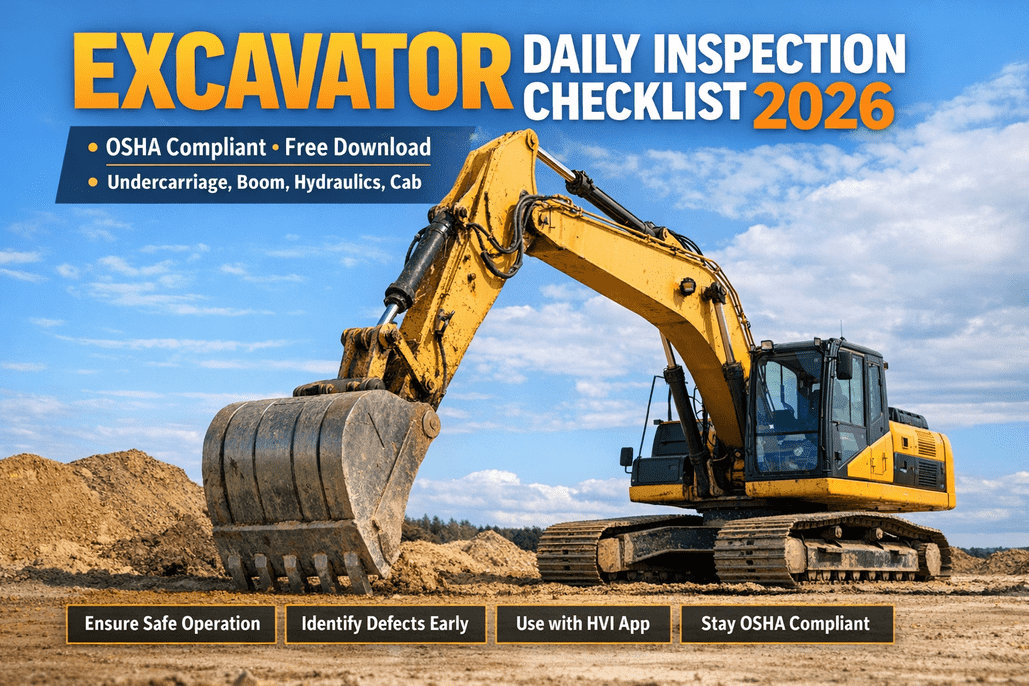
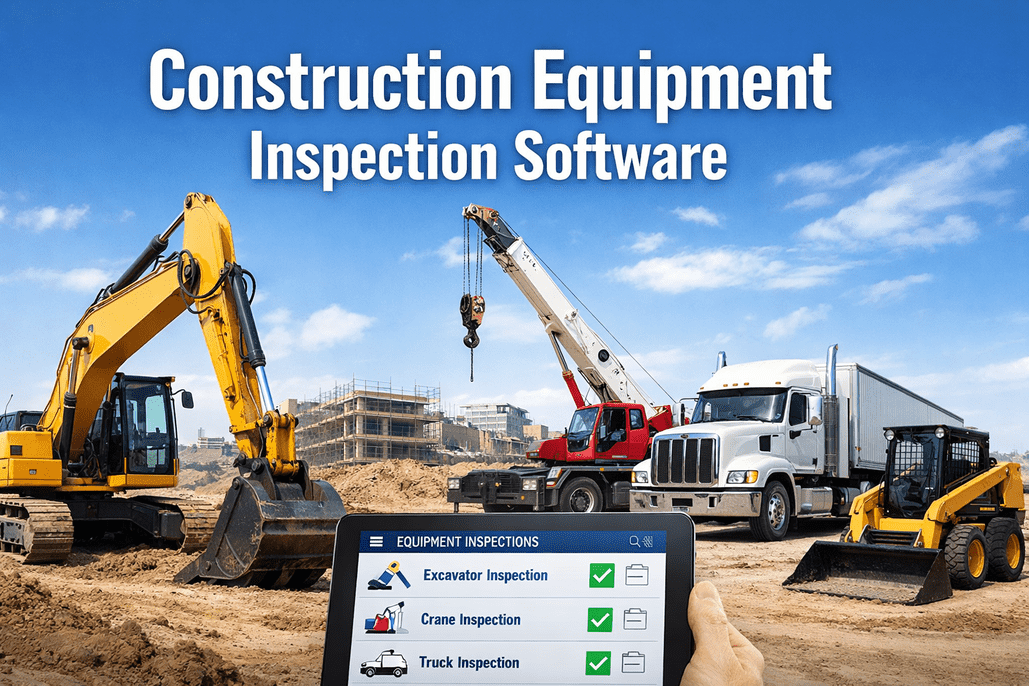
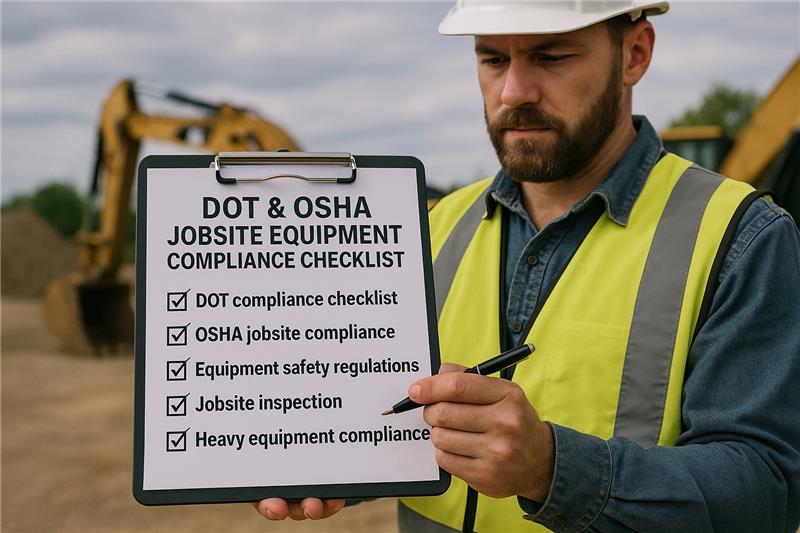
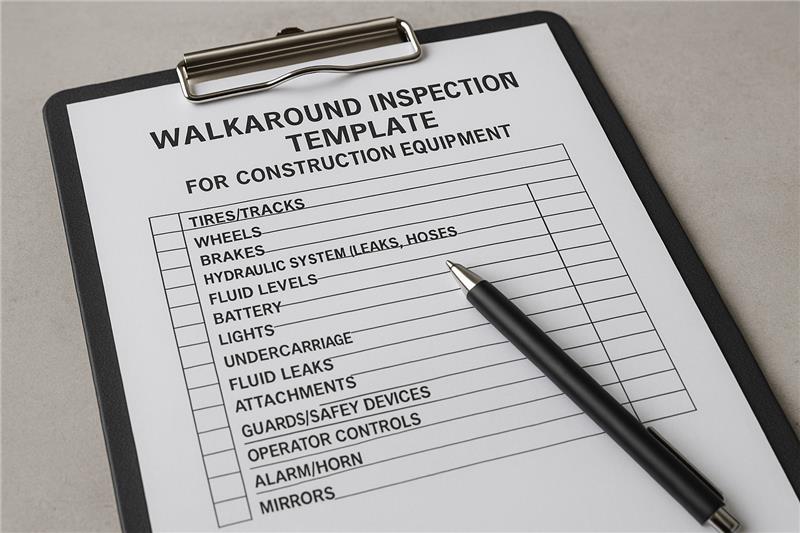
Walk onto any construction site at 6:45 AM and you can spot the difference in thirty seconds. On one site, operators open the HVI app on their phone, scan the machine's QR code, and walk a guided 3-tier inspection — fluids, brakes, hoses, photos of every defect. On the other, they're climbing straight into the cab and turning the key. The first site has a documented, OSHA-aligned program running on HVI. The second has a problem waiting to happen. OSHA data is blunt about what comes next: construction equipment failures cause roughly 1 in 5 industry fatalities, and 90% of those failures are preventable with a proper pre-shift inspection. A 20% increase in inspection frequency drops accidents 4–6%. The catch is that a paper checklist alone doesn't do the work — the operator needs a system that prompts every required check, enforces photo evidence on defects, routes critical issues to maintenance instantly, and stores every signed record for an audit. That's what HVI's inspection & maintenance software is built to do. HVI's construction equipment inspection & maintenance platform turns OSHA 1926's "competent person" requirement into a daily, mobile, audit-ready workflow — pre-built checklists for excavators, loaders, dozers, cranes, and dump trucks, photo-verified defects, operator certification tracking, automated work orders, and a 5-minute audit export. This guide covers the training program HVI supports, the 3-tier daily inspection it powers, and how it keeps every machine and operator compliant.
HVI INSPECTION + MAINTENANCE + OSHA 1926
One App. Every Operator. Every Inspection. Every Audit.
HVI gives construction fleets a mobile inspection and maintenance platform that trains, prompts, and documents every operator's daily check — and routes every defect straight into a work order before the machine moves.
1 in 5
construction fatalities tied to equipment failure
90%
of those failures preventable by pre-shift checks
$165,514
max OSHA penalty per willful violation
96%
audit pass rate on HVI vs. 73% on paper
Why HVI Is the Backbone of an Operator Program
OSHA's 29 CFR 1926.20 requires that only trained, "competent persons" operate construction equipment — and that every inspection be documented. HVI's software is built around that requirement so the training, the inspection, the defect, and the record are all one connected workflow.
Legal Cover
HVI stores every operator certification, training record, and signed inspection — producible the moment an OSHA inspector asks. No "no records" gaps.
Fewer Incidents
HVI's required-field checklists and photo-evidence prompts catch the leaking hose or scored rod at 6:45 AM — 7× cheaper than emergency repair under load.
Less Downtime
Every HVI defect generates an instant work order — so the $25K/day stoppage is avoided because the right person knew before the boom was loaded.
Audit-Ready
Export a full OSHA 1926 audit package from HVI in under 5 minutes — inspection history, defect resolution, operator certifications, work orders.
The 3-Tier Daily Inspection — Powered by HVI
A useful pre-start isn't one walkaround — it's three sequential layers. HVI guides operators through each tier on a phone, prompts the right checks in the right order, and won't let the inspection close until every required item is answered.
TIER 1 — BEFORE IGNITION
Walkaround Visual
HVI prompts the operator through a 360° cold-machine inspection. The app enforces every required field and asks for a photo on any defect — no skipping, no back-filling.
Fluid levels: engine oil, coolant, hydraulic, fuel
Hose condition — cracks, bulges, abrasion
Cylinder rods for scoring or pitting
Tires/tracks, pins, bushings, ROPS, glass
TIER 2 — KEY ON, CONTROLLED AREA
Functional Test
HVI's functional-test step walks the operator through every safety-critical system. A failed brake test, dead gauge, or silent backup alarm triggers an automatic lockout flag in the app.
Service brakes & parking brake hold on grade
Steering lock-to-lock, no hydraulic lag
Backup alarm, horn, lights, seatbelt latch
All gauges, warning lights, e-stop function
TIER 3 — DURING THE SHIFT
In-Shift Monitoring
HVI lets operators re-open the asset's record mid-shift and log new defects with photos. Anything they flag routes instantly to maintenance — no waiting for end-of-day paperwork.
Temperature & pressure gauges drifting
Unusual noises, smells, vibration, smoke
Brake fade, steering wander, hydraulic creep
New fluid drips at next break
HVI's Daily Checklist — Grouped by System
HVI's pre-built construction templates organize the daily inspection into six logical categories. Operators see the machine as systems, not a single object — and when something's wrong, the app knows which lane it belongs in and what to do next.
01
Fluids
Engine oil — level & color
Coolant — level, no oil sheen
Hydraulic — reservoir & ground check
Fuel & DEF — shift readiness
02
Safety Systems
Seatbelt — latch, retraction, webbing
Backup alarm above ambient noise
Horn, lights, beacons, mirrors
Fire extinguisher — charged & in date
03
Controls
Brakes hold on grade — both
Steering response, no lag
Hydraulic pilot, boom controls
Transmission, slew/swing smooth
04
Structural
Boom, stick, frame — no cracks
Pins, bushings, quick-coupler
ROPS/FOPS intact, no welds disturbed
Bucket, forks, attachments secure
05
Undercarriage
Tires — pressure, cuts, tread
Tracks — tension, pad wear
Wheel chocks, axle leaks
Outriggers, stabilizers, pads
06
Documentation
Operator certification valid
Hour meter auto-logged
Defects photographed & flagged
Signed & timestamped in HVI
How HVI Supports the Operator Training Program
OSHA's 2025–2026 enforcement update requires practical demonstrations, not just a written test. HVI's training and certification module maps to every phase — from classroom records through to refresher alerts — so the program runs without spreadsheet chaos.
1
Classroom & Standards
Upload training material to HVI, record completion per operator, store written-test scores. Every certificate sits on the operator's profile, ready to produce on demand.
2
Hands-On Inspection
Trainer and trainee run HVI's actual 3-tier checklist on the machine class. The trainee learns the exact workflow they'll use on the live job — no separate training tool.
3
Practical Evaluation
Evaluator signs off the operator's competency directly inside HVI — date, equipment, maneuvers observed, evaluator name. The signed record is the audit evidence OSHA needs.
4
Refresher & Audit
HVI tracks certification expiry — including the 5-year NCCCO crane recert — and alerts supervisors before any operator goes out of date. Refresher triggers fire on idle or incident.
Why this matters — when HVI runs both the training records and the daily inspection, an OSHA inspector can pull the operator's certification and that operator's inspection signature on the same screen. That's the documentation chain that turns a 73% paper audit pass rate into 96% on HVI.
HVI's Defect Severity Routing
Finding a problem is half the job. HVI's three-tier severity model is the other half — when the operator flags a defect, the app routes it by severity automatically, so the right action happens before the machine moves.
CRITICAL
Auto Lockout
Brake failure, steering loss, hydraulic leak under pressure, ROPS damage, missing seatbelt, inoperable backup alarm, fluid on hot exhaust.
HVI action: asset locked out in the app, supervisor alert sent, work order opened, equipment cannot be marked operational until repaired & re-inspected.
ALERT
Same-Shift Work Order
Minor seep, dim warning light, cracked mirror, worn but functional pad, low fluid, loose non-critical fastener.
HVI action: defect logged with photo, work order auto-generated, supervisor sets repair window, machine flagged for restricted use.
MONITOR
Trend & PM Trigger
Surface corrosion, cosmetic wear, intermittent gauge flicker, paint damage, normal vibration uptick.
HVI action: logged on the asset's history, surfaces on the next shift's checklist, feeds the PM scheduler for trend-based service.
HVI's severity routing means an operator never has to decide where a defect goes — the app does the routing, the supervisor gets the alert, and maintenance gets the work order. Every step signed and timestamped on the asset record.
book a demo to see HVI's severity routing live.
HVI's OSHA Documentation — What an Inspector Sees
The #1 finding on construction equipment audits isn't missed inspections — it's missing records. HVI captures six required fields on every inspection automatically, so the documentation chain holds up the moment an inspector asks for it.
1
Equipment ID
QR-scanned asset number, serial, and type — HVI pins the inspection to the right machine, not the wrong one.
2
Inspector Identity
Logged-in operator name + digital signature captured by HVI. Anonymous inspections aren't possible.
3
Date & Timestamp
Auto-captured server time — HVI's timestamps cannot be back-filled like a hand-written date can.
4
Items Inspected
HVI's required fields enforce the full point-by-point list — every required check answered, none skipped.
5
Findings & Photos
HVI requires a photo on any defect, with a severity assignment — the audit-grade evidence inspectors trust.
6
Corrective Action
Every HVI defect auto-creates a work order with disposition: repaired, removed from service, or deferred with written justification.
Paper Clipboard vs. HVI Operator App
Same daily check, two outcomes. The difference is whether the record survives the moment it's needed — during an unannounced OSHA visit, or two months later when an incident report demands the inspection log from a specific date and operator.
PAPER CLIPBOARD
Fields skipped, dates back-filled, photos not possible
Defect sits on a clipboard in a cab for 3 days
Records lost in the field, illegible, or filed wrong
No operator certification tracking
Audit prep takes days of folder digging
HVI MOBILE APP
Required fields enforced, timestamps locked, photos required on defects
Defect routes to maintenance the moment it's flagged
Cloud-stored, searchable by asset, operator, date, or defect
Certifications tracked with expiry & refresher alerts
Full audit package exported in under 5 minutes
What HVI Costs You vs. What a Gap Costs You
$16,550
Max serious OSHA violation (2026)
$165,514
Max willful/repeated penalty
30–50%
Insurance hike post-citation
$25–75K
Per-day work stoppage HVI prevents
Run Every Operator, Every Inspection, Every Audit on HVI
HVI's inspection & maintenance software gives construction fleets a mobile, OSHA-aligned daily inspection — pre-built templates for excavators, loaders, dozers, cranes, and dump trucks — with photo-evidence defects, severity-routed work orders, operator certification tracking, and a 5-minute audit export. Train the operator, document the check, fix the defect, pass the audit — all in one platform. Trusted by 25,000+ users worldwide.
Frequently Asked Questions
How does HVI support OSHA construction equipment operator training?
HVI's training and certification module sits alongside the inspection app, so the operator's classroom records, hands-on training notes, practical-evaluation sign-off, and certification expiry all live on the same profile as the inspections they perform. Under 29 CFR 1926.20 and 1926.21(b)(2), every construction operator must be a documented "competent person," and OSHA's 2025–2026 enforcement explicitly requires practical demonstration of competency. HVI captures the evaluator's signed sign-off, tracks the 5-year NCCCO crane recertification window, and fires alerts before any operator goes out of date — so when an inspector asks for proof, you produce both the certification and that operator's latest inspection signature on one screen.
Start a free HVI trial to track operator certifications.
What does HVI's daily pre-shift inspection actually cover?
HVI runs the daily check in three guided layers on the operator's phone. Tier 1 is a cold walkaround prompted by the app — fluid levels, hose condition, cylinder rods, tires/tracks, pins, ROPS, glass, leaks, and cracks. Tier 2 is a functional test in a controlled area — service and parking brakes hold on grade, steering responds without lag, backup alarm audible above site noise, horn, lights, seatbelt latch, all gauges, e-stop function. Tier 3 is in-shift monitoring — HVI lets the operator re-open the asset and log new defects mid-shift, so heat-and-load issues route to maintenance as soon as they appear, not at end of day. The checks are grouped into six systems — fluids, safety systems, controls, structural, undercarriage, documentation — so operators understand the machine the way a competent person should.
Book a demo to see HVI's 3-tier checklist.
Does HVI work for both the operator's daily check and the maintenance team?
Yes — that's the point. HVI is one platform spanning inspection and maintenance, so the operator's defect at 6:45 AM becomes a maintenance work order at 6:46 AM, with the photo, the severity, the operator's name, and the asset's full history attached. Critical defects auto-lockout the machine in the app and alert the supervisor. Alert-level defects open a same-shift work order. Monitor items feed the PM scheduler for trend-based service. Hours from every inspection roll into accurate usage-based PM intervals. The maintenance team works from the same record the operator created — no re-typing, no lost paper, no gap between "found it" and "fixed it."
Sign up for a free HVI trial to see the inspection-to-work-order flow.
What documentation does HVI capture for an OSHA audit?
HVI captures the six fields OSHA expects on every inspection automatically: equipment ID via QR scan, inspector identity with digital signature, locked server-side date and timestamp, the full list of items inspected (with required fields enforced), findings with mandatory photo evidence on defects, and the corrective action recorded against an auto-generated work order. The #1 finding on construction equipment audits isn't missed inspections — it's missing records, and OSHA's 2025–2026 enforcement actively favors digital documentation precisely because timestamps can't be back-filled and photos can't be invented after the fact. HVI lets you export a full audit package — inspection history, defect resolution, operator certifications, work orders — in under 5 minutes for any equipment, operator, or date range.
Schedule a demo to see HVI's audit export.
How does HVI handle a defect the operator finds?
HVI's three-tier severity model decides the next step automatically, so the operator never has to choose. A Critical defect — brake failure, steering loss, hydraulic leak under pressure, ROPS damage, missing seatbelt, inoperable backup alarm — locks the asset out in HVI, alerts the supervisor, and opens a work order; the machine cannot be marked operational until repaired and re-inspected. An Alert defect — minor seep, dim warning light, cracked mirror, low fluid — auto-generates a same-shift work order with photo and severity, and the supervisor sets the repair window. A Monitor item — surface corrosion, gauge flicker, cosmetic wear — gets logged on the asset, surfaces on the next shift's checklist, and feeds HVI's PM scheduler for trend-based service. Severity decides the action, HVI executes it.
Sign up for a free HVI trial to see severity routing.
Does HVI track operator certification expiry and refresher training?
Yes. HVI tracks every operator's certification per equipment class with expiry dates and refresher alerts. OSHA doesn't set a single refresh interval for all equipment, but the practical triggers are clear: any observed unsafe practice, any incident or near-miss, any equipment-specific evaluation deficiency, or 12 months idle on that class. Forklift operators have an explicit three-year refresh under 1910.178(l)(4)(iii), and crane operators must recertify every five years through NCCCO under 1926.1427. HVI fires alerts before any of those windows expire — to the operator, the supervisor, and the safety lead — so no certification lapses silently. The same record holds classroom completion, hands-on training notes, and the evaluator's signed practical sign-off, all linked to the operator's profile.
Book a demo to see HVI's certification tracking.