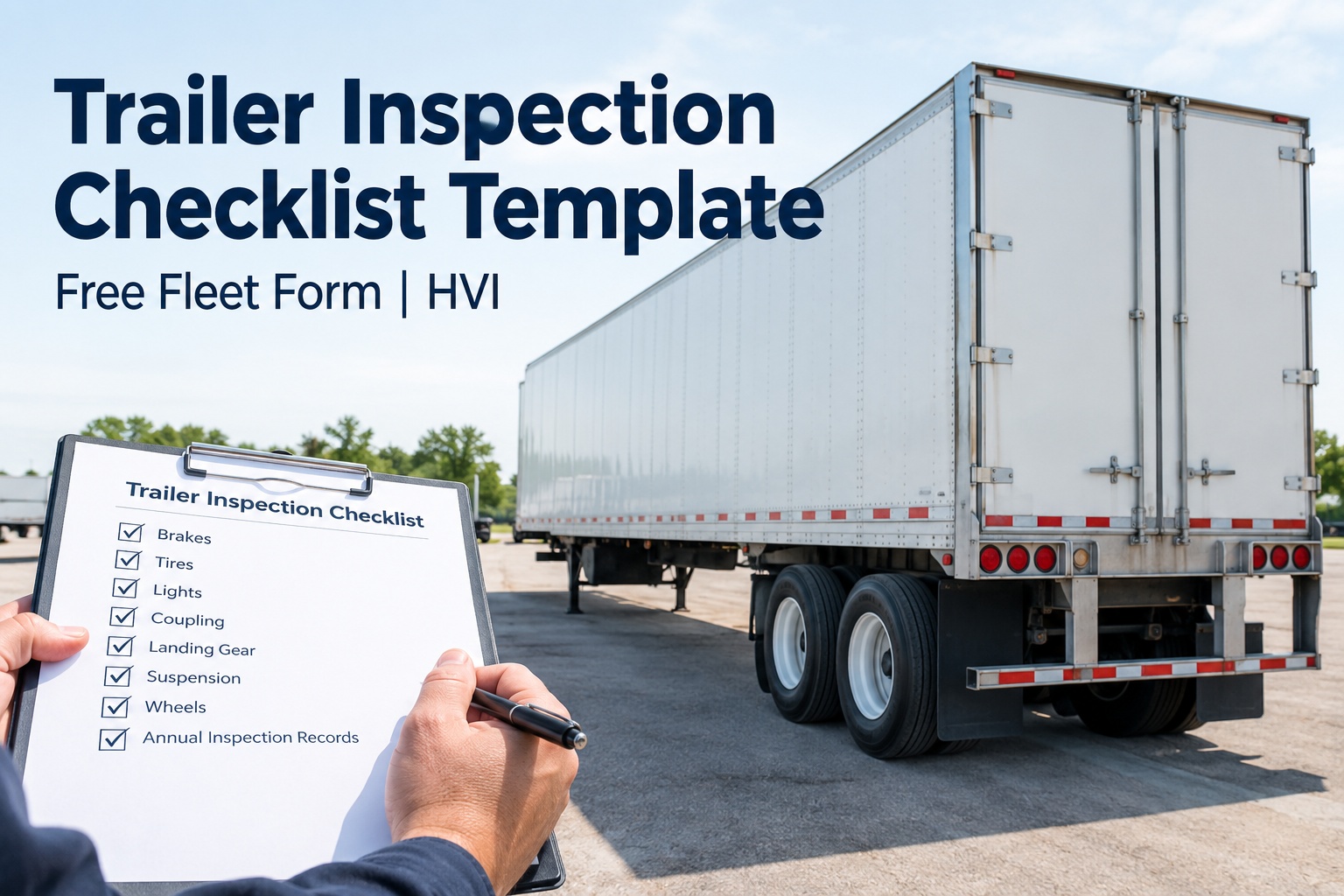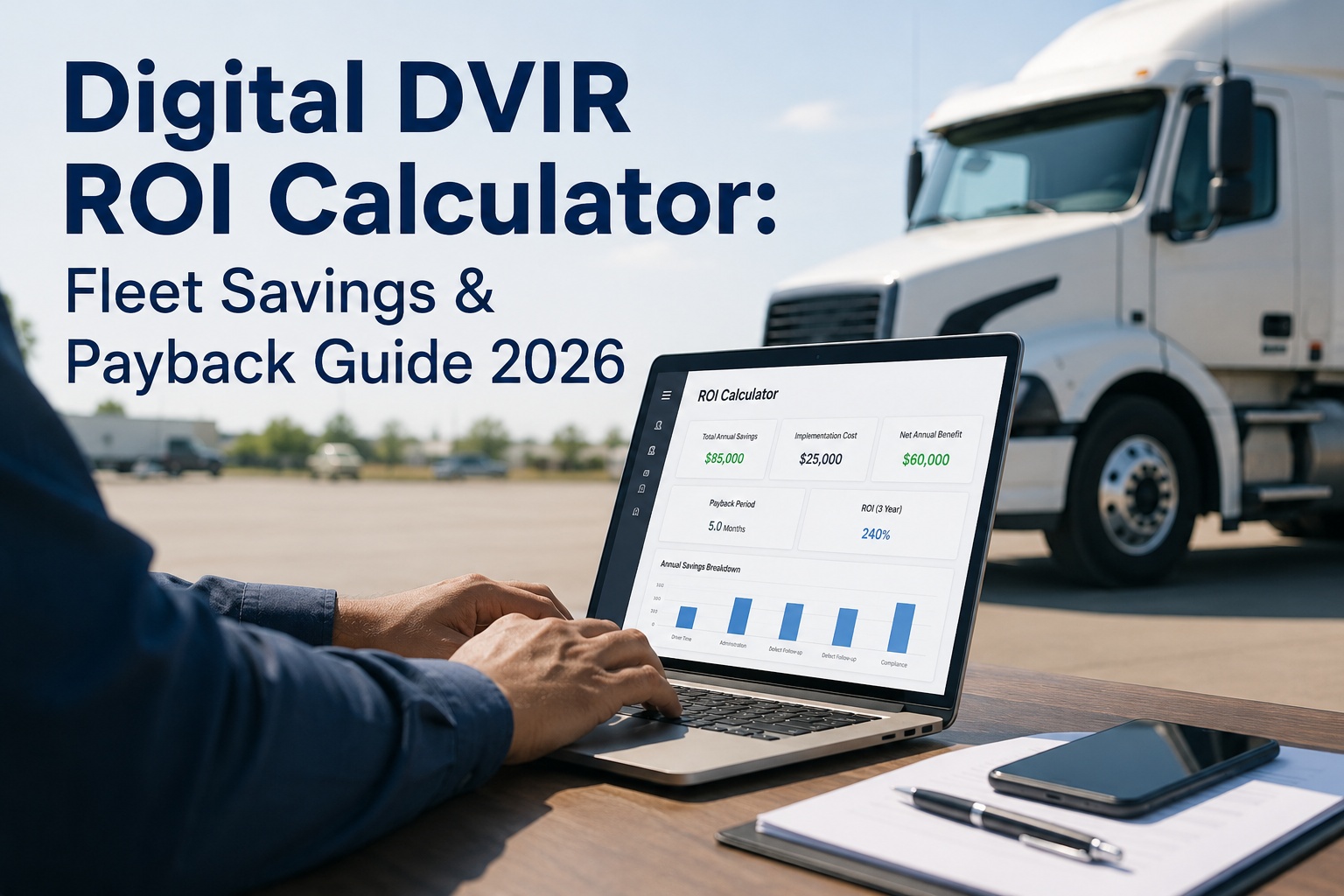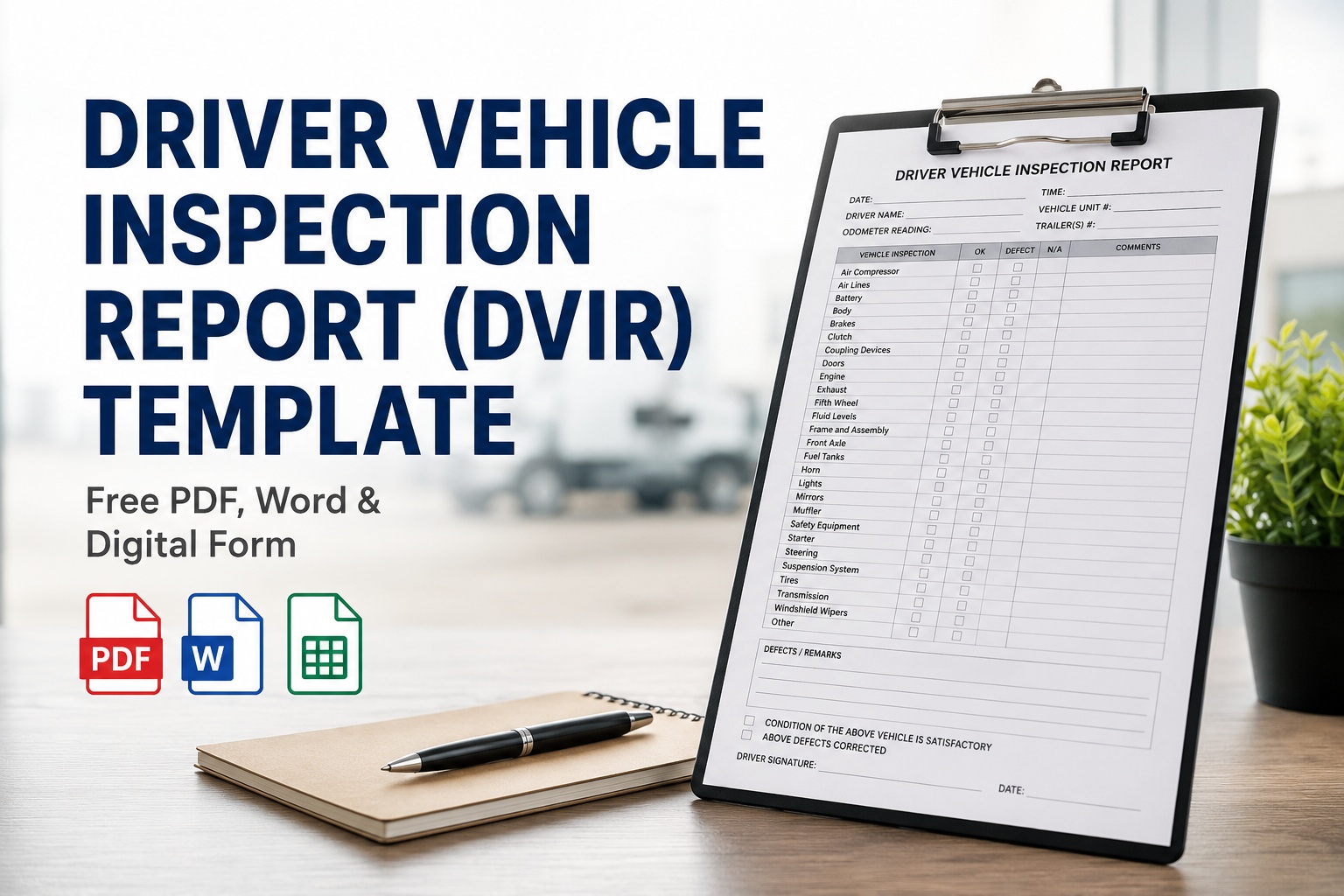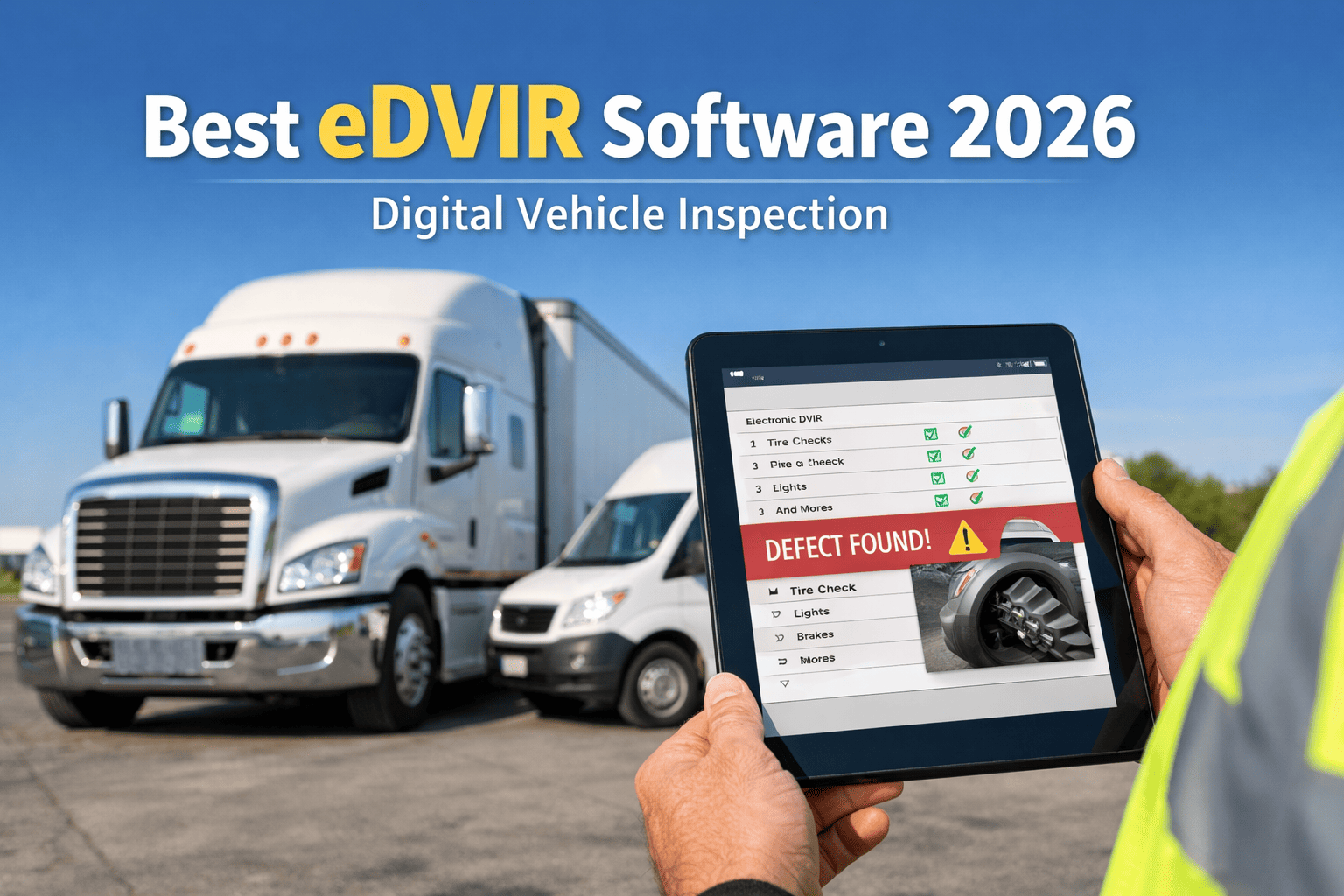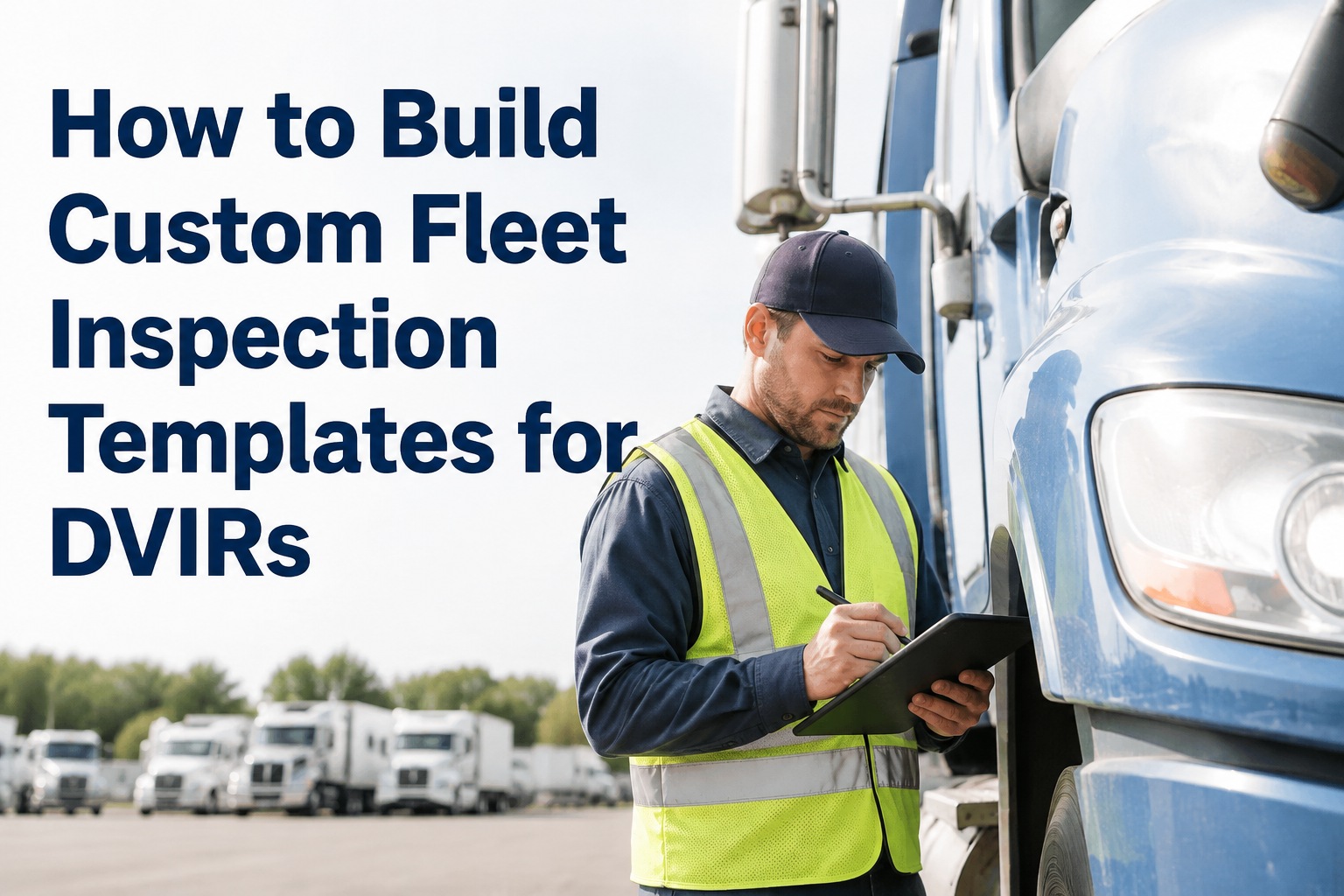
A tractor pre-trip and a reefer pre-cool check are both DVIRs — and nothing alike. Trying to inspect them with the same generic form is the reason drivers skip items, defects fall through the cracks, and auditors find gaps. This guide shows how to build custom fleet inspection templates in HVI — layered on the FMCSA 11-component floor, tuned to each vehicle type, and consistent enough that your DVIR data is actually comparable across the fleet. Same regulatory backbone, purpose-built shape per asset. Book a demo to see the template builder live.
Every Custom Fleet Inspection Template Is Built in Four Layers
Start with the regulatory floor. Add vehicle type. Add operation. Add company policy. Ship the composed template to the driver's phone.
Your operational standards
Duty-cycle specific checks
Asset-specific components
FMCSA 11 components (49 CFR 396.11)
FMCSA doesn't mandate a specific DVIR form — only that the required content elements are present under 49 CFR 396.11. That's what makes template customization not just useful, but expected. The regulatory floor is the same for every asset. Everything above it should reflect what the asset actually is, how it's used, and what your operation cares about tracking.
Why one generic template failsThe three failure modes every fleet manager has seen
Fleets that run a single "universal" DVIR form across every asset type hit the same three problems — every time. Book a demo to see how vehicle-specific templates fix all three
Drivers skip items that don't apply
A generic form has "reefer temp set" for a dry van driver. Cue the mental filter: "doesn't apply, skip." That filter migrates to real items the next week. Once drivers learn to skip, adoption erodes fleet-wide.
Asset-critical items get missed entirely
Generic forms rarely include lift gate hydraulics, tanker vent lines, or specialty coupling checks. The item that would have caught the failure isn't on the form. Auditors see the gap in the failure investigation.
Data becomes noise, not signal
When 60% of items on a form don't apply to a given asset, the "pass/fail/N/A" data is mostly N/A. Trending defect rates and compliance across the fleet becomes impossible — the shape of the data doesn't match the shape of the fleet.
The 5 template types most fleets needPurpose-built shapes for how your assets actually work
Most mixed fleets end up running 4–6 core templates covering 90% of their assets, with occasional one-offs for specialty equipment. Here are the five that show up in nearly every fleet.
Tractor pre-trip
Trailer / dry van
Reefer unit
Straight truck / box truck
Specialty equipment
Each template inherits the FMCSA regulatory floor automatically, so compliance items never have to be re-added. Only the vehicle-type, operation, and policy layers change. Book a demo to see all five templates side-by-side
The 7-step build processFrom blank template to driver's phone in under 15 minutes
Building a custom template in HVI is a drag-and-drop workflow — no IT ticket, no vendor services engagement. Here's the sequence a fleet or safety manager follows the first time. Every subsequent template takes 3–5 minutes because most are cloned and edited, not built from scratch.
Start from a base template or blank
Pick from HVI's library of pre-built vehicle-type templates (tractor, trailer, reefer, straight truck, bus, specialty) or start from a blank canvas. Base templates load the FMCSA regulatory floor automatically.
Name and tag the template
Give it a name a driver will recognize ("2022 Freightliner Cascadia — Pre-Trip") and tag it by asset type, region, or operation. Tags are how HVI matches the right template to the right asset when a driver starts an inspection.
Organize sections in walk-around order
Group items by inspection sequence — exterior front, driver side, rear, passenger side, cab interior — not alphabetically. Drivers who follow a physical walk-around path complete inspections faster and miss fewer items.
Add or remove checkpoints per section
Drag from the item library (500+ pre-built commercial vehicle checkpoints) or type your own. Each item gets a response type: pass/defect/N/A, numeric (tread depth mm), photo required, signature required.
Flag mandatory items & photo requirements
Toggle "required" on any item the driver cannot skip. Toggle "photo required" on defect submissions for safety-critical items (brakes, tires, fluid leaks). Mandatory fields block submission until completed — the structural fix for pencil-whipping.
Attach conditional logic
Set rules like "if tread depth < 4/32 on steer axle, auto-create P1 work order." Or "if reefer temp deviation > 5°F, trigger dispatch alert." Logic runs at submission — not later during shop review.
Publish to asset group and test
Assign the template to an asset group (all Freightliner Cascadias, all 53' dry vans). Run one test inspection on a real asset to verify checkpoint flow. Publish, and every driver assigned to those assets gets the new template on next login.
Every step above is a drag-and-drop action — no IT ticket, no vendor services engagement, no coding. Start a free trial and build your first custom template today.
The 6 field types every template usesHow to pick the right response format per checkpoint
Field type matters as much as the checkpoint itself. A tire tread check needs a numeric input, not a pass/fail. A defect note needs voice + text, not a checkbox. HVI's template builder supports six field types — here's when to reach for each. Book a demo to see all six field types on a real DVIR
Pass / Defect / N/A
Default for most visual checks: lights, mirrors, wipers, coupling. Fastest for drivers, cleanest data downstream.
Numeric input
For measurements: tire tread depth (32nds), brake pad thickness (mm), fluid levels, DEF percentage. Enables threshold-triggered alerts.
Photo required
Mandatory on any P1 defect submission. Photos are timestamped, GPS-tagged, and attached to the auto-generated work order.
Voice / text note
For defect descriptions where a checkbox can't capture nuance. Voice-to-text on the mobile app so drivers don't need to type with gloves on.
Meter / odometer capture
Required field on every template — feeds meter readings to the PM engine. Ensures every DVIR keeps the PM schedule honest.
Signature capture
Driver signature at submission. Feeds the FMCSA 3-signature chain (report, repair, acknowledge) — the enforcement piece paper can't do.
From a safety manager who cleaned up mixed-fleet DVIRs
We ran one universal DVIR for 71 vehicles — tractors, trailers, box trucks, a couple of tow rigs. Drivers were checking off "lift gate operational" on tractors that don't have lift gates. Auditor called it out on our last DOT visit. Fair point.
Built five templates in HVI over one afternoon — tractor, trailer, box truck, reefer, tow rig. Every driver now sees only what applies to whichever asset they scanned. Completion rate went from 82% to 97% in six weeks, and I stopped seeing "N/A" as the dominant response. When defects show up now, they're real ones, and they route to the right shop queue automatically.
Frequently asked questions
Does FMCSA require a specific DVIR form?
No. FMCSA does not mandate a specific DVIR form — only that required content elements are present under 49 CFR 396.11 for daily DVIRs and 49 CFR 396.21 for annual inspections. Carriers are free to design forms that fit their vehicle types and operations, as long as the mandated components are captured. The 11 minimum components include service brakes, parking brake, steering, lighting devices and reflectors, tires, horn, windshield wipers, rear-vision mirrors, coupling devices, wheels and rims, and emergency equipment. Custom fleet inspection templates in HVI include this floor automatically, so every custom template you build starts compliant and only adds asset-specific or operation-specific items on top. FMCSA's February 2026 rule update also explicitly authorized electronic DVIRs, removing any remaining ambiguity about whether digital, drag-and-drop-built templates meet compliance — they do.
How many custom templates does a typical fleet need?
Most mixed commercial fleets end up with 4–6 core templates covering 90% of their assets, plus a handful of one-offs for specialty equipment. The core set usually includes: tractor pre-trip, trailer/dry van, reefer, straight truck/box truck, and one specialty template per unique unit type (tow rig, dump body, tanker, cement mixer). Fleets running a single truck type across their whole operation may need only one or two. Fleets running six different asset classes may need eight or more. The right number is whatever covers the actual variety of assets without leaving anyone stuck with a form that doesn't fit their vehicle. Templates are cloneable, so building the second and third is much faster than the first — typically 3–5 minutes per additional template once the pattern is set.
Can I make certain fields mandatory so drivers can't skip them?
Yes — and this is one of the most important levers a template builder gives you. Every checkpoint in HVI can be flagged as "required" (blocks submission until answered) or "photo required" (blocks submission until a photo is attached). Safety-critical items — brakes, steering, tires, coupling, lights — should always be marked required. Any defect submission on those items should require a photo. This structural enforcement is the fix for pencil-whipping, the industry term for signing off on inspection items without actually inspecting them. Digital templates with mandatory fields make pencil-whipping structurally difficult in a way paper never could — if the driver hasn't answered a required item, the app won't accept the submission, so the driver either does the check or the DVIR doesn't count.
What happens when I edit a template that's already live?
HVI versions templates automatically. When you publish an edit to a live template, drivers assigned to that asset group receive the updated version on their next inspection login. Historical DVIRs already submitted stay attached to the version that was live when they were completed — so an audit request pulls the exact template that was used, not the current one. This matters for compliance and legal defensibility: if you added a new checkpoint six months ago, DVIRs from a year ago don't retroactively fail for missing it. HVI shows version history on every template with a timestamp of changes, who made them, and what was added or removed. This is the paper-trail equivalent of the FMCSA-required 3-month DVIR retention, applied to the templates themselves.
Can conditional logic auto-route defects to specific shops or technicians?
Yes. HVI supports conditional routing rules attached to any checkpoint. Examples: "if brake defect flagged on Northeast fleet, route to Cleveland shop"; "if reefer alarm defect, route to refrigeration specialist tech pool"; "if numeric tread depth below 4/32 on steer axle, auto-create P1 work order and flag vehicle out-of-service in dispatch." Logic runs at DVIR submission — before the driver walks away — so routing decisions don't wait for shop review. This is especially valuable for multi-location operations where the wrong shop assignment can cost half a day of transport. Rules are configurable in the template builder without code, and can layer multiple conditions per checkpoint (severity + asset type + region + time-of-day).
Build fleet inspection templates that actually match your equipment
HVI's template builder ships with FMCSA-aligned base templates for every commercial vehicle class, a 500+ item checkpoint library, six field types (pass/fail, numeric, photo, voice, meter, signature), conditional logic for auto work-order routing, and version history for audit-ready template compliance. Drag-and-drop. No IT ticket. Live on driver phones in under 15 minutes.
No credit card · No hardware · Template builder ready on day one