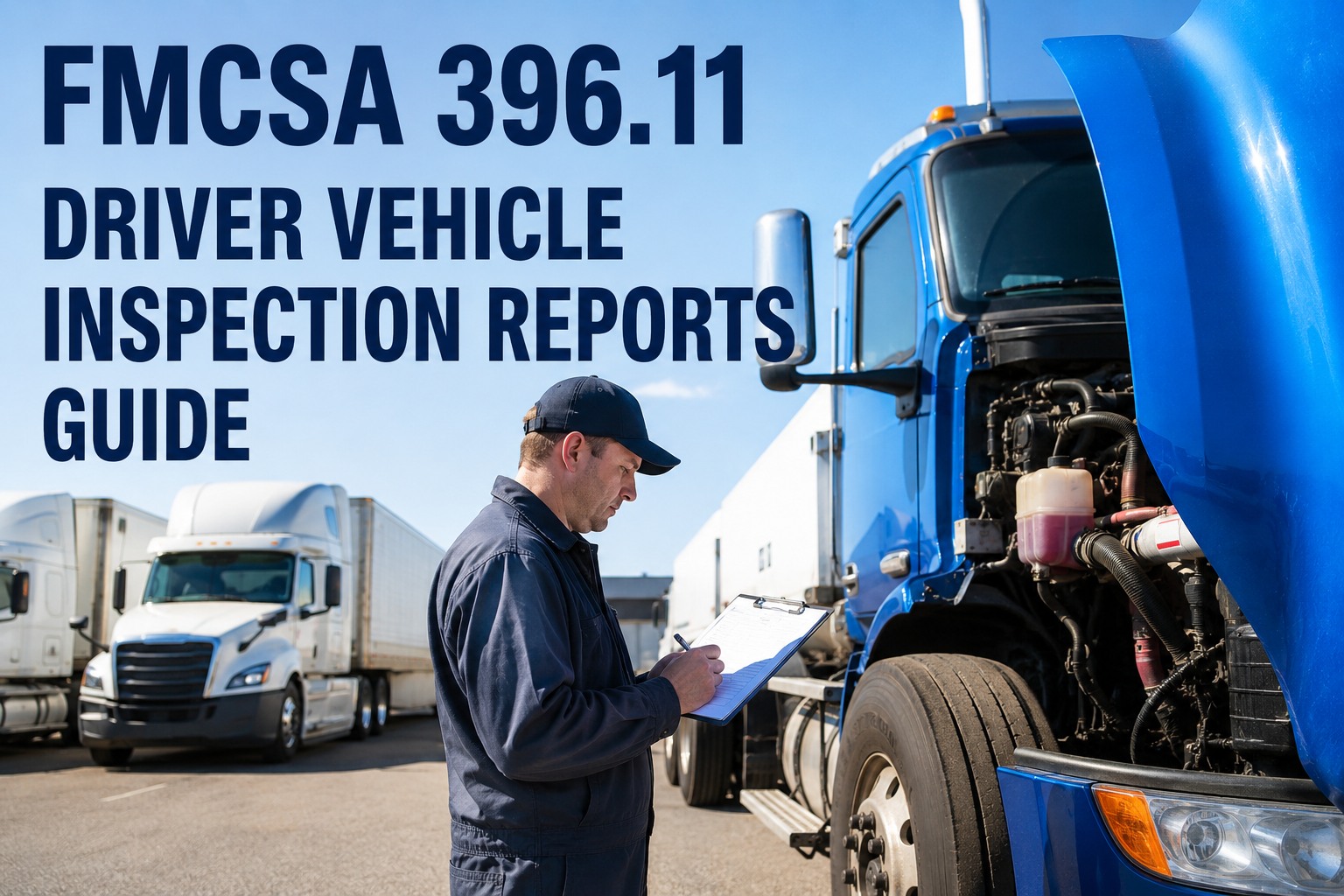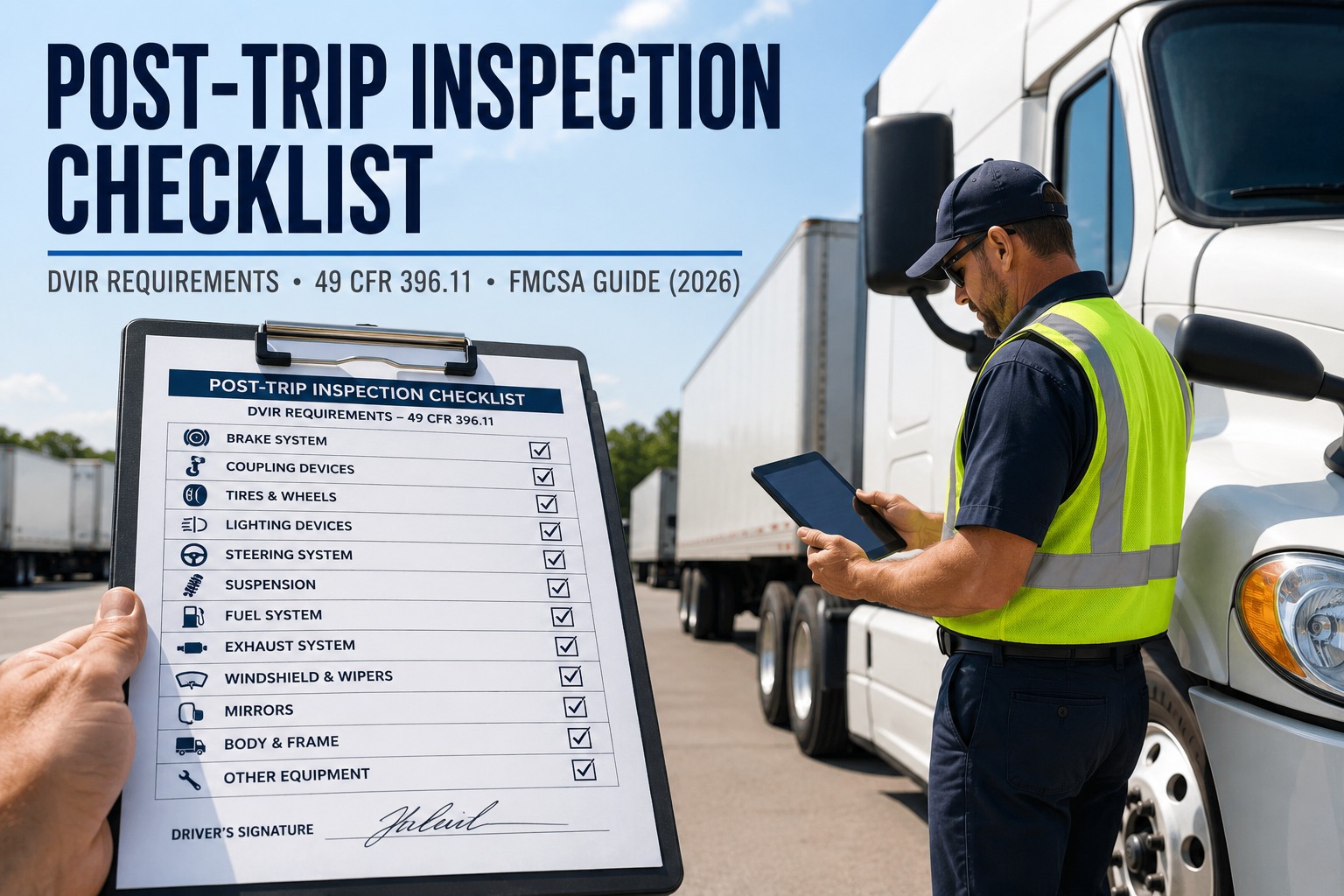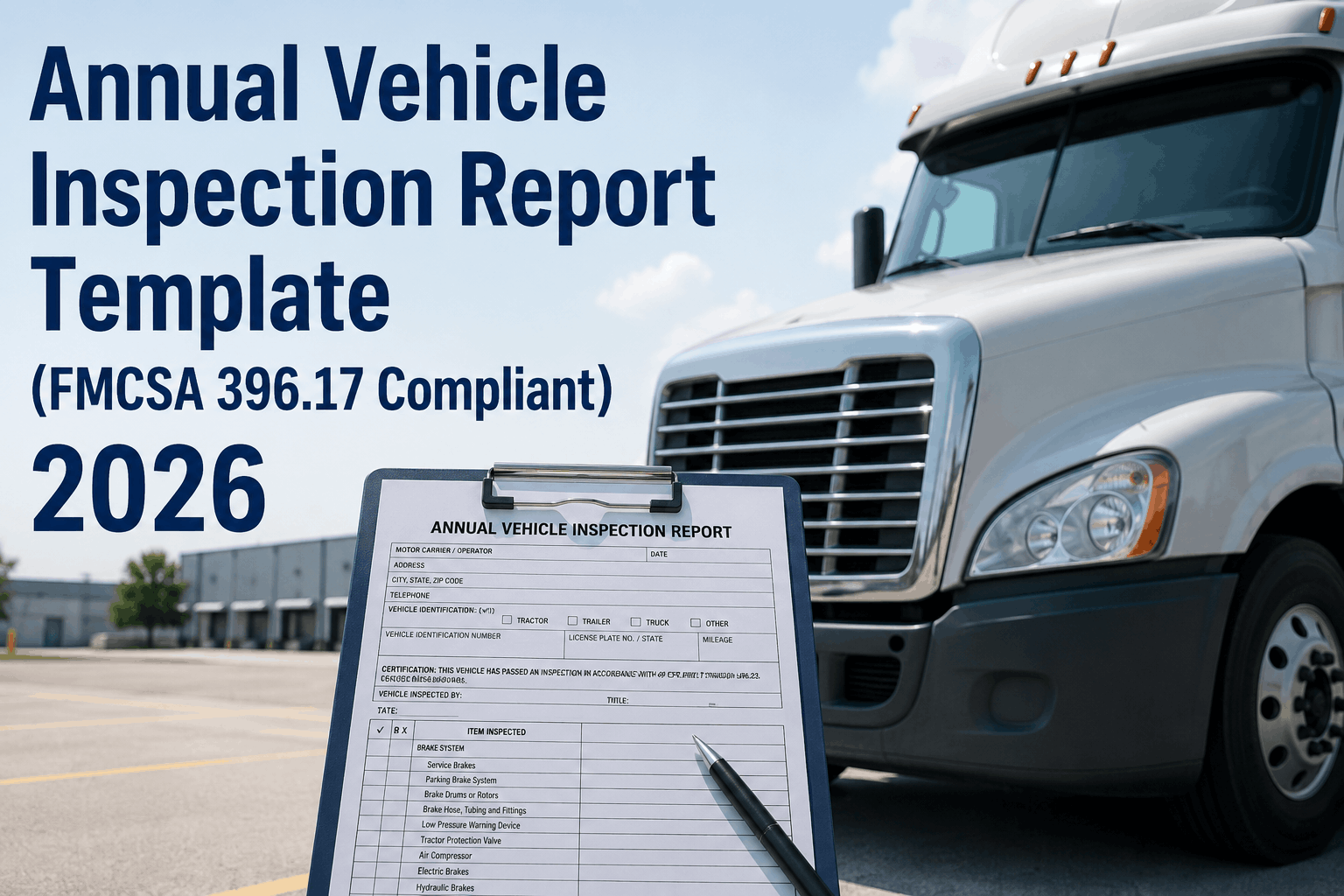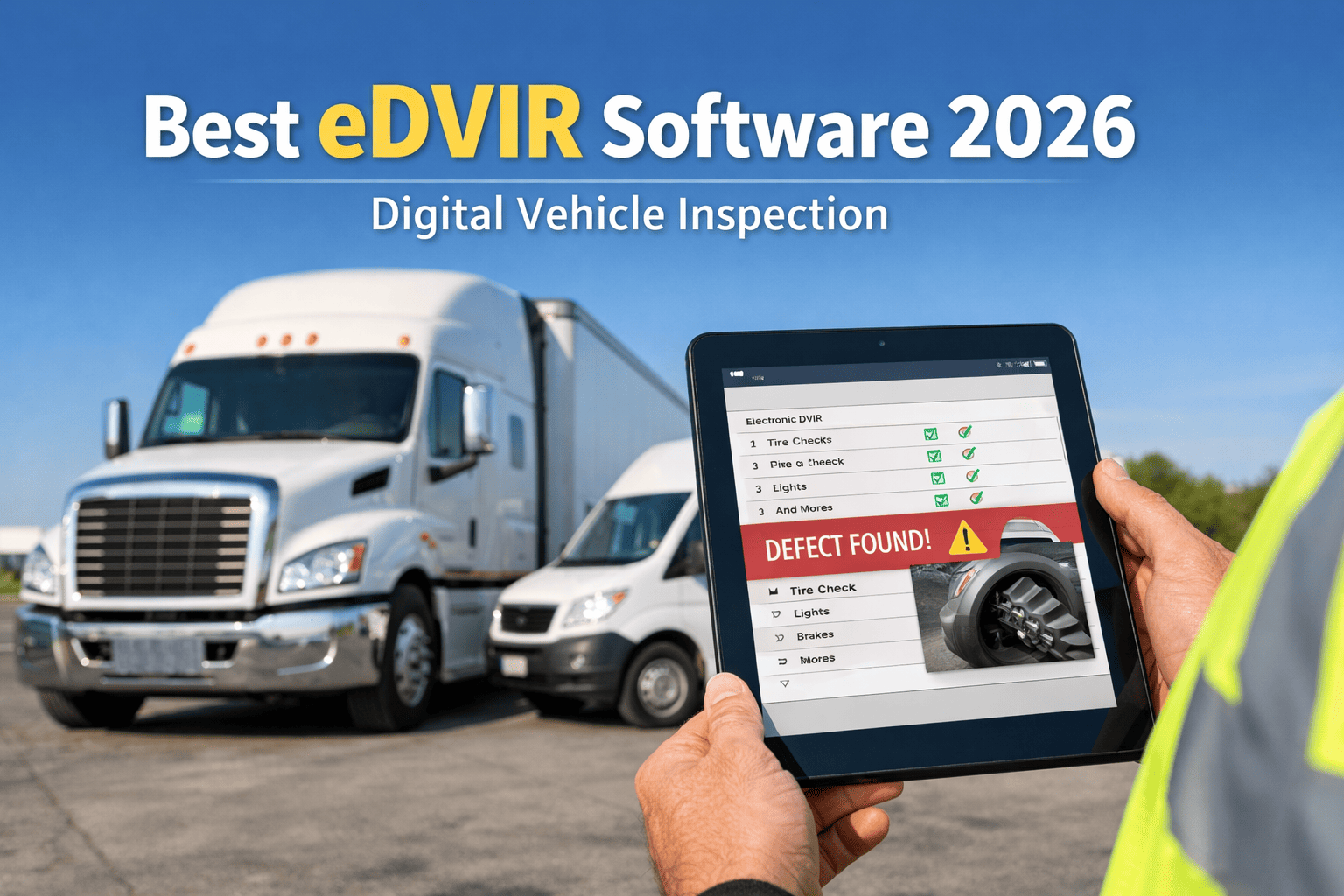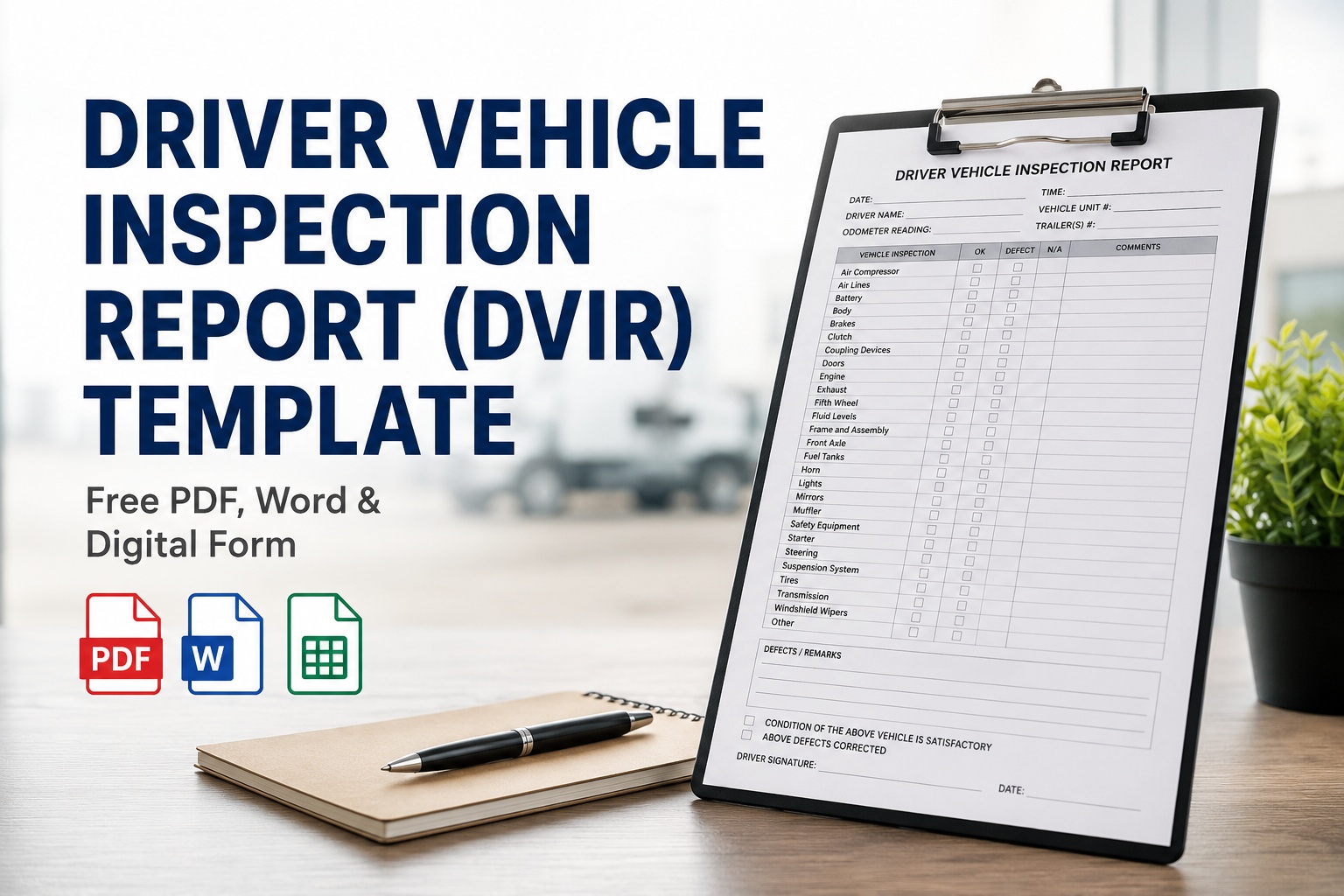
If you searched for a DVIR template, you want the form — not a lecture. So here it is: a complete, FMCSA-compliant Driver Vehicle Inspection Report you can copy, print, or replace with a digital version, laid out exactly the way a driver fills it in. A DVIR is the written report a driver completes at the end of each day's work under 49 CFR 396.11, documenting any defect that affects safe operation. Below you'll find the full form with all 11 required components, a plain-English guide to every field, the three-signature chain that trips up most fleets, and the format options — PDF, Word, or a digital DVIR that fills itself in. Get the digital DVIR free and skip the paper entirely.
The Driver Vehicle Inspection Report (DVIR) Template
Every field the FMCSA requires, in the order a driver fills them in — the 11 inspection components, the defect box, vehicle ID, and the three-signature chain. Use it on paper, or let the digital version do it in four minutes.
- Signatures needed
- Up to 3
- Keep on file
- 3 months min
- Format required
- Content, not layout
Paper or digital — both compliant
One thing to know before you use any DVIR template: the FMCSA specifies what a DVIR must contain, not what it must look like. There's no official government form. That means a clean PDF, a Word doc, or a digital app all satisfy the rule — as long as every required element is present. The template below has all of them, in the order that makes sense to fill out. Copy it, print it, or jump to the format options further down.
The DVIR template, field by field
This is the full form. The header identifies the vehicle and day, the middle is the 11 required inspection components, then the defect description, and finally the signature chain. Everything here is what 49 CFR 396.11 asks for.
Inspection components — check each; note any defect below
- Service brakes (incl. trailer brake connections)
- Parking (hand) brake
- Steering mechanism
- Lighting devices & reflectors
- Tires
- Horn
- Windshield wipers
- Rear-vision mirrors
- Coupling devices
- Wheels & rims
- Emergency equipment
- No defects found today
That's the complete DVIR. On paper it's a clipboard form; the trouble starts when a box goes unchecked, a defect is described vaguely, or signature #3 never happens — which is exactly what an auditor looks for. See this same form as a guided mobile workflow
What each part of the form actually requires
A template only helps if the fields get filled in right. Here's what 49 CFR 396.11 expects in each section — and the most common way each one goes wrong on a real audit.
Unit number, VIN, or another unique identifier, plus the date and odometer. One report per vehicle operated that day. Common miss: generic "Truck 3" with no VIN.
Every DVIR must cover the eleven safety systems listed on the form. You don't have to list them, but defects on any of them must be reported. Common miss: skipping items to save time.
Name the defect, where it is, and how severe — "left front brake chamber leaking," not "brake issue." Common miss: vague notes maintenance can't act on.
Driver certifies the inspection; the mechanic certifies the repair; the next driver acknowledges it. Common miss: the third signature never gets captured.
Notice the pattern — every "common miss" is a human step that's easy to skip on paper and impossible to skip when the form won't let you move on without it. Book a demo to see the field-level prompts drivers get
The three-signature chain that fails audits
Most people think a DVIR needs one signature — the driver's. The FMCSA requires up to three, and a missing one is among the most-cited DVIR violations. The three form an unbroken chain of custody across 396.11 and 396.13.
-
1
Driver reports
At the end of the day the driver inspects, documents any defect, signs, and dates the report. The vehicle can't be sent out with an open safety defect.
-
2
Mechanic certifies
The carrier or mechanic repairs each reported defect — or certifies that repair isn't needed for safe operation — and signs to confirm it.
-
3
Next driver acknowledges
Before operating, the next driver reviews the prior DVIR, confirms the repair status, and signs. This is the link that breaks most often.
On paper, signature #3 depends on someone remembering to hand over a folder. Digitally, the next driver simply can't start their shift without it — the chain becomes impossible to break by accident. Start free and enforce the full chain automatically
PDF, Word, or digital: which format to use
Since the FMCSA cares about content and not layout, you have real choices. Here's the honest trade-off between the three — because the cheapest form on day one isn't always the cheapest by audit day.
PDF / printable
Good for: very small fleets
- Free and instant — print and go
- No software to learn
- Forms get lost, coffee-stained, unreadable
- No photos, no proof of when or where
Word / spreadsheet
Good for: light customizing
- Editable for your vehicle types
- Still free
- Still printed and filed by hand
- Retention and retrieval are manual
Digital eDVIR
Good for: any fleet that gets audited
- Guided on the driver's phone in minutes
- Photo, GPS, and timestamp on every report
- Three-signature chain enforced automatically
- Auto-retained and retrievable in one click
The gap shows up at audit time: digital DVIR fleets consistently clear compliance reviews at far higher rates than paper ones — not because the rules change, but because the proof exists and is findable. Book a demo to compare your current form side by side
From a fleet that made the switch
We ran paper DVIRs for years. Ninety percent of them said "no defects" in the same handwriting, and the ten percent that mattered were the ones we couldn't find when we needed them.
Going digital didn't change the form — it's the same eleven items. What changed is that a driver can't close it without a photo, the shop gets the defect the second it's logged, and I stopped losing the third signature. First audit after we switched, I pulled ninety days of reports in about a minute. That's the whole pitch, honestly.
Frequently asked questions
What must be included on a DVIR form?
Under 49 CFR 396.11, a DVIR must identify the vehicle (unit number, VIN, or other unique identifier) and the date, cover the 11 required inspection components, describe any defect or deficiency that would affect safe operation or cause a breakdown, and carry the required signatures. The 11 components are service brakes including trailer brake connections, parking (hand) brake, steering mechanism, lighting devices and reflectors, tires, horn, windshield wipers, rear-vision mirrors, coupling devices, wheels and rims, and emergency equipment. The FMCSA specifies this content but not the layout, so a compliant DVIR can be a PDF, a Word document, a spreadsheet, or a digital app — as long as every required element is present. Most fleets also add vehicle-specific items beyond the federal minimum.
Is there an official government DVIR form I have to use?
No. The FMCSA does not publish or mandate a specific DVIR form design — it only requires that the necessary content elements appear somewhere on the report. That's why templates vary so much between fleets and vendors. You're free to design your own paper form, download a PDF or Word template like the one on this page, build a spreadsheet, or use a digital DVIR app. The only rule is that the form must capture the vehicle identification, date, the 11 inspection components, a defect description, and the signature chain required under 49 CFR 396.11 and 396.13. As long as those are present and the report is completed and retained correctly, the format is entirely up to you.
How many signatures does a DVIR need?
Up to three, and they form a chain of custody across 49 CFR 396.11 and 396.13. First, the driver who performed the inspection signs to certify it was done and that any defects are documented. Second, when a defect is reported, the carrier or mechanic signs to certify the defect was repaired — or that repair isn't necessary for safe operation. Third, the next driver to operate the vehicle reviews the prior DVIR and signs to acknowledge the repair status before driving. The third signature is the one most commonly missed, and a broken chain is among the most-cited DVIR violations in DOT audits. When no defect is found, the repair and acknowledgment signatures may not apply, but the driver's certification is still part of a complete record.
How long do I have to keep DVIR records?
The minimum retention period under 49 CFR 396.11 is three months (90 days) from the date of the inspection. Critically, this covers three separate documents: the original driver-signed DVIR, the carrier or mechanic's certification that reported defects were repaired, and the next driver's acknowledgment. Keeping only the driver's original report without the other two creates an incomplete record that fails an audit just as surely as having no record at all. While three months is the legal floor, best practice is to retain DVIRs for 12 to 24 months, because litigation runs for years and digital storage costs essentially nothing. Digital systems typically retain records well beyond the minimum and let you retrieve them instantly by vehicle, date, or driver — which matters when audit notices arrive with short deadlines.
Are electronic DVIRs legal, and are they better than paper?
Yes on both counts. Electronic DVIRs have been permissible since 2018 under 49 CFR 390.32, and the FMCSA final rule effective March 23, 2026 (Docket FMCSA-2025-0115) added explicit electronic DVIR authorization to 49 CFR 396.11 and 396.13, removing any remaining ambiguity. Electronic signatures, cloud storage, and mobile submission are all fully compliant. Beyond legality, digital DVIRs produce better outcomes: they capture geotagged, timestamped photos that prove the inspection happened and document defect severity, they structurally enforce the three-signature chain so it can't be broken by accident, they route defects straight to maintenance as work orders, and they retain everything for instant audit retrieval. That's why fleets using digital DVIRs consistently clear compliance reviews at much higher rates than paper-based operations. Paper remains legal, but it can't match the audit trail.
Replace the paper DVIR with one that fills itself in
HVI turns this DVIR template into a guided mobile inspection — all 11 FMCSA components, photo-verified defects, GPS and timestamps, automatic three-signature enforcement, instant defect-to-work-order routing, and audit-ready retention. It's the eDVIR the 2026 FMCSA rule explicitly authorized, live on your fleet in under two weeks.
No credit card · No hardware · Live on your fleet in under two weeks