A brake adjustment violation lands on your CSA record for a trailer that was sold four months earlier. The unit, the VIN, the date — none of it matches your fleet. That is not a maintenance failure, it is a data error, and it is exactly the kind of thing you can challenge OOS violation records for through DataQs — if you have the evidence to back it up.
What You Can — and Can't — Challenge in DataQs
Select an error type to see what it looks like and what it takes to get it corrected.
This guide covers what actually qualifies for a DataQs challenge, the evidence that moves a reviewer from "noted" to "corrected," why documentation from the wrong moment in time doesn't help your case, the review process step by step, and how a defensible inspection trail makes every future challenge faster to build.
Not Every Disagreement Is a DataQs Casethe system fixes data errors — it doesn't relitigate the citation
DataQs corrects incomplete or inaccurate data in FMCSA's federal system — the inspection report, the violation code, the vehicle or carrier it's attached to. It doesn't cancel a ticket, waive a fine, or override a court finding; a disputed citation goes through the issuing agency or court instead. What you can challenge OOS violation records for is the data itself: wrong vehicle, wrong carrier, duplicate entry or a factual inconsistency. Confusing the two is the top reason a DataQs request goes nowhere. Sign up free and keep a defensible inspection record for every unit.
The Evidence That Actually Moves a Reviewa DataQs violation challenge lives or dies on documentation, not opinion
State reviewers and FMCSA analysts see the same complaint pattern constantly: a carrier states the violation is wrong without anything to back it up. The requests that get corrected are the ones built on contemporaneous records, not a strongly worded explanation.
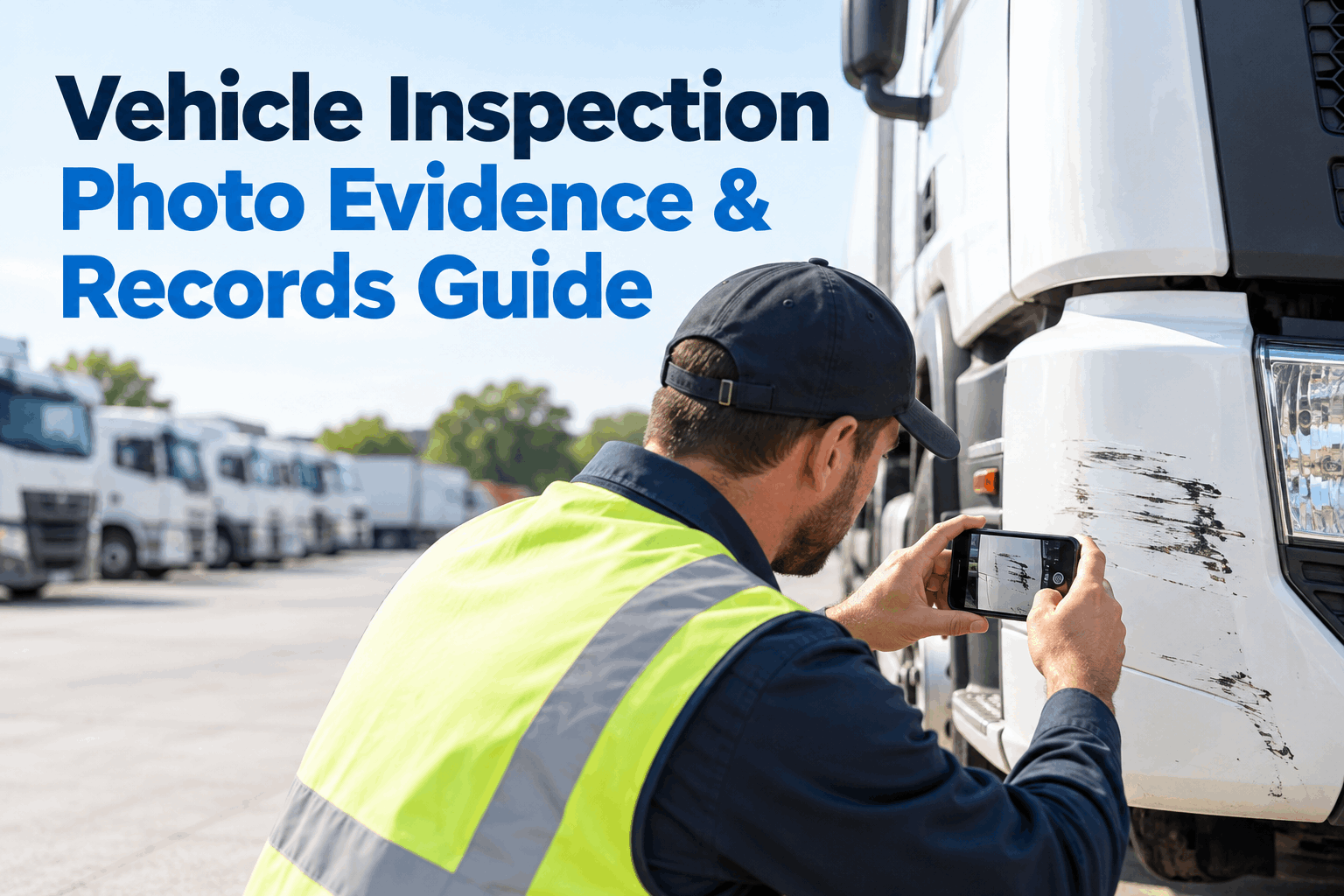
Timestamped, location-aware photos
Original camera files carry embedded date, time, and often GPS data. A screenshot or a forwarded copy strips that metadata — keep the original file, not a copy of a copy.
Repair orders & maintenance records
A work order dated before the inspection, showing the component in question was already replaced or inspected in-spec, directly contradicts a defect logged after the fact.
Prior inspection reports
A recent PM or annual inspection record on the exact component in question shows what condition it was actually in — one of the few document types that can speak directly to the disputed defect.
Technician notes
A short written note on measurement method, gauge reading, or the specific defect condition adds context a bare pass/fail checkbox never captures.
GPS & dispatch records
Location and dispatch history can establish that the cited vehicle or driver wasn't where the report says it was — the core evidence for a wrong-party or wrong-vehicle challenge.
See how these five evidence types get captured automatically instead of chased down after the fact.
Why "We Inspected It Yesterday" Isn't Evidencethe record has to match the moment, not just the vehicle
A common mistake: submitting a PM inspection from three weeks before the stop to argue the brake violation was wrong. It doesn't work — it never shows the component's condition at the moment the officer looked and a lining can wear out of spec in that window. What helps is documentation tied to the exact moment: a same-day work order, a photo from the stop, or a measurement log verified right before or after. See how same-day photos and work orders capture that exact moment.
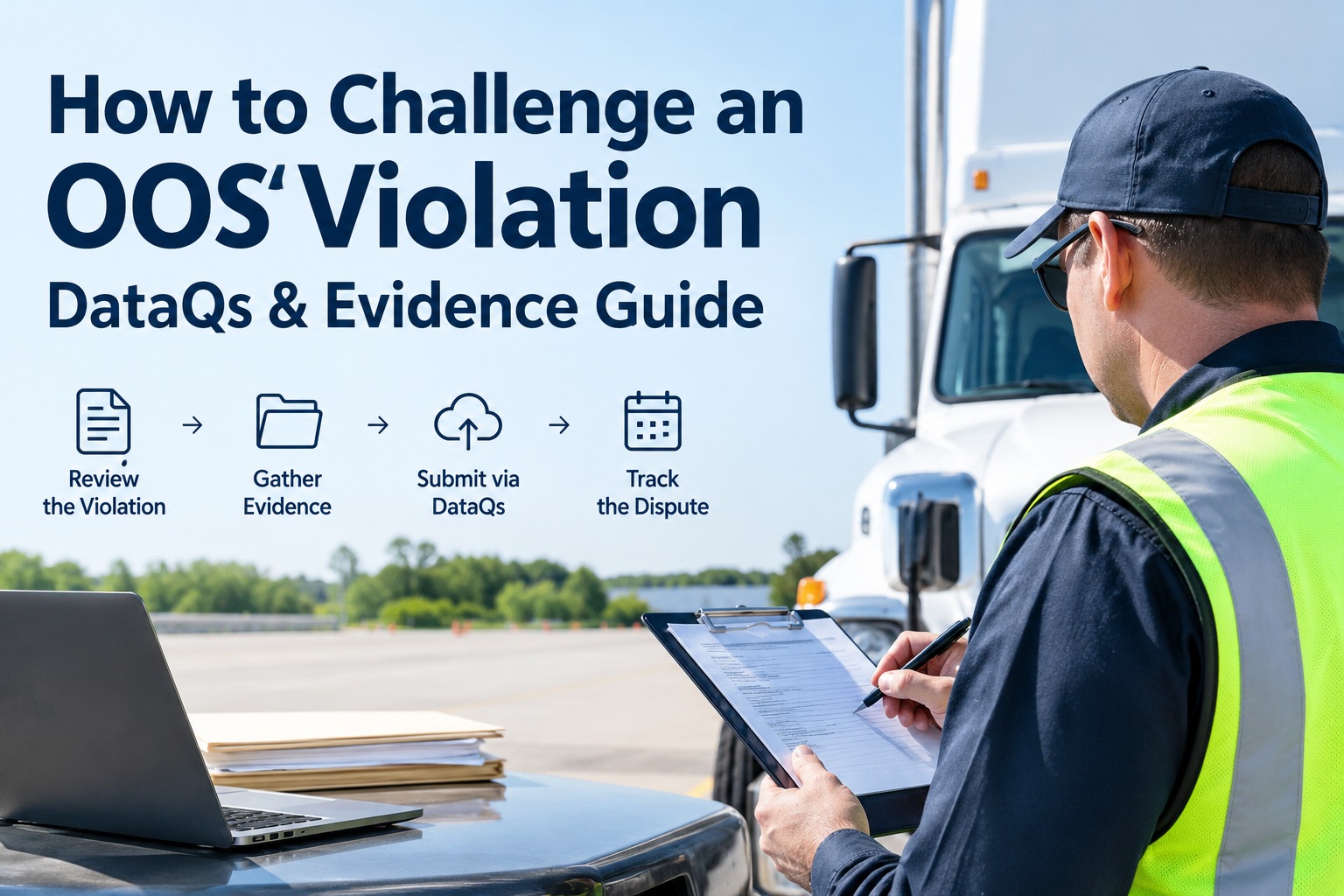
The DataQs Process, Step by Stepfrom the roadside stop to a corrected record
There's no formal "appeal" button in DataQs, but a denial isn't necessarily final — replying to the decision with additional evidence or requesting a secondary review is a normal part of the process, not an unusual escalation.
Your RDR Filing Checklistclear these before you submit, and the review moves faster
A well-built RDR gets reviewed once; a thin one gets bounced back for more information and drags on for weeks. Run through this before you file, so the reviewer has everything in one pass.
- Inspection report number referenced exactly
- The specific violation code identified, not just "the brake one"
- A clear, one-line statement of what's wrong with the data
- The correct error type selected (factual, wrong-party, duplicate, documentation)
- Original timestamped photo — not a screenshot
- Work order or repair record dated near the inspection
- Prior inspection or measurement log on the exact component
- GPS or dispatch record for a wrong-vehicle or wrong-driver claim
Eight boxes, and most RDRs clear on the first review instead of the third. Use this evidence checklist online free, tied to the inspection and repair records it's checking against.
Which Violations to Challenge Firstnot every incorrect entry deserves the same urgency
Reviewing your inspection record on a regular schedule — not just after a bad audit — is what surfaces these errors while they're still inside the three-year filing window. A pattern noticed six months late is still fixable; one noticed after the deadline isn't. See recurring bad-data patterns surface by inspection location.
From a compliance officer who stopped losing DataQs disputes
Our first few RDRs got denied because all we submitted was a paragraph saying the violation was wrong. Once we started attaching the actual inspection photo from that same week — timestamped, showing the component in spec — the approval rate flipped almost completely. The photo did more work than anything we wrote. Now every inspection generates that evidence automatically, so filing a challenge takes an afternoon instead of a week of digging through old paperwork.
How HVI Builds Your Evidence Trail Before You Ever Need DataQs
Every inspection in HVI captures the same things a DataQs reviewer is looking for by default: a timestamped, location-aware photo attached to each item, a measurement field where one applies, and a technician note field for anything that needs context. See how a standard pre-trip or PM inspection works and how it already produces most of what a challenge would need, without a separate documentation step.
Because HVI keeps a full defect-to-repair history per asset, a work order that closed a brake adjustment two days before a stop sits in the same record as the inspection that flagged it — the contemporaneous proof that answers "what was true right then." And since brake, coupling, and other critical items can be set as dispatch-critical, a unit actually in violation gets held before it hits the road — no DataQs needed. See photo evidence, defect history, and dispatch lock working together. The same records roll up into safety management reporting, so bad data from one location becomes a visible pattern.
Frequently Asked Questions
How do I challenge OOS violation records through DataQs?
File a free Request for Data Review (RDR) at dataqs.fmcsa.dot.gov, referencing the inspection report number, the specific violation, and why you believe it's incorrect. Attach supporting evidence — timestamped photos, repair orders, maintenance records, or GPS and dispatch data — since the request is reviewed by the state agency that entered the original data, and it's evidence that determines the outcome, not the strength of the explanation alone.
What can and can't be challenged in DataQs?
DataQs can correct factual errors, violations attributed to the wrong carrier or vehicle, duplicate entries, and documentation inconsistencies in the federal inspection record. It cannot cancel a citation, waive a fine, or overturn a court ruling — disputes over the underlying ticket go through the issuing agency or court, separately from a DataQs violation challenge.
How long do I have to file a DataQs challenge?
You generally have up to three years from the date of the inspection to submit a challenge to inspection-related data. Crash-related challenges have a longer window. There's no advantage to waiting, and evidence — especially photos and repair records — only gets harder to produce the longer you delay.
Why was my DataQs challenge denied?
The most common reasons are insufficient evidence, documentation that doesn't establish the vehicle's condition at the actual time of the violation, or an unclear explanation of what specifically is wrong with the record. A denial isn't necessarily final — you can reply with additional evidence or request a secondary review rather than treating the first answer as the end of the process.
What evidence works best for a roadside inspection dispute?
Contemporaneous documentation works best: original timestamped photos (not screenshots, which strip the embedded date and location data), repair orders or maintenance records dated near the inspection, prior inspection reports on the same component, and GPS or dispatch records for wrong-vehicle or wrong-driver disputes. Evidence needs to speak to the specific moment in question, not just show the vehicle was inspected at some earlier point.
The Takeaway
Learning to challenge OOS violation records isn't about disputing every citation you disagree with — it's about catching the specific errors DataQs is built to fix: the wrong vehicle, the duplicate entry, the factual mismatch, the missing documentation. Evidence decides these cases, and it has to speak to the exact moment the violation was recorded. Build that evidence trail as a normal part of every inspection, and a DataQs challenge stops being a research project and becomes a quick, well-supported request.
Never scramble for evidence after the fact again
HVI ties timestamped photos, defect history, and repair records to every asset automatically — so when you need to challenge OOS violation data, the file is already built.