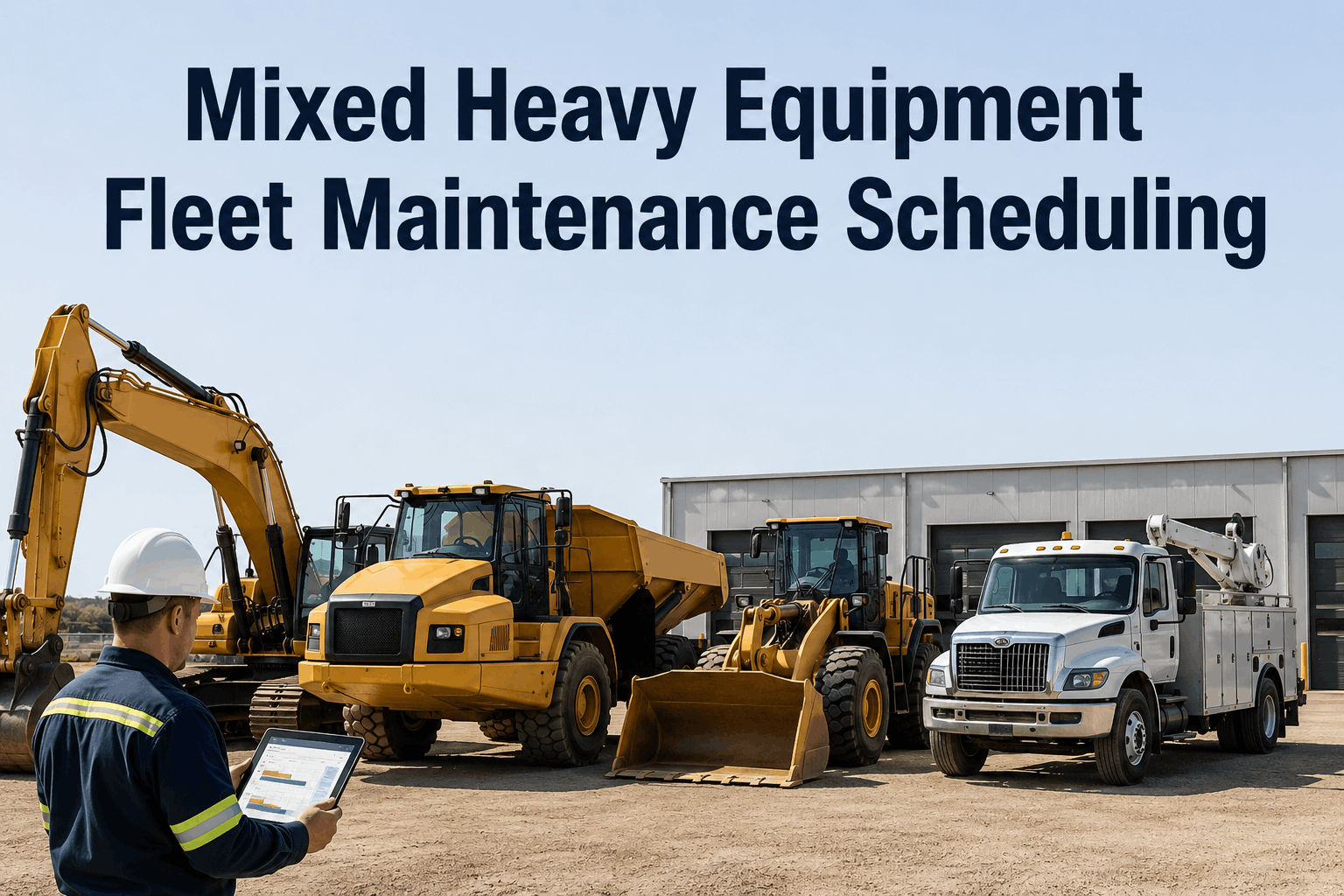
Mixed Heavy Equipment Fleet Maintenance Scheduling

By William Jerry on June 6, 2026

mixed-heavy-equipment-fleet-maintenance-scheduling

Scheduling maintenance for a single vehicle type is easy. Scheduling it for a mixed heavy equipment fleet — excavators, haul trucks, loaders, light service vehicles, all with different duty cycles and service intervals — is a four-dimensional balancing act that breaks most spreadsheets. A schedule has to satisfy four constraints at once: the PM intervals each machine actually needs, the technician hours available to do the work, the parts sitting on the shelf, and the production demand that decides when a machine can even be released. Get any one wrong and the whole thing collapses. Set intervals too tight and you over-service. Generate work orders faster than your techs can complete them and a backlog builds until reactive failures take over. Schedule a PM with the part on backorder and the service gets deferred with no new date. The most common mistake is the simplest: using one interval for the whole fleet, which over-services the light vehicles and under-services the heavy ones at the same time. The cost of getting it wrong is steep — average fleets sit at 84% PM compliance while top performers hit 95%+, and below 85% enough machines run past their service windows to statistically guarantee higher breakdowns within 60–90 days. Scheduling software that balances all four variables is what separates the two. This page breaks down the four-way balance and how to get it right.

Four Constraints, One Schedule, Zero Spreadsheets
HVI builds a maintenance schedule that balances PM intervals by machine type, staggers work against technician capacity, checks parts availability before booking, and works around production demand — generating work orders automatically before each service window, not after the breakdown.

The Four-Way Balance

A working mixed-fleet schedule isn't a calendar — it's the intersection of four moving constraints. Each one can sink the schedule on its own, and software exists to hold all four in balance at once.

PM Intervals

Each machine type needs its own trigger — engine hours, mileage, or calendar. A heavy excavator and a light service truck on one interval means one is over-served and the other neglected.

Technician Capacity

One tech maintains roughly 18–24 light vehicles or 10–14 heavy ones. Schedule beyond staffed hours and PM piles up behind reactive work — the backlog spiral begins.

Parts Availability

Parts staging causes about half of all repair delays. A PM booked without the part in stock gets deferred with no new date — the schedule has to check inventory before it commits.

Production Demand

A machine needed on a job can't be in the bay. The schedule must slot service into real availability windows, not fight the production plan for the asset.

The One-Interval Mistake

The single most common error in mixed-fleet scheduling is applying one service interval to everything. It feels efficient. It quietly does two kinds of damage at once.

OVER-SERVICED

Light Vehicles

Serviced too often for their duty cycle — parts replaced with 30–40% of useful life remaining, technician hours and money spent on machines that didn't need attention yet.

on one interval
UNDER-SERVICED

Heavy Equipment

Pushed past the intervals their harder duty cycle demands — running on worn components toward the unplanned failure the schedule was supposed to prevent.

The fix is per-asset intervals driven by real usage. Skipping even one PM cycle raises breakdown rates 23% within six months — so the schedule has to be right for every class, not averaged across the fleet.
A mixed fleet on one interval is bleeding from both ends — wasted service on the light units, risked failures on the heavy ones. HVI sets intervals per machine by hours, mileage, or calendar. sign up for a free HVI trial and right-size every interval.

The Backlog Spiral — and How to Break It

Every failing maintenance schedule fails the same way: it generates more work than the shop can do, and the gap compounds. Understanding the spiral is how you stop it.

1

Schedule generates work orders faster than technicians can complete them

2

PM backlog builds; scheduled work gets deferred to "later"

3

Deferred PM becomes unplanned failure — reactive repairs flood in

4

Reactive work eats the hours meant for PM — the spiral tightens

Breaking the spiral

Capacity-aware scheduling staggers PM against staffed hours so work orders never outrun the team, and a capacity dashboard flags backlog building before it tips into the reactive zone. The schedule respects what the shop can actually do — that's the whole fix.

What Capacity- and Parts-Aware Scheduling Looks Like

The difference between a schedule that holds and one that collapses is whether it accounts for the constraints before it books the work. Here's the contrast.

CALENDAR ON A WALL

One interval applied across every machine type
Work booked with no view of technician hours
Parts discovered missing when the machine arrives
Service collides with production needs
Backlog invisible until reactive work takes over

SMART SCHEDULING WITH HVI

Per-asset intervals by hours, mileage, or calendar
PM staggered against real technician capacity
Parts checked and pre-ordered before booking
Service slotted into production availability windows
Capacity dashboard flags backlog before it builds
Fleet software cuts scheduling admin time 60–70% and lifts PM compliance toward the 95%+ that separates top performers — work orders generated automatically 10–14 days before each service window. schedule a live demo to see capacity- and parts-aware scheduling on your fleet.

How the Schedule Builds Itself

Done right, scheduling isn't a weekly manual chore — it's an automated loop that holds the four constraints in balance every cycle.

1

Trigger by Usage

Each asset's hours, mileage, and calendar are tracked; a PM work order generates automatically 10–14 days before its window.

2

Check Constraints

The system stages it against technician capacity, confirms parts in stock or pre-orders them, and finds a production window.

3

Execute & Record

Work is done in the booked slot and logged to the asset's permanent record — audit-ready, compliance tracked per machine.

Balance All Four — Automatically

Per-asset PM intervals, capacity-aware staggering, parts-checked booking, and production-window scheduling — generating work orders before each service window and tracking compliance across your whole mixed fleet in one platform. Stop the backlog spiral before it starts. Trusted by 25,000+ users worldwide.


Frequently Asked Questions

What makes scheduling a mixed heavy equipment fleet so hard?
It has to balance four constraints at once: the PM intervals each machine type actually needs, the technician hours available to do the work, the parts in stock, and the production demand that controls when a machine can be released. A schedule that satisfies one but ignores another collapses — book a PM the techs can't reach and you get backlog; book it without the part and it's deferred. Mixed fleets make this harder because each asset class has a different duty cycle and interval. Sign up for a free HVI trial to balance all four.
Why is using one PM interval for the whole fleet a mistake?
Because it damages both ends of the fleet simultaneously. A single interval over-services light vehicles — replacing parts with 30–40% of useful life left and wasting technician hours — while under-serving heavy equipment that runs a harder duty cycle and needs attention sooner, pushing it toward the unplanned failure the program was meant to prevent. The fix is per-asset intervals driven by real usage (engine hours, mileage, or calendar), set for each machine class rather than averaged across the fleet. Schedule a demo to see per-asset intervals.
How many vehicles can one technician maintain?
As a planning rule, one full-time technician can maintain roughly 18–24 light-duty vehicles on standard PM intervals, dropping to about 10–14 for medium and heavy-duty equipment with more intensive requirements. Capacity planning matters because a schedule that generates work orders faster than the team can complete them creates a backlog that grows until reactive failures dominate. Capacity-aware scheduling staggers PM against staffed hours and flags when backlog is building before it tips into the reactive spiral.
How does parts availability affect the schedule?
Heavily — parts staging causes roughly half of all repair delays. When a machine arrives for scheduled PM and a required part is out of stock, the service is deferred, often with no rescheduled date, and the vehicle returns to work with the PM overdue. The fix is linking inventory to the schedule: HVI checks parts against upcoming service requirements and pre-orders before the window, so a PM is only booked when the parts to complete it are available. Sign up for a free HVI trial to connect parts to scheduling.
What PM compliance rate should a mixed fleet target?
Top performers hit 95%+ PM compliance while average fleets sit around 84%, and below 85% is considered a systemic problem — at that level enough machines are running past their service windows to statistically guarantee higher breakdown frequency within 60–90 days. The three usual causes of low compliance are scheduling gaps, technician capacity constraints, and parts unavailability — exactly the constraints automated scheduling addresses. Fleets on structured PM programs cut maintenance spend 25–35% and reduce unplanned downtime around 32%. Schedule a demo to lift your compliance rate.

Share This Story, Choose Your Platform!

Start Free Trial Book a Demo