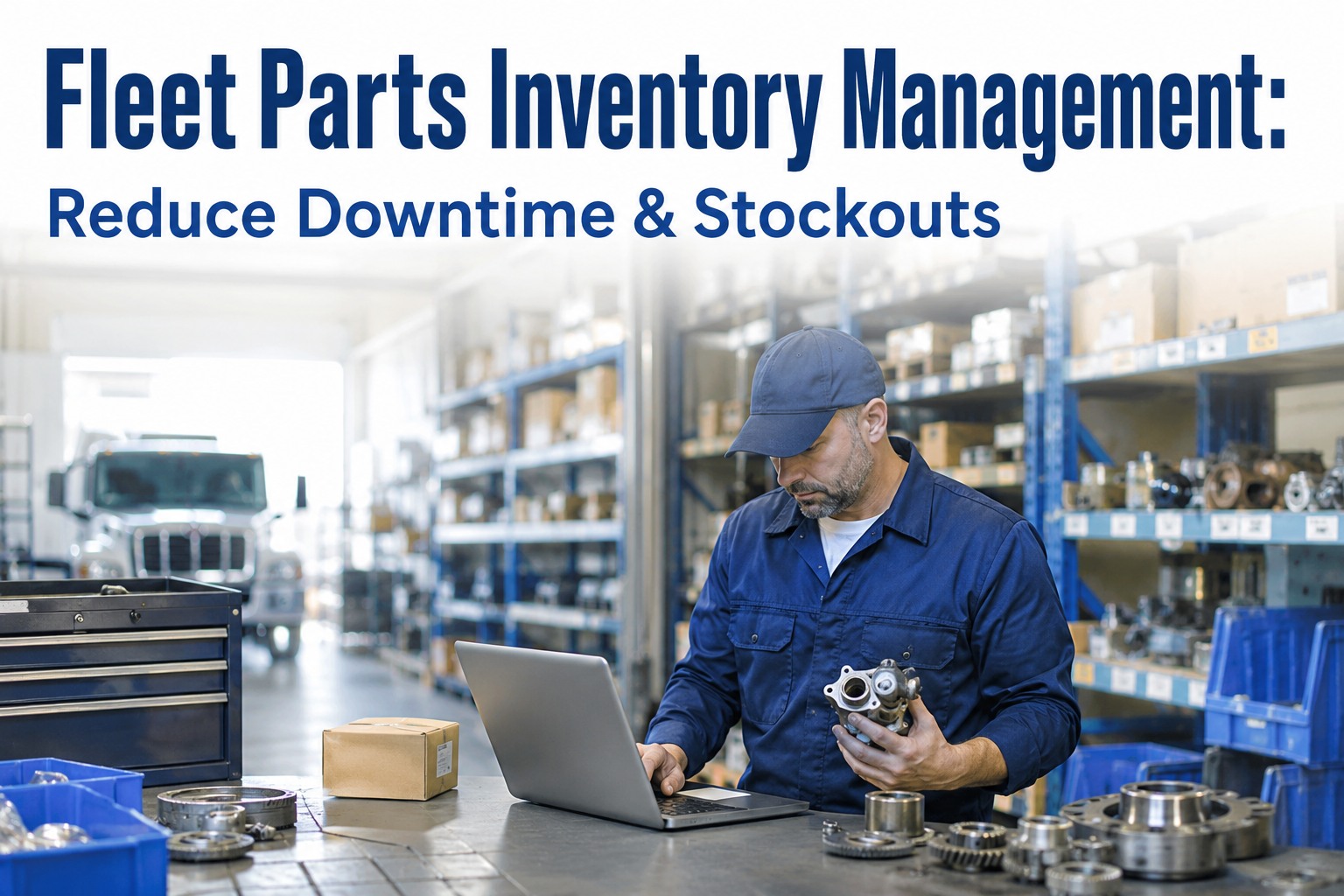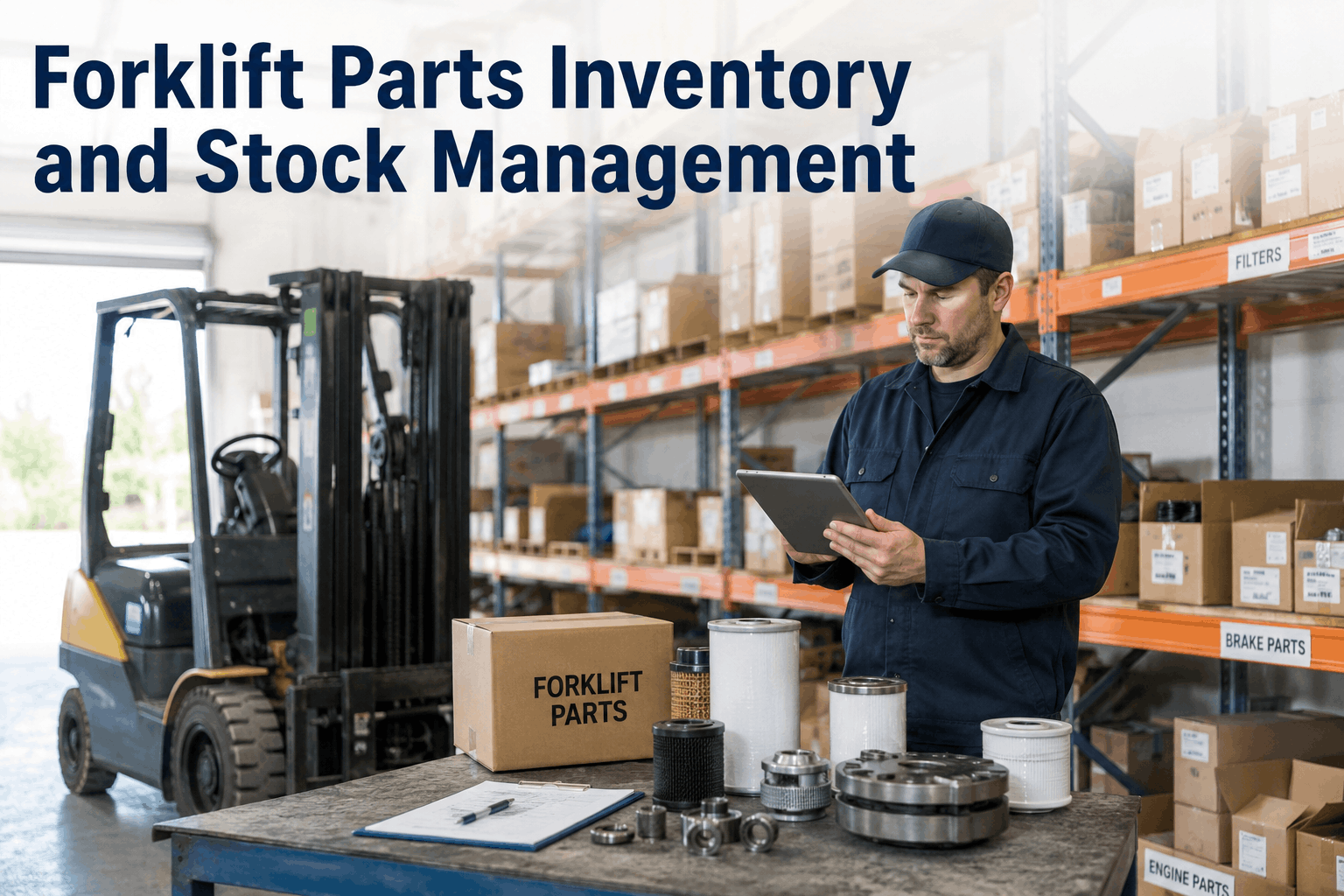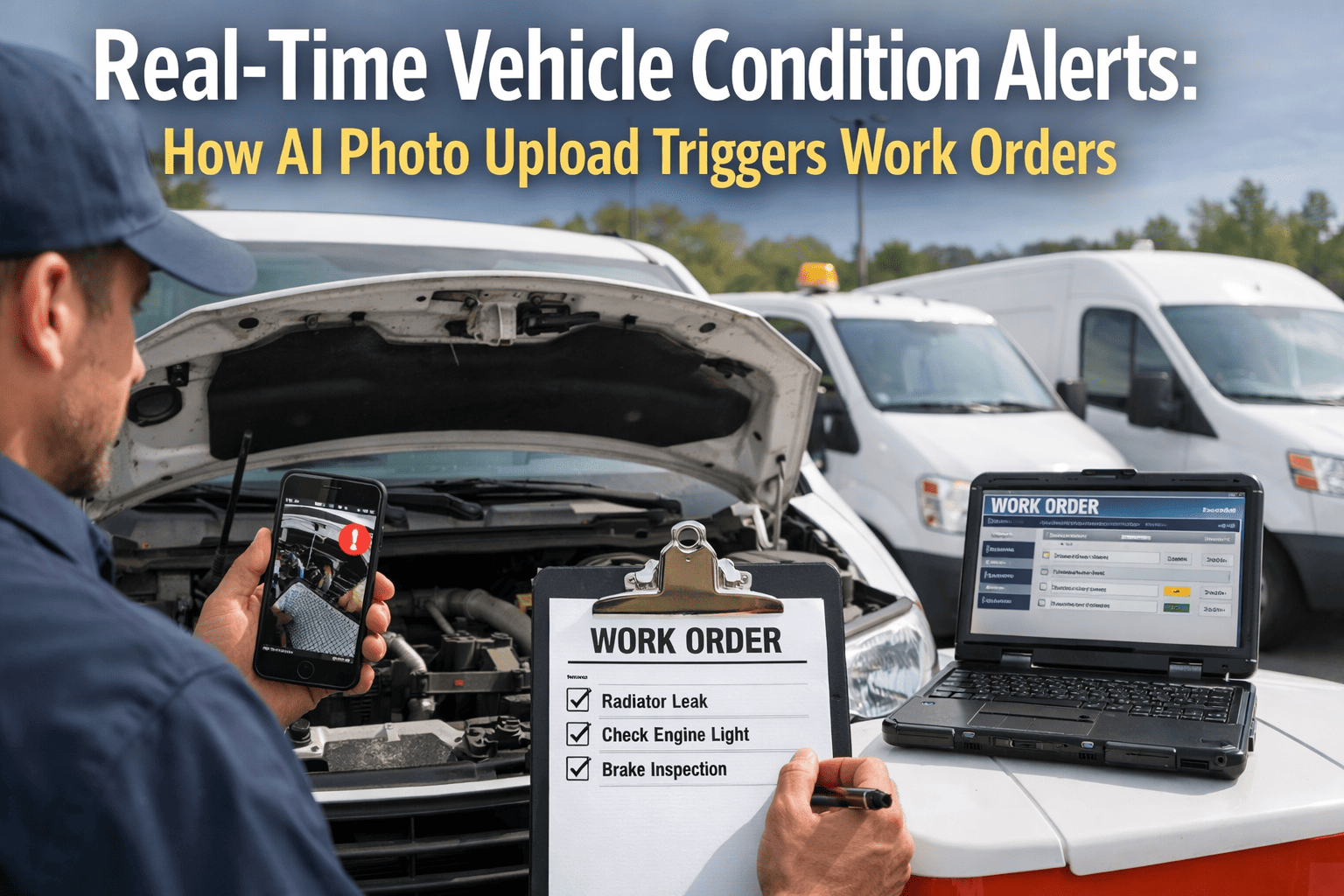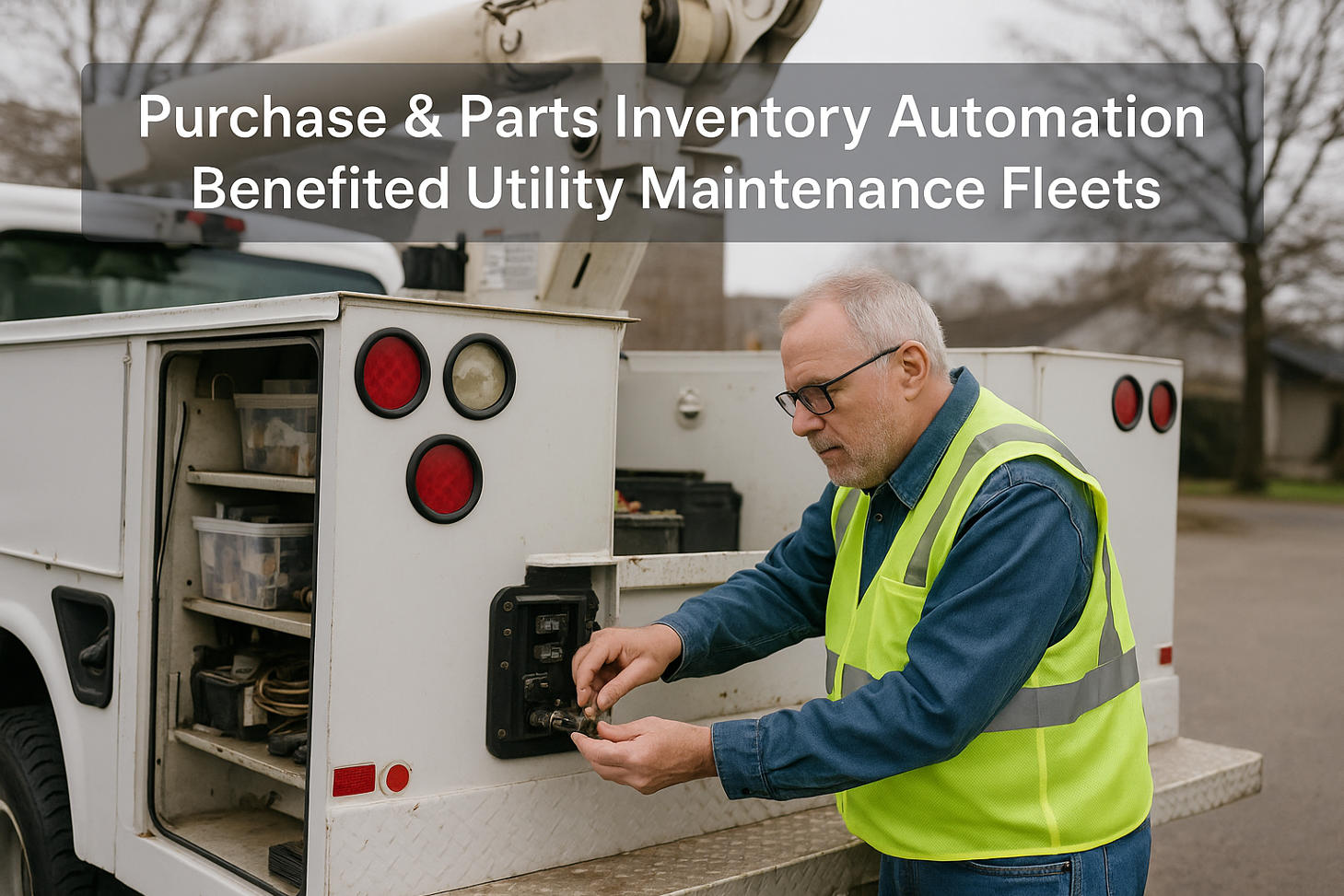
Most fleets know roughly what's on the parts shelf. Far fewer know where those parts actually went. A filter leaves the storeroom, gets installed on a truck, and the transaction vanishes — no link to the work order, no link to the vehicle, no note of which PM it satisfied. Multiply that across hundreds of parts a month and you get the two problems every parts-tracking gap produces at once: a stockroom that's somehow always missing the part you need despite a full shelf, and a cost picture so blurry you can't tell which truck is eating the budget. The fix isn't a bigger storeroom or tighter min/max levels alone — it's connecting parts usage to the work it's consumed on. When every part used is logged against the work order and the vehicle that received it, parts stop disappearing into a black hole and start telling you something: which assets cost the most to maintain, when to reorder before you run out, and whether a PM was actually completed with the right components. Parts usage tracking tied to work orders turns the storeroom from a cost center you can't see into data that drives uptime. This guide covers why parts vanish, how usage tracking on work orders fixes it, and what it unlocks.
Where Parts Disappear
When parts usage isn't tracked against the work it's consumed on, the same problems show up in every fleet. Each one is a symptom of the same missing link.
Stockouts on a Full Shelf
Because usage isn't tracked, no reorder point triggers — so the storeroom runs out of a common filter while overstocked on parts nobody needs.
Blurry Per-Asset Cost
Parts aren't tied to vehicles, so you can't see which truck is consuming the most — the data that drives repair-vs-replace decisions is missing.
Unverifiable PM
A PM is marked done, but did it actually use the right filter, fluid, and parts? Without parts logged to the job, there's no proof it was done correctly.
Shrinkage & Waste
Parts walk off, get used on the wrong job, or expire on the shelf — and with no usage trail, none of it is visible until inventory comes up short.
The Fix: Log Every Part to the Work Order
Parts usage tracking works by attaching consumption to the job. When a technician closes a work order, the parts used are recorded against it — and that single habit feeds everything downstream.
Parts Added to the Work Order
As the tech does the repair or PM, each part used is logged on the work order — quantity, part number, and cost — so consumption is captured at the moment and point of use, not reconstructed later.
Inventory Decrements Automatically
Logging the part on the job draws it down from inventory in real time, so on-hand counts stay accurate without a separate stockroom transaction — and reorder points actually reflect reality.
Cost Rolls Up to the Vehicle
Because the work order is tied to a vehicle, every part's cost rolls into that asset's maintenance history — building the per-truck cost picture that was invisible before.
Stock Alerts Fire on Reorder Point
With accurate usage flowing in, the system flags a part when it hits its reorder point — so you replenish before a stockout grounds a repair, not after.
The Connected Chain: Inspection to Reorder
Parts tracking doesn't stand alone — it's the last link in a chain that starts at the inspection. When all five connect, a defect flows all the way through to an accurate shelf.
Inspection
A defect or due PM is flagged on the daily check.
Work Order
It becomes a work order assigned to a technician.
Parts Logged
Parts used are recorded on the job at point of use.
Inventory & Cost
Stock decrements; cost rolls to the vehicle.
Reorder Alert
At the reorder point, the part is flagged to restock.
What Parts Usage Tracking Unlocks
Once parts are logged to work orders, the data does work no spreadsheet can. Four payoffs that turn the storeroom from a blind spot into a management tool.
True Cost Per Vehicle
Parts plus labor rolled up per asset reveals the truck quietly costing far more than its peers — the number behind every repair-vs-replace call.
Right-Sized Inventory
Real usage data sets accurate min/max levels — stock the fast-movers, stop overstocking the slow ones, and free up the cash tied in dead inventory.
Verified PM Completion
Parts logged to a PM job prove it was done with the right components — no more PMs marked complete that skipped a filter or used the wrong fluid.
No Repair-Stopping Stockouts
Reorder alerts driven by real usage mean the part is on the shelf when the work order needs it — repairs don't stall waiting on a back-order.
How It Works, Job by Job
From the technician's side it's a quick entry as part of closing the job; from the fleet's side it's accurate inventory and cost, automatically. Three steps on every work order.
Log Parts on Close
As the tech completes a repair or PM, they add the parts used to the work order — part number, quantity, cost — in seconds.
System Updates
Inventory decrements, the cost rolls to the vehicle, and the PM record shows the components used — all automatically.
Reorder & Report
Low-stock parts flag for reorder, and per-asset cost and usage reports build themselves from the logged data.
Stop Losing Parts in the Black Hole
Parts logged to every work order and PM, inventory that decrements automatically, cost rolled up per vehicle, stock alerts driven by real usage, and reports that build themselves — connecting inspections, PM schedules, and work orders into one system. Turn the storeroom from a blind spot into a driver of uptime. Trusted by 25,000+ users worldwide.