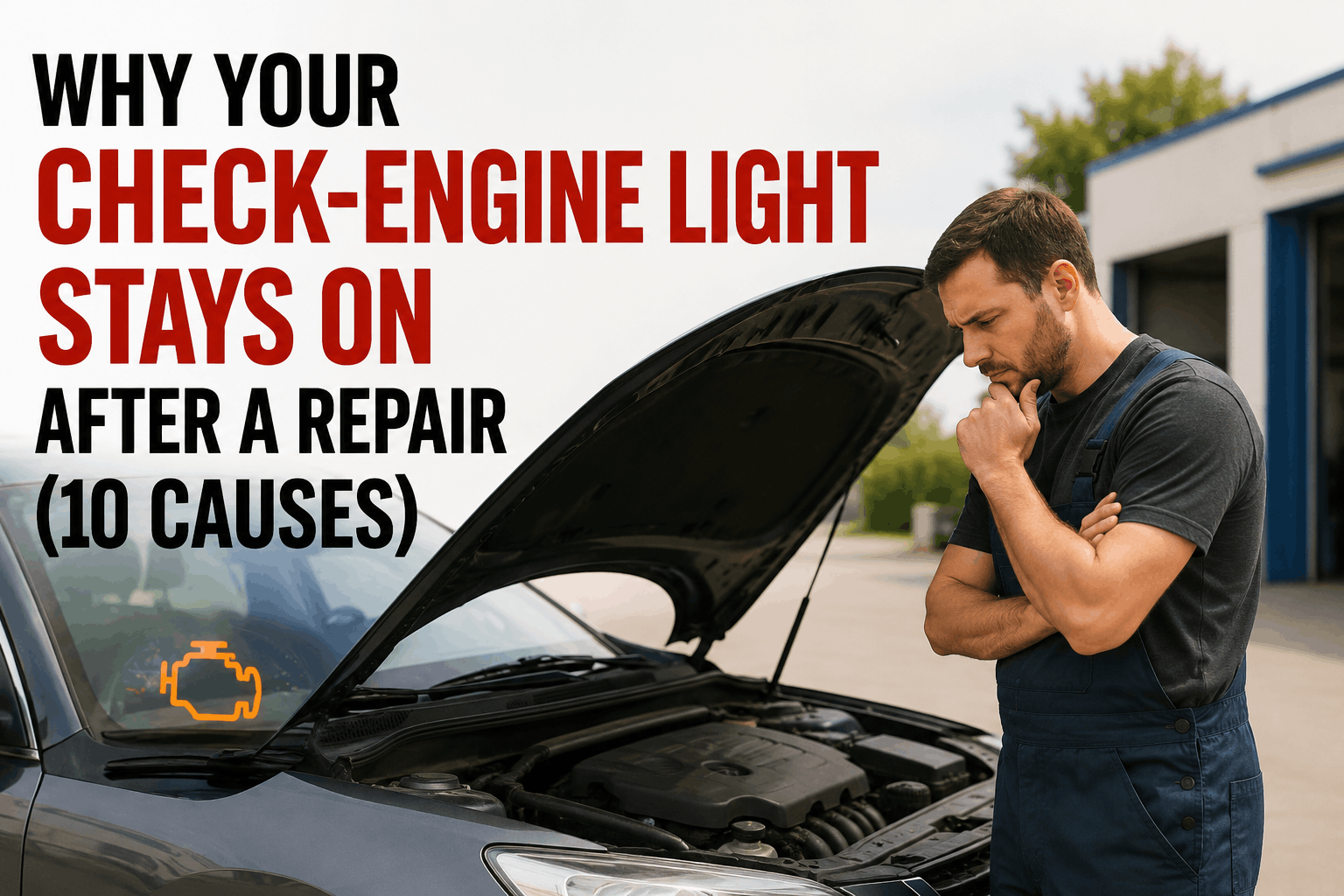
You did the repair. Replaced the part. Cleared the codes. Drove around the block. And the check-engine light is still on — or worse, it went off for 30 minutes and came right back. Before you tear apart the same component twice or start replacing things by guesswork, understand this: in modern OBD-II vehicles, the light staying on after a repair is almost always one of ten specific causes, most of which involve the ECU's pending-vs-confirmed code logic, incomplete readiness monitors, or your scan tool simply not telling you everything that's stored. This troubleshooting guide walks DIYers and fleet techs through what's actually happening inside the computer, the 10 most common causes, the generic drive cycle the ECU needs to see before it will clear the light on its own, and where a $30 parts-store scanner falls short of what your engine actually needs. For fleet techs running multi-vehicle inspection and repair workflows, Start your free HVI trial to digitize defect tracking and link diagnostic codes to repair history per vehicle — or book a demo to see how HVI keeps DTC patterns visible across the entire fleet.
First question — is the light actually on, or is your scan tool wrong?
Before chasing 10 possible causes, confirm what you're looking at. The dash light and the scan-tool data should agree. When they don't, the disagreement itself tells you what to look for.
The 10 most common causes — and the fix for each
These are ranked roughly by frequency across DIY and fleet-tech post-repair scenarios. Most "stuck on" lights resolve at causes 1, 2, or 3 once you understand what's actually happening.
What's happening: After repair, the ECU needs to run readiness monitors through a complete drive cycle before it will confirm the fault is gone and turn off the light. This is by design — it prevents people from clearing codes to pass emissions without actually fixing anything.
The fix: Drive the vehicle through a complete generic OBD-II drive cycle (covered below). Most monitors complete in 1–3 drive cycles. Light should turn off on its own when all required monitors set to "Ready."
What's happening: A P0420 (catalyst efficiency) code often means the upstream O2 sensor is bad, not the cat. A misfire code may point to a coil pack, but the real cause is a vacuum leak. The original code is correct; your interpretation of the cause was wrong.
The fix: Check freeze-frame data on the original code. Look at fuel trims, O2 sensor live data, and short-term/long-term fuel trim values. The freeze frame captured the engine conditions at the exact moment the fault triggered — that's the diagnostic gold mine.
What's happening: The original code list had three codes; you saw P0171 and fixed the lean condition. But P0442 (EVAP small leak) and P0300 (random misfire) were also stored. You only fixed one.
The fix: Pull a full code scan. Check pending, confirmed, and permanent codes. Sort them by date if your scanner supports it. Fix the oldest fault first — newer codes are often symptoms of the original problem.
What's happening: A basic $30 OBD-II reader sees confirmed generic powertrain codes only. It does not see pending codes, permanent codes, or manufacturer-specific codes from non-powertrain modules (ABS, airbag, BCM, transmission control).
The fix: Get a scanner that reads at minimum: pending codes, permanent codes, freeze frame, live data, and readiness monitors. A bidirectional/enhanced scanner adds active tests for EVAP, ABS, and module-specific functions.
What's happening: The repair worked. You cleared the code. But a permanent code was stored, and a scan tool cannot delete it. The light stays on until the ECU itself verifies — through successful drive cycles — that the underlying fault has not returned.
The fix: No shortcut. Drive the vehicle through complete drive cycles. The ECU will clear the permanent code automatically once it confirms the fault is gone. This typically takes 2–3 days of mixed highway and city driving.
What's happening: Disconnecting the battery or clearing codes resets all OBD-II readiness monitors to "Not Ready." Most states allow only 0–1 incomplete monitors at emissions testing. The light might be off, but the vehicle still won't pass inspection.
The fix: Check readiness monitor status on your scanner. The required monitors — catalyst, O2 sensor, EVAP, misfire — must show "Ready." Complete drive cycles to set them. Allow 2–3 days of mixed driving.
What's happening: The check engine light can be commanded by ABS, airbag, body control module, transmission control, or HVAC — not just the engine ECM. Basic OBD-II scanners don't see codes stored in those modules.
The fix: Use a scanner that can communicate with all vehicle modules (not just the powertrain). Pull codes from every module. The "engine" light may be the symptom of an ABS or transmission fault.
What's happening: Sounds basic, but it's still the single most common cause of a P0440-series EVAP code that triggers the light. A loose, cracked, or worn gas-cap seal lets the EVAP system fail its pressure self-test.
The fix: Tighten the cap until it clicks 3 times. Inspect the rubber seal for cracks or damage. Replace the cap if in doubt — they cost less than a scan-tool fee. Then drive a complete EVAP monitor drive cycle (light load, partial fuel tank, specific temperature conditions).
What's happening: A bad ground, frayed wire, or failing module can cause CAN bus communication errors. The light comes on but no readable DTC may register if the affected module won't respond to the scan tool.
The fix: Check for "U-codes" (network communication codes). Inspect grounds — especially body and engine block grounds. Check connector pins for corrosion or backed-out terminals. This often needs a professional with a quality bidirectional scan tool.
What's happening: A loose connector, sensor on its way out, or wiring issue that only fails under specific conditions (hot, cold, vibration, humidity). Sets a pending code, may go away, may come back as confirmed days later.
The fix: Use freeze-frame data to identify the conditions where it triggered. Wiggle-test suspect wiring with the scan tool on live data. Document conditions when the light returns. Persistent intermittents are often the hardest faults to find — and typically need a professional diagnostic session.
The generic OBD-II drive cycle — what the ECU needs to see
If the only issue is incomplete readiness monitors, this drive cycle (general for most 1996+ vehicles) will set them. Allow a cold-start morning to begin. Adjust speeds to local laws and conditions.
Start cold engine (let sit 8+ hours). Idle in park for 2–3 minutes. Allows ECU to capture cold-start values.
Drive at steady highway speed (avoid braking). 5 minutes of continuous cruise. Sets O2 sensor and catalyst monitors.
Decelerate without braking if possible. Idle 25 seconds in drive (auto) or neutral (manual). Sets EVAP & idle monitors.
Steady throttle (1/2 to 3/4) up to 55 mph. Cruise for 5 minutes. Sets fuel and additional catalyst tests.
Coast from 55 mph down to 20 mph without using brakes. Sets fuel-cut and decel-fuel monitors. Repeat as needed.
$30 scanner vs. OEM-level scan tool — what you can and can't see
Most "scanned the codes and they're clear" surprises come from using a parts-store basic reader. Here's what each tier actually shows.
| Capability | Basic ($20–$50) | Mid-tier ($100–$300) | Pro / OEM ($500+) |
|---|---|---|---|
| Read confirmed DTCs | Yes | Yes | Yes |
| Clear codes | Yes | Yes | Yes |
| Read pending codes | Limited | Yes | Yes |
| Read permanent codes | No | Yes | Yes |
| Freeze-frame data | Limited | Yes | Yes |
| Live data PIDs | Basic only | Full | Full + graphing |
| Readiness monitor status | Limited | Yes | Yes |
| Manufacturer-specific codes | No | Some | Yes |
| ABS / airbag / BCM codes | No | Yes | Yes |
| Bidirectional / active tests | No | Some | Yes |
| EVAP smoke test commands | No | No | Yes |
Diagnostic flowchart — the order of operations
When the light won't go off after a repair, work through these checkpoints in order. Each step rules out causes from the 10 above.
When to stop and call a professional
DIY troubleshooting has a ceiling. These five conditions mean it's time to stop swapping parts and get a tech with the right tool involved.
Module-to-module communication faults usually require dealer-level diagnostic equipment and proper wiring diagrams. Easy to make worse by guessing.
If the light returns days or weeks after repair without pattern, you need a tech who can capture data over time with continuous-monitor tools.
You're likely on the wrong root cause. A professional with bidirectional tools can run active tests that pinpoint the real fault.
Safety-critical systems with calibration requirements. DIY here can void warranties, deploy airbags, or damage transmission control modules.
If the light is on and the test is in a week, a professional scan and verified drive cycle is faster than guessing your way through it.
Finding a hairline EVAP leak requires a smoke machine and bidirectional EVAP control commands. Not realistic without pro tools.
For fleet techs — keeping DTC history visible across the whole fleet
One vehicle with a stuck CEL is a project. Twenty vehicles with intermittent CELs across a fleet is a logistical nightmare — and a maintenance compliance problem if defects aren't tied back to inspection records. HVI was built to tie diagnostic codes, work orders, and inspection history together per VIN, so patterns across the fleet stop being invisible.
When a driver flags a CEL during a daily inspection, HVI creates an instant work order with the date, vehicle, photo, and DVIR reference attached. Stop losing intermittent fault history between shifts.
Every code, repair, parts replaced, technician, and verification date stored against the vehicle profile. The next time the same code appears on the same VIN, you see exactly what was tried before.
No paper chase between driver, dispatch, and shop. Defect spotted in pre-trip routes directly to the assigned technician with all context attached — including any previous related repairs.
Every closed CEL repair traces from the original DVIR through the work order to the verified-repair sign-off — exactly the chain DOT auditors and warranty claims need to see.
Fleet techs running paper or spreadsheet maintenance history are working blind on recurring CEL patterns. Start your free HVI trial and put DTC history, work orders, and inspection records on one searchable platform.
Frequently asked questions
For fleet techs — turn one-off CEL chases into structured per-VIN diagnostic history with HVI.
HVI ties every defect, work order, repair, and verification record to the vehicle profile — so the next time a stubborn check engine light appears on the same VIN, you see every prior repair attempt in seconds.
No credit card required · DTC history per VIN · Defect-to-repair chain on every vehicle