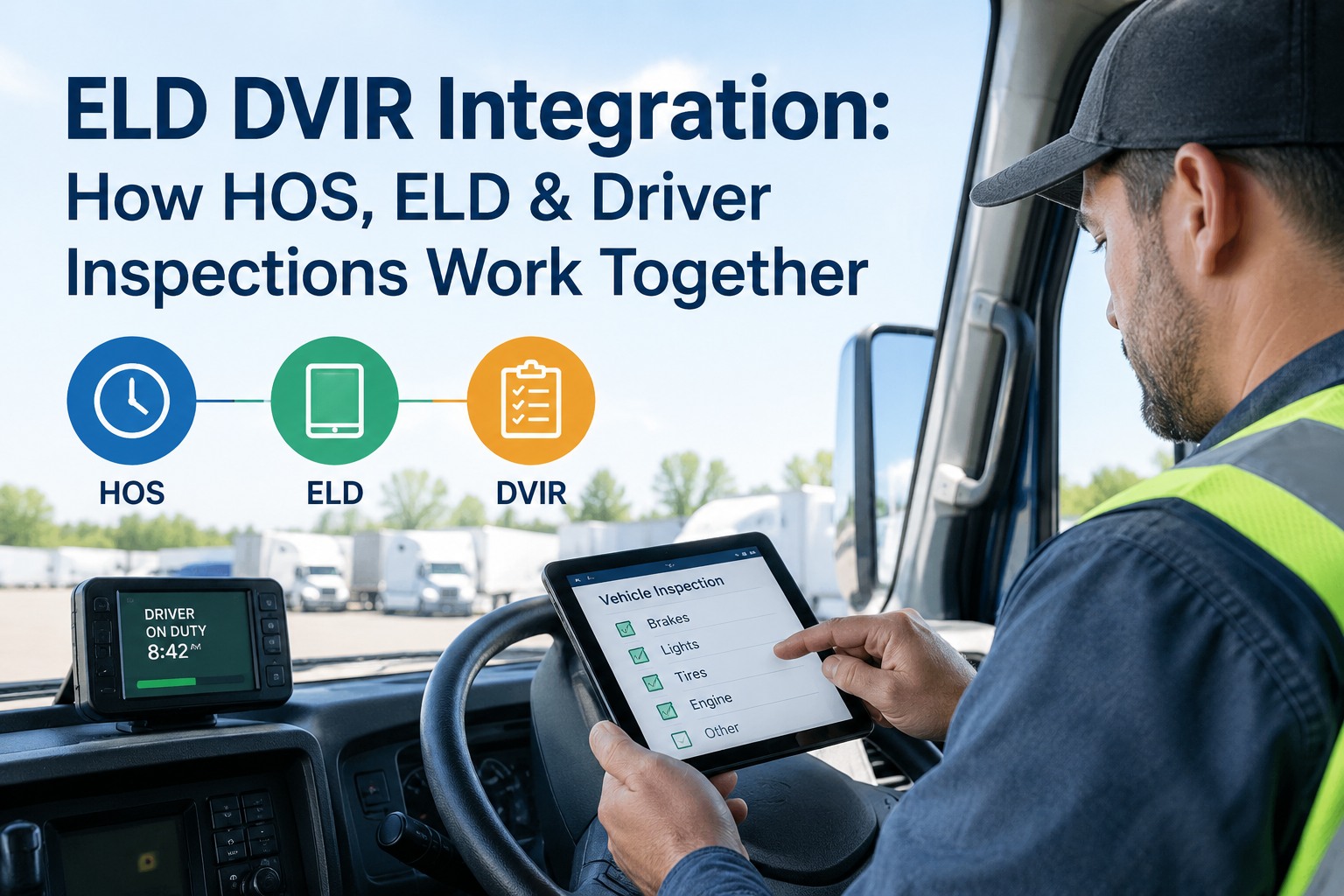
A driver starts the day juggling three compliance systems most people assume are one thing. There's the DVIR — the vehicle inspection. There's HOS — the rules on how long they can drive. And there's the ELD — the device recording their duty status. They're separate by law, but they meet in the same fifteen minutes of a driver's morning. ELD DVIR integration is about connecting those workflows so a driver enters data once, not three times — and where it helps without bending the rules. Book a demo to see it connected.
Three Separate Rules That Meet in One Morning
People blur them together, but DVIR, ELD, and HOS are governed by different regulations and do different jobs. Integration connects them — it doesn't merge them.
If you're a driver, these three systems are your morning routine whether you think of them separately or not. If you're a fleet or safety manager, they're three streams of compliance data you'd rather see in one view than chase across three tools. The goal of integration isn't to collapse three regulations into one — you can't, and you shouldn't — it's to remove the duplicate data entry and blind spots that come from running them as disconnected systems.
DVIR vs ELD vs HOS: What Each One Actually Isthree terms people constantly merge
Before anything can be "integrated," it helps to be crystal clear on what's being connected, because these three get used interchangeably and they shouldn't be. Each is a distinct requirement under distinct rules.
HOS — Hours of Service are the federal rules limiting how long a driver can drive and work: broadly, up to 11 hours of driving within a 14-hour on-duty window after 10 consecutive hours off. HOS is the rulebook. The ELD — Electronic Logging Device is the hardware that automatically records duty status, engine hours, miles, and motion to prove HOS compliance, mandated for most interstate CMV drivers under Part 395 Subpart B. The ELD is the recorder. The DVIR — Driver-Vehicle Inspection Report is the vehicle safety inspection record under Part 396, entirely separate from the hours rules. The DVIR is the vehicle check.
One sentence to keep straight: HOS is about the driver's time, the DVIR is about the truck's condition, and the ELD is the device that logs the time — not the truck. They share a driver and a workflow, but not a regulation.
Where They Meet: The Driver's Dayhow inspections and duty status line up on the clock
The three systems don't connect through a regulation — they connect through the sequence of a driver's shift. Here's the real workflow, and what each system is doing at each point.
- Shift startGo on duty & pre-trip inspectionDriver logs into the ELD and sets status to On Duty (not driving). The pre-trip inspection (392.7 / 396.13) happens here, and reviewing the previous DVIR is part of it. The inspection time is on-duty time on the HOS log.
- RollingDrivingStatus changes to Driving; the ELD records motion, miles, and engine hours automatically against the 11-hour and 14-hour HOS limits.
- StopsBreaks & on-duty tasksLoading, fueling, the required 30-minute break — each logged as the appropriate duty status. Supporting documents (fuel receipts, inspection times) corroborate the log.
- Shift endPost-trip inspection & DVIRThe post-trip inspection produces the written DVIR (396.11) if a defect is found. That time is on-duty; then the driver goes Off Duty and certifies the day's logs on the ELD.
See the pattern: the inspections happen inside on-duty time that the ELD is already recording. That's the real relationship — the DVIR is an activity that occupies duty-status time, not a trigger that changes it. Start free and let drivers run pre- and post-trip DVIRs in the same app flow
Does Completing a DVIR Change Your ELD Status?the question that causes the most confusion
This is the single most misunderstood point in the whole topic, and getting it wrong creates real compliance risk. So here it is plainly.
Why this matters: if you believe the DVIR controls your hours, you can misrecord your day and create an HOS violation. The accurate model is simpler — you set your status, you inspect during on-duty time, and a good integrated tool makes that easy without ever taking the pen out of your hand. Book a demo to see how HVI prompts duty status without overriding the driver
What Integration Actually Buys Youfor the driver, and for the fleet
The payoff splits cleanly between the person in the cab and the people watching the fleet. Both win, for different reasons.
Log in once, pick the unit once, run the pre-trip and set duty status in one app flow instead of a paper form plus a separate logbook. Fewer taps, fewer chances to forget a step, and the prior DVIR is right there to review.
Inspection status, defects, and duty compliance visible together in real time — a reported defect becomes a work order, a missed inspection flags immediately, and audit prep pulls from one connected record instead of three disconnected ones.
The through-line is fewer places for compliance to fall through. A driver who enters trip data once is less likely to skip a step; a fleet watching one connected view is less likely to miss a defect sitting in a stack of paper. Start free and give drivers a single connected inspection workflow
What to Evaluate When Integratingthe questions to ask before you connect two systems
Not all "integrations" are equal, and a sloppy one can create compliance gaps instead of closing them. Before connecting a DVIR system with an ELD or fleet platform, work through these.
The best integrations respect the wall between the regulations while removing the busywork between the workflows. If a vendor blurs that wall — promising the DVIR will "handle your hours" — that's a red flag, not a feature. Book a demo to see a compliant, audit-ready inspection workflow
Paper DVIR vs Integrated Digital DVIRwhy the disconnected paper world costs drivers twice
The problem integration solves is most obvious when you look at the paper version: the same trip, entered in two or three places, with no connection between them. Here's the contrast.
- Driver ID and unit entered on every form separately
- Paper DVIR that may never reach the shop
- Inspection time not tied to the duty log
- Defects discovered late, if at all
- Audit means matching three piles by hand
- Driver and unit selected once, shared across the flow
- DVIR submitted digitally, defect routed to the shop
- Inspection timestamped alongside the duty record
- Defects flagged the moment they're submitted
- Audit pulls from one connected, exportable record
This is where the topic stops being theory. A digital fleet inspection workflow puts the DVIR in the same app the driver already uses, timestamps it, and connects the result to the shop and the fleet dashboard — while leaving the ELD and the duty log to do their own compliant job. The systems stay separate where the law requires; the driver's experience becomes one flow. As of the March 2026 eDVIR rule, the digital inspection side of that workflow is explicitly sanctioned by FMCSA.
From a safety manager who connected the workflow
My drivers used to do a paper DVIR and a separate e-log, and half the confusion was them thinking the two talked to each other — guys assuming the inspection "clocked them in." It didn't, and that caused log errors I had to fix later.
Going to a connected digital DVIR fixed two things at once. The drivers enter the trip once and the inspection is right there in the app, and I stopped seeing duty-status mistakes tied to inspections because the tool prompts them correctly without pretending to run their hours. Cleaner logs, cleaner inspections, and defects hit my shop the second they're reported instead of at the end of the week.
ELD DVIR integration: the takeaway
ELD DVIR integration is best understood as connecting a driver's workflow, not merging three regulations. HOS sets the limits, the ELD records the hours, and the DVIR documents the vehicle — and the smart way to run them is one app flow where a driver enters data once and a fleet sees everything together, without any system pretending to control another. Done that way, integration cuts duplicate entry, closes compliance blind spots, and keeps every record audit-ready and legally distinct. Book a demo to see HVI's digital DVIR connect to your driver workflow
Frequently asked questions
What is ELD DVIR integration?
ELD DVIR integration means connecting the digital Driver-Vehicle Inspection Report workflow with the Electronic Logging Device and Hours-of-Service workflow so they operate as one driver experience rather than three disconnected tasks. Importantly, it connects the workflows, not the regulations: the DVIR (governed by 49 CFR Part 396) documents the vehicle's condition, the ELD (49 CFR Part 395 Subpart B) records the driver's duty status to prove HOS compliance, and HOS (49 CFR Part 395) sets the driving-time limits. Integration lets a driver log in and select a vehicle once, run the pre- and post-trip inspection in the same app they use for duty status, and have inspection timestamps and defects visible to the fleet alongside the hours record. Each record stays legally its own — the DVIR does not rewrite the duty log, and the inspection does not set duty status. The value is eliminating duplicate data entry and giving fleets a single connected view of inspection and compliance.
Does completing a DVIR change your ELD duty status?
No — not as a matter of regulation. The DVIR and the ELD are governed by separate rules, and no federal requirement ties DVIR completion to an automatic duty-status change. The driver sets and certifies their own duty status. What is true is that the time spent performing an inspection is properly logged as on-duty (not driving), so a driver typically is on duty while completing a DVIR — but that reflects the driver recording their status, not the DVIR changing it. Some integrated apps prompt a driver to go on duty before starting an inspection, or pre-fill the status for convenience; that is a helpful product behavior, not a legal requirement, and the driver remains in control of the record. Believing the DVIR controls your hours can cause you to misrecord your day and create an HOS violation, so it's worth being precise: you set your status, and you inspect during on-duty time.
What is the difference between an ELD and a DVIR?
They solve completely different problems. An ELD, or Electronic Logging Device, is hardware connected to the vehicle's engine that automatically records the driver's duty status, engine hours, miles, and motion to document Hours-of-Service compliance under 49 CFR Part 395 Subpart B. It is about the driver's time. A DVIR, or Driver-Vehicle Inspection Report, is a record of a vehicle safety inspection under 49 CFR Part 396 — it documents the condition of components like brakes, tires, lights, steering, and coupling devices, and reports any defects. It is about the truck's condition. A simple way to keep them straight: the ELD tracks the driver, the DVIR tracks the vehicle. They share the same driver and the same shift, which is why fleets integrate their workflows, but they are separate legal requirements and neither replaces the other.
Does a pre-trip inspection count as on-duty time?
Yes. Under FMCSA rules a driver must inspect the vehicle and be satisfied it is in safe operating condition before driving (49 CFR 392.7 and 396.13), and the time spent doing that inspection is on-duty (not driving) time that should be recorded on the driver's log. The pre-trip inspection itself is not required by regulation to be submitted as a written report — the written DVIR requirement applies at the end of the day and, for property-carrying carriers since 2014, only when a defect is found. But the pre-trip does include reviewing the previous driver's DVIR and confirming any reported defect was repaired before operating. On an integrated ELD, a driver who is off duty is typically prompted to go on duty before beginning the inspection, which correctly reflects that inspection time is on-duty time. The inspection is an on-duty activity; it is not a separate duty status of its own.
Can a digital DVIR integrate with fleet and ELD software?
Yes, and this is one of the main advantages of moving off paper. A digital DVIR can share the data points that legitimately overlap with ELD and fleet systems — the driver login and vehicle selection, inspection timestamps, odometer or engine-hour readings, and defect details — so a driver enters them once and a fleet sees inspection and duty data together. Electronic DVIRs have been permissible under 49 CFR 390.32 since 2018, and the FMCSA eDVIR final rule effective March 23, 2026 explicitly authorizes electronic creation, signature, and storage. A well-designed integration keeps each record legally separate: the DVIR flows defects to maintenance and timestamps the inspection, while the ELD independently records duty status. When evaluating an integration, confirm the driver stays in control of their duty status, inspections are timestamped and defect-routed, the data is audit-retrievable, and the system handles both FMCSA and Transport Canada rules if you run cross-border.
Give drivers one connected inspection workflow
HVI puts the digital DVIR in the driver's app flow, shares driver and vehicle data so nothing's entered twice, timestamps every pre- and post-trip inspection, and routes defects straight to the shop — while leaving your ELD and duty logs to do their own compliant job. One clean workflow for the driver, one connected view for the fleet, every record audit-ready and legally its own.
No credit card · No hardware · Digital DVIR ready on day one